> ## Documentation Index
> Fetch the complete documentation index at: https://easy-peasy.ai/docs/llms.txt
> Use this file to discover all available pages before exploring further.
# Profile and preferences
> Change your name, email address, password, dashboard language, and theme, or delete your account.
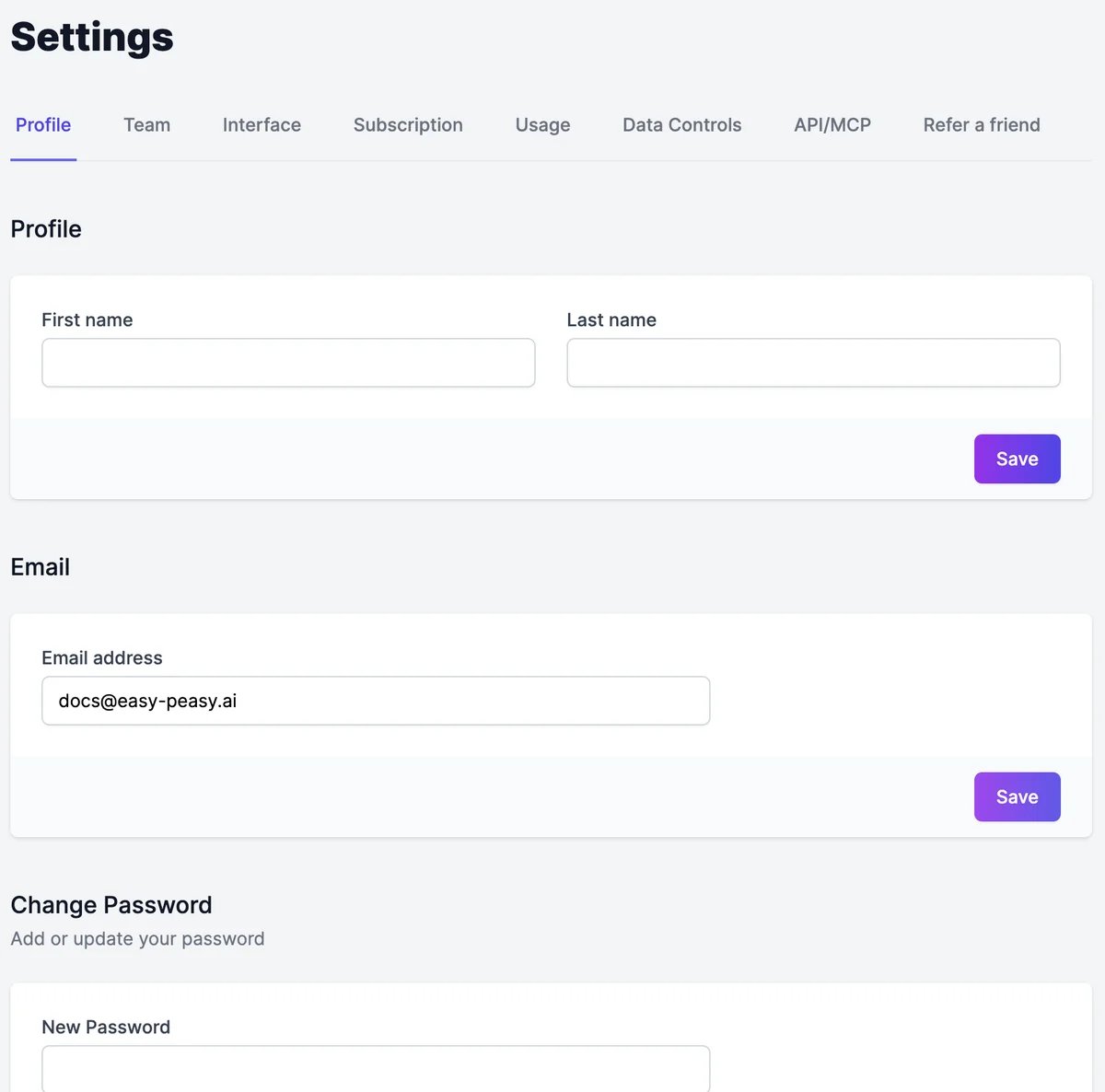
Open **Settings** in the sidebar. The **Profile** tab has your account details, and **Interface** has the language and theme.
 ## Name and email
* **Name**: fill in **First name** and **Last name** and click **Save**.
* **Email**: type the new address and click **Save**. We send a confirmation link to the new address; the change takes effect once you click it.
## Password
Under **Change Password**, type a **New Password** and click **Update Password**. If you signed up with Google, this adds a password so you can also sign in with your email.
A password needs 12 to 128 characters, with an uppercase letter, a lowercase letter, a number, and a special character. It can't be a common password or contain your email address. The checklist under the field shows what's missing.
If you forget your password, click **Forgot your password?** on the sign-in page to get a reset link.
## Language and theme
On the **Interface** tab:
* **Language** changes the dashboard's language: English, Japanese, Spanish, French, Italian, German, Korean, Simplified Chinese, Thai, Arabic, Portuguese, Malay, or Vietnamese.
* **Theme** switches between light, dark, and your system's setting.
The globe and sun icons under the logo in the sidebar do the same.
Changing the dashboard language doesn't change what the AI writes. Pick the output language in each [tool](/docs/tools/run), or ask Marky in the language you want.
## Delete your account
## Name and email
* **Name**: fill in **First name** and **Last name** and click **Save**.
* **Email**: type the new address and click **Save**. We send a confirmation link to the new address; the change takes effect once you click it.
## Password
Under **Change Password**, type a **New Password** and click **Update Password**. If you signed up with Google, this adds a password so you can also sign in with your email.
A password needs 12 to 128 characters, with an uppercase letter, a lowercase letter, a number, and a special character. It can't be a common password or contain your email address. The checklist under the field shows what's missing.
If you forget your password, click **Forgot your password?** on the sign-in page to get a reset link.
## Language and theme
On the **Interface** tab:
* **Language** changes the dashboard's language: English, Japanese, Spanish, French, Italian, German, Korean, Simplified Chinese, Thai, Arabic, Portuguese, Malay, or Vietnamese.
* **Theme** switches between light, dark, and your system's setting.
The globe and sun icons under the logo in the sidebar do the same.
Changing the dashboard language doesn't change what the AI writes. Pick the output language in each [tool](/docs/tools/run), or ask Marky in the language you want.
## Delete your account
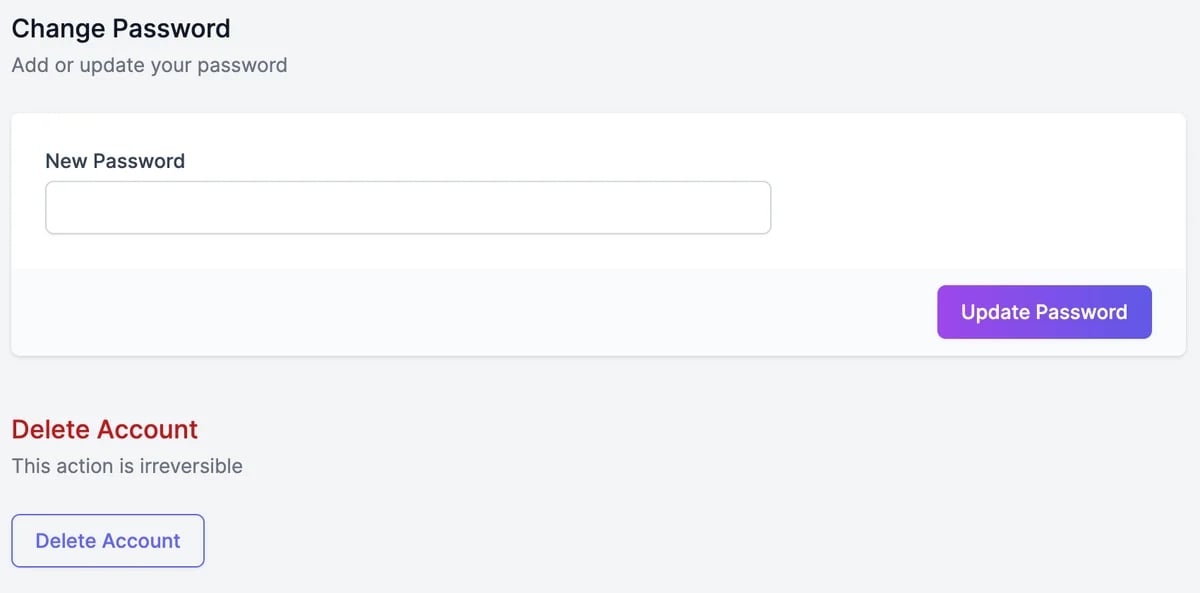 At the bottom of the **Profile** tab.
You can also tell us why you're leaving. Then your account is deleted.
Deleting your account can't be undone. It cancels your subscriptions straight away, takes down the websites and apps Marky published for you, and deletes your chats, agents, custom voices, and everything you created. Download anything you want to keep first. Domains you bought aren't deleted.
To stop paying without deleting your account, [cancel your subscription](/docs/account/subscription) instead.
Change plan or cancel.
Import from ChatGPT, and your sites and domains.
At the bottom of the **Profile** tab.
You can also tell us why you're leaving. Then your account is deleted.
Deleting your account can't be undone. It cancels your subscriptions straight away, takes down the websites and apps Marky published for you, and deletes your chats, agents, custom voices, and everything you created. Download anything you want to keep first. Domains you bought aren't deleted.
To stop paying without deleting your account, [cancel your subscription](/docs/account/subscription) instead.
Change plan or cancel.
Import from ChatGPT, and your sites and domains.