> ## Documentation Index
> Fetch the complete documentation index at: https://easy-peasy.ai/docs/llms.txt
> Use this file to discover all available pages before exploring further.
# Create an agent
> Build an agent from your website in a few steps: add your content, choose what the agent does, and open it in the Playground.
The **New AI Agent** page builds a working agent from your website in about a minute. It reads your pages, writes the agent's instructions, name, greeting, and starter questions, and matches the chat colors to your brand. You can change all of it afterwards.
## Create your agent
Open **Agents** in the sidebar and click the button at the top right to create an agent.
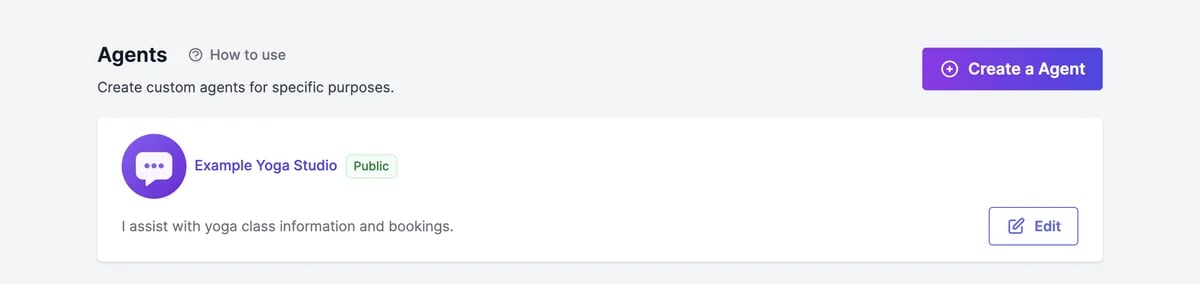 Under **How should we train your agent?**, enter your website in **Your website**. The agent reads your pages for its knowledge and takes your logo and colors from them.
To add more, click **Add files, text, Q\&A and more** under **Other sources**:
Under **How should we train your agent?**, enter your website in **Your website**. The agent reads your pages for its knowledge and takes your logo and colors from them.
To add more, click **Add files, text, Q\&A and more** under **Other sources**:
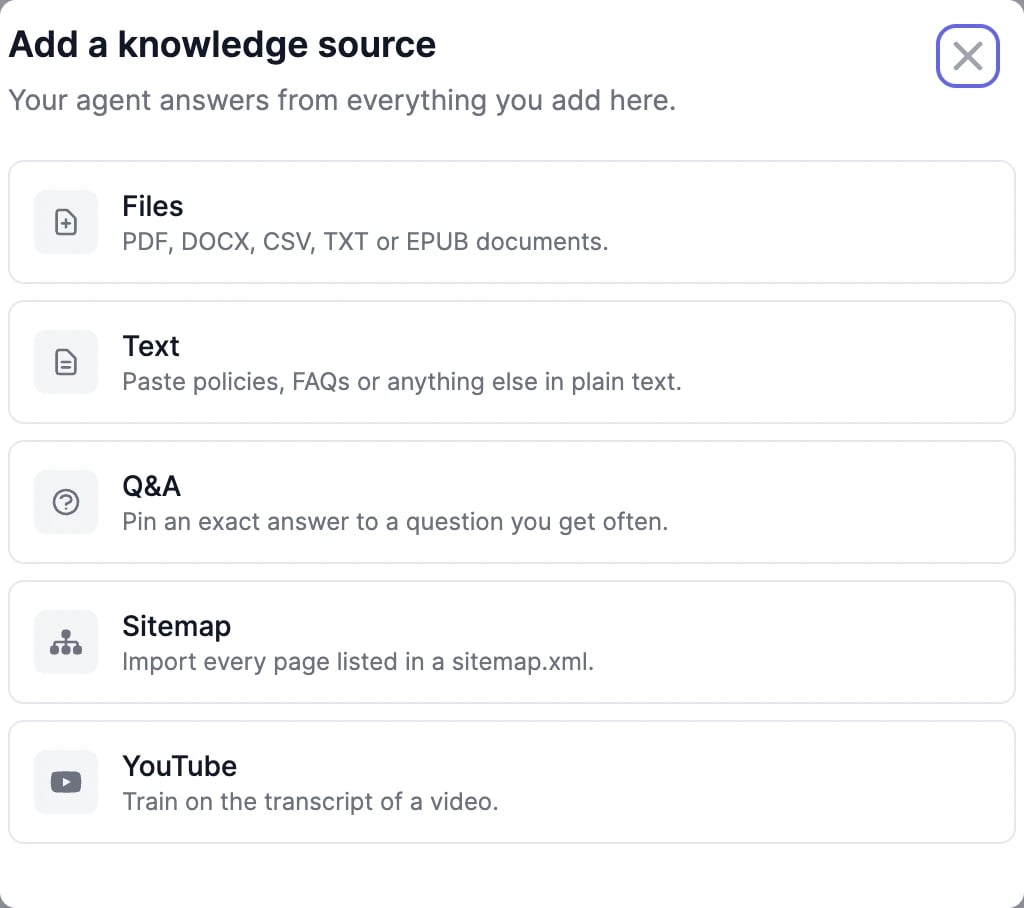 | Source | What to add |
| ----------- | ----------------------------------------------------------------------------------------------------------- |
| **Files** | PDF, DOCX, CSV, TXT, or EPUB documents, up to 10 at a time |
| **Text** | Anything you type or paste |
| **Q\&A** | A question and the exact answer you want the agent to give |
| **Sitemap** | Your sitemap's URL, to add the pages it lists |
| **YouTube** | A video's URL; the agent learns from its transcript. Add a language code, such as `en`, if it isn't English |
| Source | What to add |
| ----------- | ----------------------------------------------------------------------------------------------------------- |
| **Files** | PDF, DOCX, CSV, TXT, or EPUB documents, up to 10 at a time |
| **Text** | Anything you type or paste |
| **Q\&A** | A question and the exact answer you want the agent to give |
| **Sitemap** | Your sitemap's URL, to add the pages it lists |
| **YouTube** | A video's URL; the agent learns from its transcript. Add a language code, such as `en`, if it isn't English |
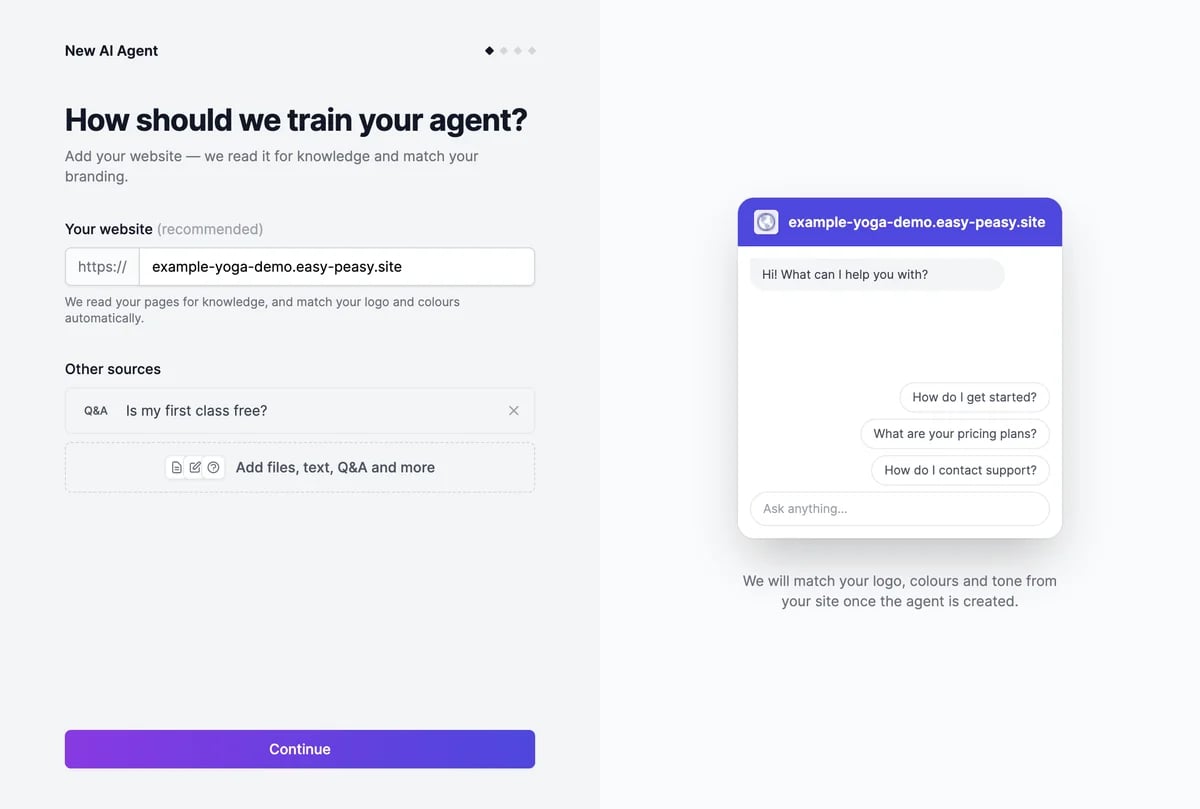 A website isn't required: you can build an agent from files, text, or Q\&A alone.
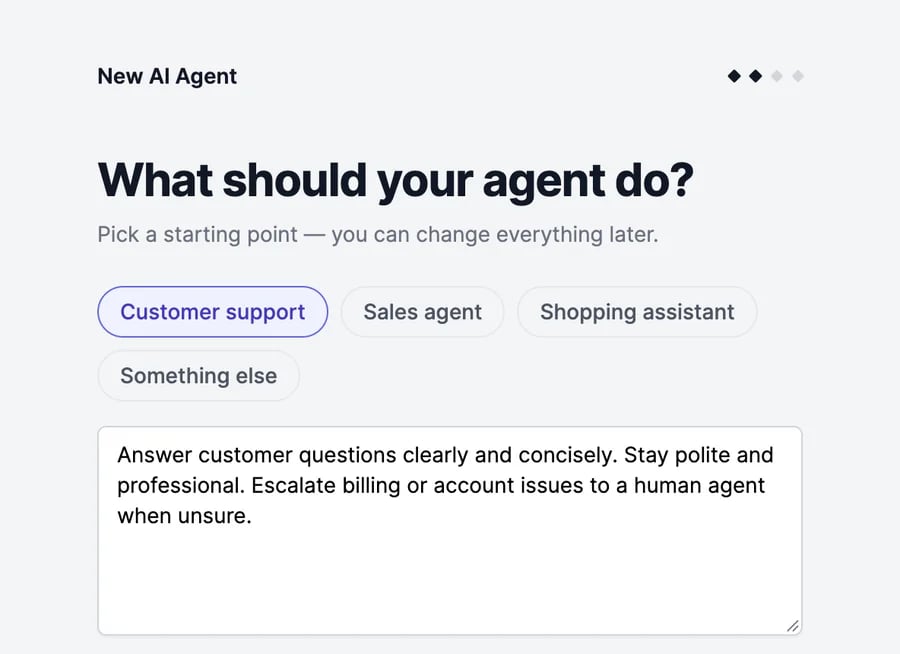
Under **What should your agent do?**, pick **Customer support**, **Sales agent**, **Shopping assistant**, or **Something else**. Each fills in a short description of the agent's job. Edit it to fit your business.
A website isn't required: you can build an agent from files, text, or Q\&A alone.
Under **What should your agent do?**, pick **Customer support**, **Sales agent**, **Shopping assistant**, or **Something else**. Each fills in a short description of the agent's job. Edit it to fit your business.
 When your website has several pages, **Here are the links we found** lists them. Uncheck the ones the agent shouldn't learn from, such as a blog archive or legal pages. The agent learns from up to 100 pages. Fewer, better pages give sharper answers.
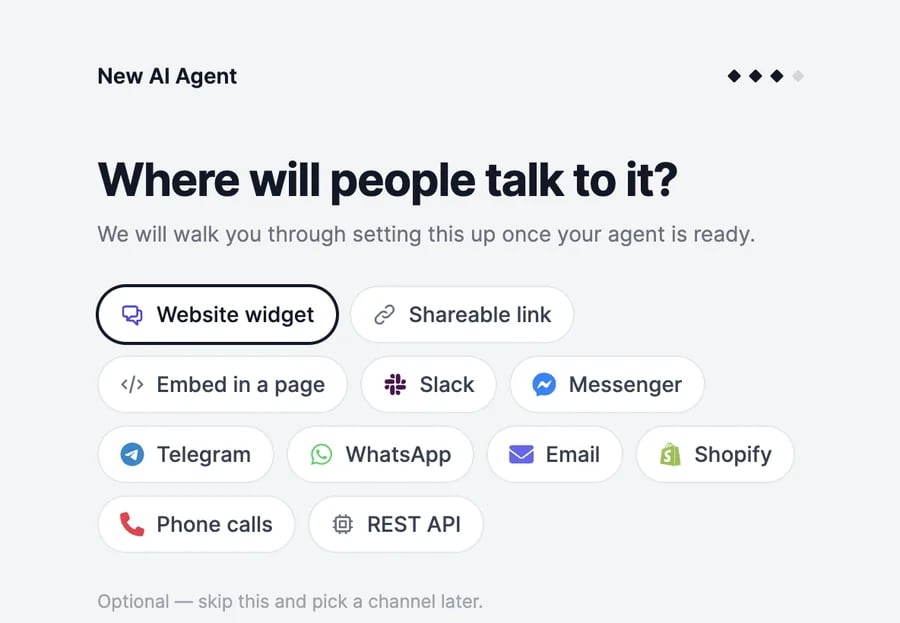
Under **Where will people talk to it?**, pick the channels you plan to use, such as **Website widget** or **WhatsApp**. This only tailors your getting-started checklist. You connect channels later.
When your website has several pages, **Here are the links we found** lists them. Uncheck the ones the agent shouldn't learn from, such as a blog archive or legal pages. The agent learns from up to 100 pages. Fewer, better pages give sharper answers.
Under **Where will people talk to it?**, pick the channels you plan to use, such as **Website widget** or **WhatsApp**. This only tailors your getting-started checklist. You connect channels later.
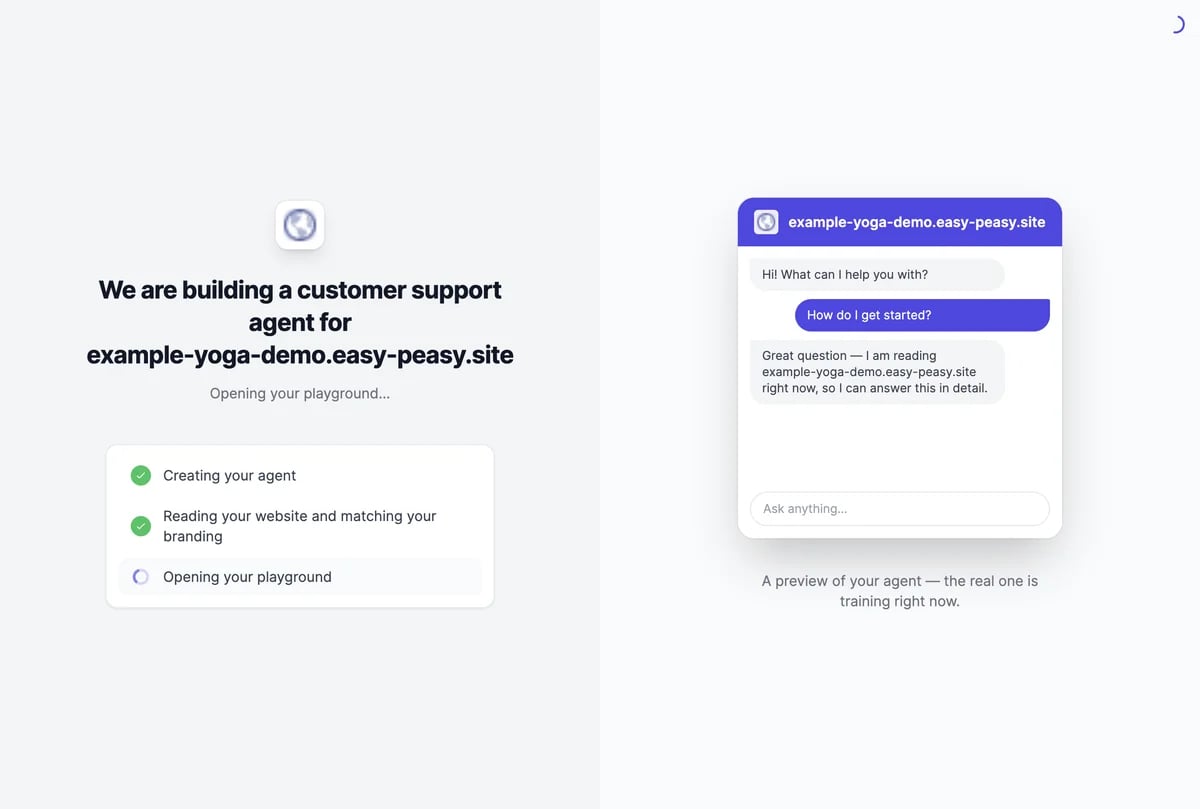
 The agent is created, reads your website, and matches your branding. Then the [Playground](/docs/agents/playground) opens so you can talk to it.
 ## What you get
* A name, a one-line description, a greeting, and three suggested questions, written from your website.
* Instructions for the agent, based on the job you chose. Edit them on [**Agent Details**](/docs/agents/instructions-and-model).
* Chat colors and an avatar taken from your website, where it has them.
* Your pages and sources in [**Knowledge**](/docs/agents/knowledge). Large websites take a few minutes to finish reading; the agent can answer from what's ready.
* The model **GPT-6 Luna**. You can [change it](/docs/agents/instructions-and-model#models) at any time.
New agents are public, so the chat bubble and the shareable link work as soon as you add them.
## How many agents you can have
Your plan sets how many agents you can have; the Free plan has one. Agents your teammates share with you count too. When you reach the limit, the create button changes to **Upgrade plan**. See [Limits and usage](/docs/agents/limits-and-usage).
Some websites block automated reading, and single-page sites have only one page to read. Add your content another way: upload documents, paste text, or add your sitemap in [**Knowledge**](/docs/agents/knowledge).
Change the name, greeting, and colors on [**Appearance**](/docs/agents/appearance), and the instructions on [**Agent Details**](/docs/agents/instructions-and-model).
Chat with your agent and adjust it.
Add documents, Q\&A, and more pages.
## What you get
* A name, a one-line description, a greeting, and three suggested questions, written from your website.
* Instructions for the agent, based on the job you chose. Edit them on [**Agent Details**](/docs/agents/instructions-and-model).
* Chat colors and an avatar taken from your website, where it has them.
* Your pages and sources in [**Knowledge**](/docs/agents/knowledge). Large websites take a few minutes to finish reading; the agent can answer from what's ready.
* The model **GPT-6 Luna**. You can [change it](/docs/agents/instructions-and-model#models) at any time.
New agents are public, so the chat bubble and the shareable link work as soon as you add them.
## How many agents you can have
Your plan sets how many agents you can have; the Free plan has one. Agents your teammates share with you count too. When you reach the limit, the create button changes to **Upgrade plan**. See [Limits and usage](/docs/agents/limits-and-usage).
Some websites block automated reading, and single-page sites have only one page to read. Add your content another way: upload documents, paste text, or add your sitemap in [**Knowledge**](/docs/agents/knowledge).
Change the name, greeting, and colors on [**Appearance**](/docs/agents/appearance), and the instructions on [**Agent Details**](/docs/agents/instructions-and-model).
Chat with your agent and adjust it.
Add documents, Q\&A, and more pages.