> ## Documentation Index
> Fetch the complete documentation index at: https://easy-peasy.ai/docs/llms.txt
> Use this file to discover all available pages before exploring further.
# Welcome to Easy-Peasy.AI
> One workspace for an AI agent, image and video generation, voice and audio tools, and hundreds of focused tools.
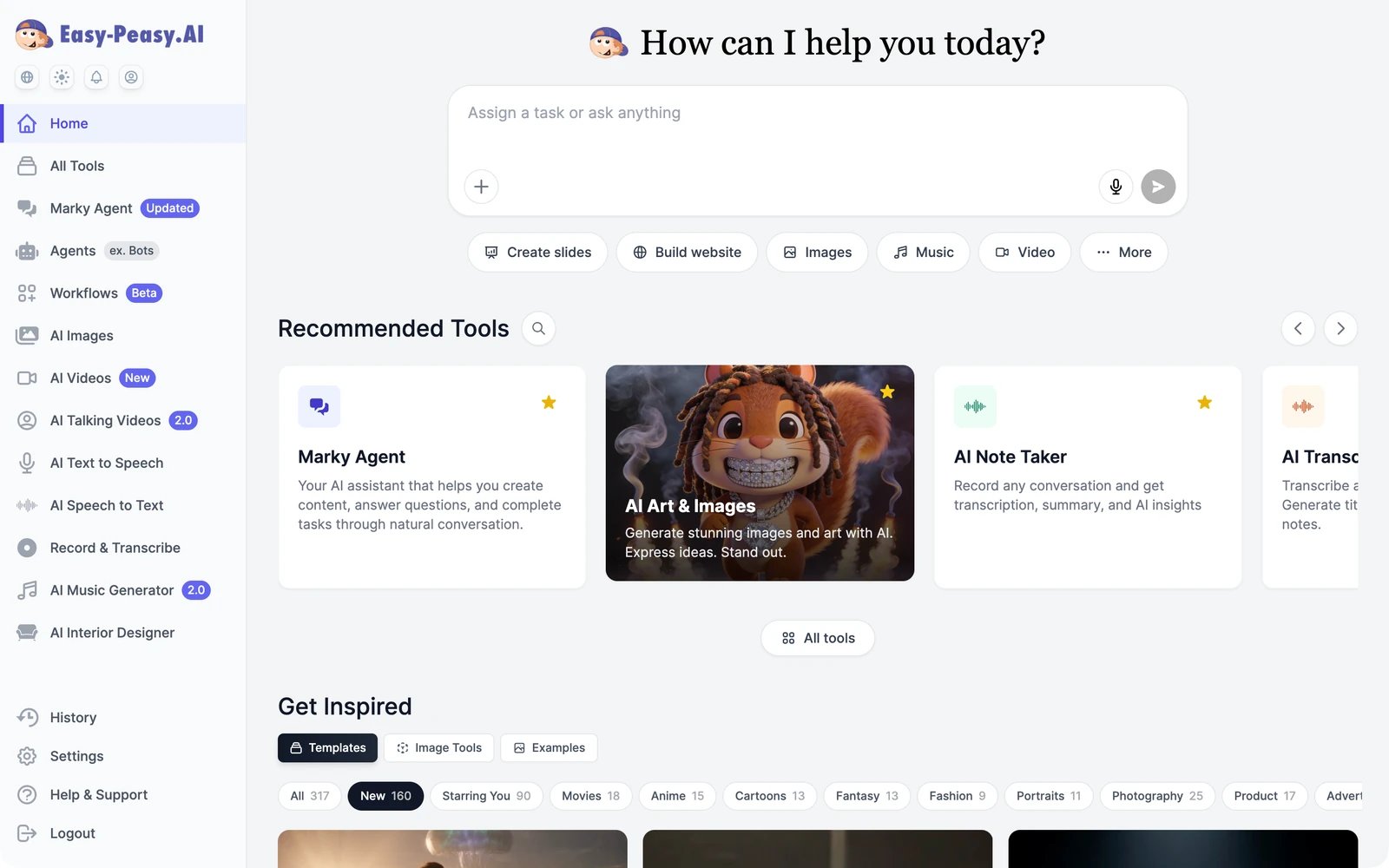 Easy-Peasy.AI brings the AI you use for work into one place. Ask Marky Agent to handle a task, generate images and videos with current models, turn scripts into speech, transcribe recordings, or build an AI agent that answers your customers on your website and messaging apps. Everything runs on one account and one plan.
Give Marky a task, run a tool, and find your results in about five minutes.
## What you can do
An AI agent that writes, researches, builds slides and websites, and works with your connected apps.
Generate and edit images with models like GPT Image, Nano Banana, FLUX, and Seedream.
Turn text, images, or reference clips into video, then extend, edit, or upscale it.
Text to speech, voice cloning, transcription, music, and sound effects.
Focused tools for emails, social posts, lesson plans, clinical notes, and hundreds of other jobs.
Train an AI agent on your content and put it on your website, WhatsApp, Slack, and more.
## Start here
What's in the sidebar, on the Home screen, in History, and in Settings.
How words and credits work, and what each plan includes.
Use the REST API, the MCP server, and OpenAI-compatible chat from your own code.
Browse the FAQ, chat with support, or email [support@easy-peasy.ai](mailto:support@easy-peasy.ai).
Easy-Peasy.AI brings the AI you use for work into one place. Ask Marky Agent to handle a task, generate images and videos with current models, turn scripts into speech, transcribe recordings, or build an AI agent that answers your customers on your website and messaging apps. Everything runs on one account and one plan.
Give Marky a task, run a tool, and find your results in about five minutes.
## What you can do
An AI agent that writes, researches, builds slides and websites, and works with your connected apps.
Generate and edit images with models like GPT Image, Nano Banana, FLUX, and Seedream.
Turn text, images, or reference clips into video, then extend, edit, or upscale it.
Text to speech, voice cloning, transcription, music, and sound effects.
Focused tools for emails, social posts, lesson plans, clinical notes, and hundreds of other jobs.
Train an AI agent on your content and put it on your website, WhatsApp, Slack, and more.
## Start here
What's in the sidebar, on the Home screen, in History, and in Settings.
How words and credits work, and what each plan includes.
Use the REST API, the MCP server, and OpenAI-compatible chat from your own code.
Browse the FAQ, chat with support, or email [support@easy-peasy.ai](mailto:support@easy-peasy.ai).