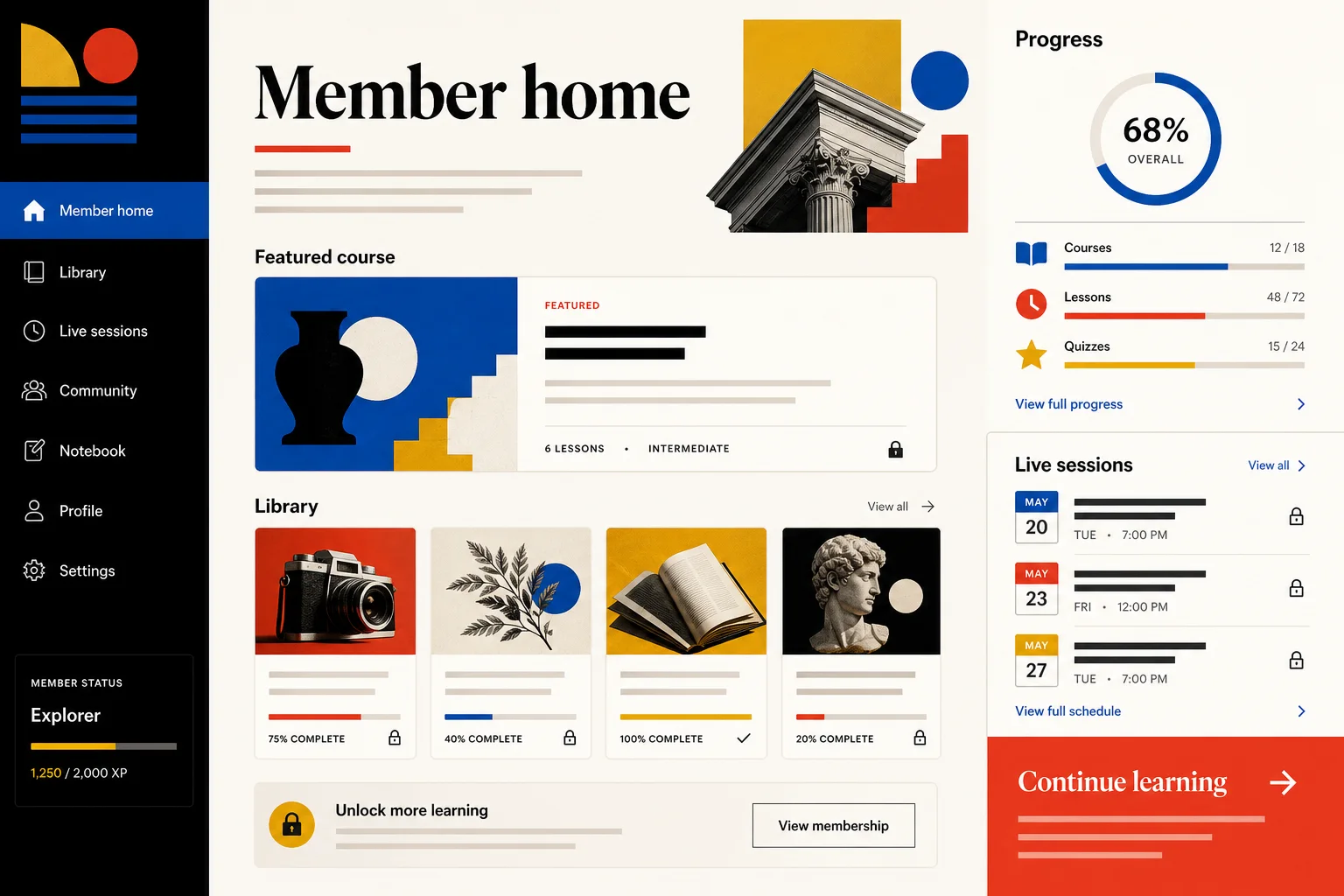
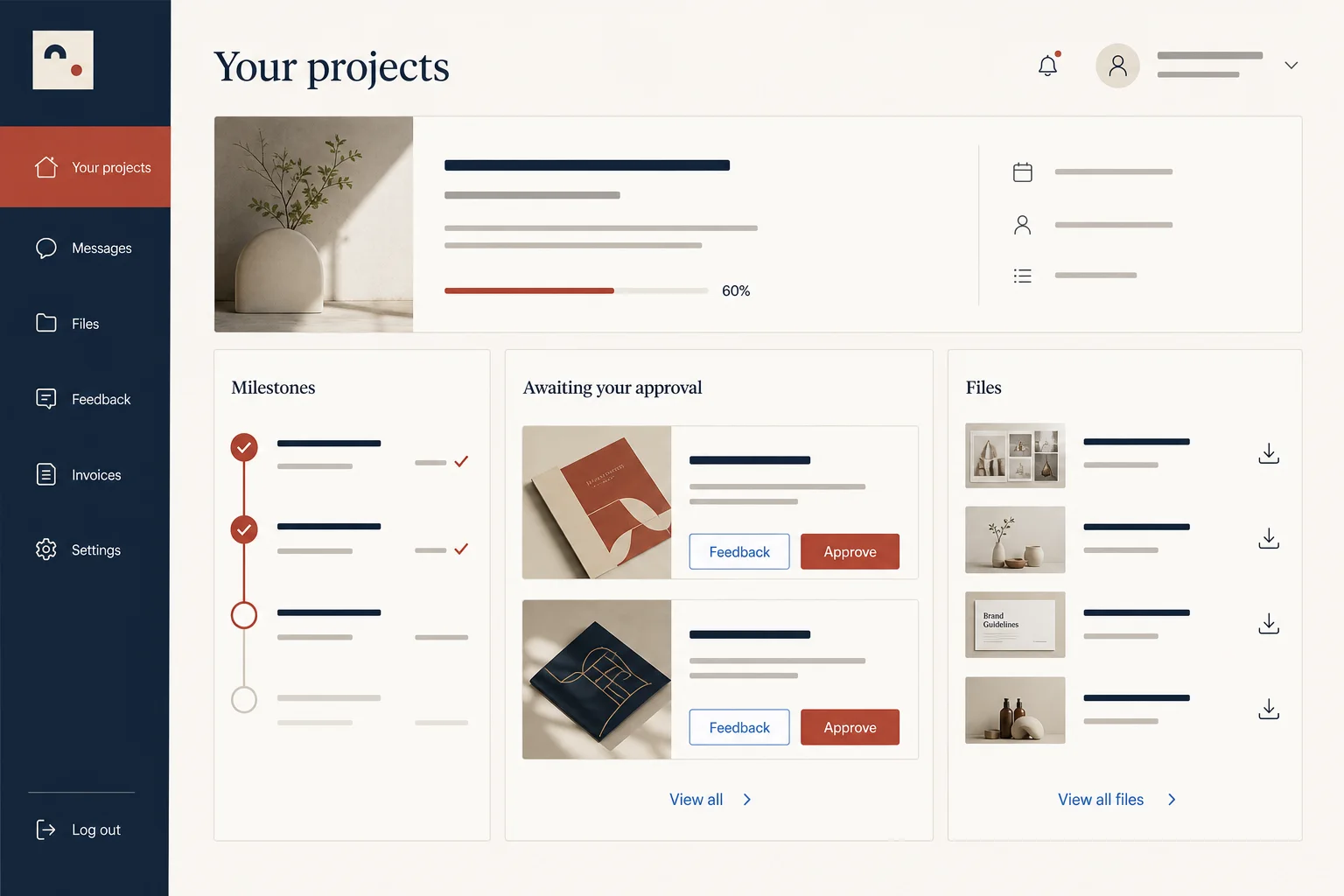
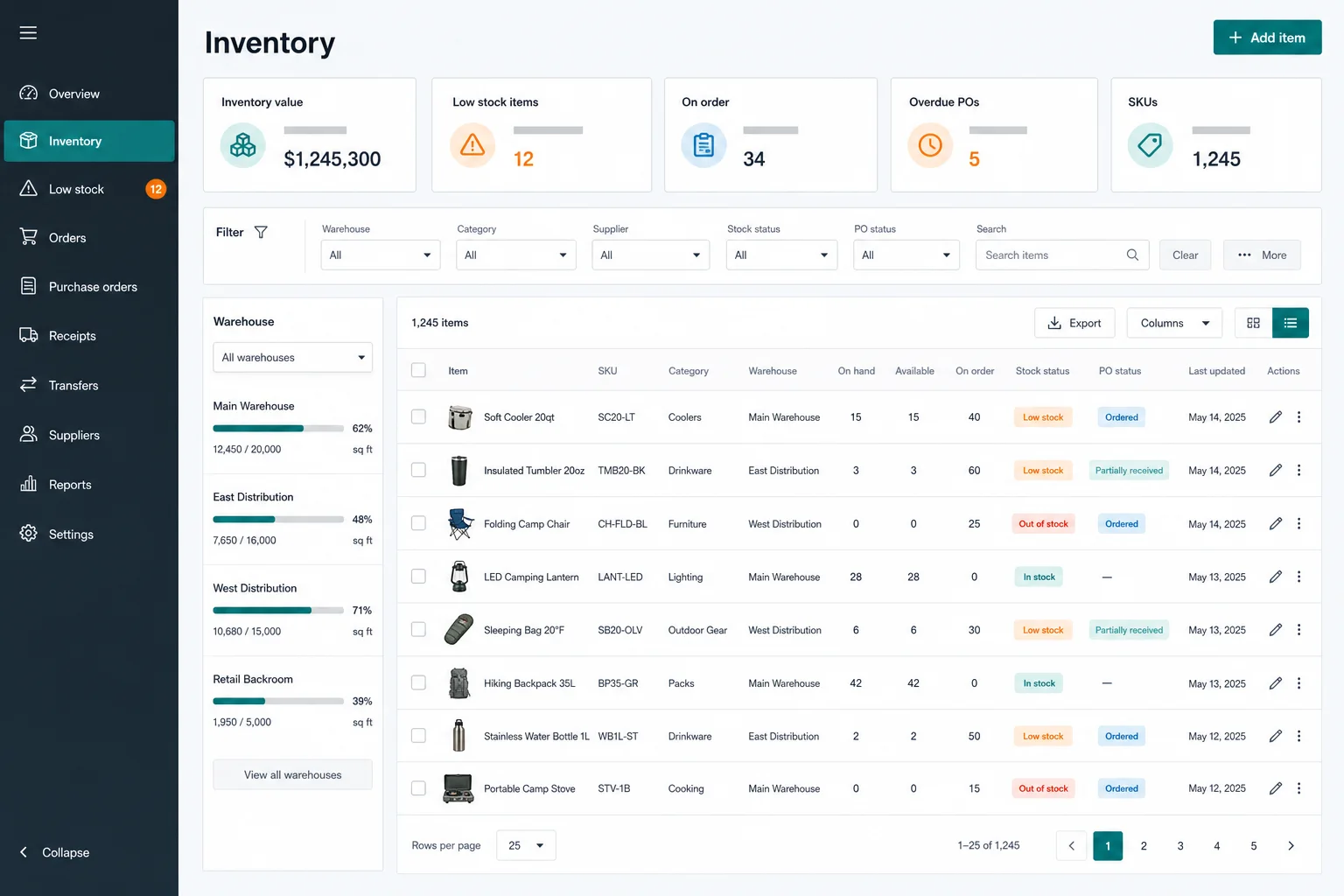
Accounts and onboarding
Create registration, Google sign-in, first-run setup and authenticated routes around your product flow.
Untuk founder dan tim produk
Jelaskan pengguna dan alur kerjanya. Marky mengubah brief menjadi proyek full-stack yang bisa diedit dengan data nyata dan jalur menuju produksi.
Jawaban langsung
Pembuat aplikasi SaaS AI mengubah brief tertulis menjadi aplikasi web yang bisa diedit. Marky bisa membuat antarmuka, backend, database, autentikasi, dan konfigurasi deployment dalam satu proyek.
Dibangun sesuai kebutuhan
These are functional product layers tied to the workflow—not decorative sections copied from a template.
Create registration, Google sign-in, first-run setup and authenticated routes around your product flow.
Model users, workspaces and core records in Neon Postgres with typed Drizzle queries and migrations.
Keep permissions, calculations, webhooks and private API calls in server functions that never reach the browser.
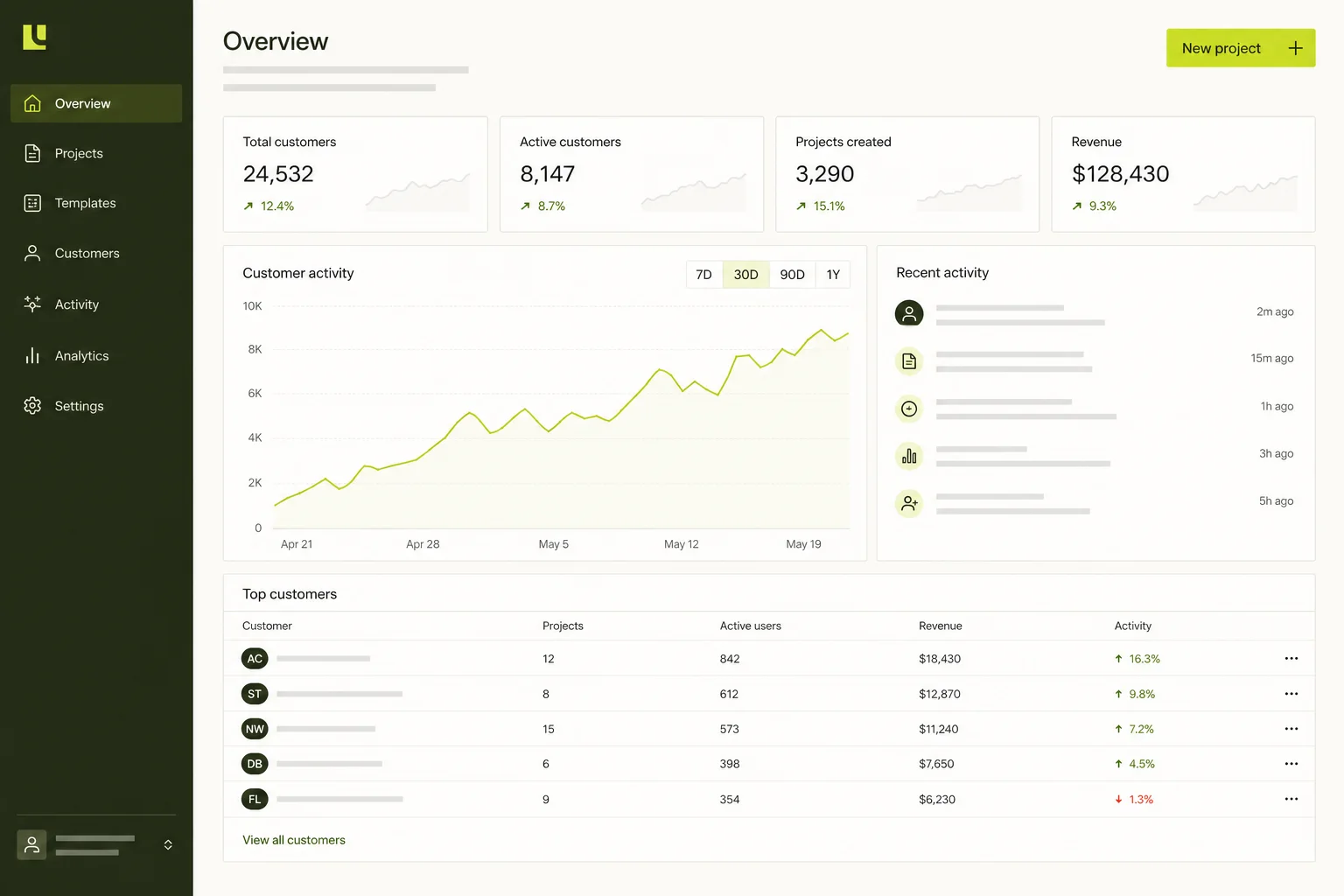
Build the customer product alongside practical admin screens for support, content or operations.
Add text, chat, image, video, speech or transcription features through the Easy-Peasy.AI API when the brief needs them.
Test a public preview, save a version, publish to Cloudflare and connect a domain when you approve the result.
Model data yang disarankan
Contoh prompt
“Build a SaaS app for research teams. Users should sign in with Google, create a workspace, upload interview notes, tag findings and see an evidence dashboard. Add an admin view, a Neon Postgres schema, secure server APIs and a responsive onboarding flow.”Gunakan ini sebagai titik awal
Urutan pembangunan yang praktis
Name the user, the problem and the one outcome the first release must complete.
Marky drafts the database schema and API contracts before building the screens around them.
The agent implements the UI, server logic and tests, then opens a live preview for review.
Approve a version to publish, connect GitHub or a domain, and request the next feature in chat.
Stack produksi bersama
Frontend yang bisa diedit, bukan format halaman eksklusif.
Data persisten dan logika sisi server yang terlindungi.
Autentikasi dan kredensial terlindungi untuk integrasi.
Publikasi bawaan menargetkan Cloudflare, dan halaman dirender di server sehingga mesin pencari dan alat AI bisa membacanya. Layanan AWS bisa diintegrasikan melalui kredensial terlindungi, dan kode di GitHub bisa diadaptasi oleh developer untuk deployment di AWS.
Pertanyaan spesifik
Yes. The full-stack scaffold renders pages on the server with TanStack Start and includes typed server functions, Drizzle database access and a managed Neon Postgres branch. Marky can implement server-side business rules instead of placing sensitive logic in the browser.
Yes. The scaffold supports Google OAuth through Marky's centralized authentication proxy, alongside the project's Better Auth foundation. The exact account and onboarding experience is generated for the product you describe.
Marky can build a Stripe integration when you provide the required Stripe credentials through project secrets. Payments are an external integration that should be tested in Stripe test mode before accepting real transactions.
Yes. Connect GitHub from project settings, create or link a repository, and push the current checkpoint. The generated application uses standard TypeScript and React project files rather than a proprietary page format.
Jelajahi lebih lanjut
Bangun versi pertama yang berfungsi