Web apps and phone apps
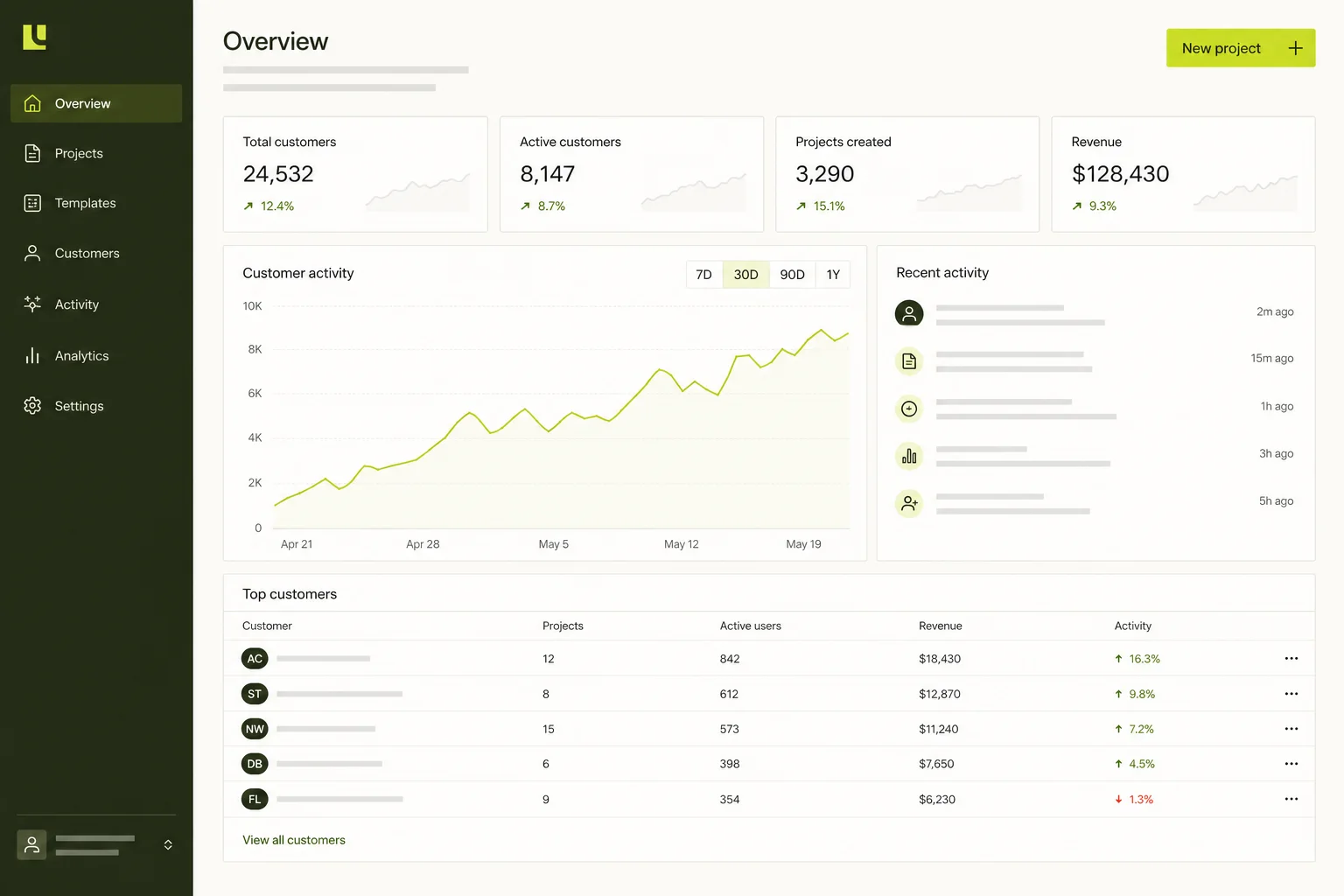
Web apps run in any browser. Phone apps are built with Expo and open on your phone from a QR code while Marky works.
Untuk founder, tim, dan proyek sampingan
Jelaskan apa yang harus dilakukan aplikasi dan siapa penggunanya. Marky membangun tampilan, database, fitur masuk, dan kode server, mengujinya di pratinjau langsung, lalu memublikasikannya setelah Anda setujui.
Jawaban langsung
Pembuat aplikasi AI mengubah deskripsi sederhana menjadi aplikasi yang benar-benar berfungsi, bukan sekadar mockup. Marky menulis proyek sungguhan, React dan TypeScript untuk aplikasi web atau Expo untuk aplikasi ponsel, lalu menambahkan database Postgres, fitur masuk, dan kode server jika aplikasi membutuhkannya. Anda mencobanya di pratinjau langsung, meminta perubahan lewat chat, lalu memublikasikannya atau push kodenya ke GitHub.
Dibangun sesuai kebutuhan
These are functional product layers tied to the workflow—not decorative sections copied from a template.
Web apps run in any browser. Phone apps are built with Expo and open on your phone from a QR code while Marky works.
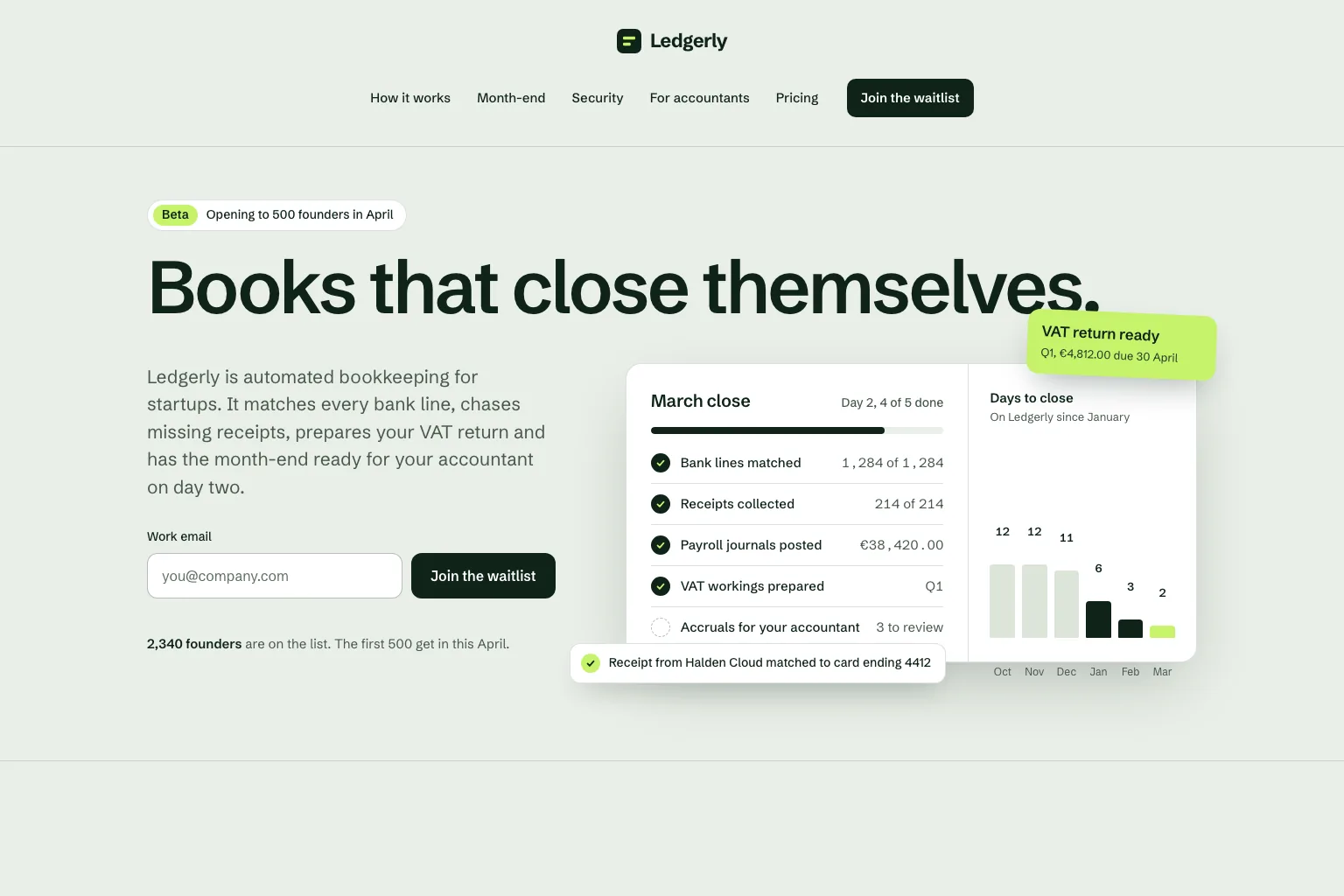
Registration, Google sign-in and screens only members can open, built around how your app is used.
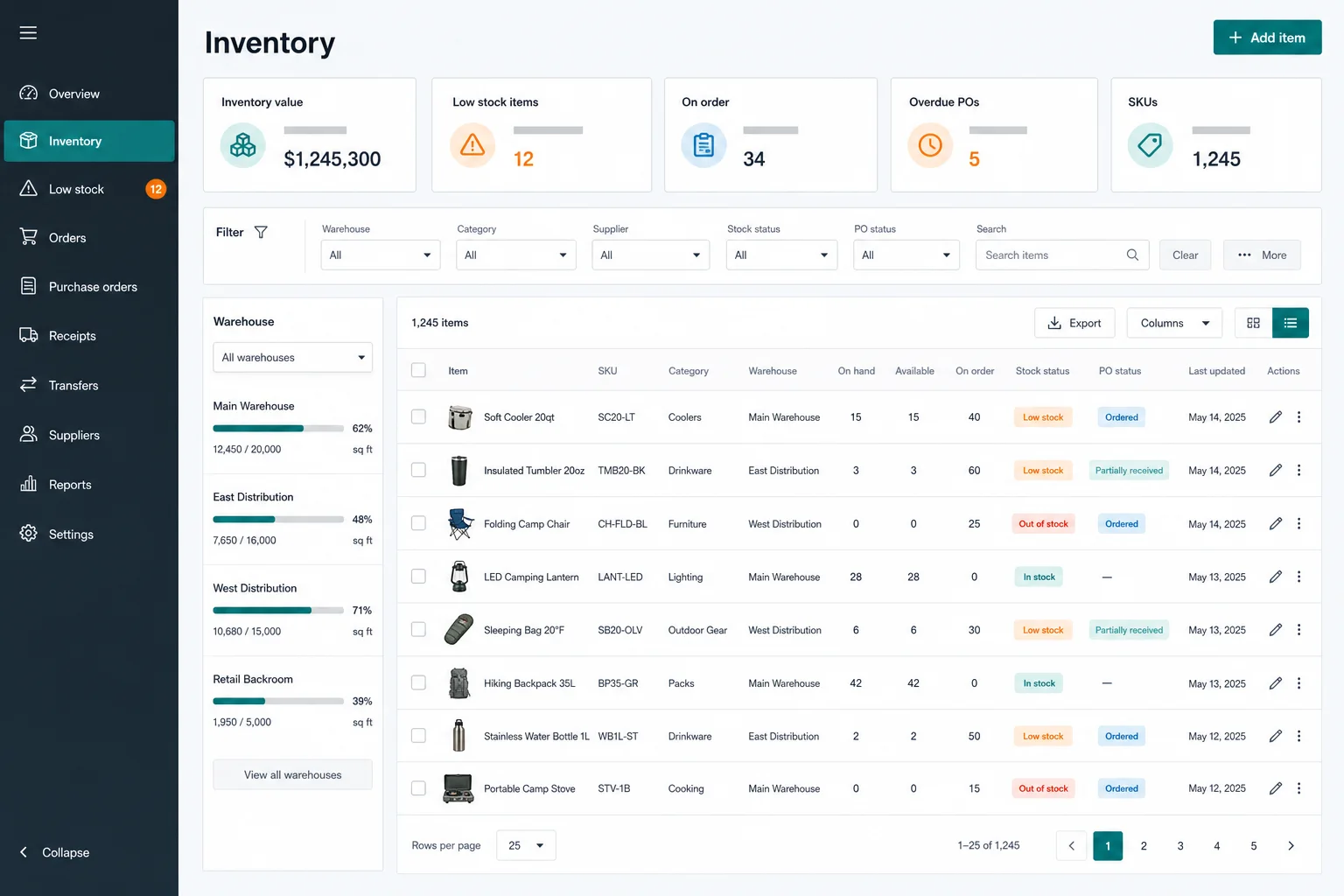
Marky designs the tables, stores the app's data in Postgres and changes the schema as the app grows.
Business rules, private API keys and webhooks stay on the server. Marky connects payments, email or maps when you add their keys.
Add chat, image, voice or transcription features through the Easy-Peasy.AI API when the idea needs them.
Every change shows up in a live preview. Save versions, roll back, publish to your own address and push the code to GitHub.
Model data yang disarankan
Contoh prompt
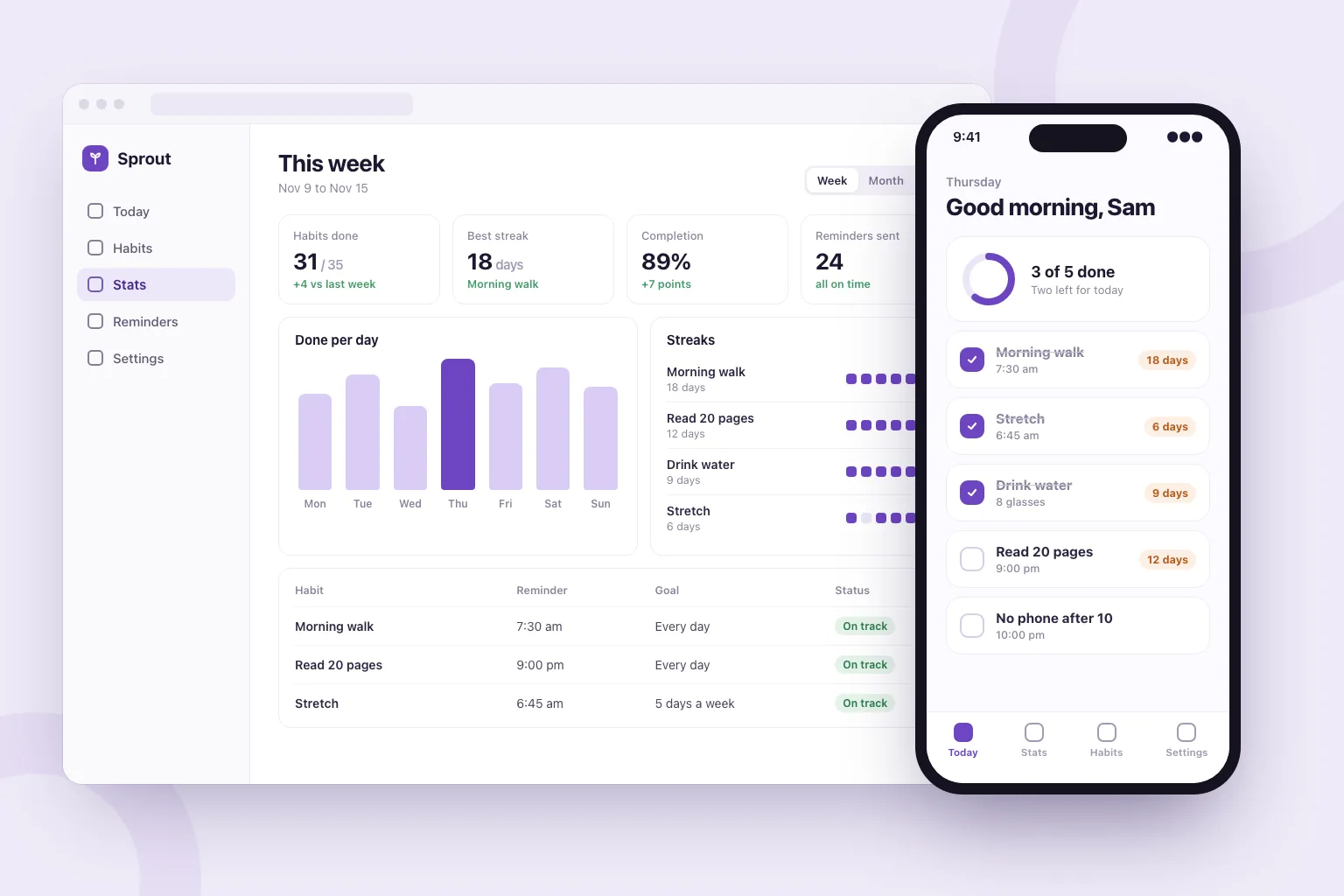
“Build a habit tracker web app. People sign in with Google, add daily habits, tick them off and see their streaks. Add a weekly stats page, reminder settings and a home screen with today's habits. Store everything in a database and make it work well on phones.”Gunakan ini sebagai titik awal
Urutan pembangunan yang praktis
Say who uses it, the main thing they do and what they should see first.
Marky lists the features it plans to build. Edit, add or remove lines before it starts.
Click through the app in the preview, or scan the QR code to open a phone app on your phone, and ask for changes in plain words.
Publish it to its own address, connect a domain or GitHub, and keep adding features in the same chat.
Stack produksi bersama
Frontend yang bisa diedit, bukan format halaman eksklusif.
Data persisten dan logika sisi server yang terlindungi.
Autentikasi dan kredensial terlindungi untuk integrasi.
Publikasi bawaan menargetkan Cloudflare, dan halaman dirender di server sehingga mesin pencari dan alat AI bisa membacanya. Layanan AWS bisa diintegrasikan melalui kredensial terlindungi, dan kode di GitHub bisa diadaptasi oleh developer untuk deployment di AWS.
Pertanyaan spesifik
Yes. In Build app mode Marky makes the app with Expo (React Native), with a database and server code when it needs them. You open it on your phone by scanning a QR code: in the browser, or in the Expo Go app for the full native feel.
Not from Marky. You can publish the app at its own web address and push its code to GitHub. Getting it into the stores takes an Apple or Google developer account and an Expo build, which a developer can make from that code.
Yes, in the sense that you describe what you want and the AI writes the code. Marky also sets up the database, sign-in and hosting, checks its work in a browser, and lets you keep the code.
No. You describe the app and ask for changes in plain words. The code is a standard React and TypeScript project, so a developer can pick it up later if you want.
You can start on the Free plan, which has a small monthly allowance. An app is a long job (screens, a database, sign-in and testing), so finishing most apps takes a paid plan. Paid plans also add the strongest models and commercial use.
Jelajahi lebih lanjut
Bangun versi pertama yang berfungsi