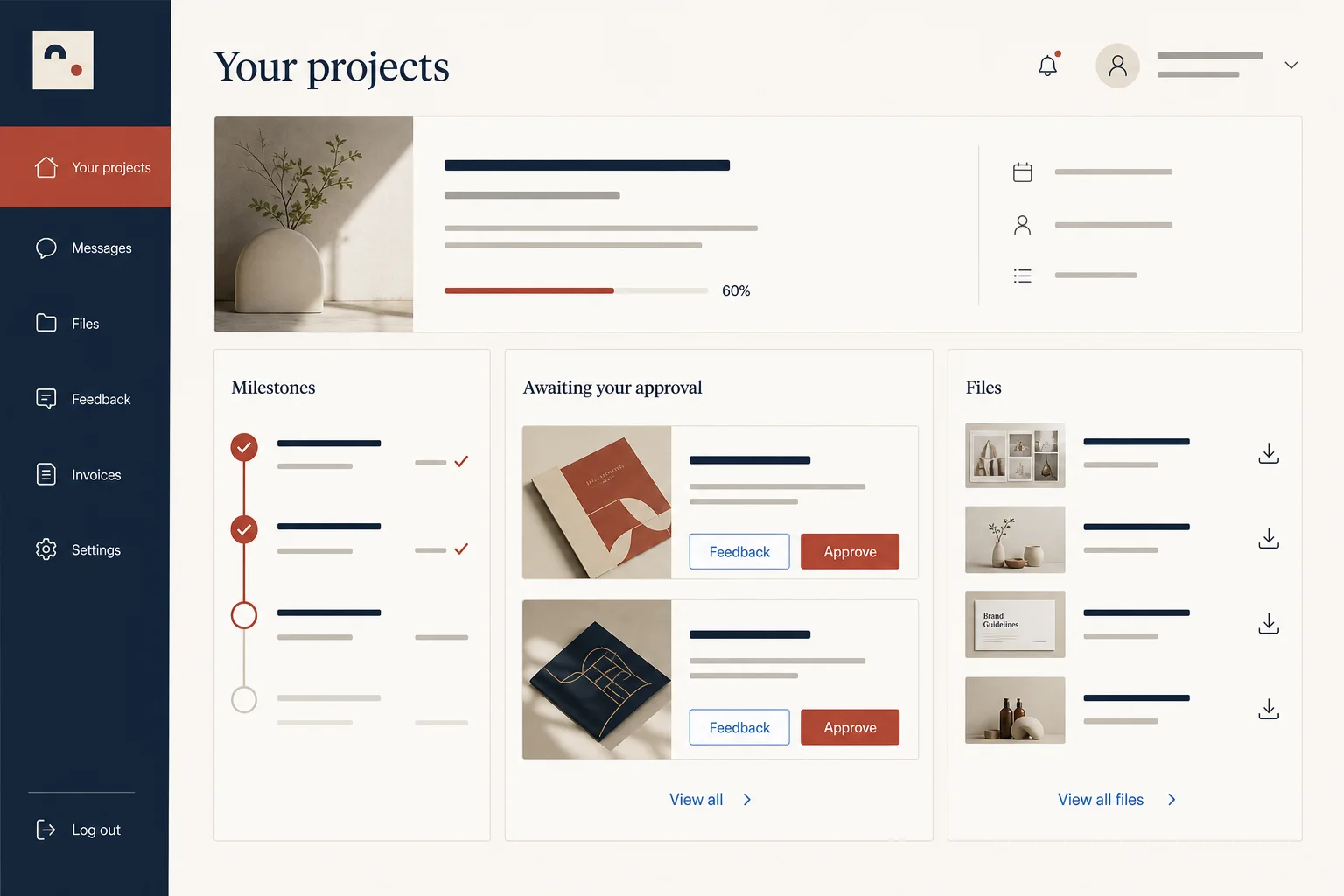
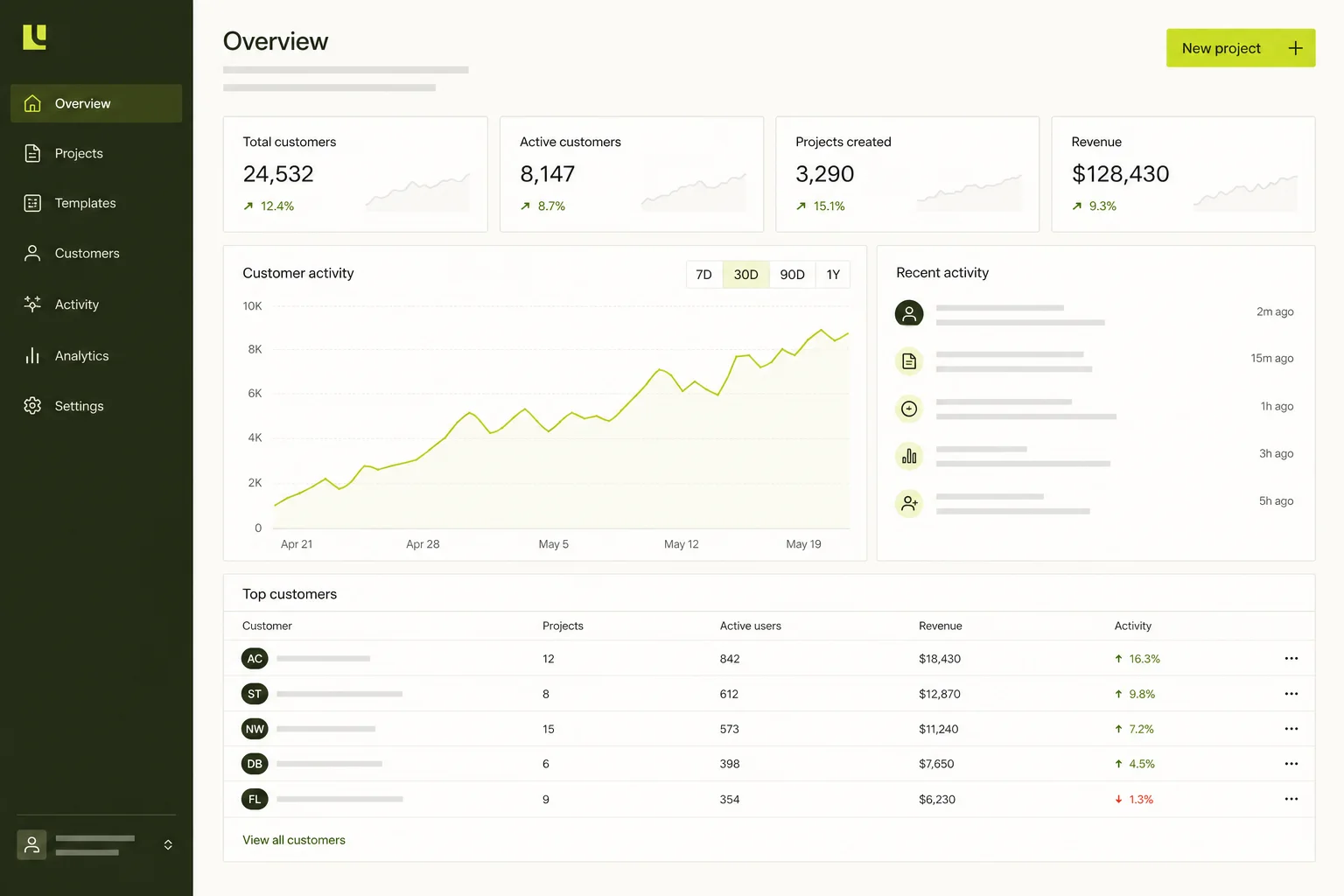
A schema for the real workflow
Turn spreadsheet columns, handoffs and statuses into relational records with clear ownership.
Para equipes de operações e suporte
Descreva os usuários e o fluxo. A Marky transforma o briefing em um projeto full-stack editável com dados reais e caminho para produção.
Resposta direta
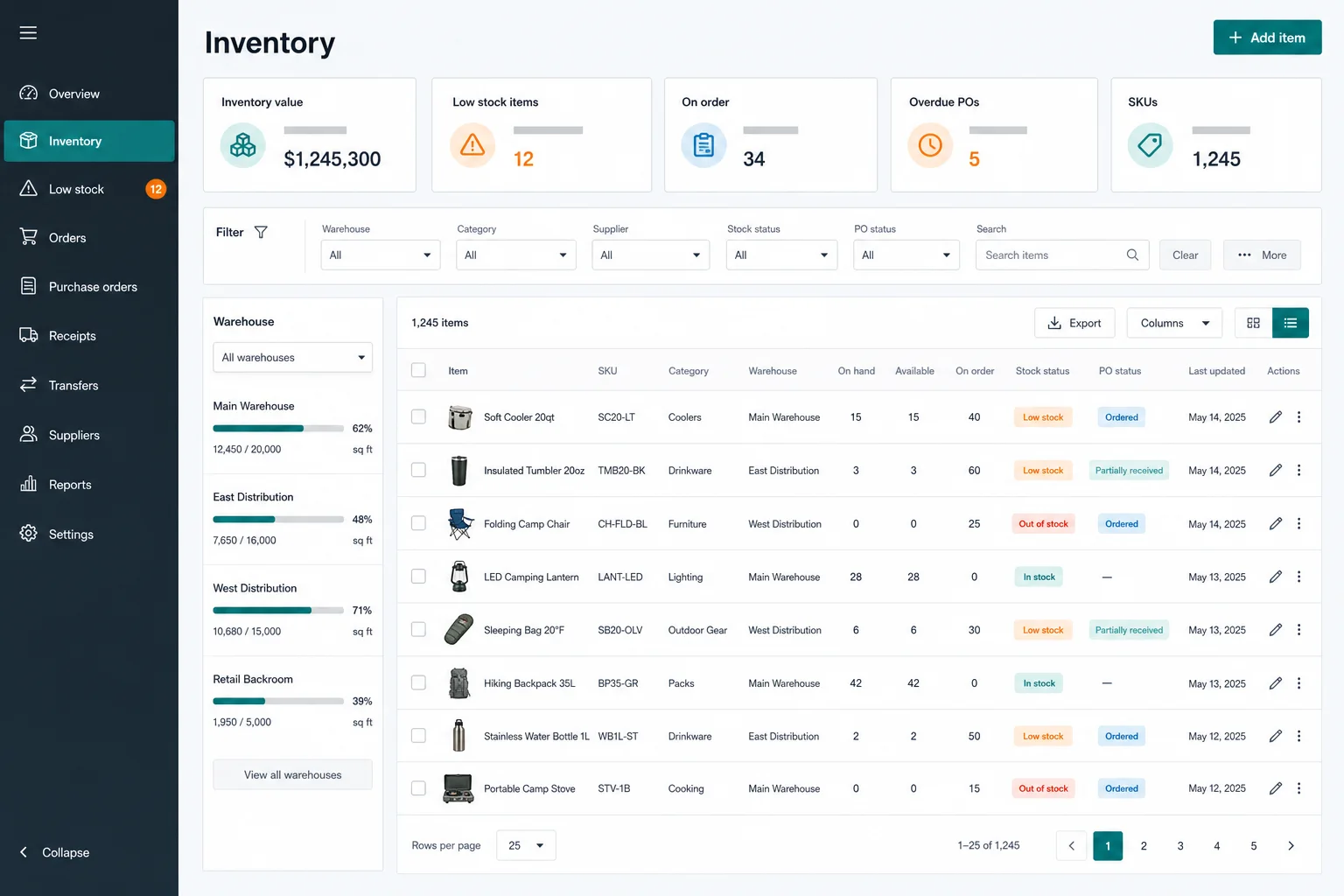
Criador de ferramentas internas com IA transforma um briefing em uma aplicação web editável. A Marky cria interface, backend, banco de dados, autenticação e configuração de implantação em um projeto.
Criado para o trabalho real
These are functional product layers tied to the workflow—not decorative sections copied from a template.
Turn spreadsheet columns, handoffs and statuses into relational records with clear ownership.
Create, review, update and archive records through forms, tables, filters and focused detail views.
Design different views and actions for operators, managers, reviewers or external participants.
Summarize operational records with real queries instead of decorative dashboard metrics.
Use secrets for APIs such as email, SMS, AI, payments or cloud services without exposing keys in the client.
Preview each change, roll back checkpoints, publish to Cloud Run and sync the repository to GitHub.
Modelo de dados sugerido
Exemplo de prompt
“Build an inventory operations tool for a specialty retailer. Track items, warehouses, suppliers, stock movements and purchase orders. Add low-stock filters, receive-order actions, manager and operator views, CSV import, an audit trail and practical empty/error states.”Usar como ponto de partida
Sequência prática de criação
Describe the spreadsheet, inbox or manual handoff and the failure it creates for the team.
Marky converts fields, permissions and transitions into a Postgres schema and typed APIs.
Check empty states, invalid transitions, duplicate records, long values and integration failures.
Approve the preview, publish it, add secrets and keep a checkpoint before every larger workflow change.
Stack de produção compartilhado
An editable frontend, not a proprietary page format.
Persistent records and protected server-side logic.
Authentication and protected credentials for integrations.
Built-in publishing targets Google Cloud Run. AWS services can be integrated through protected credentials, and the GitHub codebase can be adapted for an AWS deployment by a developer.
Perguntas específicas
Often, yes—when the spreadsheet represents structured records and repeatable actions. Marky can model those records in Postgres and build validated forms, tables, filters and status changes. The original process still needs to be described accurately before it is automated.
Marky can integrate services that expose suitable APIs, webhooks or database connections. Credentials belong in project secrets, and each integration should include failure handling, permission boundaries and a clear source of truth.
Yes. Define the roles and allowed transitions in the brief so Marky can enforce them in server-side actions as well as in the interface. Hiding a button alone is not a sufficient permission control.
Successful previews create version checkpoints, and Marky can also save named checkpoints before risky changes. The project can be rolled back to an earlier working version; eligible published versions can also be restored to the live site.
Continue explorando
Crie a primeira versão funcional