AIを連携。
魔法を創造。
AI操作のビジュアル自動化。テキスト生成、画像作成、スタイル転送、動画制作、音声合成などを接続し、チームと一緒に強力なワークフローで協力しましょう。
仕組み
AI作成を自動化する3つの簡単なステップ
ノードを追加
AI操作をキャンバスにドラッグします。テキスト生成、画像作成、動画制作、音声合成など。
接続
ノード間に接続を描きます。一つの出力が次の入力になります。
実行
実行ボタンを押してワークフローの実行を見守りましょう。すべての操作が自動的に処理されます。
強力な 機能
複雑なAIワークフローを作成するために必要なすべて
ビジュアルノードエディター
直感的なキャンバスでAI操作をドラッグ、ドロップ、接続。コーディング不要。
並列処理
複数のAI操作を同時に実行。より速く作成、よりスマートに作業。
再利用可能なテンプレート
事前構築されたワークフローから始めるか、繰り返し使用するために自分のものを保存。
チームコラボレーション
リアルタイムで協力。ワークフローを共有し、共同作成し、チームプロジェクトをシームレスに管理。
スタイルの一貫性
ノード間で共有入力を使用して、出力全体で統一されたスタイルを維持。
すべてのAIモデル
1つのワークフローで画像生成、編集、動画作成、音声にアクセス。
すぐに使える テンプレート
事前構築されたワークフローから始めて、ニーズに合わせてカスタマイズ
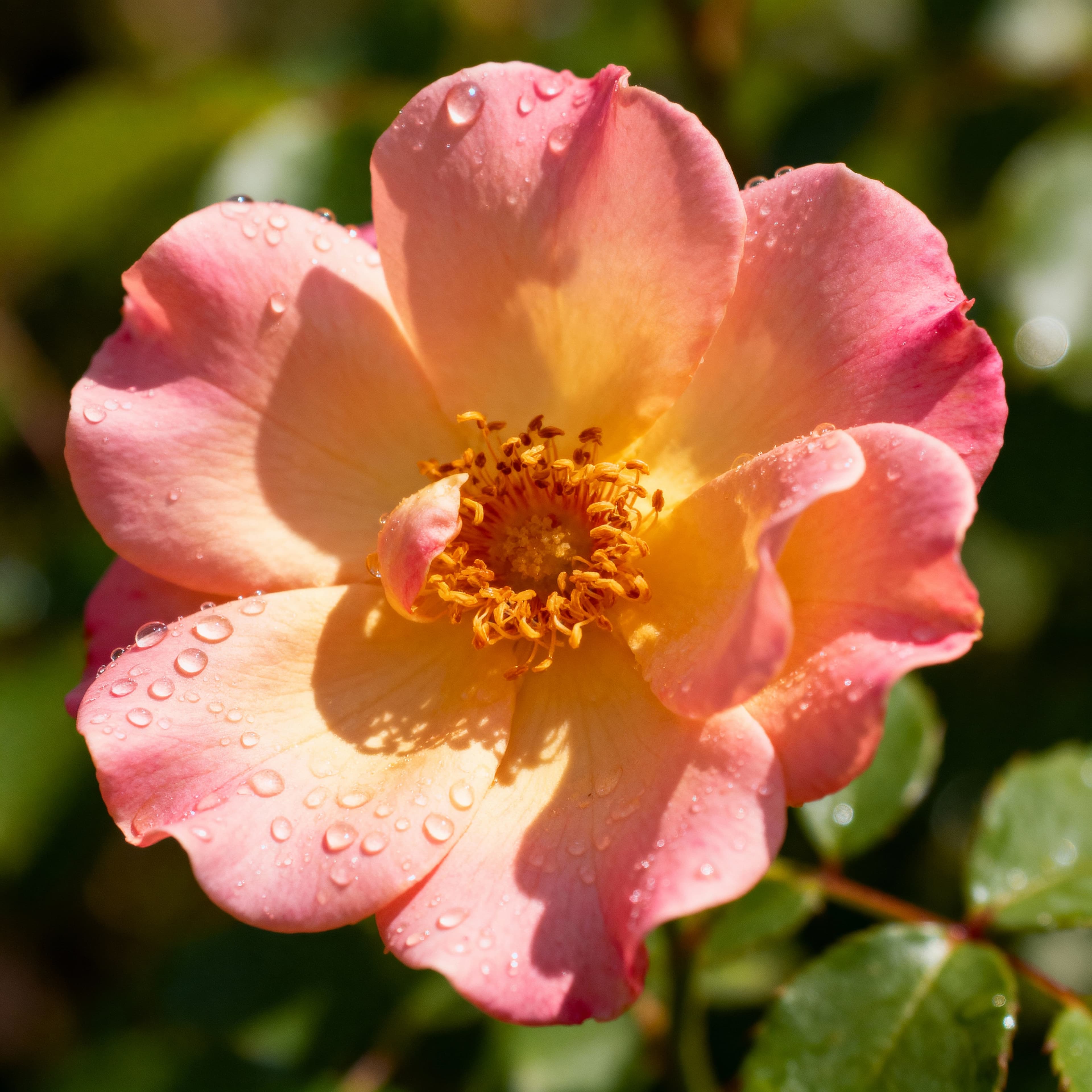
Generate Images – Starter Scenarios
Three ways to generate images: simple prompt, AI-written prompt, and reference image editing, each with inline documentation and a video walkthrough.
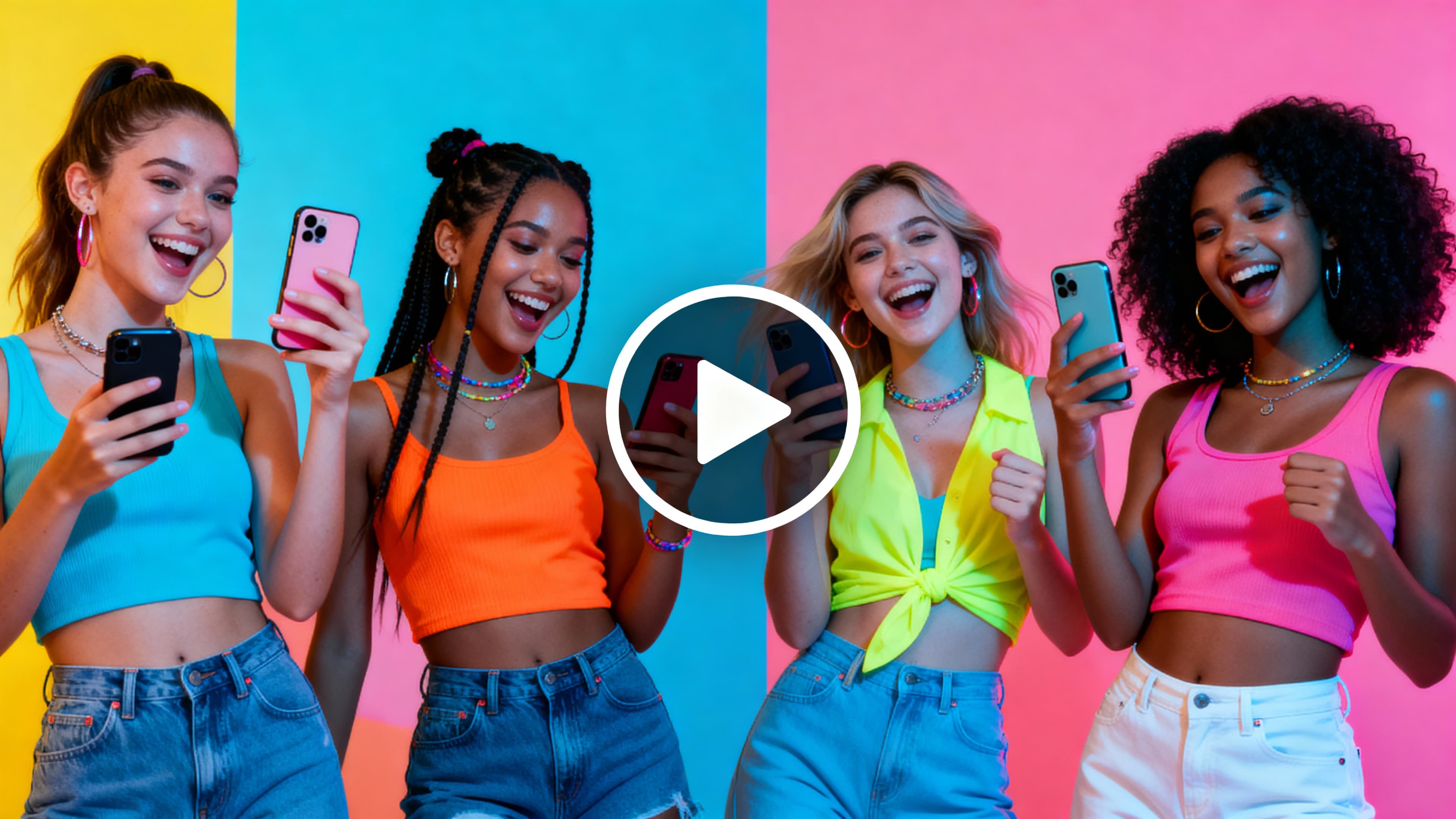
Generate Videos – Starter Scenarios
Four powerful ways to create videos: from text, from images, using frame interpolation, and by editing images before animation.
Singapore Knitted City - Short Video
Transform multiple Singapore landmark images into knitted fabric style and create animated videos, culminating in a special animation of the word "SINGAPORE" being knitted letter by letter.
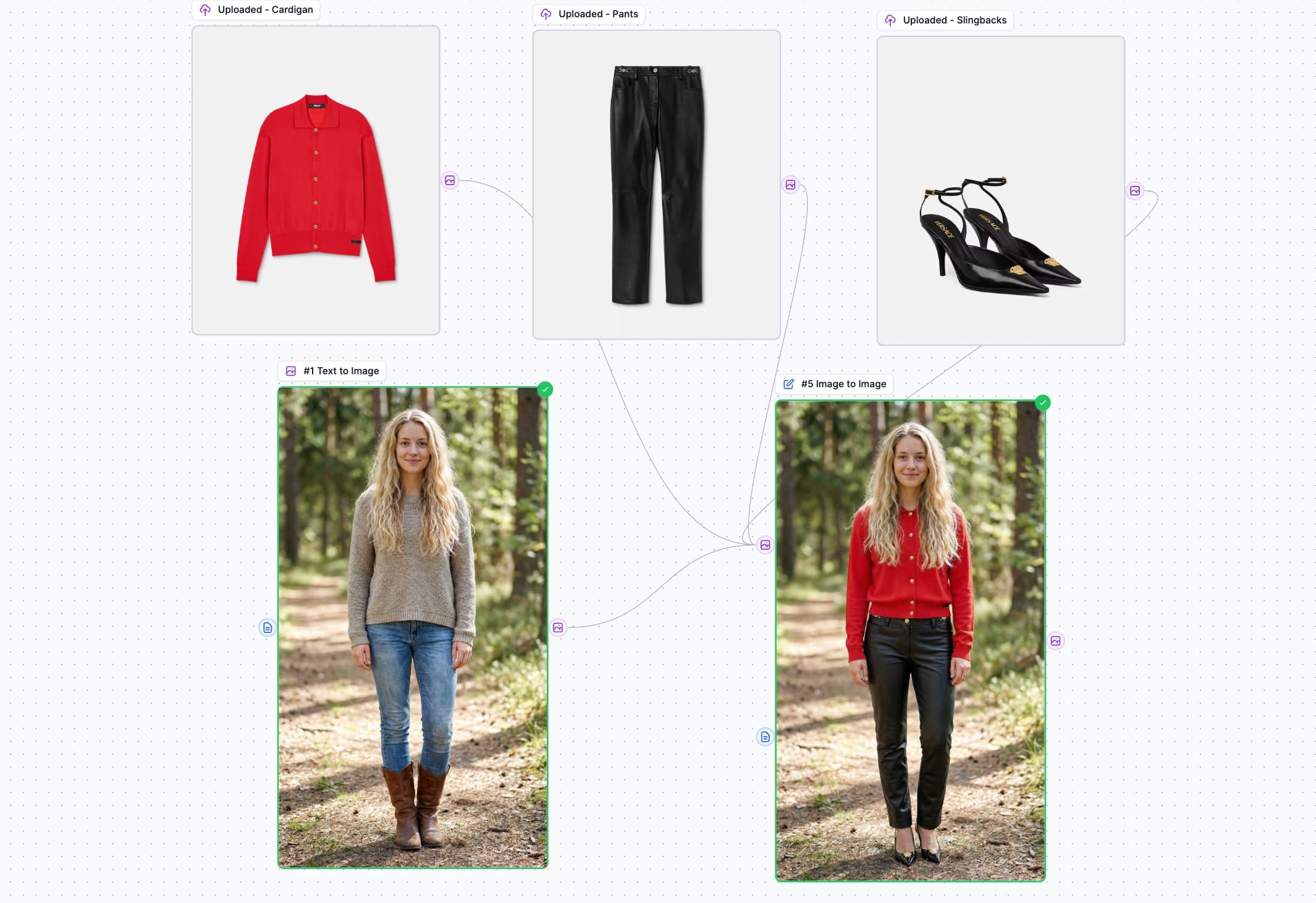
バーチャル試着
Generate a model image, dress them with uploaded clothing items using AI image editing, and animate the result into a video with AI-generated motion.
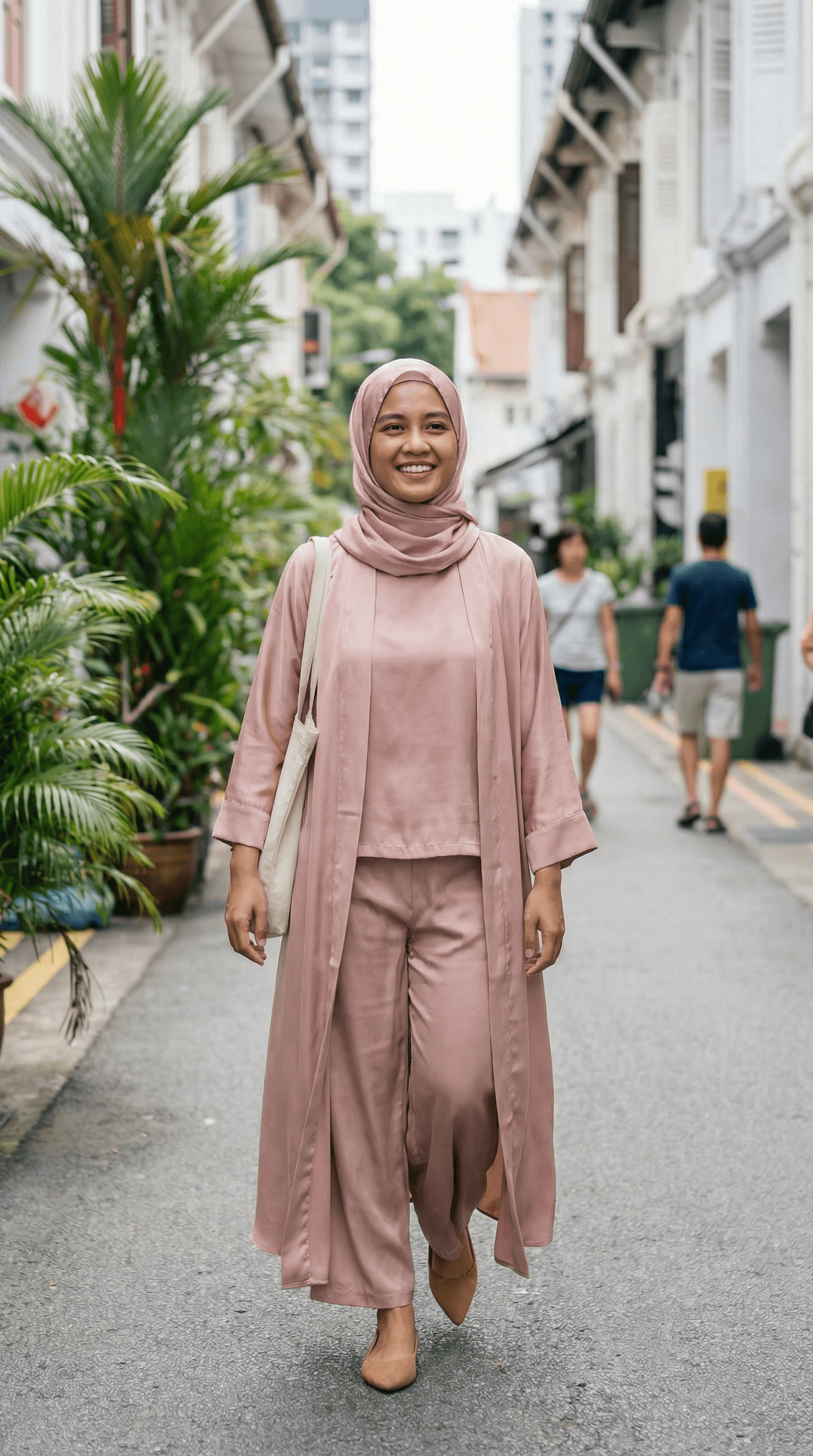
Virtual Try-On: Hijab & Abaya
Generate a Malay woman model, dress them with hijab and abaya clothing items using AI image editing, and animate the result into a promotional video.
Interior Design Visualization
Transform a 2D floor plan into a stunning 3D isometric maquette, then generate photorealistic room renders and create an animated video tour of the entire property.
Fashion Product Video - Multi-Scene Showcase
Create a stunning fashion product showcase video by combining a model reference with a product image, generating multiple scene variations, animating each scene, and merging them into a polished multi-scene commercial.
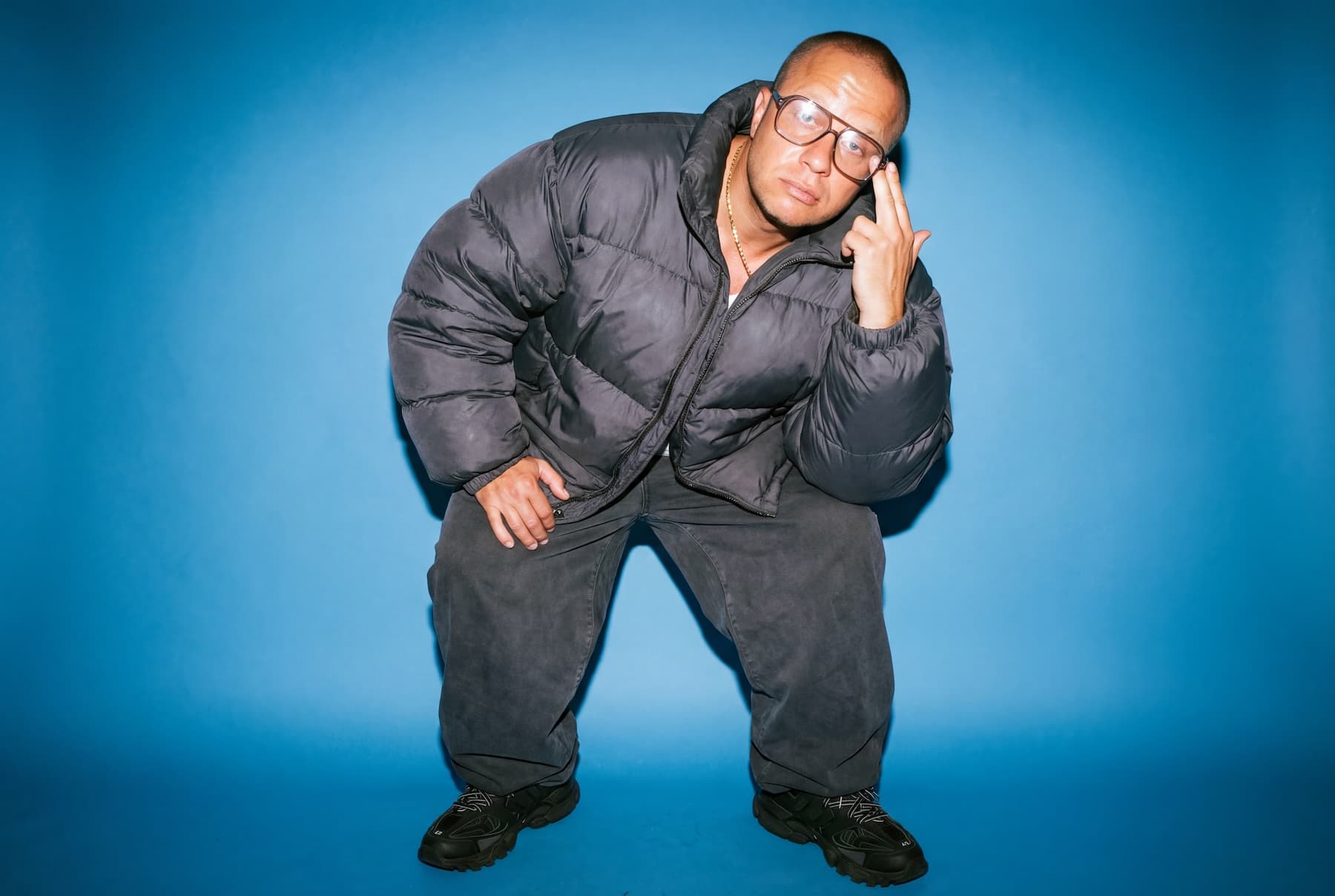
Contact Sheet Fashion Video Production
Advanced fashion video workflow using Contact Sheet Prompting with Nano Banana Pro. Upload a model image, apply wardrobe styling, generate 6 dynamic camera angle keyframes, then create multiple cinematic video clips with Veo 3.1 first-last frame animation.
対象 すべての人
個人クリエイターから企業チームまで
コンテンツクリエイター
ソーシャルメディア用の動画をバッチ処理。1つのアイデアを数十のバリエーションに変換。
Eコマース
製品動画、バーチャル試着、ライフスタイル画像を大規模に生成。
マーケティングチーム
複数のキャンペーンで一貫したブランドコンテンツを同時に作成。
デザイナー
繰り返しの手作業なしでスタイル転送とバリエーションを実験。
自動化する準備はできましたか
クリエイティブプロセス?
AIワークフローを使用してアイデアを現実に変える何千ものクリエイターに参加しましょう。
クレジットカード不要 • 既存のプランで動作
よくある 質問
ワークフローで使用できるAI操作は何ですか?+
すべてのAI機能を使用できます:テキスト生成(GPT、Claude、Geminiなど)、画像生成(Nano Banana、Seedream、Midjourney、Fluxなど)、画像編集、動画生成(VEO、Kling、LTXなど)、音声合成、ユーティリティ操作。さらに、チームとリアルタイムで協力できます。
ワークフローでクレジットはどのように機能しますか?+
各ノードは操作タイプに基づいてクレジットを使用します。例えば、Image to Imageノードはスタンドアロンツールを使用するのと同じクレジットを使用します。
ワークフローを保存して再利用できますか?+
はい!すべてのワークフローは自動的に保存されます。事前構築されたテンプレートを使用するか、独自の再利用可能なテンプレートを作成することもできます。
使用できるノードの数に制限はありますか?+
ノードの数に厳密な制限はありません。ただし、多くの並列操作を含む非常に複雑なワークフローは処理に時間がかかる場合があります。
無料プランでワークフローを使用できますか?+
AIワークフローはすべての有料プランで利用可能です。無料プランのユーザーはワークフロービルダーを探索できますが、ワークフローを実行するにはアップグレードが必要です。