เครื่องมือสร้างเว็บไซต์ Marky

จากคำสั่งในแชทสู่เว็บแอปแบบฟูลสแตก

Marky วางแผน เขียนโค้ด แสดงตัวอย่าง และเผยแพร่เว็บไซต์ได้ รวมถึงสร้างแบ็กเอนด์ ฐานข้อมูล และขั้นตอนบัญชีเมื่อไอเดียต้องใช้ตรรกะแอปจริง

รายละเอียดของคุณReact + TypeScriptPostgres + การยืนยันตัวตนCloud Run
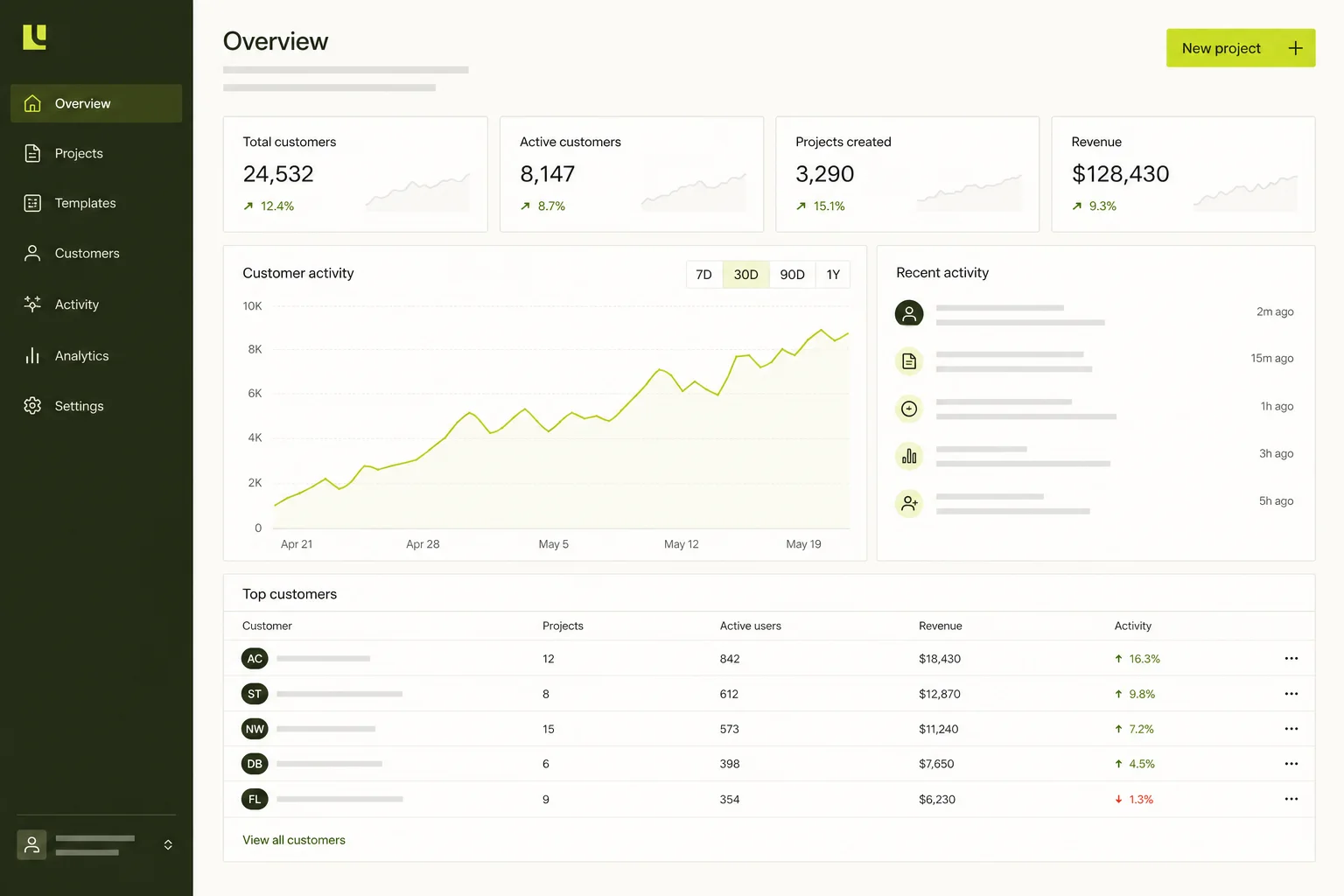
ภาพตัวอย่างของ เครื่องมือสร้างแอป SaaS ด้วย AI
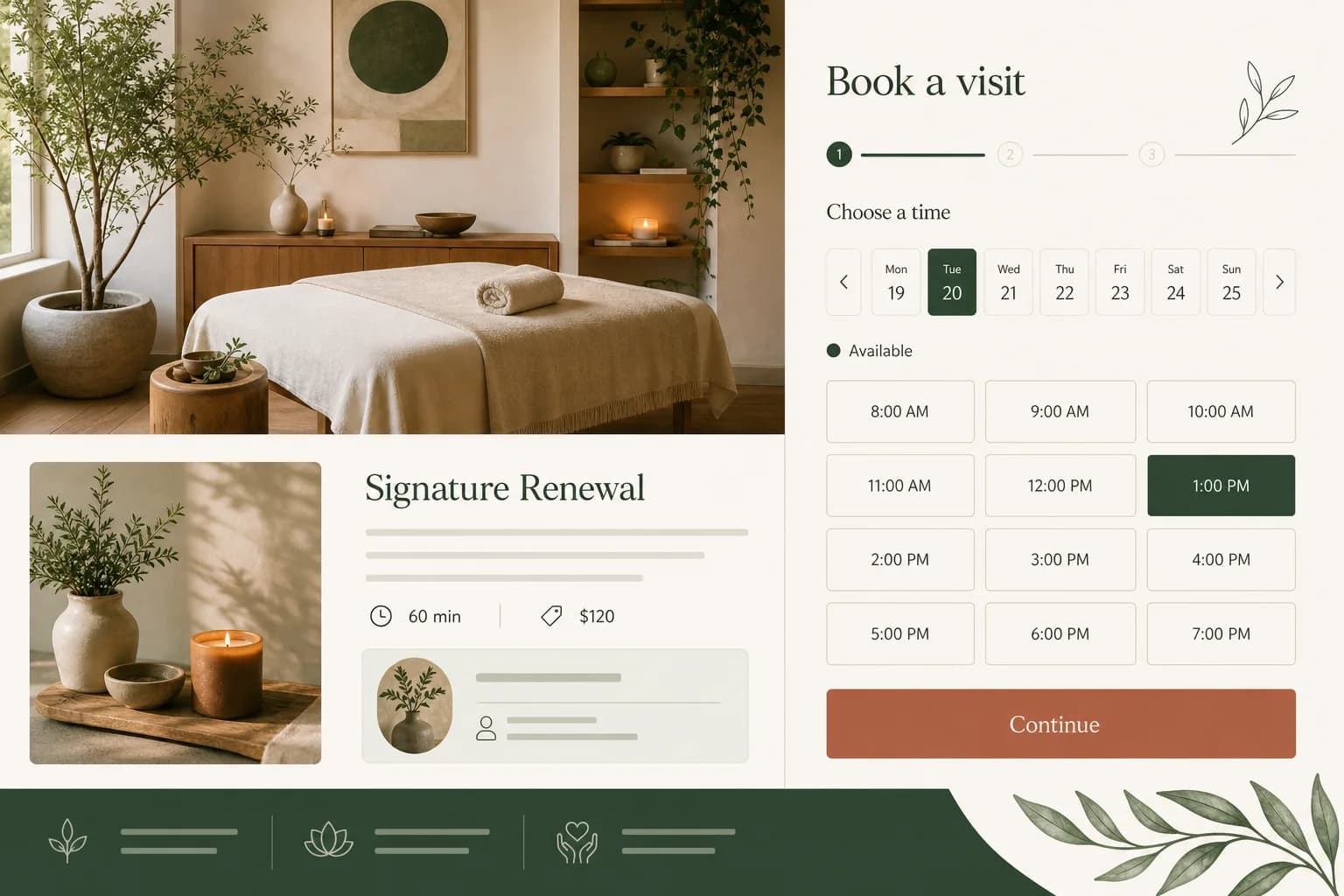
ภาพตัวอย่างของ เครื่องมือสร้างเว็บไซต์จองคิวด้วย AI

คำตอบโดยตรง

เครื่องมือสร้างเว็บไซต์ AI ของ Marky คืออะไร

Marky คือเครื่องมือสร้างเว็บไซต์และเว็บแอปผ่านการสนทนาใน Easy-Peasy.AI สามารถสร้างโปรเจกต์ React และ TypeScript ที่แก้ไขได้ เปิดตัวอย่างสด เพิ่ม Express, Neon Postgres, การยืนยันตัวตน และพื้นที่เก็บไฟล์ จากนั้นเผยแพร่เวอร์ชันที่อนุมัติไปยัง Google Cloud Run คุณปรับปรุงต่อในแชทหรือซิงก์โค้ดกับ GitHub ได้

เริ่มจากขั้นตอนการทำงาน

เว็บไซต์ 6 ประเภท กับโจทย์ข้อมูล 6 แบบ

Each guide below explains the records, account flows and edge cases that matter for that product—not just a different visual template.

ภาพตัวอย่างของ เครื่องมือสร้างแอป SaaS ด้วย AI

เครื่องมือสร้างแอป SaaS ด้วย AI

เว็บแอปเฉพาะทางพร้อมขั้นตอนการทำงาน บัญชี และข้อมูลถาวรตามที่โปรเจกต์ต้องการ

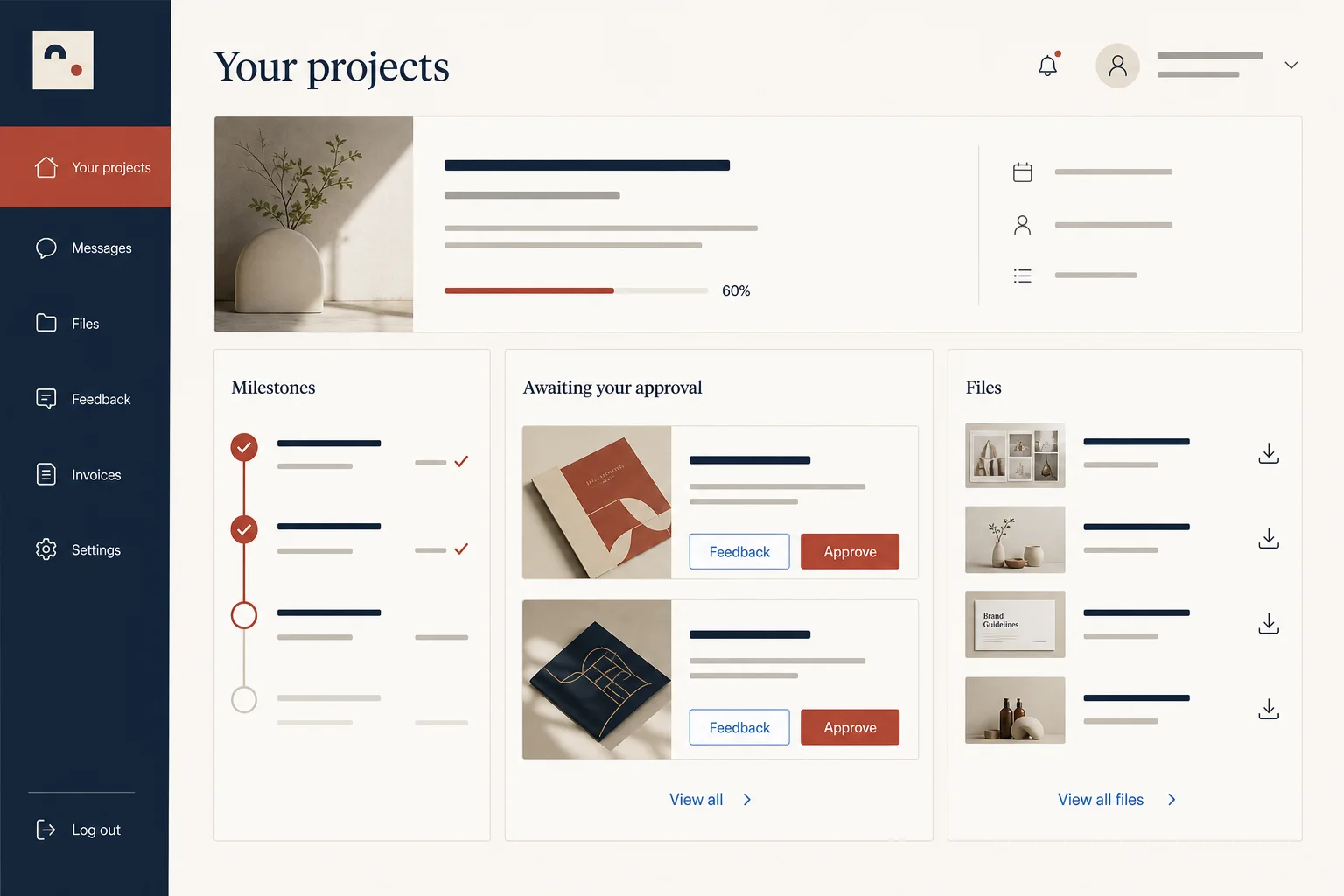
ภาพตัวอย่างของ เครื่องมือสร้างพอร์ทัลลูกค้าด้วย AI

เครื่องมือสร้างพอร์ทัลลูกค้าด้วย AI

เว็บแอปเฉพาะทางพร้อมขั้นตอนการทำงาน บัญชี และข้อมูลถาวรตามที่โปรเจกต์ต้องการ

ภาพตัวอย่างของ เครื่องมือสร้างเว็บไซต์จองคิวด้วย AI

เครื่องมือสร้างเว็บไซต์จองคิวด้วย AI

เว็บแอปเฉพาะทางพร้อมขั้นตอนการทำงาน บัญชี และข้อมูลถาวรตามที่โปรเจกต์ต้องการ

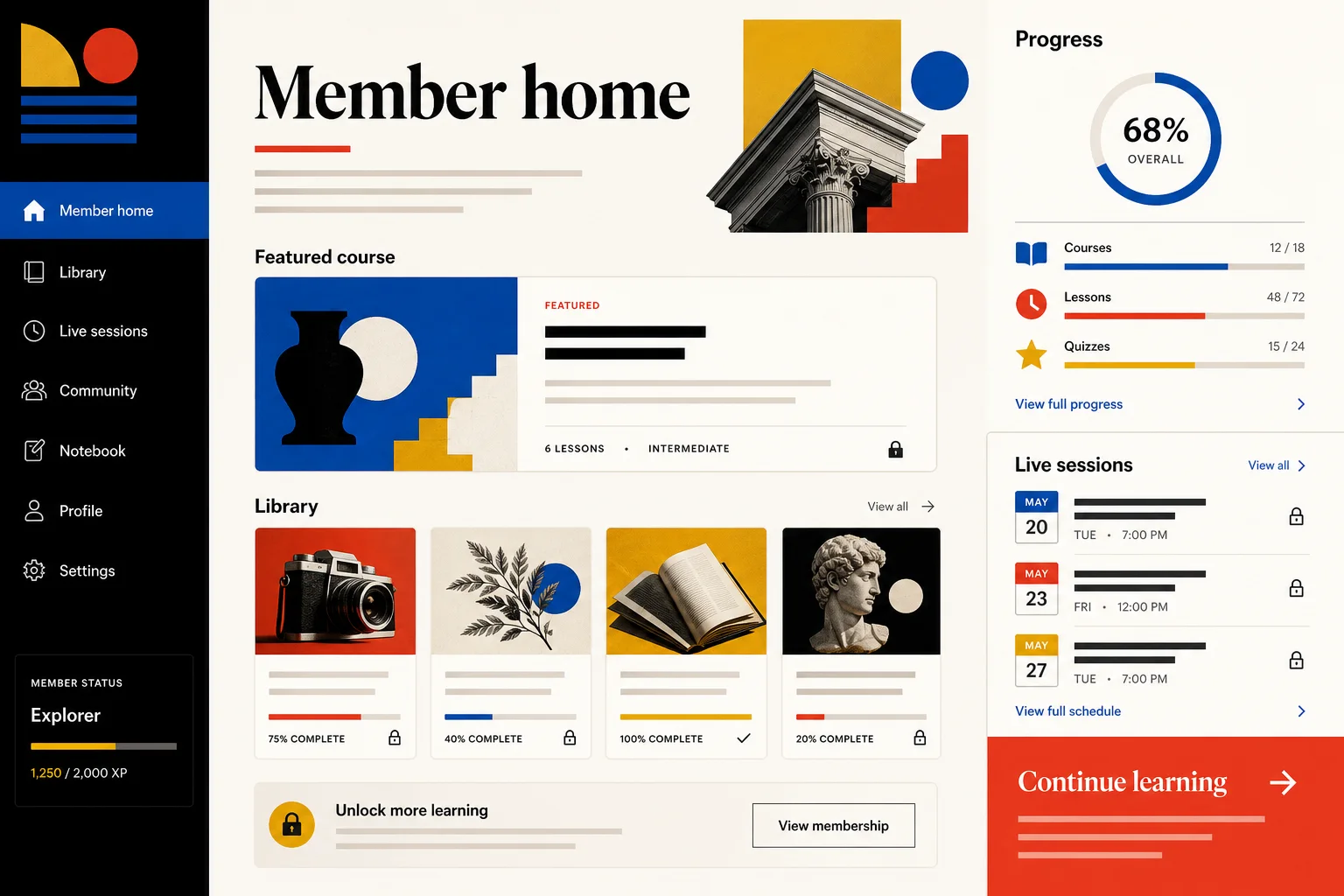
ภาพตัวอย่างของ เครื่องมือสร้างเว็บไซต์สมาชิกด้วย AI

เครื่องมือสร้างเว็บไซต์สมาชิกด้วย AI

เว็บแอปเฉพาะทางพร้อมขั้นตอนการทำงาน บัญชี และข้อมูลถาวรตามที่โปรเจกต์ต้องการ

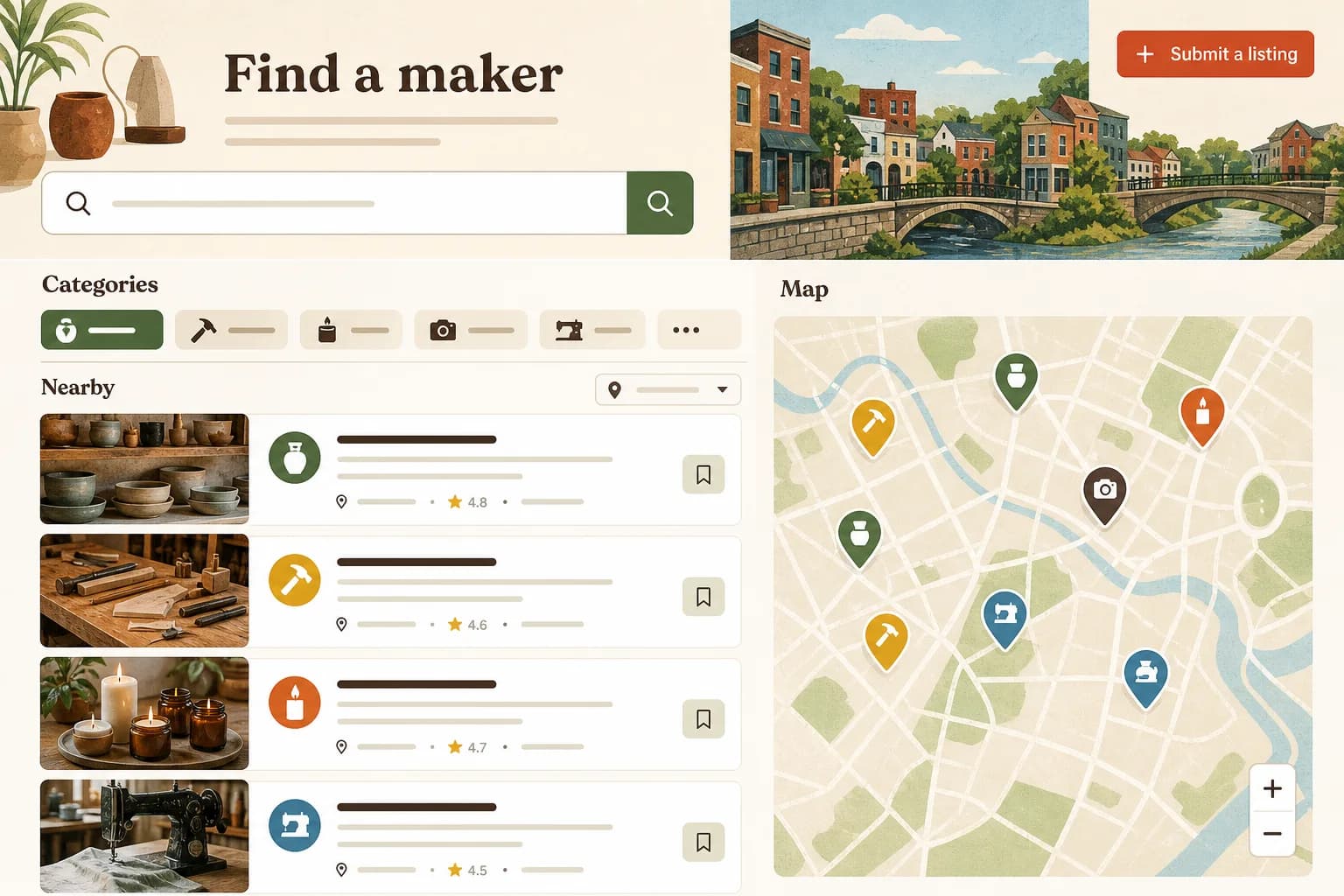
ภาพตัวอย่างของ เครื่องมือสร้างเว็บไซต์ไดเรกทอรีด้วย AI

เครื่องมือสร้างเว็บไซต์ไดเรกทอรีด้วย AI

เว็บแอปเฉพาะทางพร้อมขั้นตอนการทำงาน บัญชี และข้อมูลถาวรตามที่โปรเจกต์ต้องการ

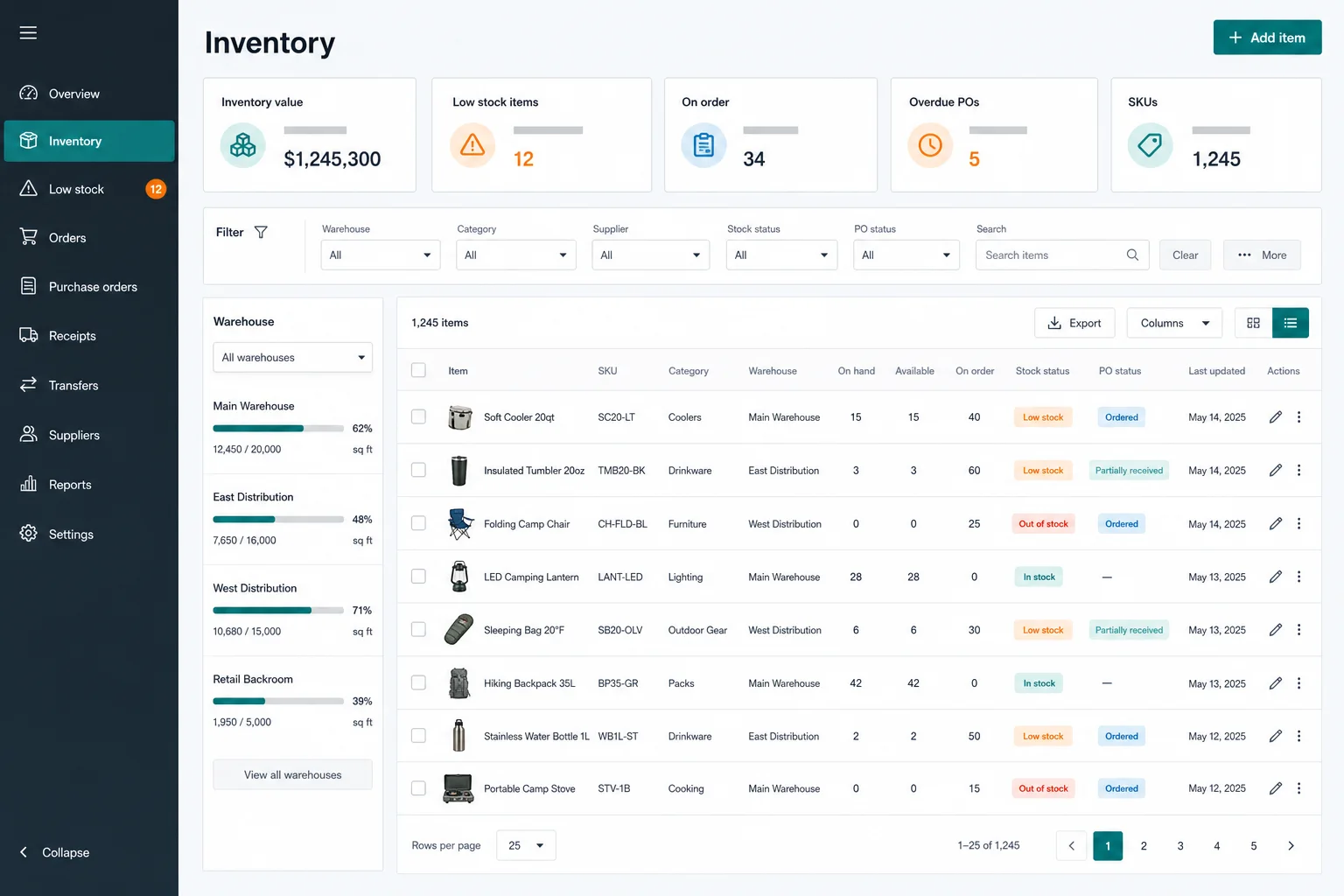
ภาพตัวอย่างของ เครื่องมือสร้างระบบภายในด้วย AI

เครื่องมือสร้างระบบภายในด้วย AI

เว็บแอปเฉพาะทางพร้อมขั้นตอนการทำงาน บัญชี และข้อมูลถาวรตามที่โปรเจกต์ต้องการ

เลือกโครงสร้างที่เหมาะสม

เว็บไซต์แบบง่ายหรือแอปฟูลสแตก

Marky can start light and add the application layer when the project needs accounts, stored records or protected server logic.

Comparison of simple website and full-stack Marky projects
ความสามารถเว็บไซต์แบบง่ายแอปฟูลสแตก
FrontendVite, React, TypeScript and Tailwind CSSVite, React, TypeScript and Tailwind CSS
ServerNot includedExpress with typed tRPC APIs
DatabaseNot includedManaged Neon Postgres with Drizzle
User accountsNot includedBetter Auth foundation and Google OAuth support
File uploadsStatic project assetsCloudflare R2, using an S3-compatible API
Best forMarketing sites, portfolios and information pagesPortals, SaaS, directories and operational apps

พื้นฐานพร้อมใช้งานจริง

โครงสร้างพื้นฐานเบื้องหลังการสนทนา

The chat is the interface. Underneath it, Marky works with a conventional codebase and managed services you can reason about.

Preview
A public sandbox URL that updates while Marky works
Production
Google Cloud Run after you explicitly approve publishing
Data
A managed Neon Postgres branch for each full-stack project
Authentication
Better Auth foundation with centralized Google OAuth support
Domains
An editable subdomain, a connected domain or a purchased domain
Source code
Create or connect a GitHub repository and push project changes

ภาพรวมความสามารถทั้งหมด

สิ่งที่ Marky ทำได้ตลอดทั้งโปรเจกต์เว็บ

Capabilities are selected from the brief. A brochure site does not need a database; a portal does. Marky can add the deeper layers when the product actually calls for them.

The working code and feedback loop

Build and inspect

  • Vite, React, TypeScript and Tailwind CSS for every web project
  • Express and typed tRPC APIs when the project needs a backend
  • Live preview, project health checks, commands and tests for full-stack work
  • An upgrade path from a simple website to the full-stack scaffold

Persistent application data and identity

Store and protect

  • A managed Neon Postgres branch provisioned for the project
  • Drizzle models, schema changes, migrations and direct SQL operations
  • Better Auth foundations and centralized Google OAuth support
  • Cloudflare R2 object storage through its S3-compatible interface

Protected credentials and external capabilities

Connect services

  • Project secrets for private API keys and service credentials
  • Easy-Peasy.AI endpoints for text, chat, images, video, speech, transcription, bots and sounds
  • Third-party APIs for payments, email, calendars, maps and similar workflows
  • AWS APIs and services when configured—separate from the default Cloud Run publish path

Versions, domains and production operation

Ship and recover

  • Automatic preview checkpoints, named versions and rollback controls
  • Google Cloud Run publishing and an optional Always-On Hosting add-on
  • Editable subdomains plus custom-domain purchase or connection, DNS and SSL setup
  • GitHub repository creation, linking, push and later code synchronization

วงจรการสร้าง

เส้นทางที่มองเห็นได้จากไอเดียสู่ระบบจริง

  1. 01

    Describe the outcome

    Give Marky the users, core workflow, records and visual direction—not just a page count.

  2. 02

    Review the live preview

    Marky scaffolds the project, runs it and opens a URL you can inspect while the conversation continues.

  3. 03

    Refine and checkpoint

    Request changes in plain language and save a named working version before larger revisions.

  4. 04

    Publish when it is ready

    Approve production deployment, choose the URL and optionally connect the codebase to GitHub.

ขอบเขตที่ชัดเจน

สิ่งที่ควรรู้ก่อนเผยแพร่

  • Google Cloud Run is the built-in deployment target. AWS is possible by adapting the GitHub codebase or integrating AWS services with credentials.
  • Payments, email, maps, calendars and other third-party services require suitable APIs, your credentials and real integration testing.
  • Marky can implement metadata, structured data, sitemaps and internal links when requested; useful source content still determines search quality.
  • Apps handling regulated or highly sensitive data need an independent security, privacy and compliance review before production use.

คำถามที่พบบ่อย

คำถามที่พบบ่อยเกี่ยวกับเครื่องมือสร้างเว็บไซต์ Marky

Can Marky build a full-stack website, not just a landing page?

Yes. Marky can start with a lightweight React website or create a full-stack web app with an Express backend, typed APIs, a Neon Postgres database, Drizzle models, authentication, file storage, and server-side integrations. The scaffold is chosen from the requirements in your brief.

Can a Marky website include Google login?

Yes. Full-stack projects include an authentication foundation and support a centralized Google OAuth flow. Marky can build the sign-in screens and authenticated product experience, then test the flow in preview before the app is published.

Where are Marky websites hosted?

The built-in production publishing flow deploys websites and web apps to Google Cloud Run. Every published project can use an editable easy-peasy.site subdomain, connect an existing custom domain, or purchase a new domain through the project settings.

Can Marky deploy a website to AWS?

Google Cloud Run is Marky's built-in deployment target. Because the generated project is a real TypeScript and Node.js codebase that can be pushed to GitHub, a developer can adapt it for AWS. AWS services and credentials are an integration path, not the default one-click publish flow.

Do I own or export the website code?

You can connect GitHub, create a new repository or link an existing one, and push the project code and later changes. Marky also keeps preview checkpoints so you can inspect versions and roll the editable project—or an eligible live deployment—back to an earlier state.

Can I add a database after starting with a simple website?

Yes. Marky can upgrade a static web project to the full-stack scaffold when the site grows to need user accounts, stored records, backend APIs, uploads, or AI features. The upgrade provisions the database and authentication foundation without requiring a brand-new conversation.

เริ่มด้วยรายละเอียดที่ชัดเจน

บอก Marky ว่าเว็บไซต์นี้สร้างเพื่อใคร และผู้ใช้ต้องทำอะไรให้สำเร็จ

เริ่มสร้าง