Copy written for one action
A headline, benefits, proof and a single call to action, written for the audience you describe.
Para lanzamientos, listas de espera y campañas
Describe el producto, el público y la única acción que quieres que hagan los visitantes. Marky escribe los textos, crea las imágenes, construye la página y el formulario que la acompaña, la revisa en computadora y en móvil, y la publica.
Respuesta directa
Un constructor de landing pages con IA crea un sitio web completo de una sola página a partir de una descripción: el titular y los textos, las imágenes, las secciones, un formulario de registro o de contacto, y el título y la descripción que muestran los buscadores. Marky lo construye como un proyecto React real, guarda los envíos del formulario en una base de datos, revisa el diseño en computadora y en móvil, y lo publica en una dirección easy-peasy.site o en tu propio dominio.
Creado para el trabajo real
Son capas funcionales vinculadas al flujo de trabajo, no secciones decorativas copiadas de una plantilla.
A headline, benefits, proof and a single call to action, written for the audience you describe.
Marky generates photos and illustrations that fit your product, so the page does not look like every other template.
Waitlist, newsletter and contact forms save each entry to a database that comes with the project.
Marky screenshots the page at desktop and phone widths and fixes sideways scrolling, cut-off text and broken images before handing it over.
The page is served as prerendered HTML with its own title and description, so search engines and AI tools can read it.
Publish to an easy-peasy.site address or your own domain, and push the code to GitHub when you want it.
Modelo de datos sugerido
Ejemplo de instrucción
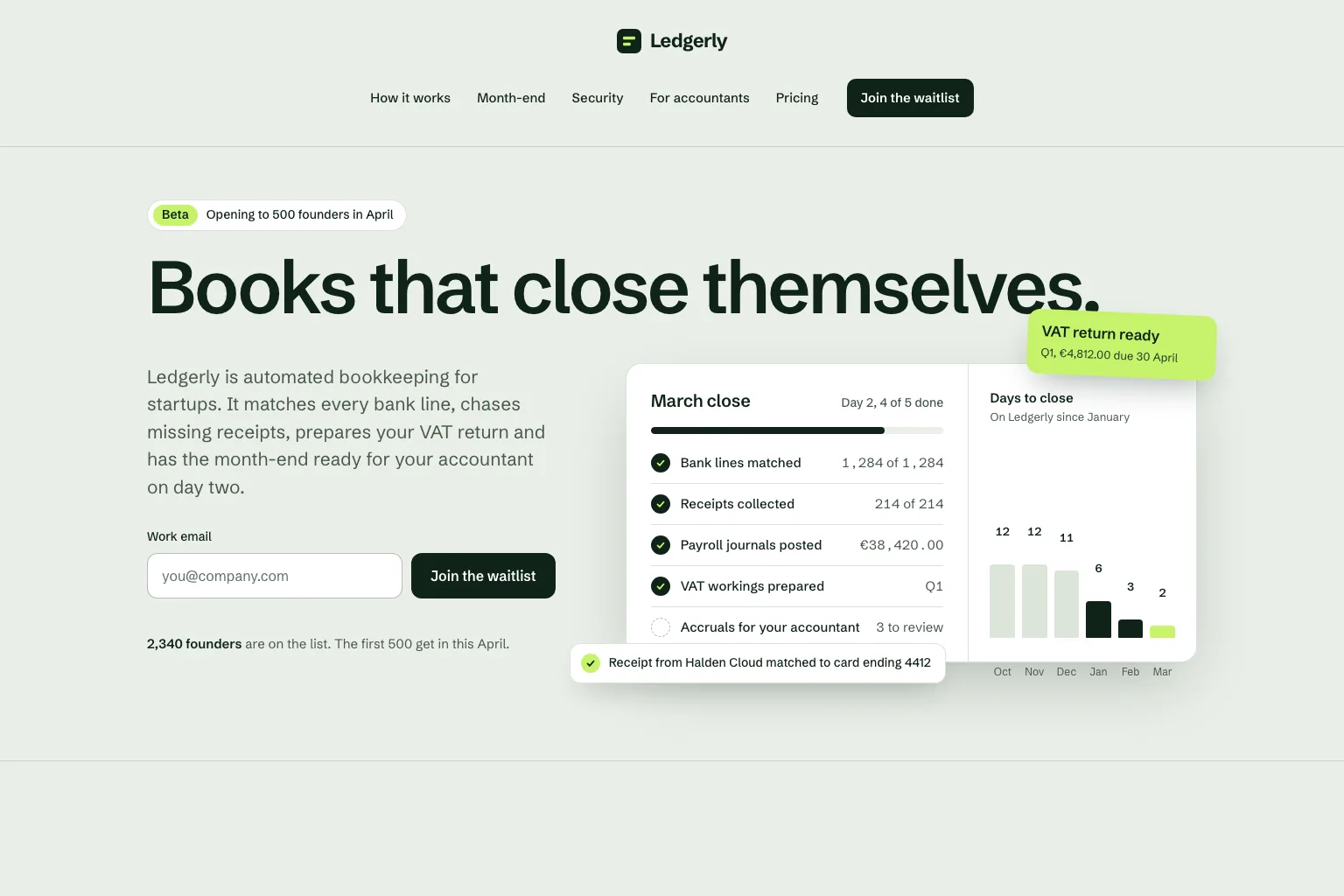
“Build a waitlist landing page for "Ledgerly", automated bookkeeping for startups that closes the books on day two. Lead with the promise and a work email form, then how it works, month-end, security, a section for accountants, pricing and an FAQ. Save every sign-up in a database. Calm, precise look.”Usar como punto de partida
Secuencia práctica de creación
Join a waitlist, book a call or buy early: decide what the page asks for before anything else.
Who it is for, what it solves and the proof you have. Marky turns that into sections and copy.
Read the copy, try the form and open the page on your phone. Ask for changes in plain words.
Publish to an easy-peasy.site address or connect your domain, then send people to it.
Stack de producción compartido
Un frontend editable, no un formato de página propietario.
Registros persistentes y lógica protegida del lado del servidor.
Autenticación y credenciales protegidas para integraciones.
La publicación integrada usa Cloudflare, y las páginas se renderizan en el servidor para que los buscadores y las herramientas de IA puedan leerlas. Los servicios de AWS se pueden integrar mediante credenciales protegidas, y un desarrollador puede adaptar el código de GitHub para un despliegue en AWS.
Preguntas específicas
Yes. Marky adds a waitlist, newsletter or contact form and saves every entry to a database that comes with the project. Ask Marky to show you the list, or to build a simple admin page for it.
Yes. Every published page gets an editable easy-peasy.site address, and you can connect a domain you own or buy a new one in the project settings.
Yes. Ask for changes in the same chat: new copy, another section, a different color. Marky saves versions, so you can go back to an earlier one.
The page is served as prerendered HTML with its own title and description, so search engines can read it. Where it ranks still depends on useful content and on other sites linking to it.
Sigue explorando
Crea la primera versión funcional


