Copy written for one action
A headline, benefits, proof and a single call to action, written for the audience you describe.
Untuk pelancaran, senarai menunggu dan kempen
Terangkan produk, khalayak sasaran dan satu tindakan yang anda mahu pelawat lakukan. Marky menulis teks, menghasilkan imej, membina halaman dan borang yang mengumpul pendaftaran, menyemaknya pada desktop dan telefon, lalu menerbitkannya.
Jawapan terus
Pembina halaman pendaratan AI menghasilkan laman web satu halaman yang lengkap daripada penerangan: tajuk utama dan teks, imej, bahagian, borang pendaftaran atau hubungan serta tajuk dan penerangan yang dipaparkan oleh enjin carian. Marky membinanya sebagai projek React sebenar, menyimpan data borang dalam pangkalan data, menyemak susun atur pada desktop dan telefon, dan menerbitkannya ke alamat easy-peasy.site atau domain anda sendiri.
Dibina mengikut kerja sebenar
These are functional product layers tied to the workflow—not decorative sections copied from a template.
A headline, benefits, proof and a single call to action, written for the audience you describe.
Marky generates photos and illustrations that fit your product, so the page does not look like every other template.
Waitlist, newsletter and contact forms save each entry to a database that comes with the project.
Marky screenshots the page at desktop and phone widths and fixes sideways scrolling, cut-off text and broken images before handing it over.
The page is served as prerendered HTML with its own title and description, so search engines and AI tools can read it.
Publish to an easy-peasy.site address or your own domain, and push the code to GitHub when you want it.
Model data yang dicadangkan
Contoh arahan
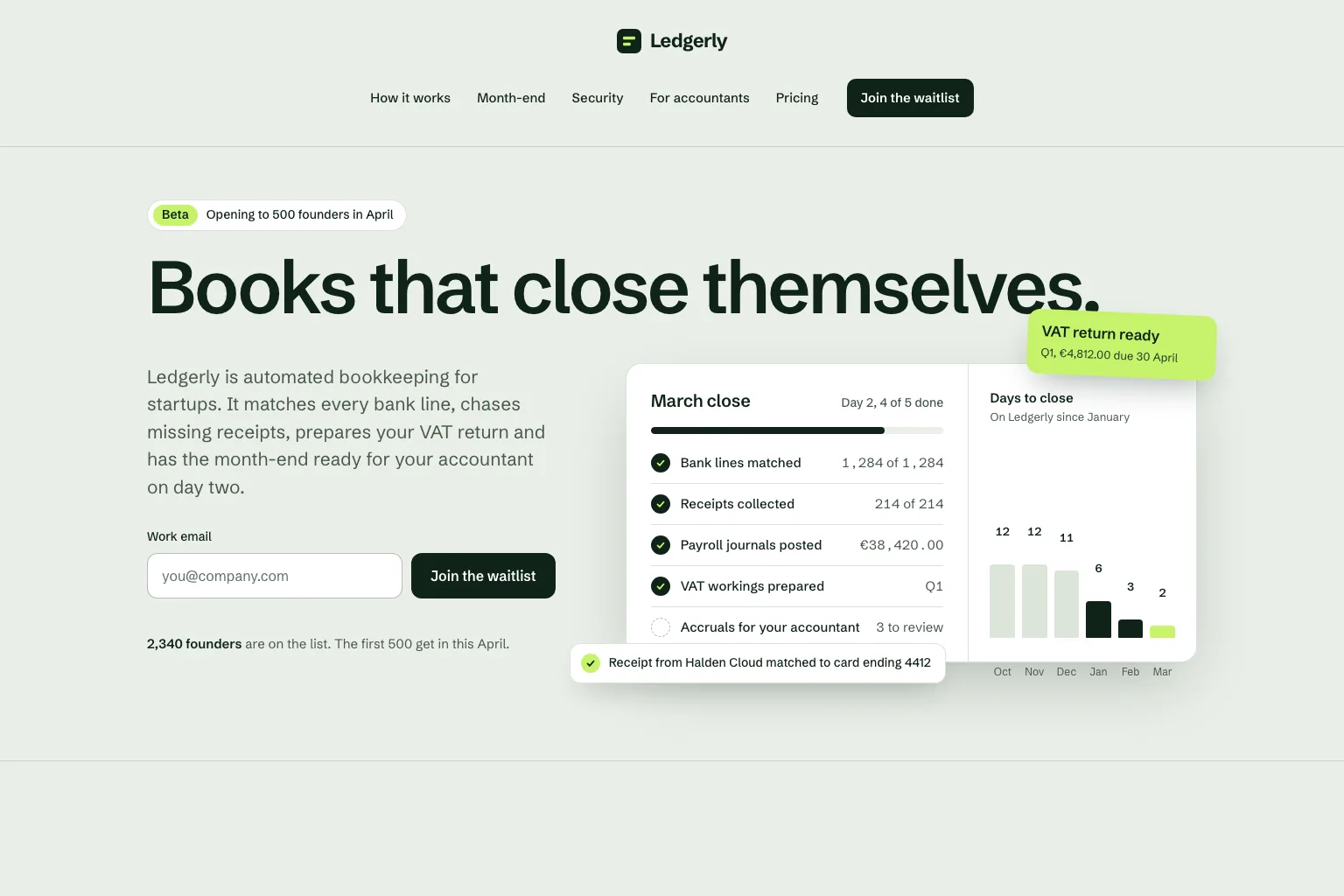
“Build a waitlist landing page for "Ledgerly", automated bookkeeping for startups that closes the books on day two. Lead with the promise and a work email form, then how it works, month-end, security, a section for accountants, pricing and an FAQ. Save every sign-up in a database. Calm, precise look.”Gunakan sebagai titik mula
Urutan pembinaan praktikal
Join a waitlist, book a call or buy early: decide what the page asks for before anything else.
Who it is for, what it solves and the proof you have. Marky turns that into sections and copy.
Read the copy, try the form and open the page on your phone. Ask for changes in plain words.
Publish to an easy-peasy.site address or connect your domain, then send people to it.
Stack produksi bersama
Bahagian hadapan yang boleh diedit, bukan format halaman proprietari.
Rekod kekal dan logik sisi pelayan yang dilindungi.
Pengesahan dan bukti kelayakan yang dilindungi untuk integrasi.
Penerbitan terbina dalam menyasarkan Cloudflare, dan halaman dirender pada pelayan supaya enjin carian dan alat AI boleh membacanya. Perkhidmatan AWS boleh diintegrasikan melalui bukti kelayakan yang dilindungi, dan pangkalan kod GitHub boleh disesuaikan oleh pembangun untuk penggunaan AWS.
Soalan khusus
Yes. Marky adds a waitlist, newsletter or contact form and saves every entry to a database that comes with the project. Ask Marky to show you the list, or to build a simple admin page for it.
Yes. Every published page gets an editable easy-peasy.site address, and you can connect a domain you own or buy a new one in the project settings.
Yes. Ask for changes in the same chat: new copy, another section, a different color. Marky saves versions, so you can go back to an earlier one.
The page is served as prerendered HTML with its own title and description, so search engines can read it. Where it ranks still depends on useful content and on other sites linking to it.
Teruskan meneroka
Bina versi pertama yang berfungsi


