Web apps and phone apps
Web apps run in any browser. Phone apps are built with Expo and open on your phone from a QR code while Marky works.
Untuk pengasas, pasukan dan projek sampingan
Terangkan apa yang perlu dilakukan oleh aplikasi dan siapa yang menggunakannya. Marky membina skrin, pangkalan data, log masuk dan kod pelayan, mengujinya dalam pratonton langsung dan menerbitkannya apabila anda meluluskannya.
Jawapan terus
Pembina aplikasi AI mengubah penerangan ringkas menjadi aplikasi yang berfungsi, bukan sekadar mockup. Marky menulis projek sebenar, React dan TypeScript untuk aplikasi web atau Expo untuk aplikasi telefon, dan menambah pangkalan data Postgres, log masuk serta kod pelayan apabila aplikasi memerlukannya. Anda mencubanya dalam pratonton langsung, meminta perubahan dalam sembang, kemudian menerbitkannya atau menghantar kod ke GitHub.
Dibina mengikut kerja sebenar
These are functional product layers tied to the workflow—not decorative sections copied from a template.
Web apps run in any browser. Phone apps are built with Expo and open on your phone from a QR code while Marky works.
Registration, Google sign-in and screens only members can open, built around how your app is used.
Marky designs the tables, stores the app's data in Postgres and changes the schema as the app grows.
Business rules, private API keys and webhooks stay on the server. Marky connects payments, email or maps when you add their keys.
Add chat, image, voice or transcription features through the Easy-Peasy.AI API when the idea needs them.
Every change shows up in a live preview. Save versions, roll back, publish to your own address and push the code to GitHub.
Model data yang dicadangkan
Contoh arahan
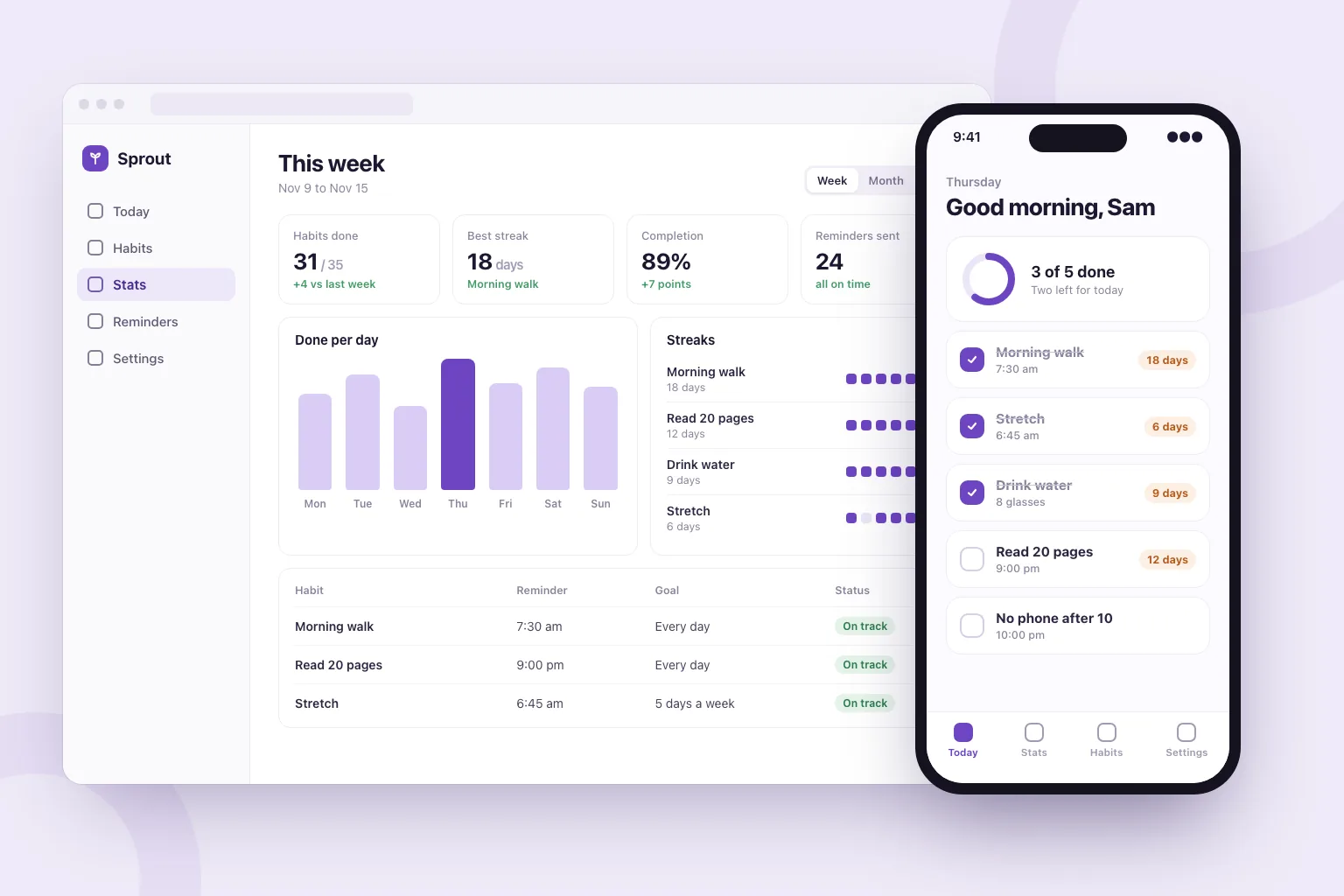
“Build a habit tracker web app. People sign in with Google, add daily habits, tick them off and see their streaks. Add a weekly stats page, reminder settings and a home screen with today's habits. Store everything in a database and make it work well on phones.”Gunakan sebagai titik mula
Urutan pembinaan praktikal
Say who uses it, the main thing they do and what they should see first.
Marky lists the features it plans to build. Edit, add or remove lines before it starts.
Click through the app in the preview, or scan the QR code to open a phone app on your phone, and ask for changes in plain words.
Publish it to its own address, connect a domain or GitHub, and keep adding features in the same chat.
Stack produksi bersama
Bahagian hadapan yang boleh diedit, bukan format halaman proprietari.
Rekod kekal dan logik sisi pelayan yang dilindungi.
Pengesahan dan bukti kelayakan yang dilindungi untuk integrasi.
Penerbitan terbina dalam menyasarkan Cloudflare, dan halaman dirender pada pelayan supaya enjin carian dan alat AI boleh membacanya. Perkhidmatan AWS boleh diintegrasikan melalui bukti kelayakan yang dilindungi, dan pangkalan kod GitHub boleh disesuaikan oleh pembangun untuk penggunaan AWS.
Soalan khusus
Yes. In Build app mode Marky makes the app with Expo (React Native), with a database and server code when it needs them. You open it on your phone by scanning a QR code: in the browser, or in the Expo Go app for the full native feel.
Not from Marky. You can publish the app at its own web address and push its code to GitHub. Getting it into the stores takes an Apple or Google developer account and an Expo build, which a developer can make from that code.
Yes, in the sense that you describe what you want and the AI writes the code. Marky also sets up the database, sign-in and hosting, checks its work in a browser, and lets you keep the code.
No. You describe the app and ask for changes in plain words. The code is a standard React and TypeScript project, so a developer can pick it up later if you want.
You can start on the Free plan, which has a small monthly allowance. An app is a long job (screens, a database, sign-in and testing), so finishing most apps takes a paid plan. Paid plans also add the strongest models and commercial use.
Teruskan meneroka
Bina versi pertama yang berfungsi