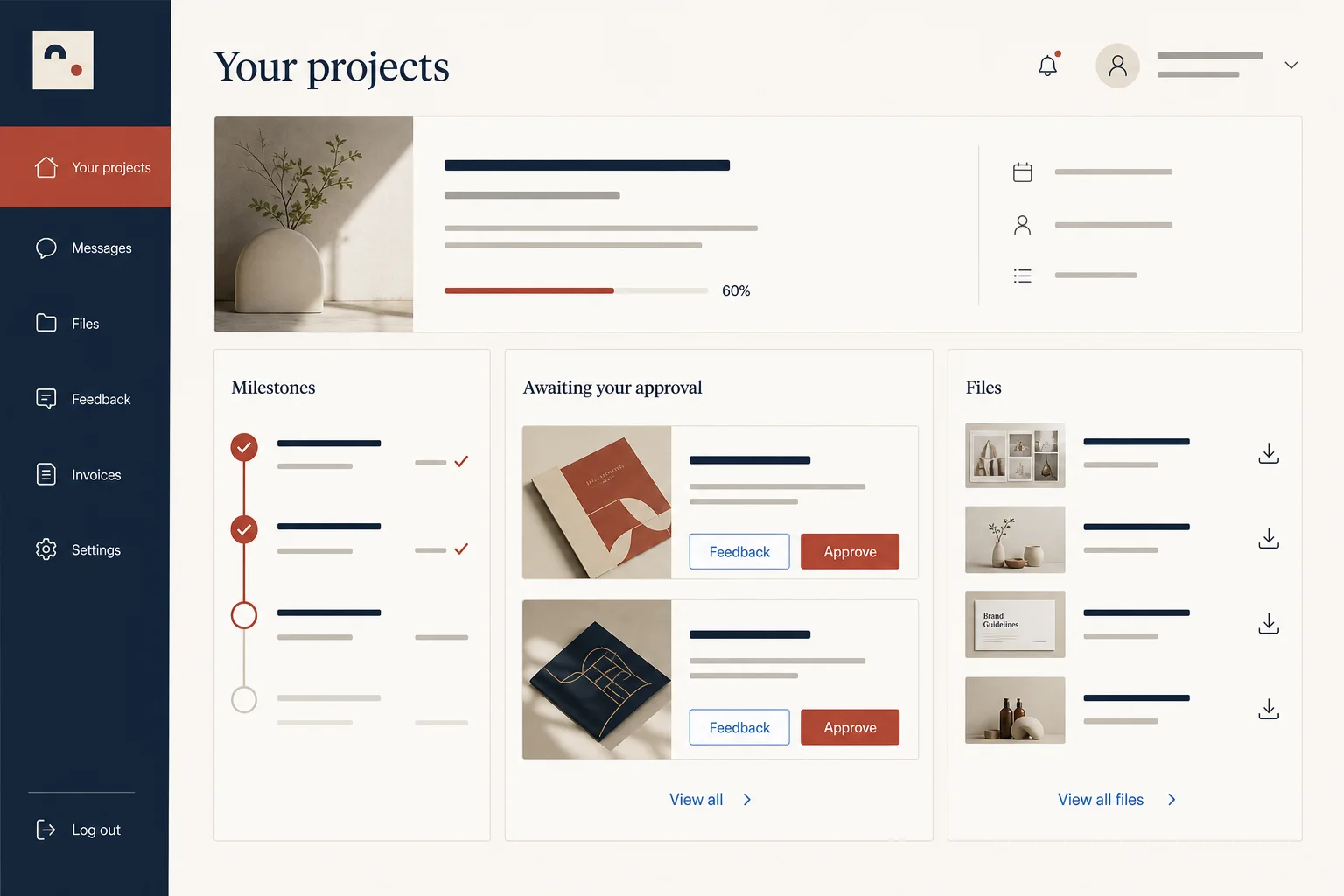
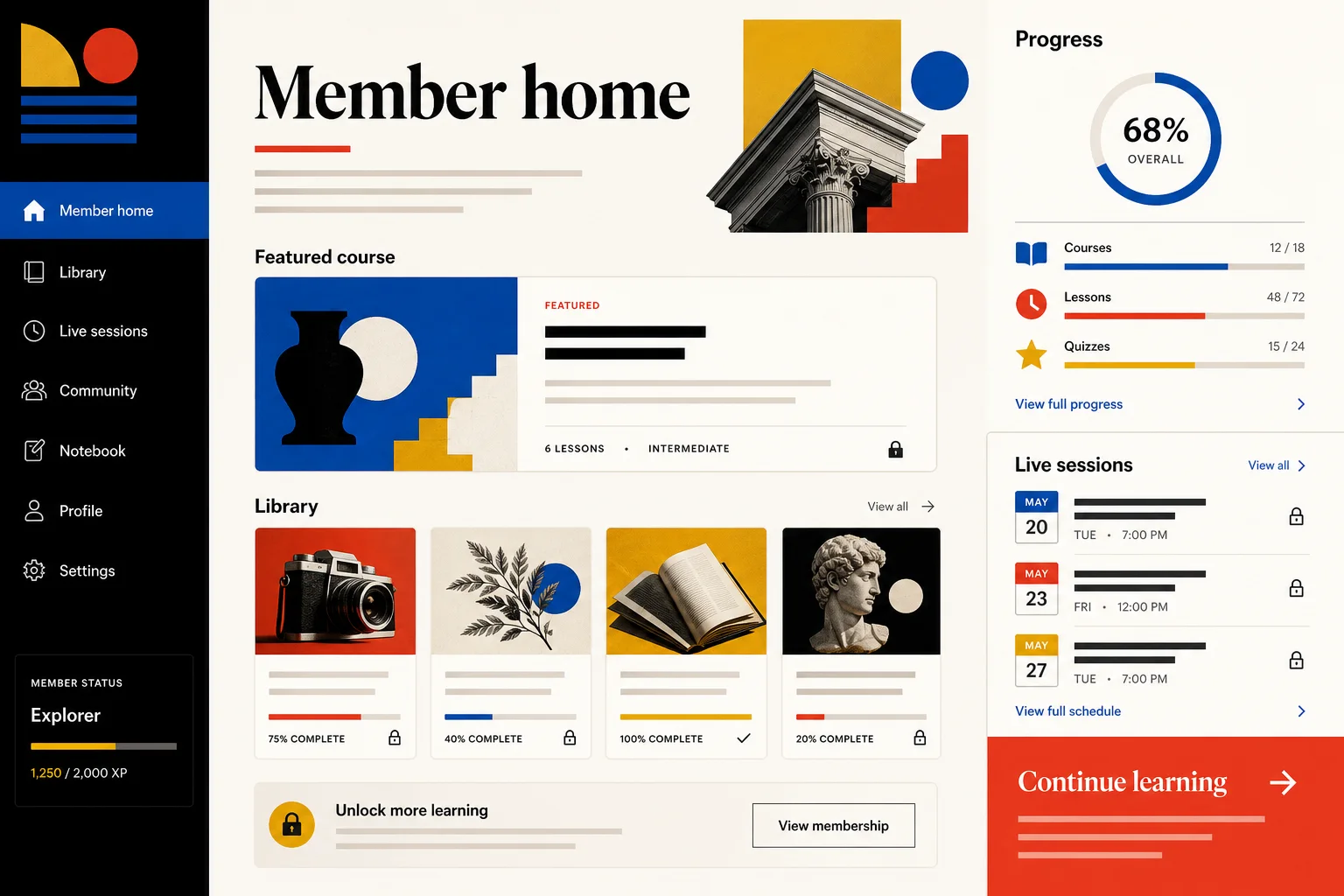
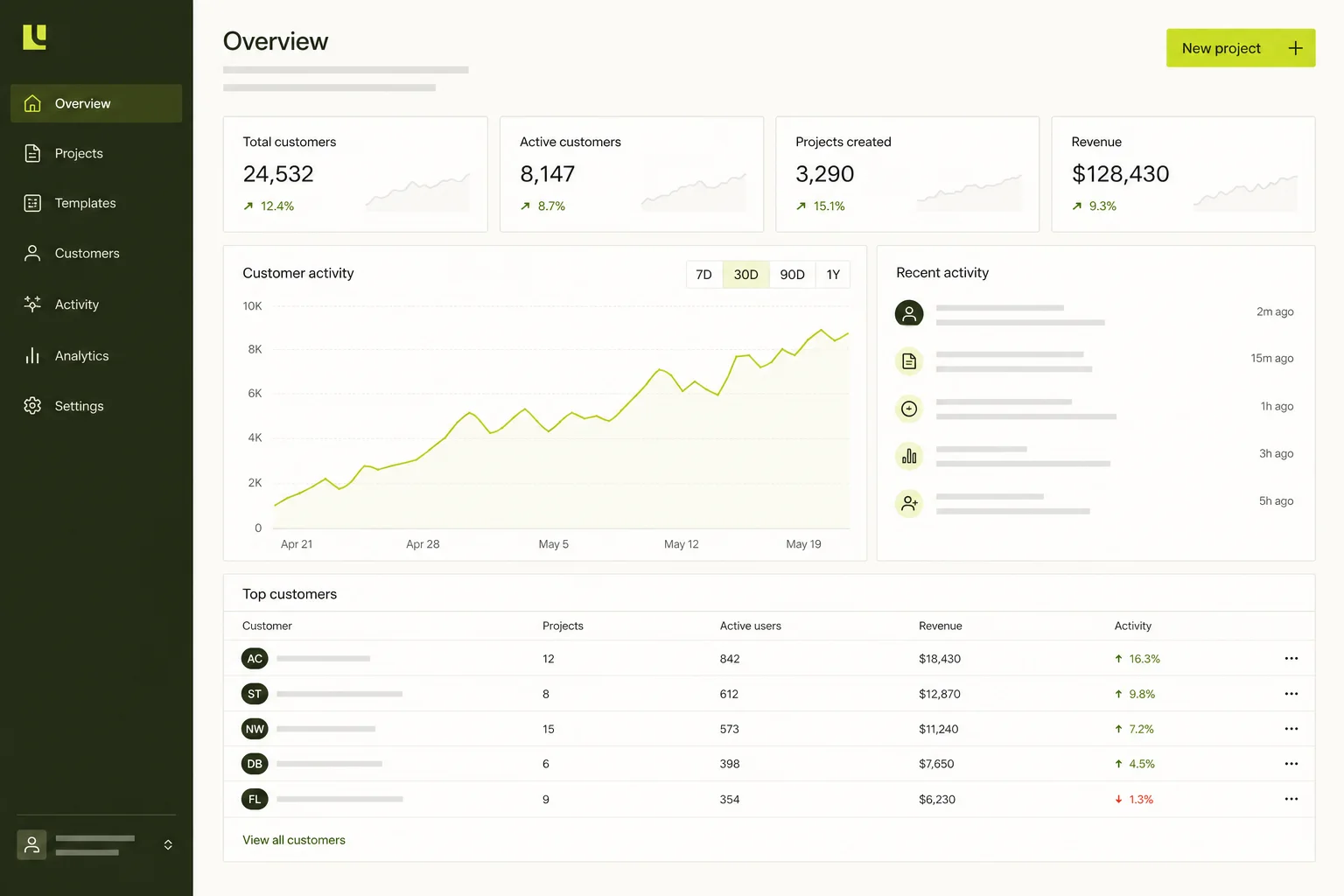
A service-first public website
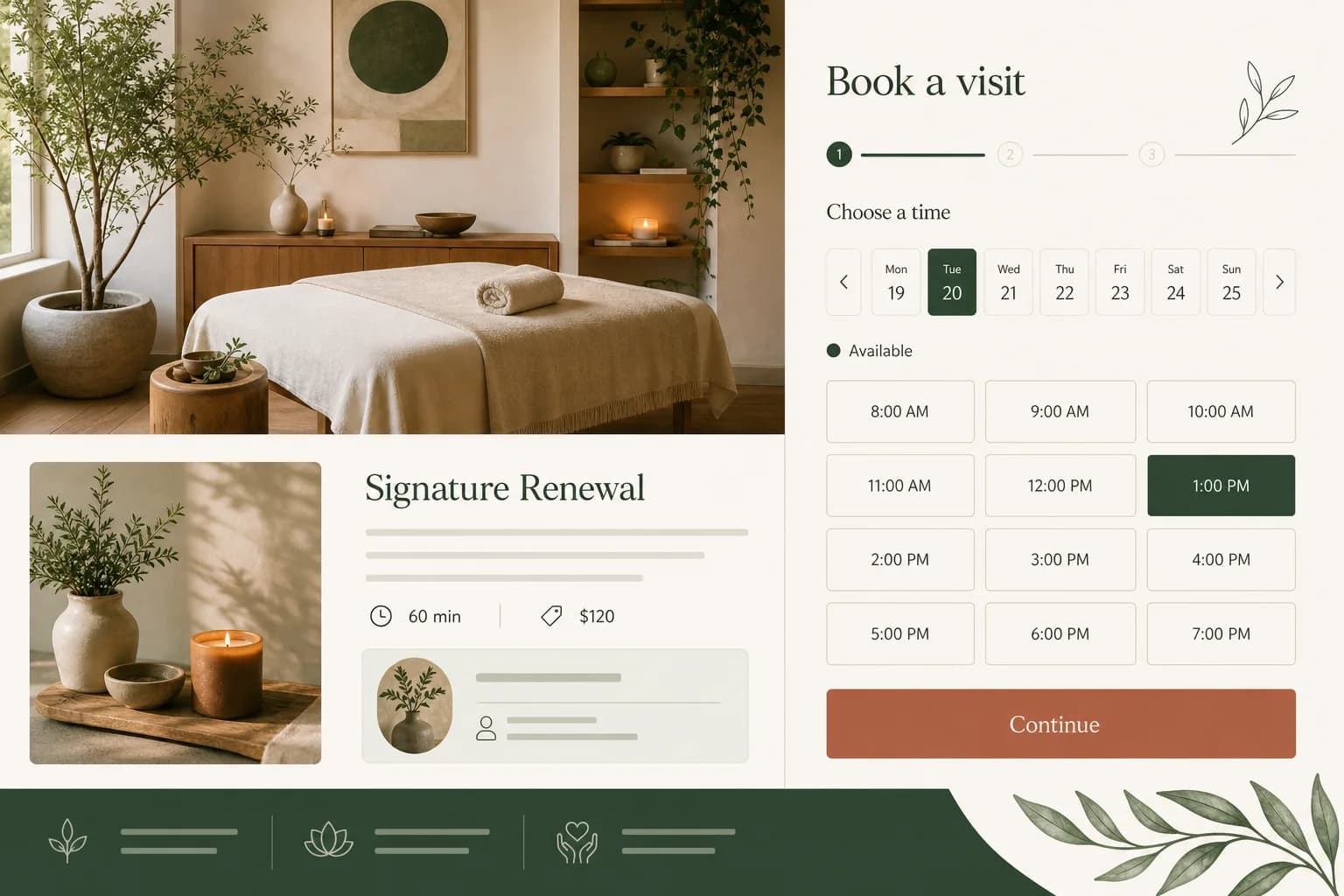
Explain offers, duration, location and pricing before guiding visitors into the right booking path.
스튜디오와 서비스 기업을 위해
사용자와 워크플로를 설명하면 Marky가 실제 데이터와 프로덕션 경로를 갖춘 편집 가능한 풀스택 프로젝트로 만듭니다.
핵심 답변
AI 예약 웹사이트 빌더은 작성한 요구사항을 편집 가능한 웹 앱으로 바꿉니다. Marky는 UI, 백엔드, 데이터베이스, 인증, 배포 설정을 한 프로젝트에 구성합니다.
실제 업무에 맞춘 설계
These are functional product layers tied to the workflow—not decorative sections copied from a template.
Explain offers, duration, location and pricing before guiding visitors into the right booking path.
Represent staff, services, opening windows, buffers and booking status in the database schema.
Show whether a request is pending, confirmed, rescheduled or cancelled instead of implying a slot is secured too early.
Give staff a practical view for upcoming appointments, intake details and status changes.
Connect calendar, email, SMS or payment services through their APIs and protected environment variables.
Design the conversion path for touch screens, preview it publicly and launch it on your business domain.
권장 데이터 모델
프롬프트 예시
“Build a booking website for a four-person wellness studio. Visitors choose a service, practitioner and available time, then submit contact details. Staff need a weekly schedule, blocked-time controls and pending/confirmed states. Make the mobile booking flow the priority.”이 내용으로 시작하기
실용적인 구축 순서
List services, durations, staff, locations and what makes a reservation confirmed.
Marky can build a custom request system or work with a scheduling provider that exposes an API.
Review double-booking prevention, time zones, cancellations, unavailable days and mobile input.
Approve the preview, connect the domain and keep improving copy or operations through chat.
공통 프로덕션 스택
An editable frontend, not a proprietary page format.
Persistent records and protected server-side logic.
Authentication and protected credentials for integrations.
Built-in publishing targets Google Cloud Run. AWS services can be integrated through protected credentials, and the GitHub codebase can be adapted for an AWS deployment by a developer.
구체적인 질문
Marky can build a database-backed booking workflow as part of the generated app. If a separate scheduling system must be the source of truth, Marky can integrate it when the provider offers a suitable API, webhook or embed and you provide access.
A Google Calendar integration can be added through the appropriate API and credentials. The booking rules should define which calendar is authoritative, how conflicts are handled and whether a request is pending until the external event is created.
Yes, Marky can integrate a payment service such as Stripe using project secrets. Deposit amount, refund rules, webhook events and the relationship between payment and booking confirmation should be included in the brief and tested.
Marky builds responsive React interfaces and can make the touch booking path a first-class requirement. The preview should still be tested on real mobile devices, especially date pickers, keyboards, long service names and time-zone messaging.
더 살펴보기
작동하는 첫 버전 만들기