Copy written for one action
A headline, benefits, proof and a single call to action, written for the audience you describe.
Para lançamentos, listas de espera e campanhas
Descreva o produto, o público e a única ação que você quer que o visitante faça. O Marky escreve os textos, cria as imagens, monta a página e o formulário que recebe os cadastros, confere tudo no computador e no celular e publica.
Resposta direta
Um criador de landing pages com IA faz um site completo de uma página a partir de uma descrição: título principal e textos, imagens, seções, um formulário de cadastro ou de contato e o título e a descrição que aparecem nos mecanismos de busca. O Marky monta a página como um projeto React de verdade, salva as respostas do formulário em um banco de dados, confere o layout no computador e no celular e publica em um endereço easy-peasy.site ou no seu próprio domínio.
Criado para o trabalho real
These are functional product layers tied to the workflow—not decorative sections copied from a template.
A headline, benefits, proof and a single call to action, written for the audience you describe.
Marky generates photos and illustrations that fit your product, so the page does not look like every other template.
Waitlist, newsletter and contact forms save each entry to a database that comes with the project.
Marky screenshots the page at desktop and phone widths and fixes sideways scrolling, cut-off text and broken images before handing it over.
The page is served as prerendered HTML with its own title and description, so search engines and AI tools can read it.
Publish to an easy-peasy.site address or your own domain, and push the code to GitHub when you want it.
Modelo de dados sugerido
Exemplo de prompt
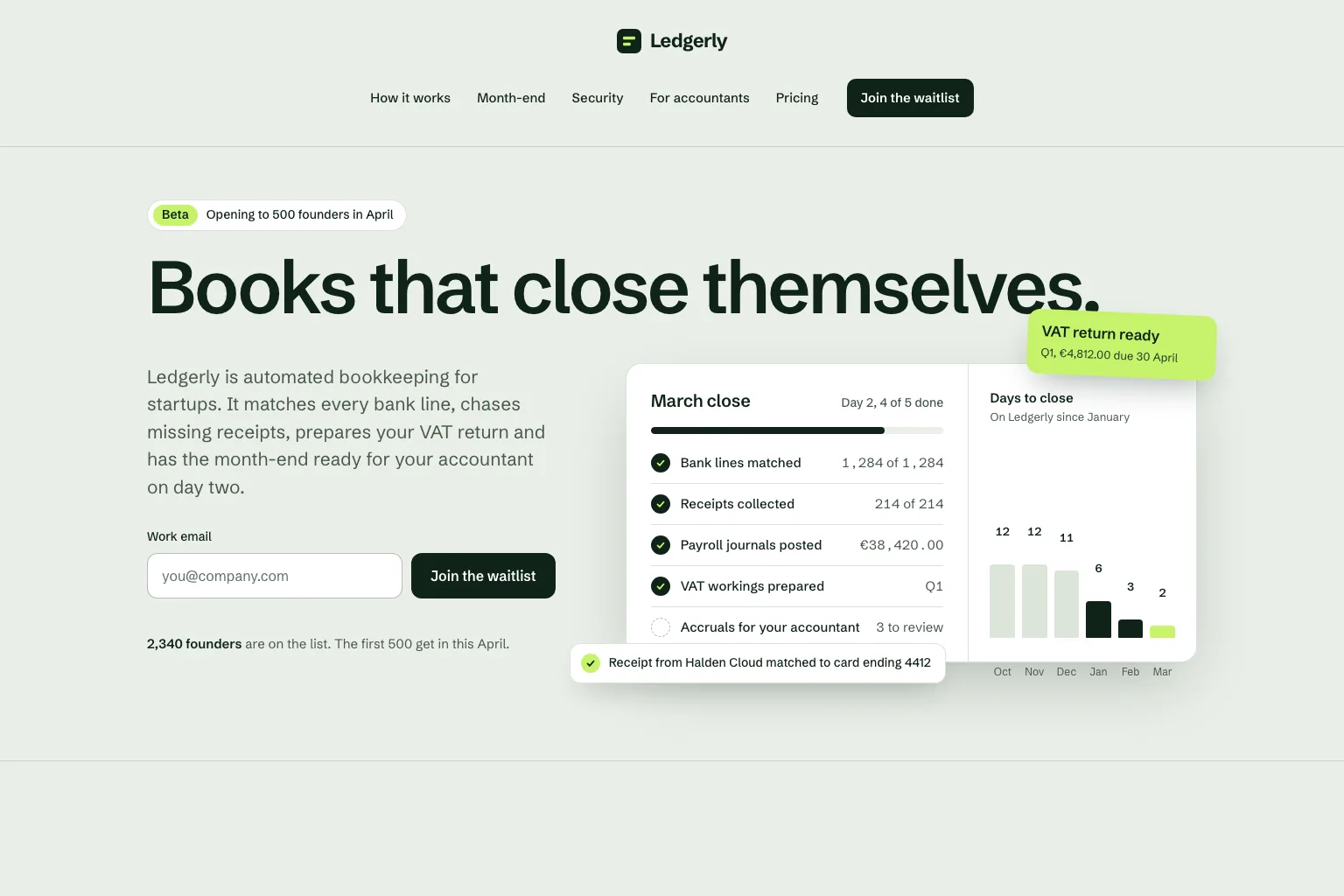
“Build a waitlist landing page for "Ledgerly", automated bookkeeping for startups that closes the books on day two. Lead with the promise and a work email form, then how it works, month-end, security, a section for accountants, pricing and an FAQ. Save every sign-up in a database. Calm, precise look.”Usar como ponto de partida
Sequência prática de criação
Join a waitlist, book a call or buy early: decide what the page asks for before anything else.
Who it is for, what it solves and the proof you have. Marky turns that into sections and copy.
Read the copy, try the form and open the page on your phone. Ask for changes in plain words.
Publish to an easy-peasy.site address or connect your domain, then send people to it.
Stack de produção compartilhado
Um frontend editável, não um formato de página proprietário.
Registros persistentes e lógica protegida no servidor.
Autenticação e credenciais protegidas para integrações.
A publicação integrada usa a Cloudflare, e as páginas são renderizadas no servidor para que mecanismos de busca e ferramentas de IA consigam lê-las. Serviços da AWS podem ser integrados por meio de credenciais protegidas, e o código no GitHub pode ser adaptado por um desenvolvedor para implantação na AWS.
Perguntas específicas
Yes. Marky adds a waitlist, newsletter or contact form and saves every entry to a database that comes with the project. Ask Marky to show you the list, or to build a simple admin page for it.
Yes. Every published page gets an editable easy-peasy.site address, and you can connect a domain you own or buy a new one in the project settings.
Yes. Ask for changes in the same chat: new copy, another section, a different color. Marky saves versions, so you can go back to an earlier one.
The page is served as prerendered HTML with its own title and description, so search engines can read it. Where it ranks still depends on useful content and on other sites linking to it.
Continue explorando
Crie a primeira versão funcional


