Public and private experiences
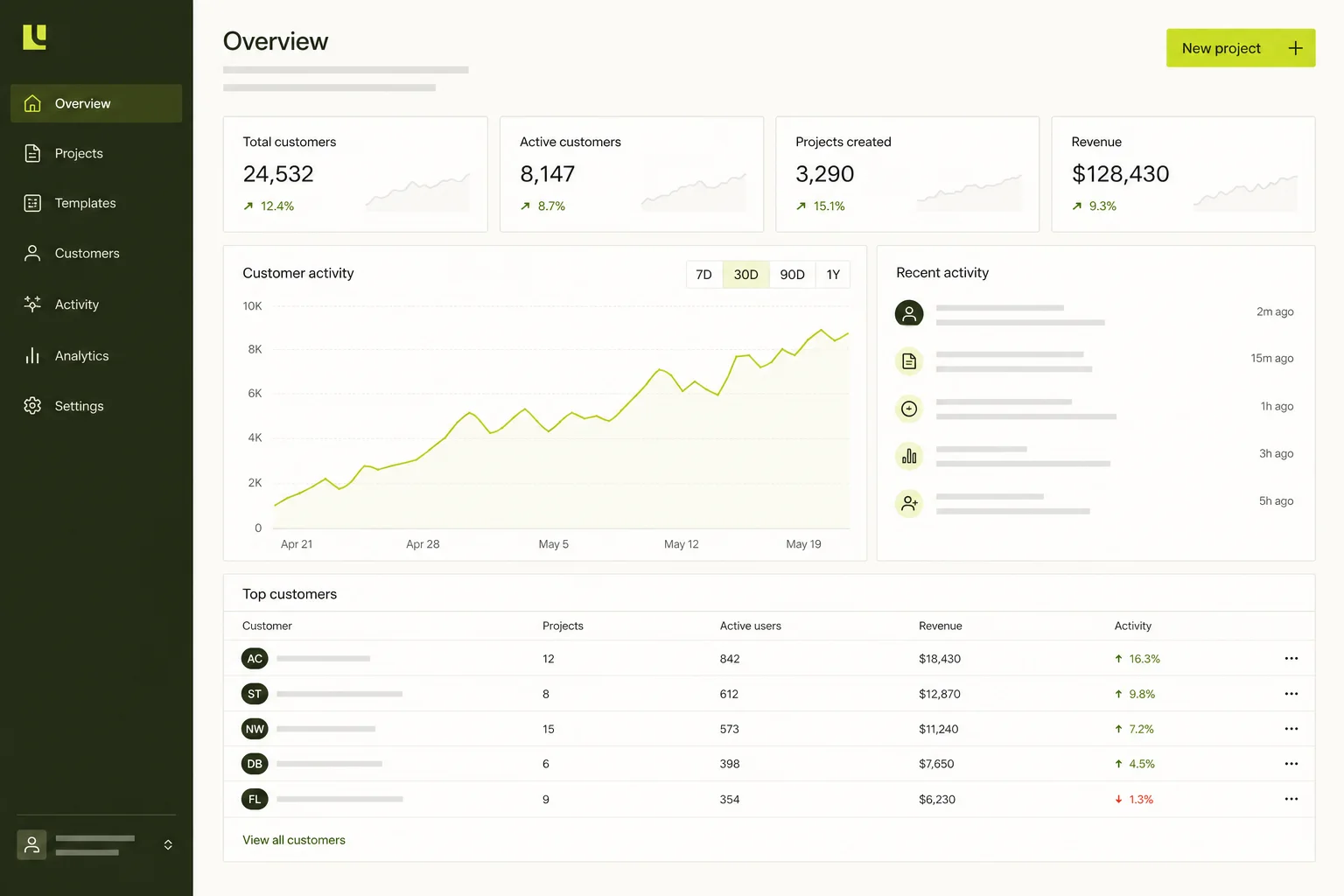
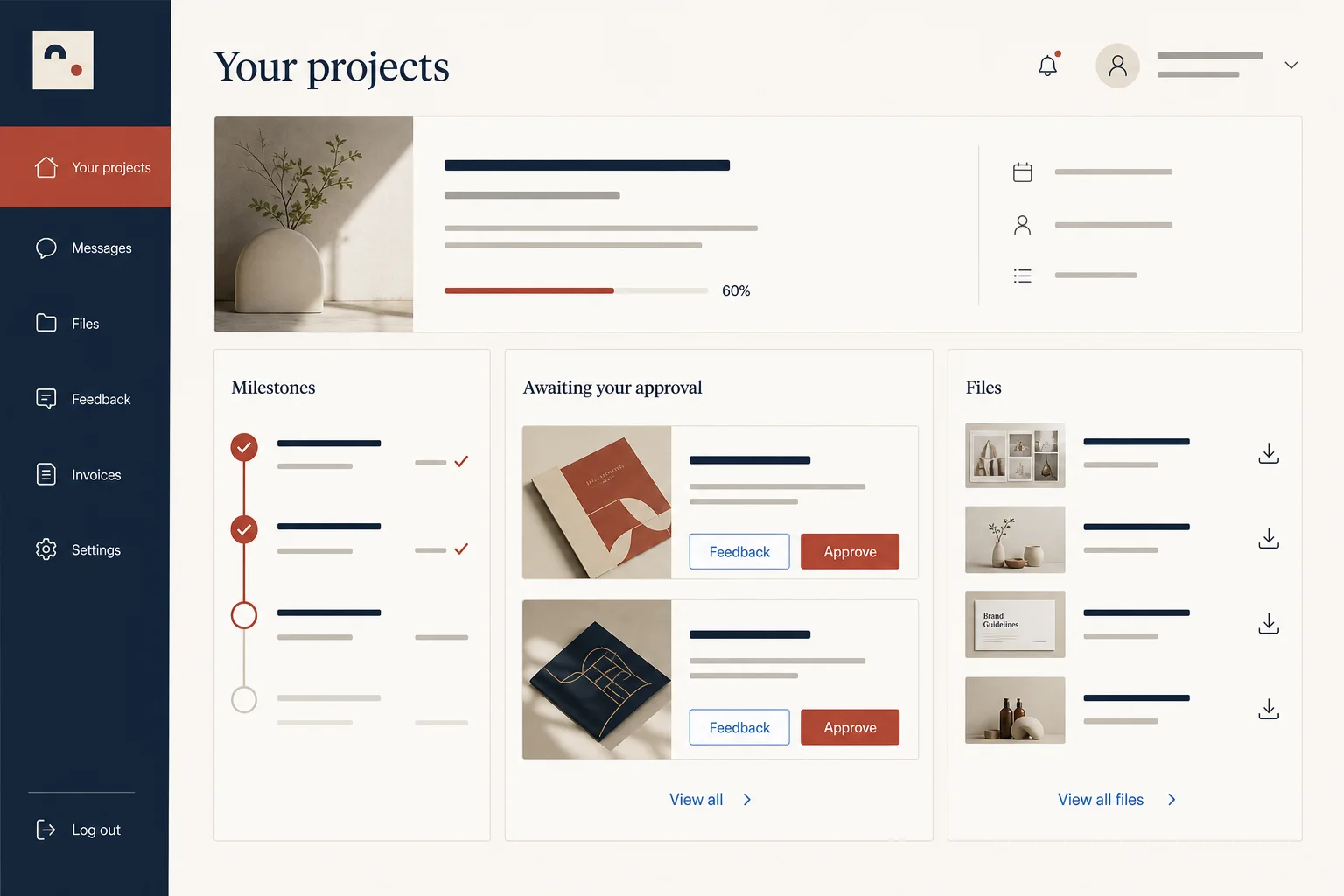
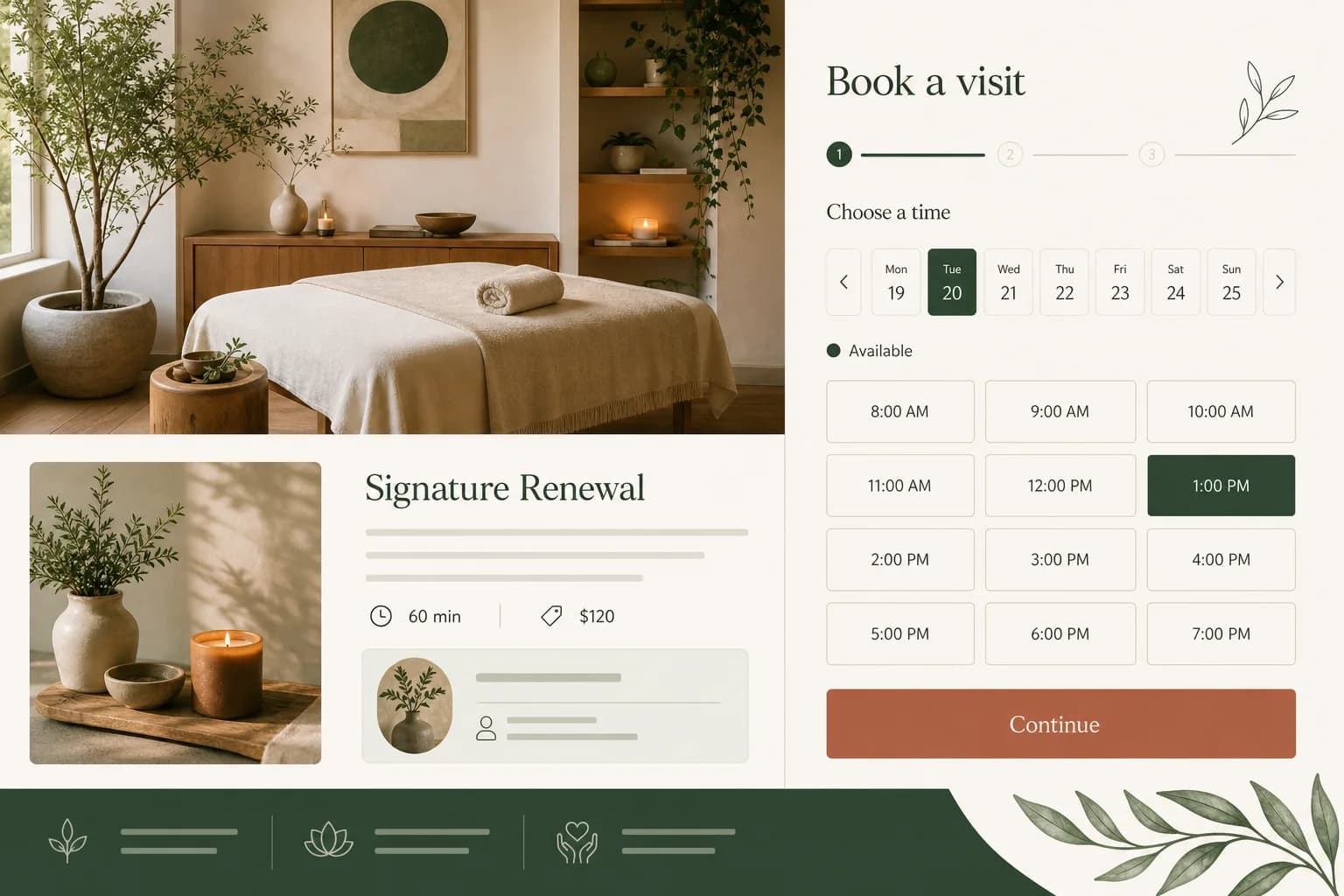
Create the sales pages, account entry points and authenticated member home as one cohesive site.
Für Creator und Communities
Verwandle Publikum, Lernprogramm oder Fachcommunity in ein gebrandetes Mitgliedererlebnis mit Login, Zugriffsregeln, Inhalten und gespeichertem Fortschritt.
Direkte Antwort
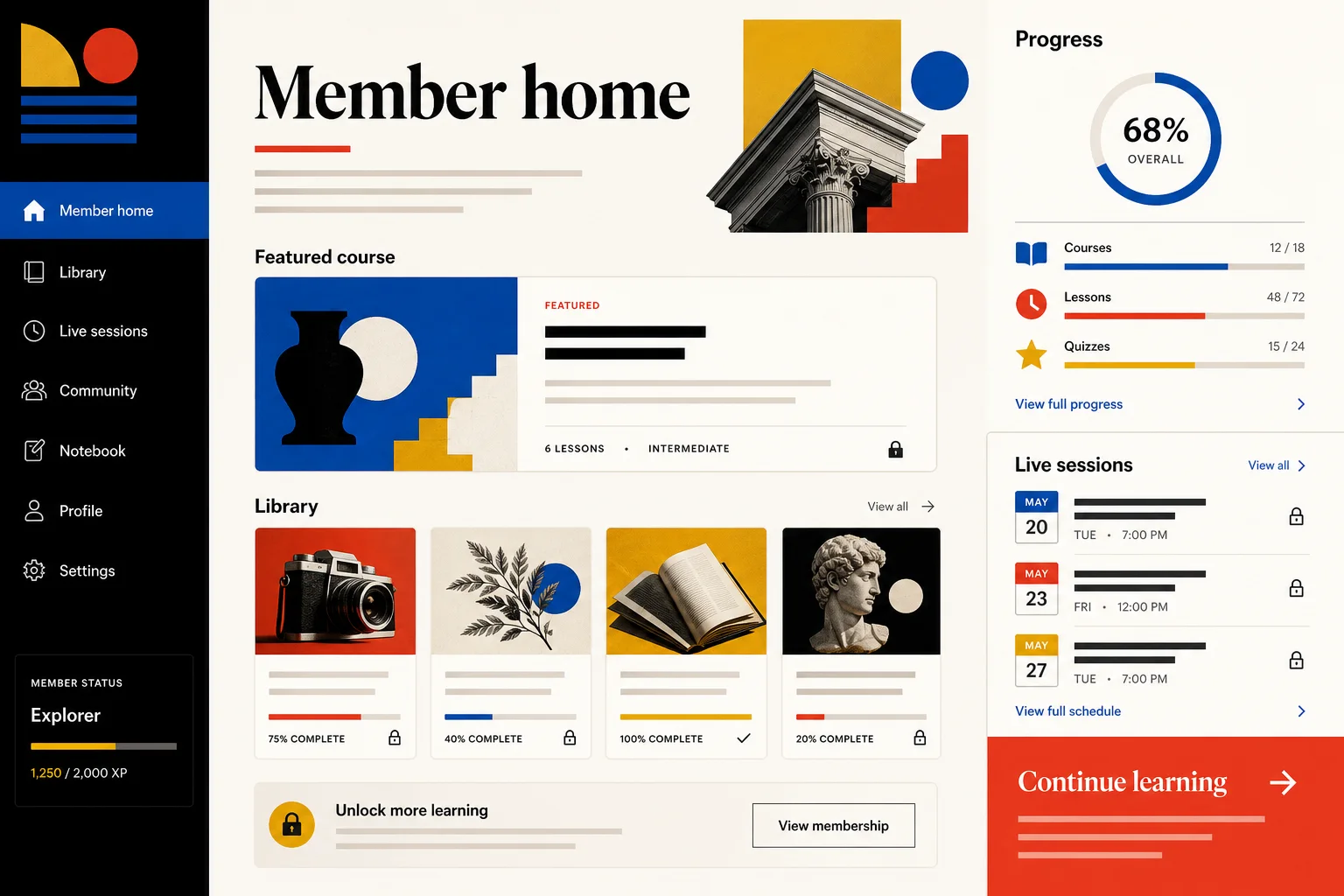
Ein KI-Mitgliederwebsite-Builder verbindet eine öffentliche Website mit einer privaten Mitglieder-App. Marky erstellt Login, geschützte Routen, Inhaltsbibliotheken, Zugriffsstufen, Fortschritt und Verwaltung auf einer echten Datenbank; Abrechnung lässt sich optional integrieren.
Für die echte Aufgabe gebaut
Das sind funktionale, mit dem Workflow verbundene Produktebenen – keine dekorativen Abschnitte aus einer Vorlage.
Create the sales pages, account entry points and authenticated member home as one cohesive site.
Model free, paid or cohort access in the database and enforce it in server-backed routes.
Organize lessons, resources, recordings or downloads with search, status and saved progress.
Give members a focused experience while operators manage content, access and support records.
Connect Stripe or another provider with your credentials and map verified billing events to entitlements.
Add a member assistant, lesson summaries, images, voice or other AI features through secure server calls.
Vorgeschlagenes Datenmodell
Beispiel-Prompt
“Build a membership site for an independent design history club. Include a public overview, Google sign-in, free and paid access levels, a searchable lesson library, progress tracking, live-session listings and an admin area for publishing content.”Als Ausgangspunkt verwenden
Praktischer Build-Ablauf
Clarify who joins, what they receive and which actions make the membership valuable.
Marky structures plans, access rules, lessons and progress before designing the member home.
Preview logged-out, free, paid and admin paths so protected content is enforced beyond the UI.
Publish the approved version, connect a domain and add community or billing features deliberately.
Gemeinsamer Produktions-Stack
An editable frontend, not a proprietary page format.
Persistent records and protected server-side logic.
Authentication and protected credentials for integrations.
Built-in publishing targets Google Cloud Run. AWS services can be integrated through protected credentials, and the GitHub codebase can be adapted for an AWS deployment by a developer.
Spezifische Fragen
Yes. Marky can implement authenticated routes and server-side access checks based on membership records. The access rules should be explicit—such as free, paid, cohort or admin—so the database and API layer enforce the same boundaries as the interface.
Yes. Progress can be modeled as persistent records tied to a member and content item, including completion, bookmarks, attendance or last position. Marky can then surface that data in a member dashboard and operator reports.
The scaffold provides the backend, database and secrets needed for an integration, but billing is added through a provider such as Stripe. Plans, trials, cancellations and webhook behavior should be specified and verified in test mode.
Yes. Start with authentication, a free member library or a manual access workflow, then add billing when the offer is validated. Marky can evolve the same full-stack project and keep checkpoints before larger changes.
Weiter entdecken
Erstelle die erste funktionierende Version