Copy written for one action
A headline, benefits, proof and a single call to action, written for the audience you describe.
适合产品发布、候补名单和营销活动
描述产品、目标受众,以及你希望访客完成的那一个动作。Marky 会撰写文案、制作图片,构建页面及其背后的表单,在电脑和手机上检查效果,然后发布上线。
直接回答
AI 落地页构建器能根据一段描述做出完整的单页网站:主标题和文案、图片、各个版块、报名或联系表单,以及搜索引擎展示的标题和描述。Marky 会把它构建成真实的 React 项目,把表单提交的内容保存到数据库,在电脑和手机上检查布局,并发布到 easy-peasy.site 网址或你自己的域名。
围绕真实任务构建
这些是与工作流紧密相关的产品功能层,而不是从模板照搬的装饰性区块。
A headline, benefits, proof and a single call to action, written for the audience you describe.
Marky generates photos and illustrations that fit your product, so the page does not look like every other template.
Waitlist, newsletter and contact forms save each entry to a database that comes with the project.
Marky screenshots the page at desktop and phone widths and fixes sideways scrolling, cut-off text and broken images before handing it over.
The page is served as prerendered HTML with its own title and description, so search engines and AI tools can read it.
Publish to an easy-peasy.site address or your own domain, and push the code to GitHub when you want it.
建议的数据模型
提示词示例
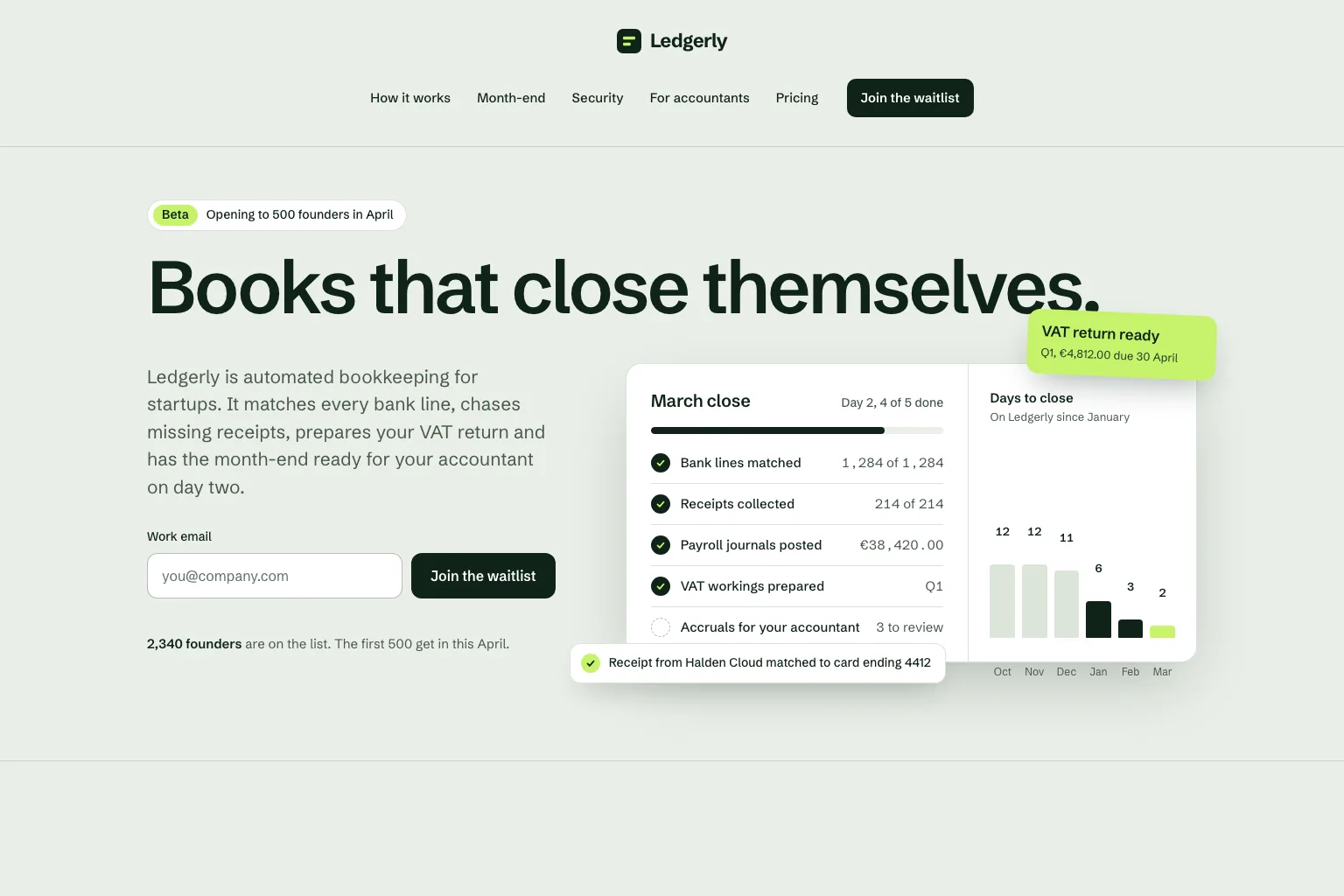
“Build a waitlist landing page for "Ledgerly", automated bookkeeping for startups that closes the books on day two. Lead with the promise and a work email form, then how it works, month-end, security, a section for accountants, pricing and an FAQ. Save every sign-up in a database. Calm, precise look.”以此为起点
实用构建步骤
Join a waitlist, book a call or buy early: decide what the page asks for before anything else.
Who it is for, what it solves and the proof you have. Marky turns that into sections and copy.
Read the copy, try the form and open the page on your phone. Ask for changes in plain words.
Publish to an easy-peasy.site address or connect your domain, then send people to it.
通用生产技术栈
可编辑的前端,而非专有页面格式。
持久化数据和受保护的服务器端逻辑。
身份验证,以及集成所用的受保护凭据。
内置发布目标是 Cloudflare,页面在服务器端渲染,搜索引擎和 AI 工具都能读取。AWS 服务可以通过受保护的凭据集成,开发者也可以调整 GitHub 代码库,将其部署到 AWS。
具体问题
Yes. Marky adds a waitlist, newsletter or contact form and saves every entry to a database that comes with the project. Ask Marky to show you the list, or to build a simple admin page for it.
Yes. Every published page gets an editable easy-peasy.site address, and you can connect a domain you own or buy a new one in the project settings.
Yes. Ask for changes in the same chat: new copy, another section, a different color. Marky saves versions, so you can go back to an earlier one.
The page is served as prerendered HTML with its own title and description, so search engines can read it. Where it ranks still depends on useful content and on other sites linking to it.
继续探索
构建第一个可用版本


