Copy written for one action
A headline, benefits, proof and a single call to action, written for the audience you describe.
สำหรับการเปิดตัวสินค้า รายชื่อรอ และแคมเปญ
อธิบายผลิตภัณฑ์ กลุ่มเป้าหมาย และสิ่งเดียวที่คุณอยากให้ผู้เข้าชมทำ แล้ว Marky จะเขียนข้อความ สร้างภาพ สร้างหน้าเว็บพร้อมฟอร์มที่ใช้งานได้จริง ตรวจดูทั้งบนเดสก์ท็อปและมือถือ แล้วเผยแพร่ให้
คำตอบโดยตรง
เครื่องมือสร้างแลนดิ้งเพจด้วย AI สร้างเว็บไซต์หน้าเดียวที่ครบถ้วนจากคำอธิบาย: พาดหัวและข้อความ ภาพ ส่วนต่างๆ ของหน้า ฟอร์มสมัครหรือฟอร์มติดต่อ รวมถึงชื่อหน้าและคำอธิบายที่เครื่องมือค้นหาแสดง Marky สร้างเป็นโปรเจกต์ React จริง บันทึกข้อมูลที่ส่งผ่านฟอร์มลงฐานข้อมูล ตรวจเลย์เอาต์ทั้งบนเดสก์ท็อปและมือถือ และเผยแพร่ไปยังที่อยู่ easy-peasy.site หรือโดเมนของคุณเอง
สร้างตามงานจริง
These are functional product layers tied to the workflow—not decorative sections copied from a template.
A headline, benefits, proof and a single call to action, written for the audience you describe.
Marky generates photos and illustrations that fit your product, so the page does not look like every other template.
Waitlist, newsletter and contact forms save each entry to a database that comes with the project.
Marky screenshots the page at desktop and phone widths and fixes sideways scrolling, cut-off text and broken images before handing it over.
The page is served as prerendered HTML with its own title and description, so search engines and AI tools can read it.
Publish to an easy-peasy.site address or your own domain, and push the code to GitHub when you want it.
โมเดลข้อมูลที่แนะนำ
ตัวอย่างพรอมต์
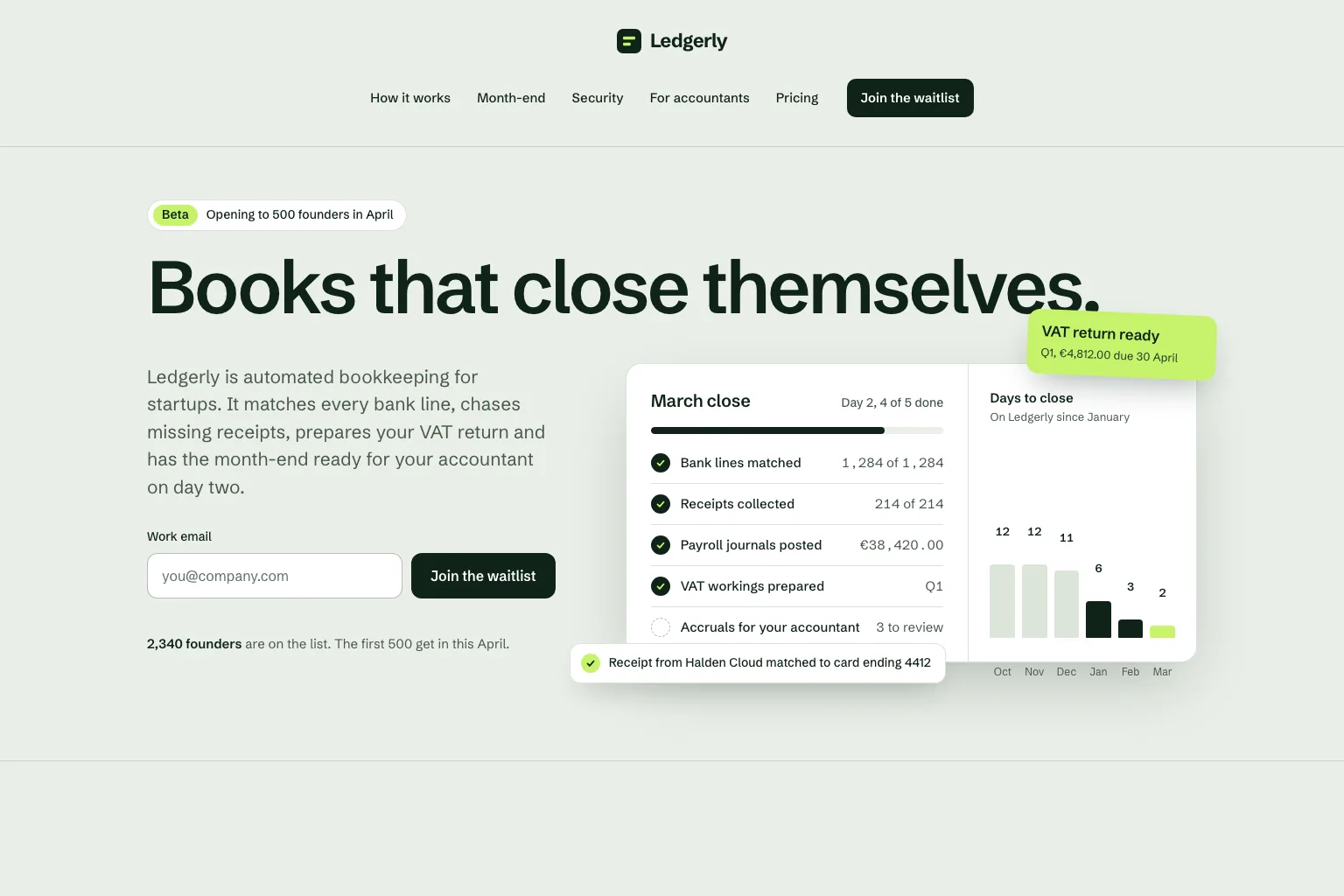
“Build a waitlist landing page for "Ledgerly", automated bookkeeping for startups that closes the books on day two. Lead with the promise and a work email form, then how it works, month-end, security, a section for accountants, pricing and an FAQ. Save every sign-up in a database. Calm, precise look.”ใช้เป็นจุดเริ่มต้น
ลำดับการสร้างที่ใช้งานได้จริง
Join a waitlist, book a call or buy early: decide what the page asks for before anything else.
Who it is for, what it solves and the proof you have. Marky turns that into sections and copy.
Read the copy, try the form and open the page on your phone. Ask for changes in plain words.
Publish to an easy-peasy.site address or connect your domain, then send people to it.
สแตกสำหรับระบบจริงร่วมกัน
ฟรอนต์เอนด์ที่แก้ไขได้ ไม่ใช่รูปแบบเพจเฉพาะของแพลตฟอร์ม
ข้อมูลแบบถาวรและตรรกะฝั่งเซิร์ฟเวอร์ที่ได้รับการปกป้อง
การยืนยันตัวตนและข้อมูลรับรองที่ได้รับการปกป้องสำหรับการเชื่อมต่อ
การเผยแพร่ในตัวใช้ Cloudflare เป็นปลายทาง และหน้าเว็บเรนเดอร์บนเซิร์ฟเวอร์เพื่อให้เครื่องมือค้นหาและเครื่องมือ AI อ่านได้ บริการ AWS ผสานรวมได้ผ่านข้อมูลรับรองที่ได้รับการปกป้อง และนักพัฒนาสามารถปรับโค้ดเบสบน GitHub เพื่อนำขึ้นใช้งานบน AWS ได้
คำถามเฉพาะ
Yes. Marky adds a waitlist, newsletter or contact form and saves every entry to a database that comes with the project. Ask Marky to show you the list, or to build a simple admin page for it.
Yes. Every published page gets an editable easy-peasy.site address, and you can connect a domain you own or buy a new one in the project settings.
Yes. Ask for changes in the same chat: new copy, another section, a different color. Marky saves versions, so you can go back to an earlier one.
The page is served as prerendered HTML with its own title and description, so search engines can read it. Where it ranks still depends on useful content and on other sites linking to it.
สำรวจต่อ
สร้างเวอร์ชันแรกที่ใช้งานได้


