旅行海报
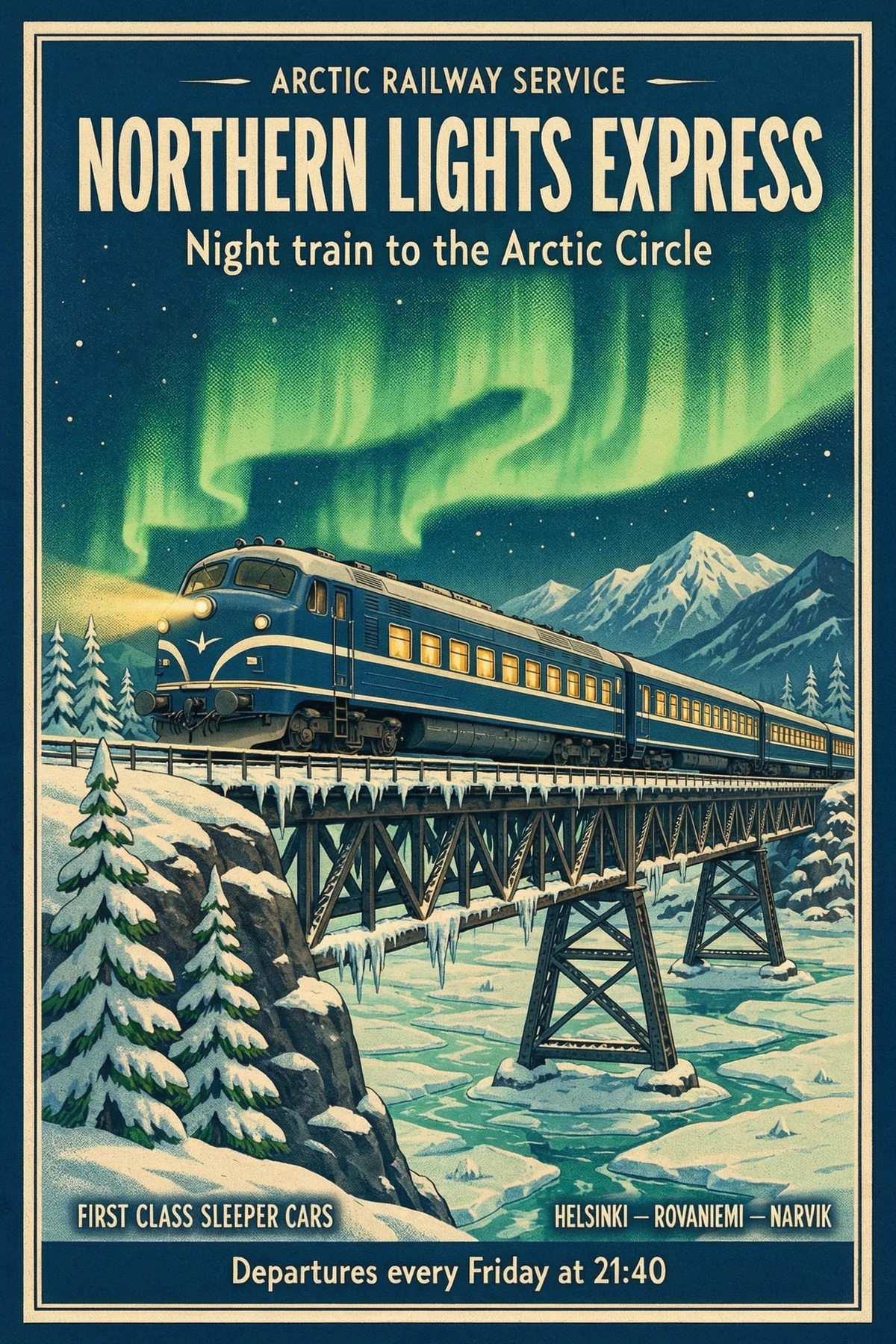
要求的文字
- “NORTHERN LIGHTS EXPRESS”
- “Night train to the Arctic Circle”
- “Departures every Friday at 21:40”
照片级写实图像,文字清晰可读,最高原生8K。
以八种画面比例生成2K、4K或8K图像,一字不差地写出招牌和海报文字,还能编辑或合成最多10张图片。


3,482,705+ 满意的用户
这里的每张图片都是Kling Image 4.0以2K直接生成的。在图像生成器中打开任意提示词,改成属于你自己的版本。
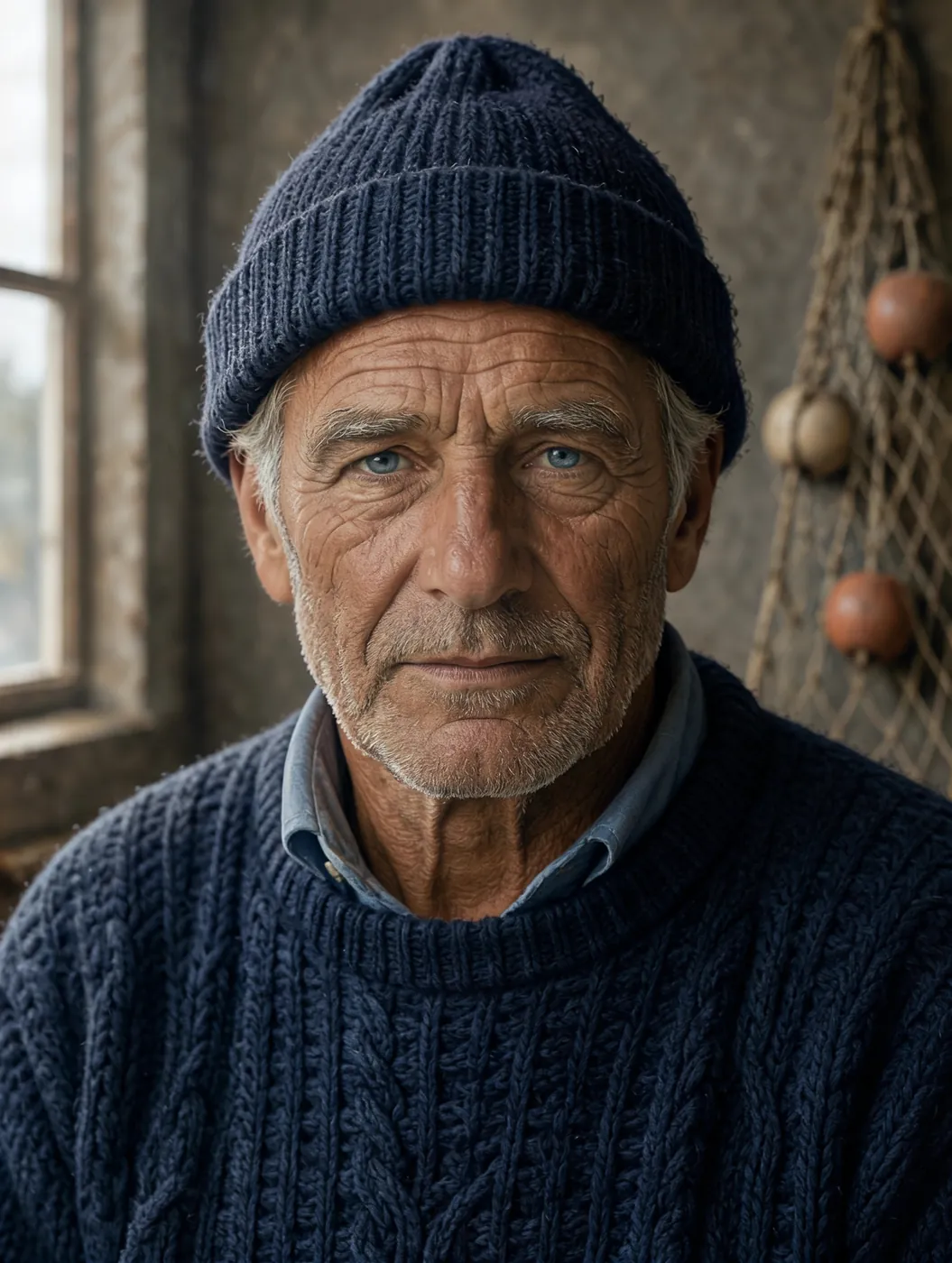 3:4
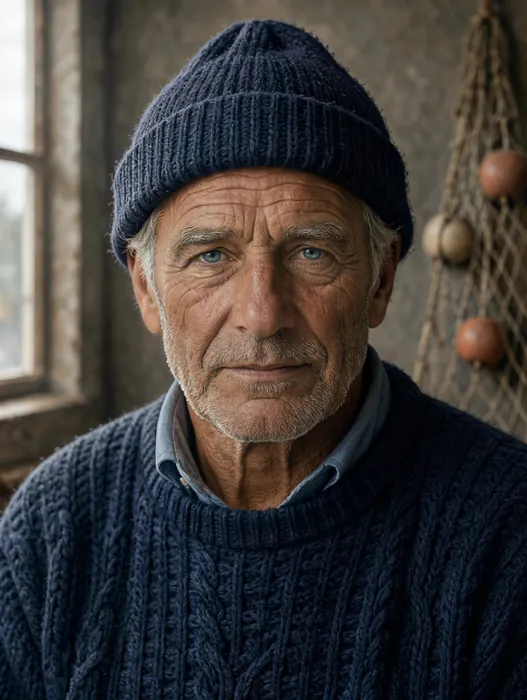
Close studio portrait of an elderly fisherman with a weathered, sun-lined face, silver stubble and a navy knitted wool cap, soft window light from the left, every pore and wrinkle visible, 85mm lens, shallow depth of field, photorealistic
使用此提示词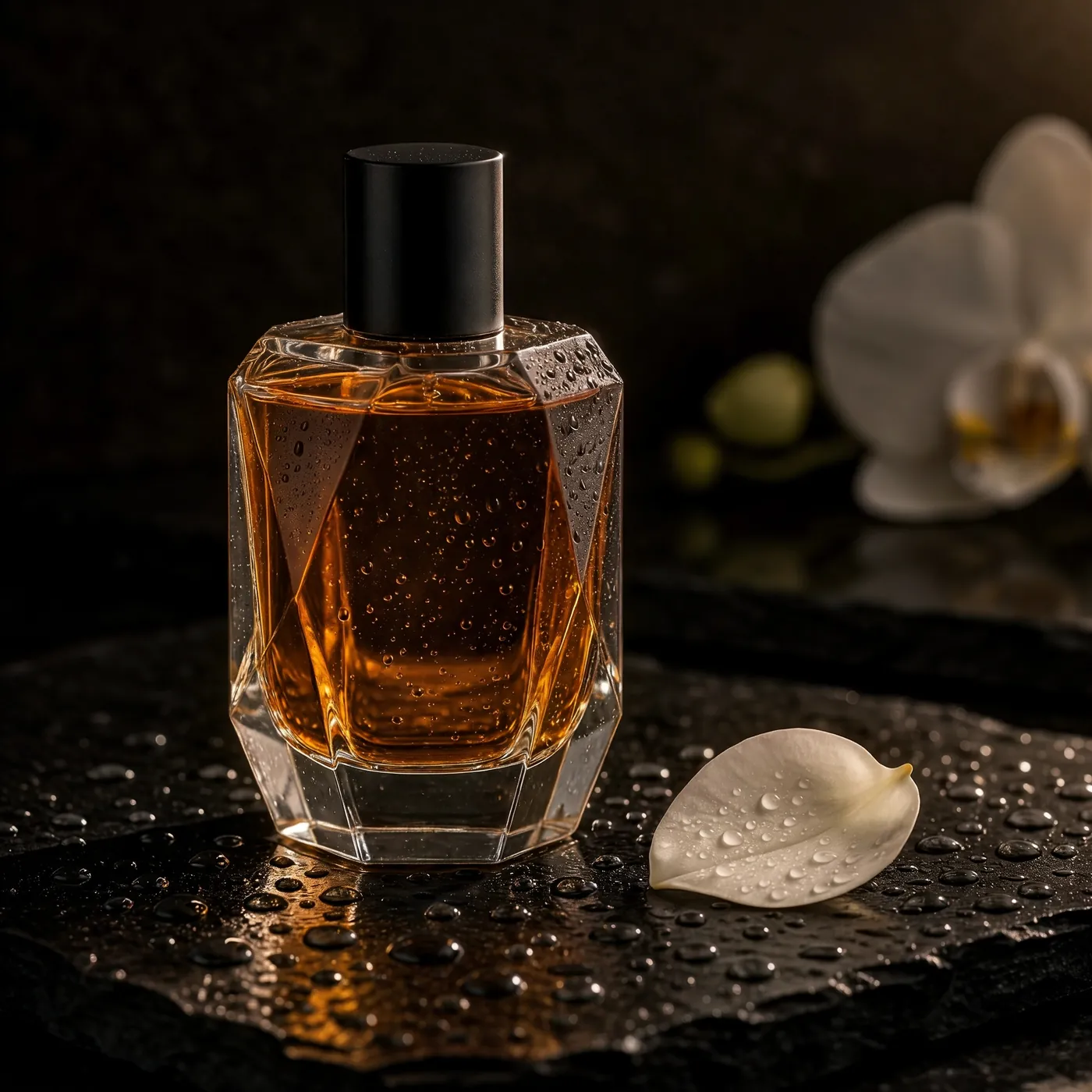 1:1
A faceted glass perfume bottle filled with amber liquid standing on wet black slate, tiny water droplets on the glass, a single white orchid petal beside it, dramatic rim light against a dark background, luxury product photography, plain bottle with no logo and no label
使用此提示词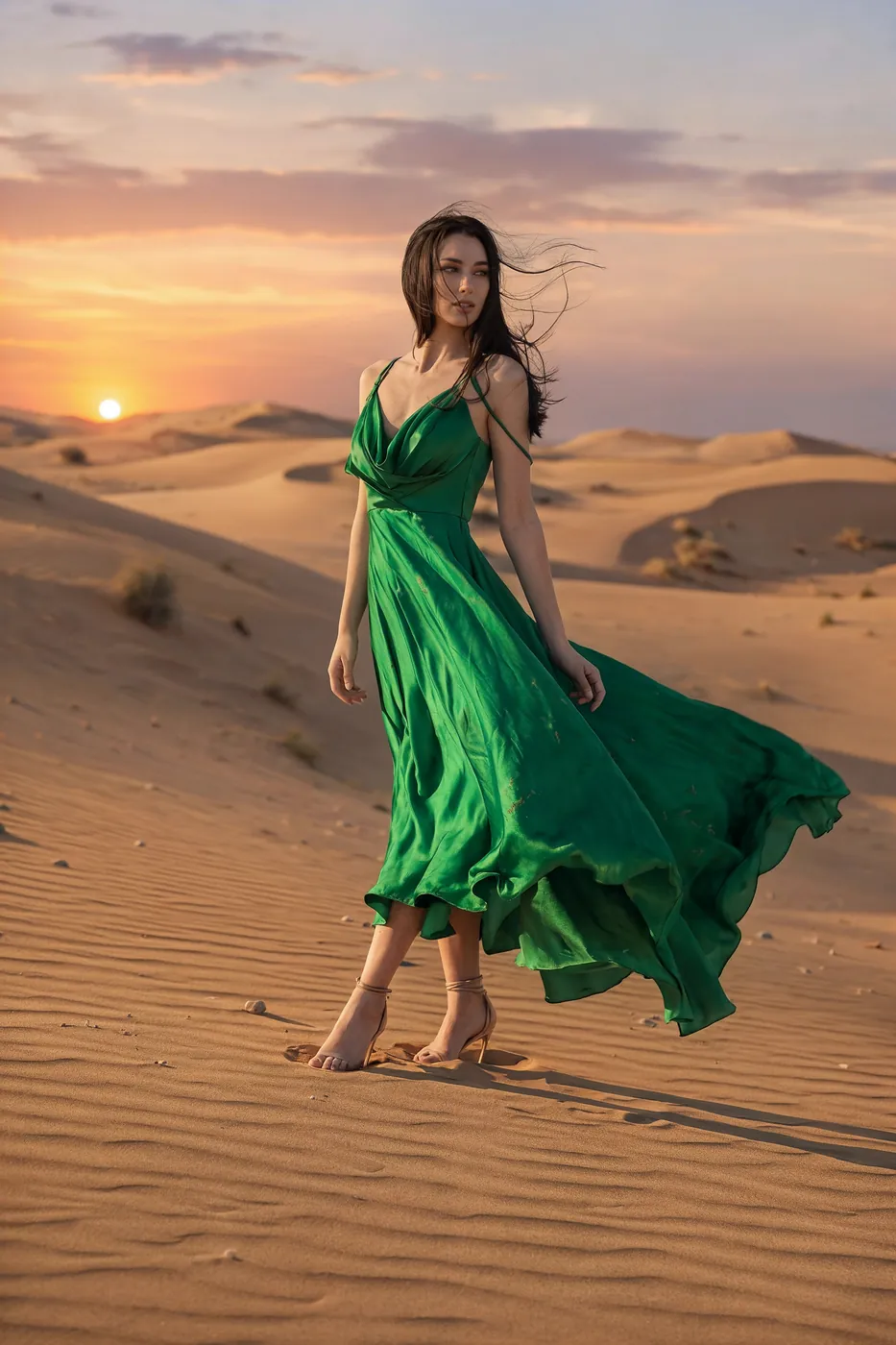 2:3
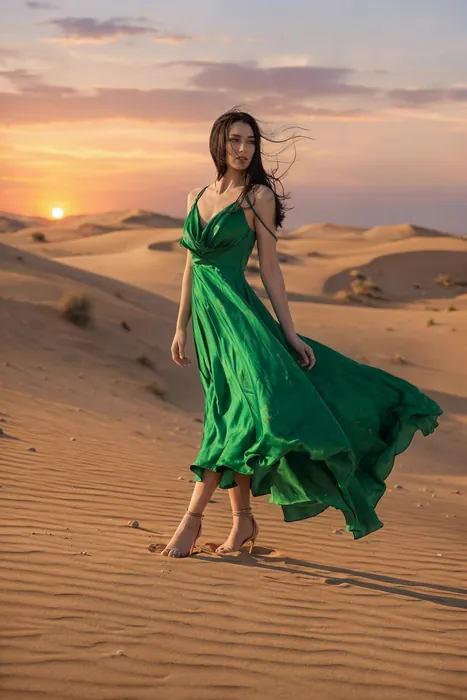
Full-length fashion editorial of a model in a flowing emerald silk gown walking across pale desert dunes at sunset, the fabric caught by the wind, a long shadow on the sand, warm low sun, high-fashion magazine photography
使用此提示词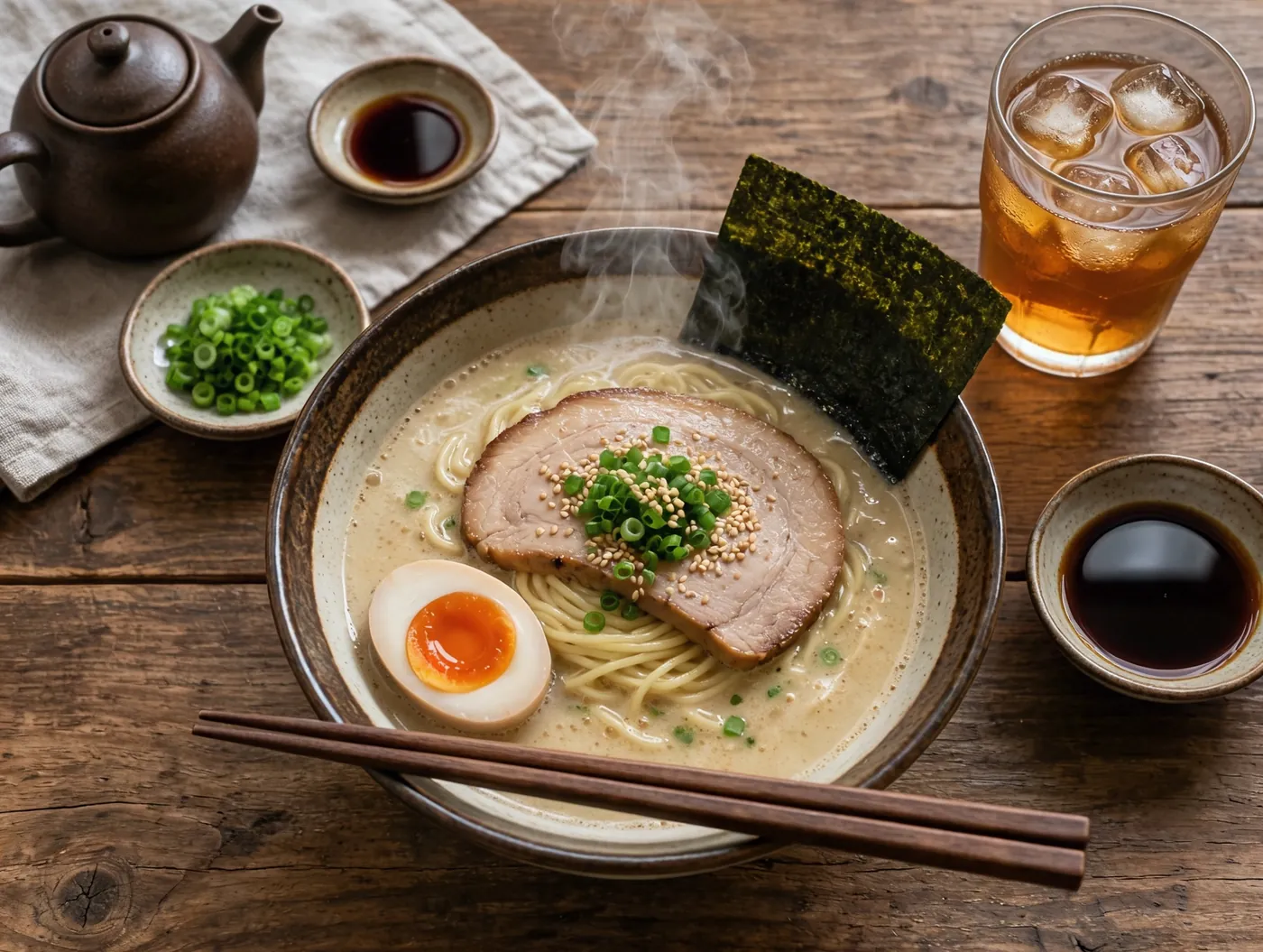 4:3
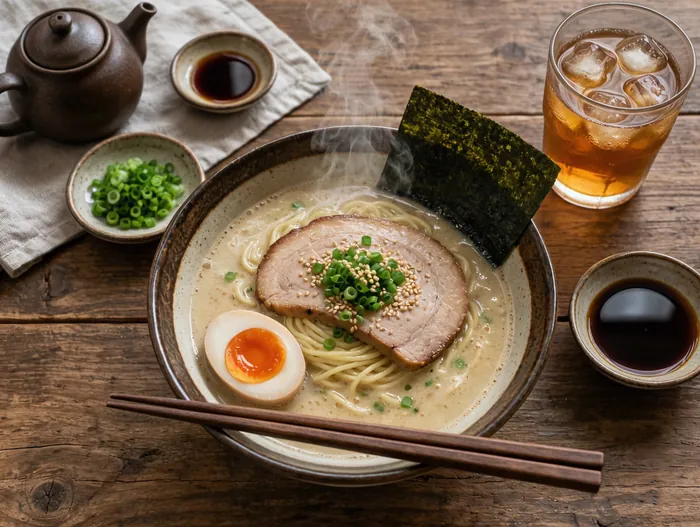
Overhead photograph of a rustic wooden table with a steaming bowl of tonkotsu ramen, a soft-boiled egg cut in half, nori, scallions, chopsticks resting on the bowl and a glass of iced tea, soft natural window light, editorial food photography
使用此提示词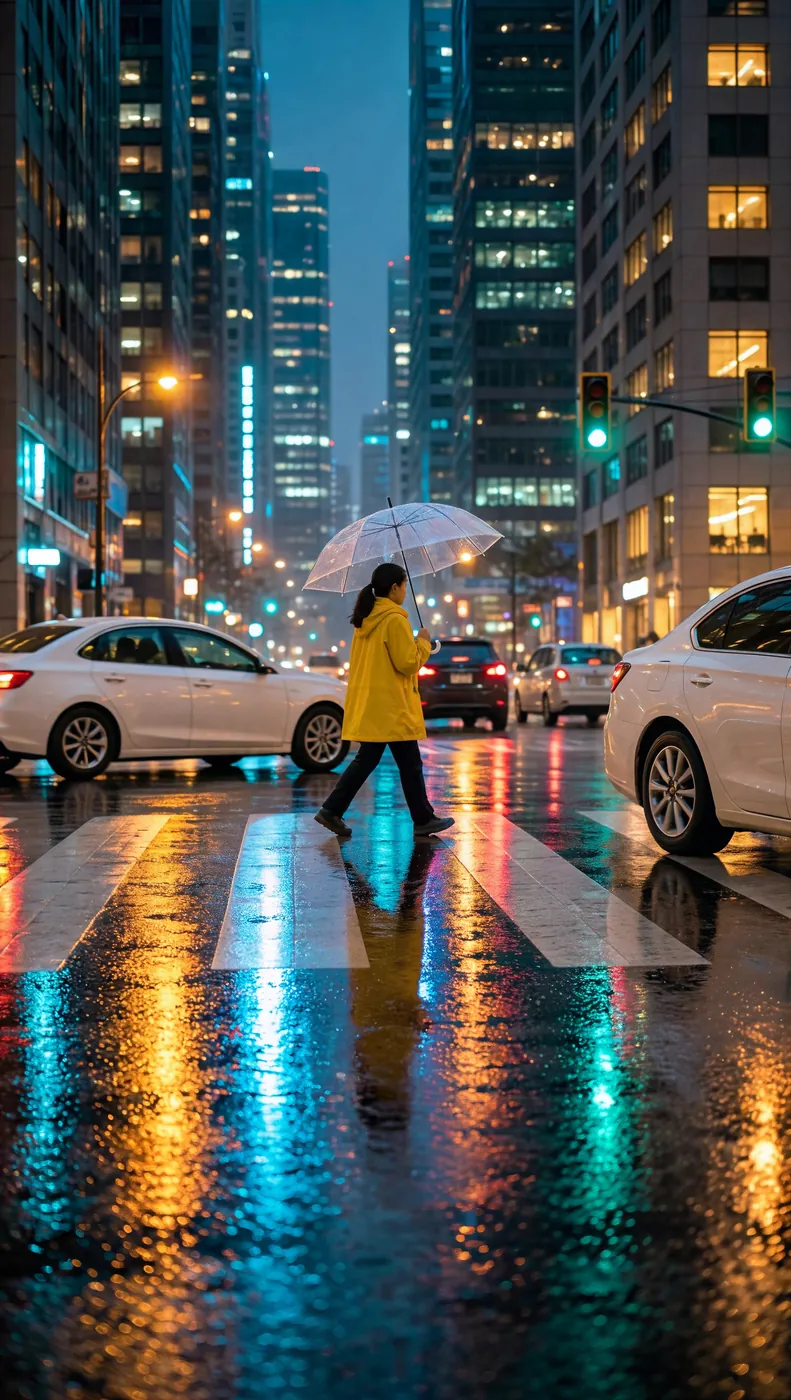 9:16
A rainy city street at night, neon reflections on the wet asphalt, a woman in a yellow raincoat holding a clear umbrella crossing the road, soft bokeh of car lights, cinematic vertical photograph
使用此提示词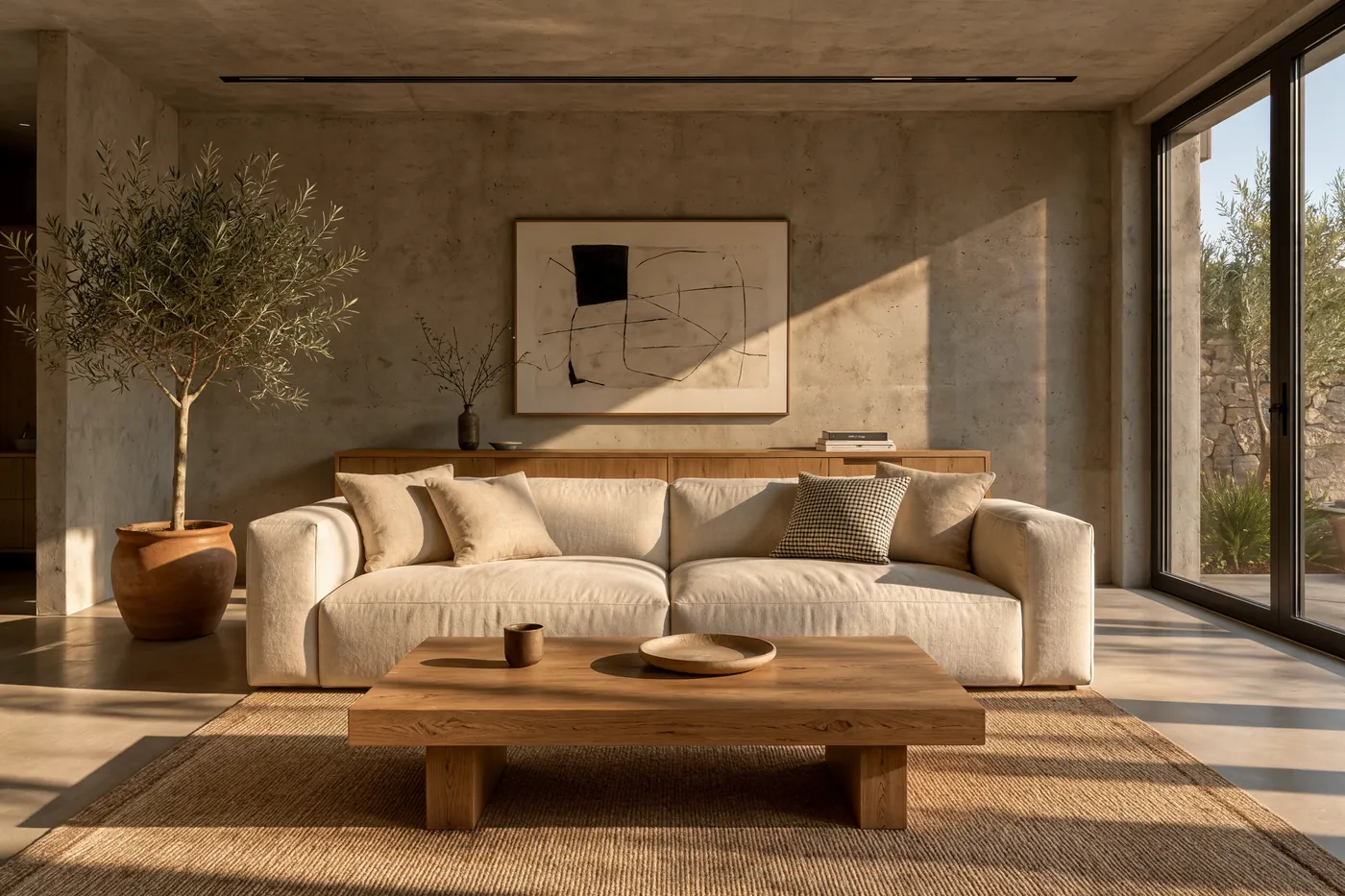 3:2
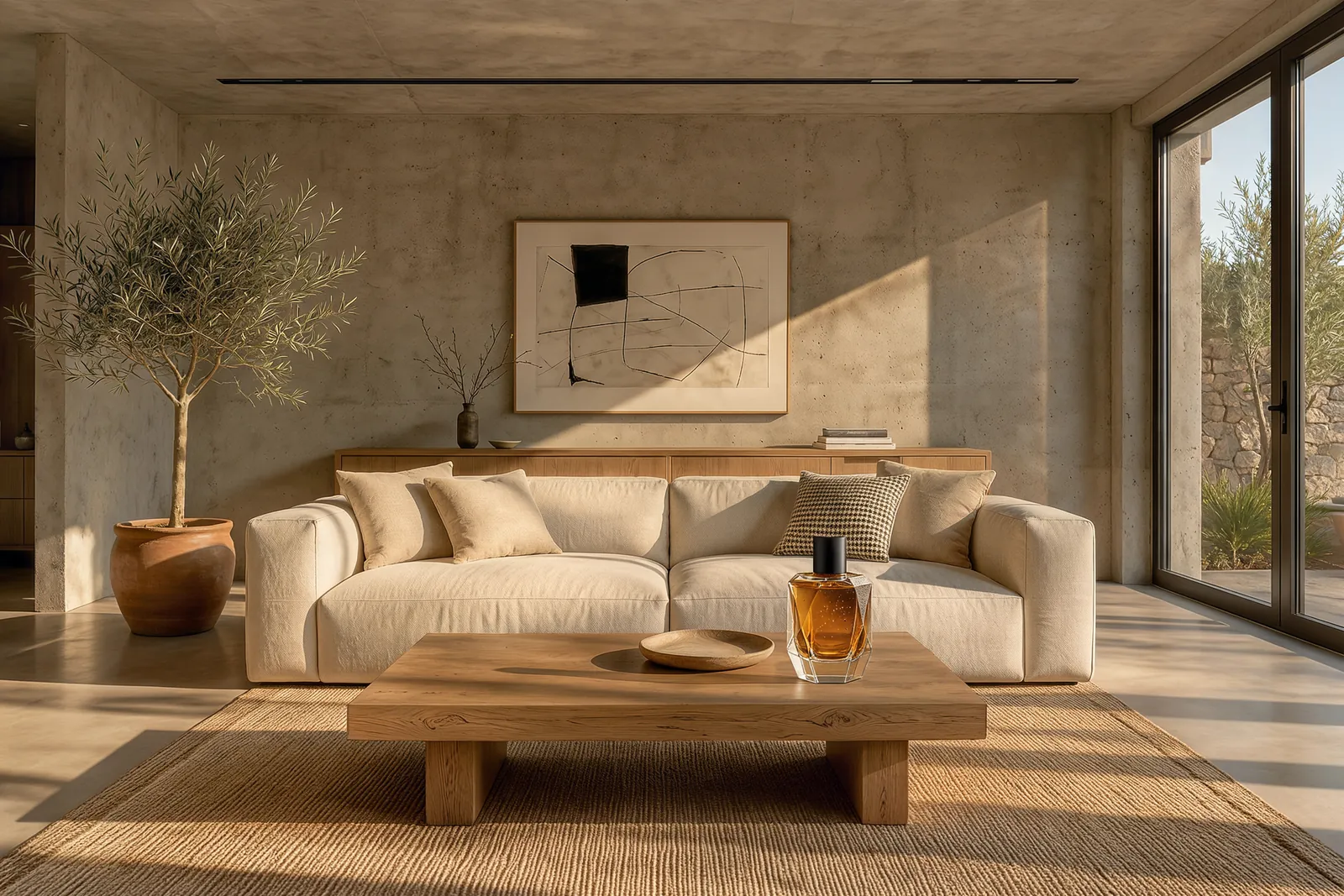
A sunlit minimalist living room with raw concrete walls, a cream linen sofa, an olive tree in a terracotta pot, a low oak coffee table with an empty top in the foreground, long late-afternoon shadows across the floor, architectural interior photography
使用此提示词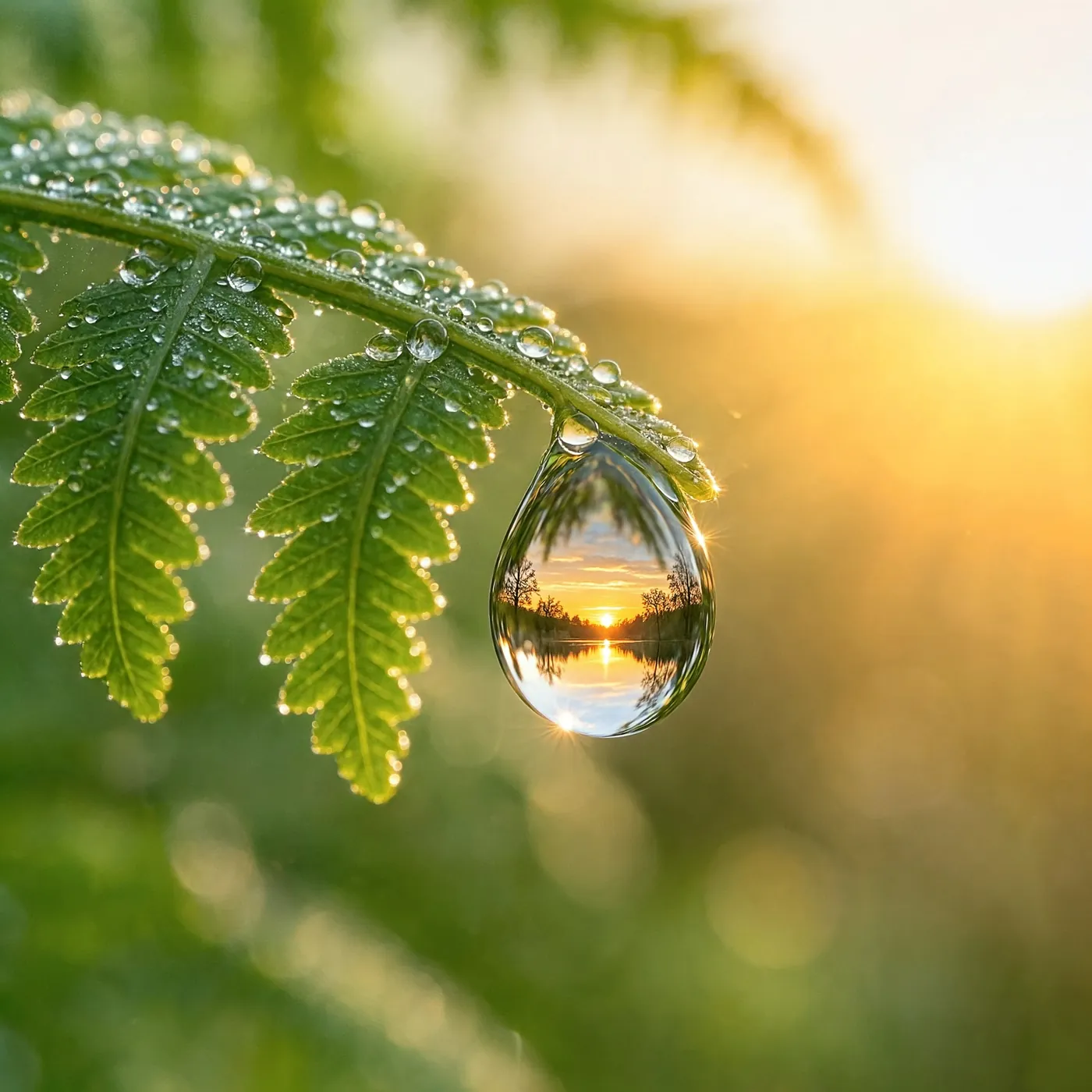 1:1
Macro photograph of a single dewdrop hanging from the tip of a fern frond, the drop refracting an upside-down sunrise forest, soft green background bokeh, extreme fine detail
使用此提示词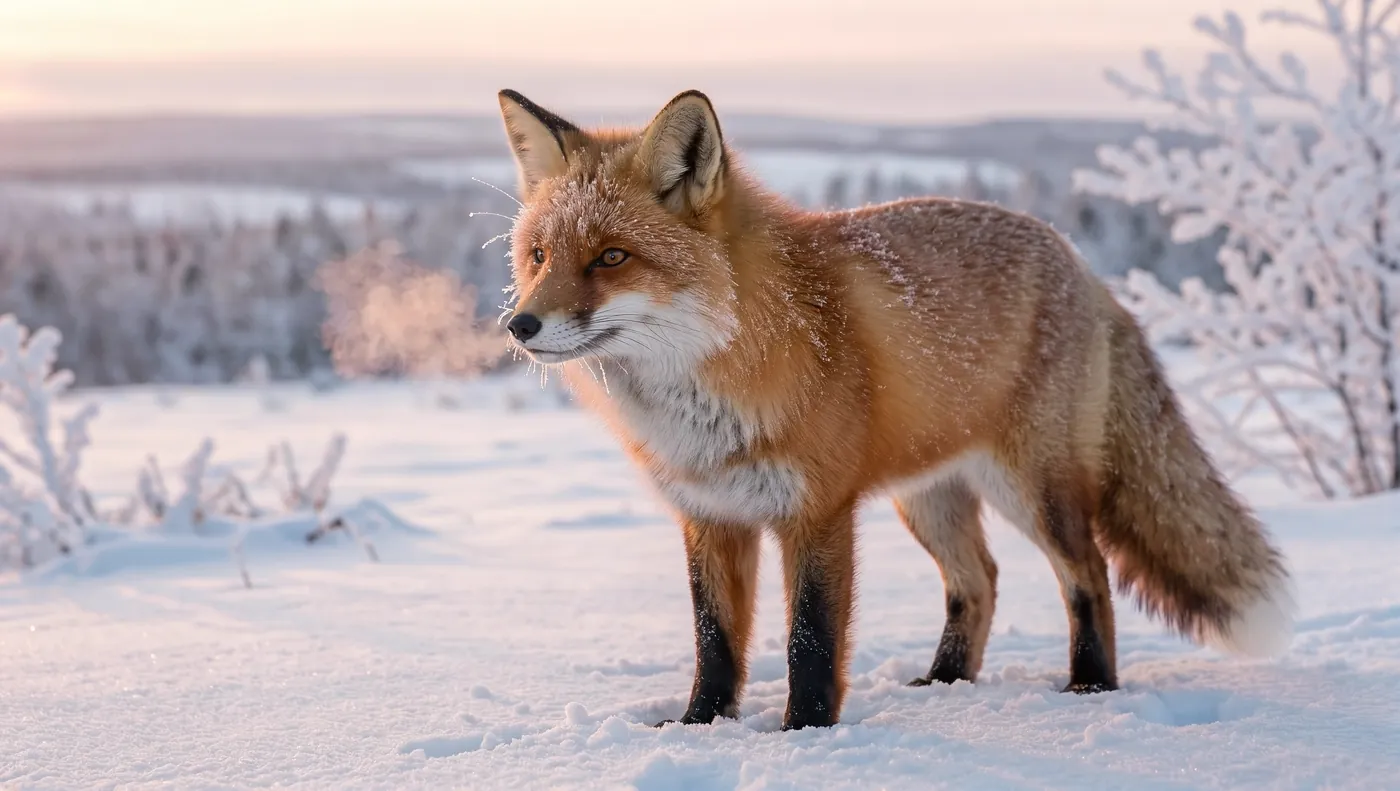 16:9
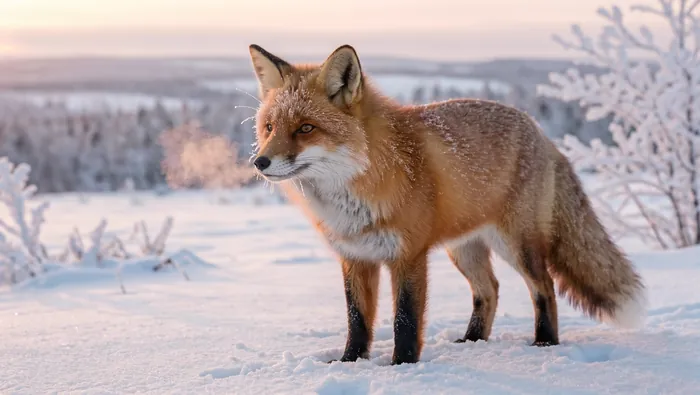
A red fox standing in fresh snow at dawn, frost on its whiskers and fur, breath visible in the cold air, soft pink morning light, telephoto wildlife photography, background gently blurred
使用此提示词8K下,16:9图片的尺寸为10,880 × 6,144像素。选择一个位置,即可直接从原文件以全分辨率查看。
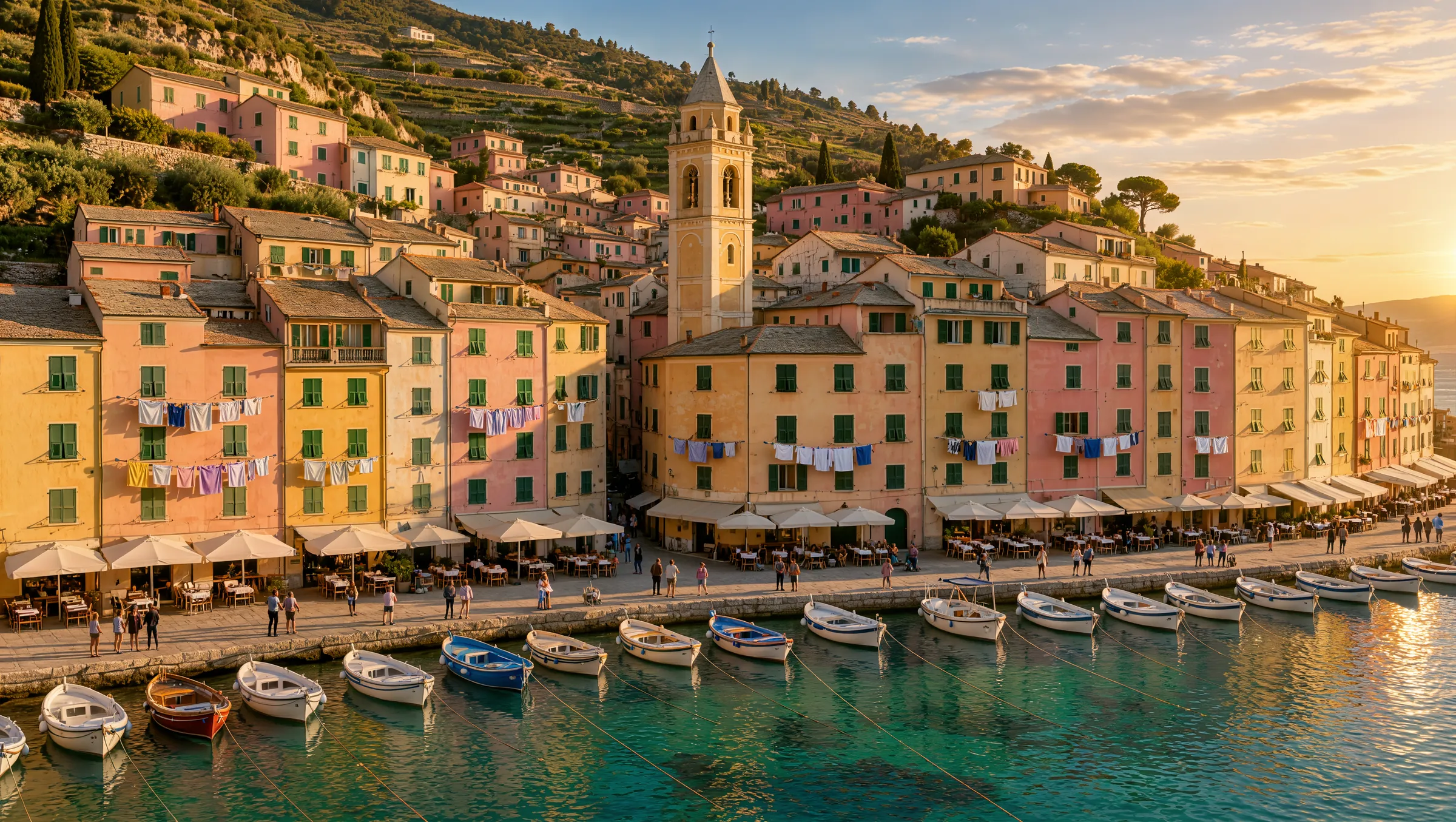 10,880 × 6,144
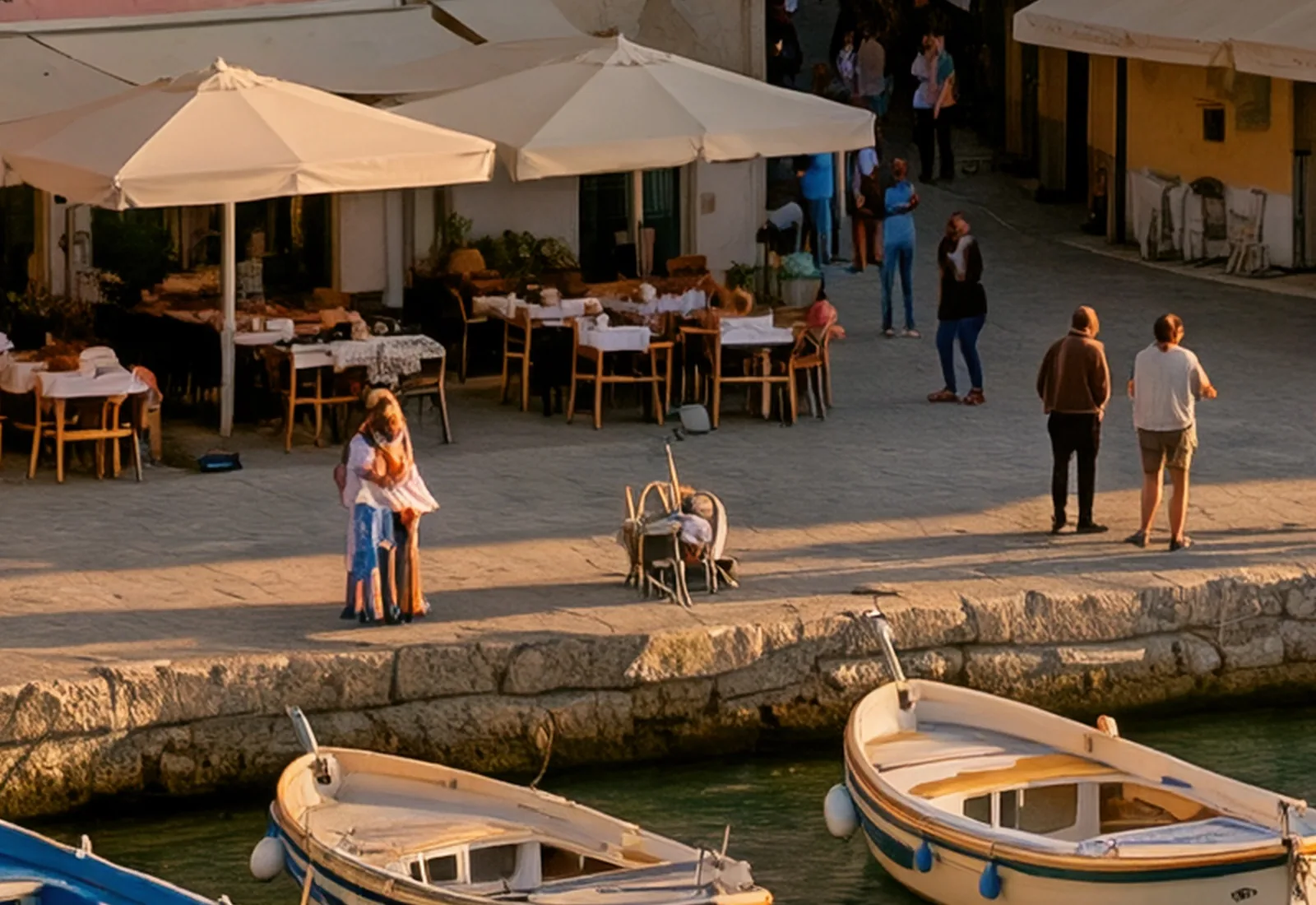 滨水咖啡馆 · 1,600 × 1,100 px
两个画面来自同一张8K图片。裁切部分就是图片本身的像素,并非放大而来。
上传最多10张图片并描述修改内容,Kling Image 4.0就会编辑它们,或将它们合成为一张新图。

一张照片,一句话:文字和光线变了,招牌、杯子和桌子仍在原处。
Change the chalkboard text to "OPEN LATE" and turn the scene into a warm evening with string lights
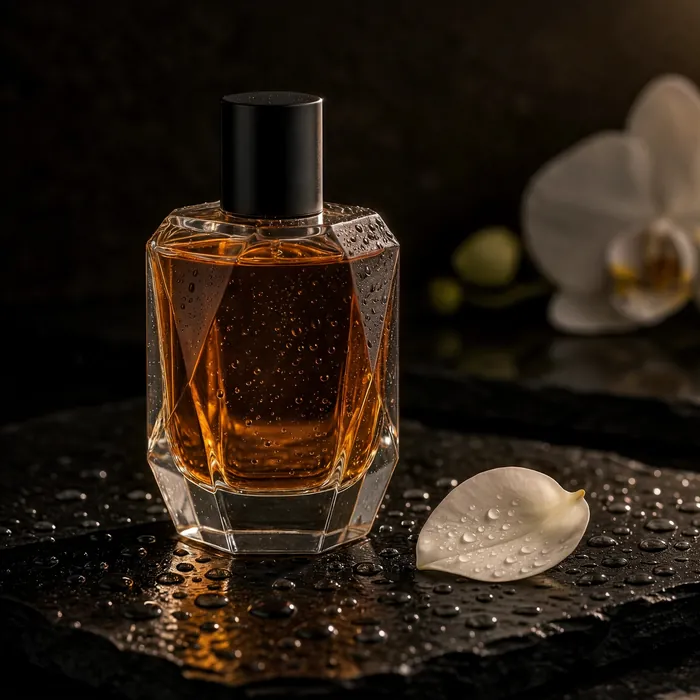 图片1
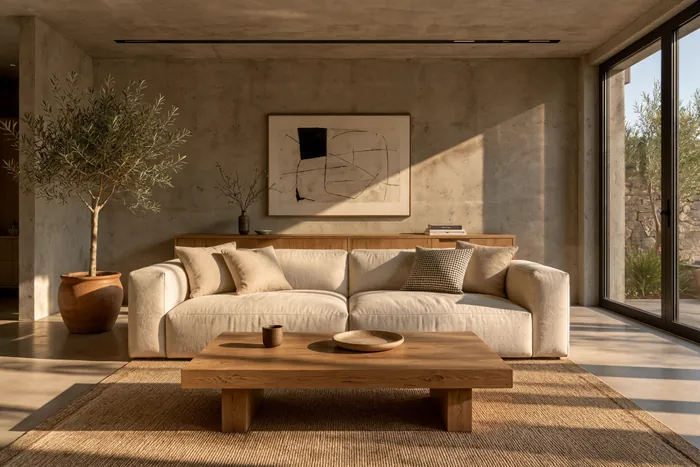 图片2
 生成结果
第一张图片中的瓶子被放到了第二张图片的茶几上,沐浴在同样的午后阳光中。
Place the perfume bottle from <<<image_1>>> on the oak coffee table in the living room from <<<image_2>>>, next to the small bowl. Match the warm late-afternoon sunlight, give the bottle a soft natural shadow, and keep the rest of the room unchanged.
生成前选好画面比例,Kling Image 4.0就会针对该比例构图。下面每个示例都是以各自的画幅生成的。
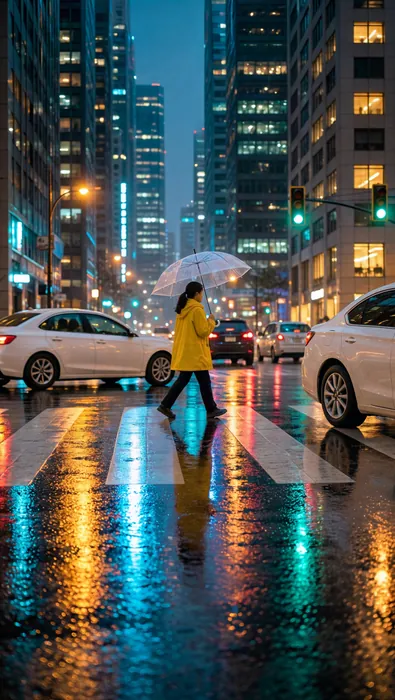
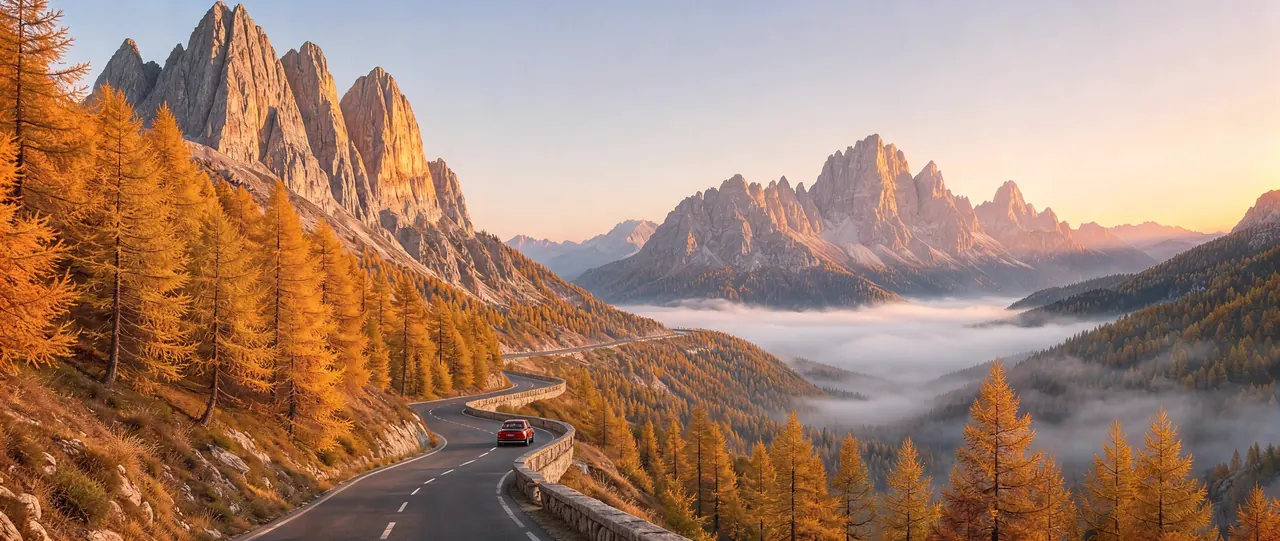
Kling Image 4.0按图片张数计费。选择尺寸和想要的图片数量;如果是编辑,再选择上传的图片数量。
生成前始终会显示确切的总费用。
Kling Image 4.0会把引号中的文字按原样写出,所以标题、标签、菜单和价格都不会写错。请说明每一行文字放在哪里。
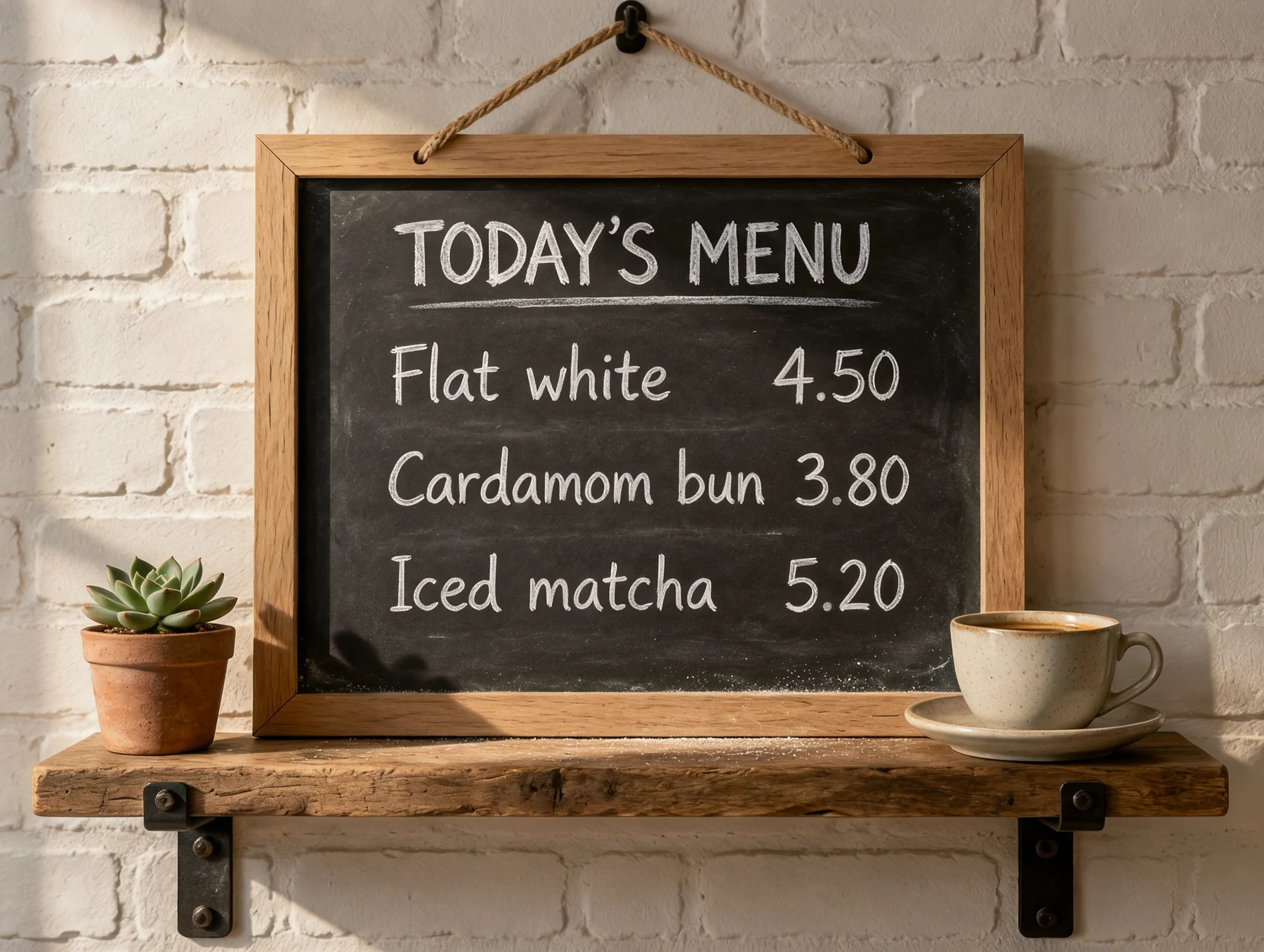
A café menu board in white chalk. The title at the top reads "TODAY'S MENU". Below it: "Flat white 4.50" and "Cardamom bun 3.80".
说明光线、镜头和拍摄距离。用摄影术语描述,模型就会还你真实的景深,以及自然的肤质和纹理。
Close portrait of an elderly fisherman in a navy wool cap, soft window light from the left, 85mm lens, shallow depth of field.
先选好画面比例和尺寸。画面会针对该画幅构图,因此9:16的Stories和21:9的横幅都会有各自的版式。
Aerial photograph of a harbor town at golden hour, pastel houses stacked up a steep hillside, boats in the marina.
编辑或合成图片时,请按添加顺序把它们称为<<<image_1>>>、<<<image_2>>>等,并说明哪些部分必须保持不变。
Place the perfume bottle from <<<image_1>>> on the coffee table in <<<image_2>>> and keep the rest of the room unchanged.
想让你的图片动起来? 用Kling 4.0把它变成视频
用户评价

阅读人们在公共平台上发表的评论。
Jeff Wilson
By far the best compilation AI utility
By far the best compilation AI utility out there. Period. We have tried multiple platforms that would work for us - a small business - and it was a bit overwhelming two years ago. Easy-Peasy has been a godsend. So many freaking tools and no fewer than 10 (of the 200) are ones we use at least on a weekly basis. Ironically, their human support is one of the most appreciated elements.
Cody Crabb
Great service, Best AI tool

Easy-Peasy AI

Blanca Marin
I really liked the easy-peasy AI service. It's a great tool, but I also had to ask them for a refund because I chose the wrong plan, and they were very quick to respond to my request. They looked into my case and I got my money back without any problems. Of course, I will continue to use it for my projects.

Easy-Peasy AI
关于Kling Image 4.0,你需要了解的一切
Kling Image 4.0是快手旗下生成式AI平台Kling AI推出的最新图像模型。它能以2K、4K或原生8K生成照片级写实图像,图中文字清晰锐利、易于辨认;还能编辑照片,或将最多10张图片合成为一张新图。
你可以选择2K、4K或原生8K。2K下,3:2图片为2,496 × 1,664像素;8K下,16:9图片为10,880 × 6,144像素。
文字是它的强项之一。把文字放进引号,Kling就会按原样写出,从标题、招牌到菜单和小字都是如此。它有时会自行添加几行文字,所以请说明应出现哪些文字以及放在哪里。
可以。在图像生成器中上传最多10张图片,选择Kling Image 4.0作为编辑模型,然后描述你想要的修改。它只改动你要求的部分,画面其余部分保持不变。
共八种:1:1、2:3、3:2、3:4、4:3、9:16、16:9和21:9。编辑时使用“自动”,可保持照片原有的比例。
每张图片2K为3.25积分,4K为4.75积分,8K为8积分。编辑时每上传一张图片,费用都会略微增加:2K下上传一张图片为3.5积分。生成前会显示确切的总费用。
Kling Image 4.0面向付费方案用户开放。使用免费方案时,你可以在图像生成器中试用其他模型。
可以(限付费方案),但须遵守Easy-Peasy.AI使用条款和Kling的使用政策,并对你上传的任何图片拥有相应权利。
没有。你在Easy-Peasy.AI上使用Kling Image 4.0创建的图片不带可见水印。
在我们的测试中,2K图片用时不到1分钟,8K图片约2分半钟。
高质量JPEG格式。一张8K图片约16MB,如果不需要那么多细节,可以选择2K或4K。
这里的每张图片都是用Kling Image 4.0根据随图展示的提示词生成的,未经任何修图。