What if you could generate stunning, photorealistic images in seconds — with the intelligence of a professional-grade AI and the speed of a lightning bolt? That’s exactly what Google’s newest image model, Nano Banana 2, promises. And the best part? You can use it right now on Easy-Peasy.AI — no technical setup required.
Whether you’re a content creator, marketer, small business owner, or just someone who loves making cool visuals, this guide breaks down everything you need to know about Nano Banana 2 and how to get started today.
📋 In This Article
- What Is Nano Banana 2?
- Key Features Explained
- Who Is Nano Banana 2 For?
- How to Use It on Easy-Peasy.AI
- AI Transparency & Provenance
- Nano Banana 2 vs. Pro: Which to Use?
- Real-World Examples
- Frequently Asked Questions
What Is Nano Banana 2?
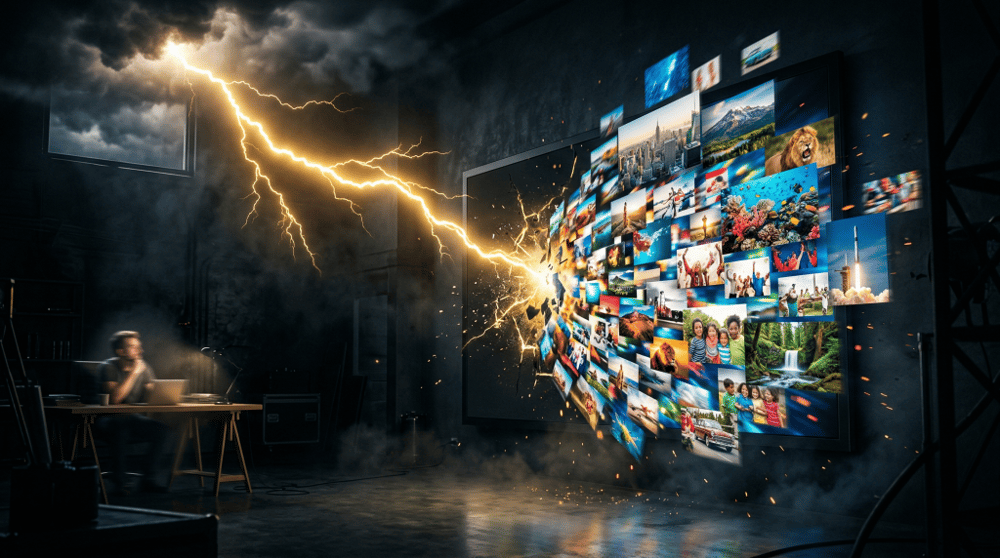
Nano Banana 2 (officially called Gemini 3.1 Flash Image) is Google DeepMind‘s latest AI image generation and editing model, released in February 2026. It’s designed to combine the best of two worlds:
- The advanced intelligence and quality of Nano Banana Pro — Google’s previous premium image model
- The lightning-fast speed of Gemini Flash
Think of it like this: before Nano Banana 2, you had to choose between speed or quality. Now you get both at the same time.
Google’s original Nano Banana model became a viral sensation when it launched in August 2025. Then came Nano Banana Pro, which delivered studio-quality images but was slower. Nano Banana 2 is the evolution that makes pro-level image generation accessible to everyone — at Flash speed.
What Makes Nano Banana 2 Different? The Key Features Explained
1. Real-World Knowledge Built Right In
Most AI image models generate visuals based on a fixed snapshot of training data. Nano Banana 2 is different. It’s powered by real-time information and images from web search, meaning it pulls fresh, accurate knowledge to create more realistic and relevant visuals.
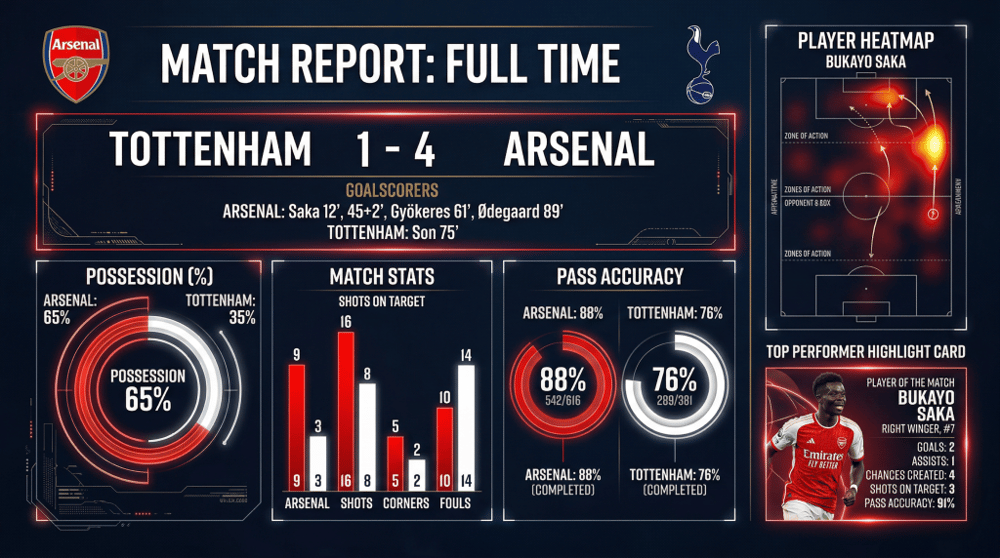
What does that mean in practice? If you ask it to generate an infographic about climate statistics, a diagram of a new product, or a data visualization — it actually understands what it’s depicting. This makes it a serious tool for educational content, marketing campaigns, journalism, and more.
2. Accurate Text Inside Images
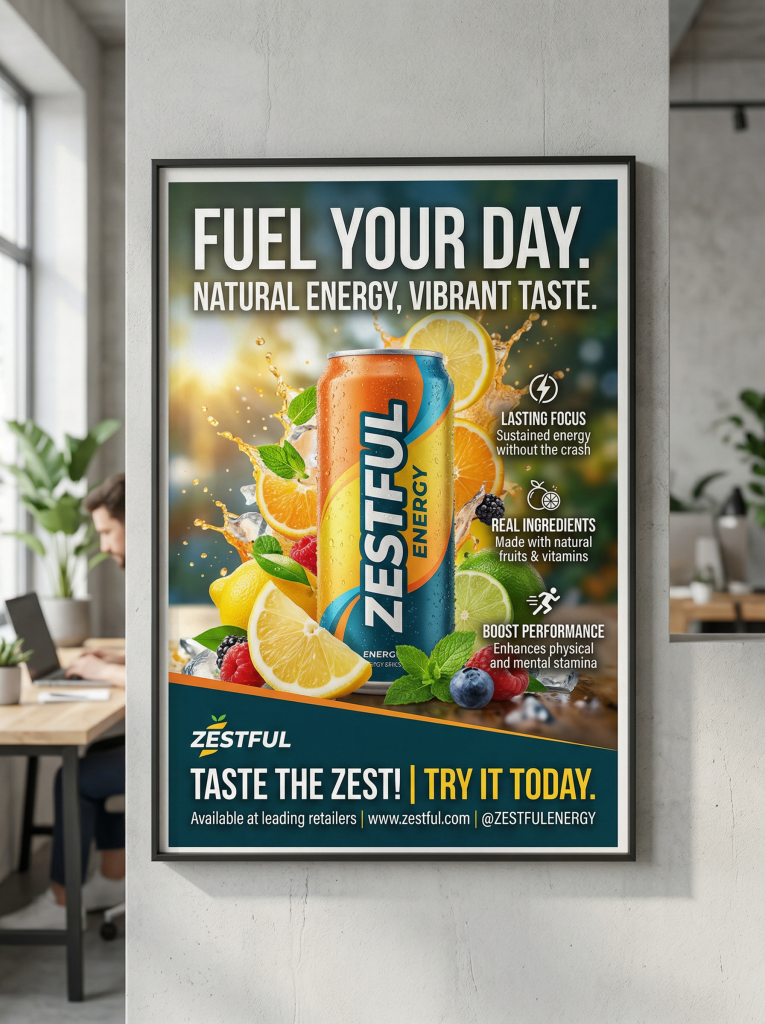
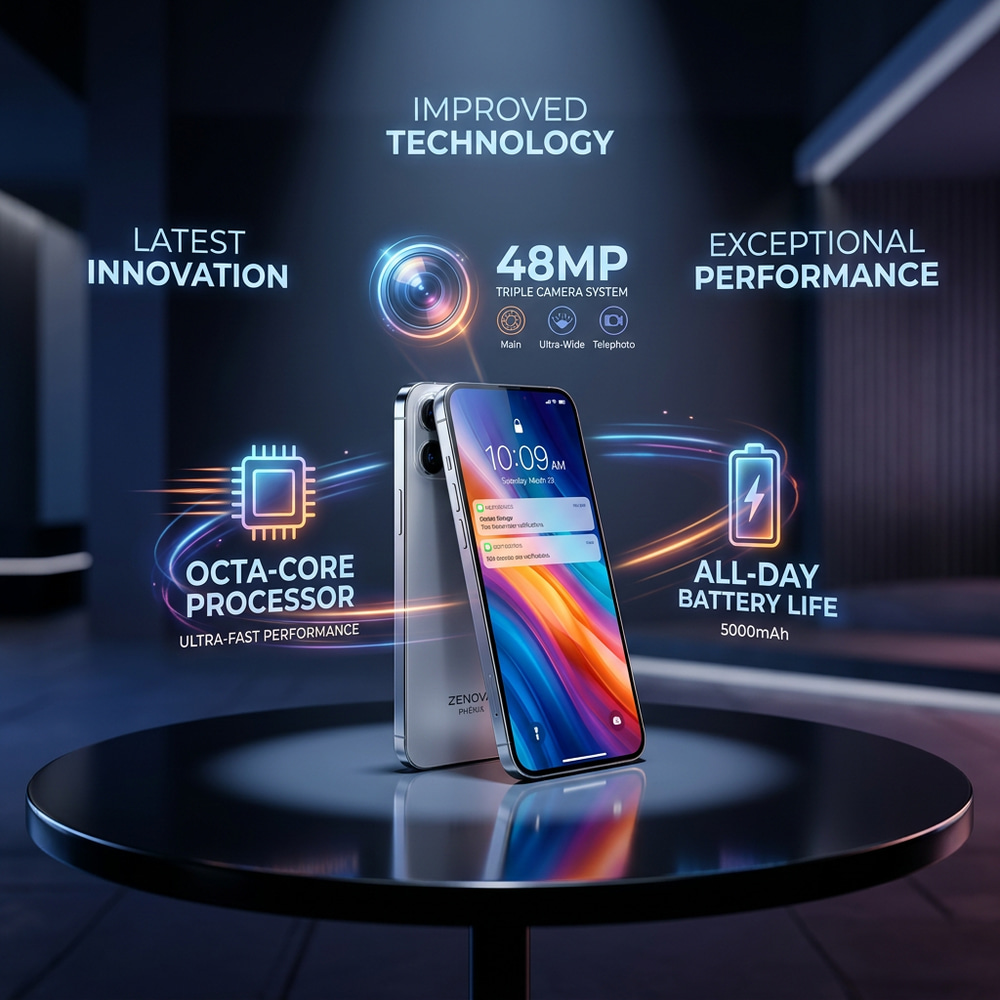
One of the hardest things for AI image generators to get right is text. Ask most AI tools to write words on a sign or poster, and you’ll get garbled nonsense. Nano Banana 2 solves this with precision text rendering.
You can generate legible, accurate text for:
- Marketing mockups and ad creatives
- Greeting cards and social media posts
- Posters and banners
- Localized content in multiple languages — it can translate text within an image
That last point is huge for global teams. Need your promotional banner in Spanish, French, and Japanese? Nano Banana 2 can handle it.
3. Subject Consistency Across Multiple Images
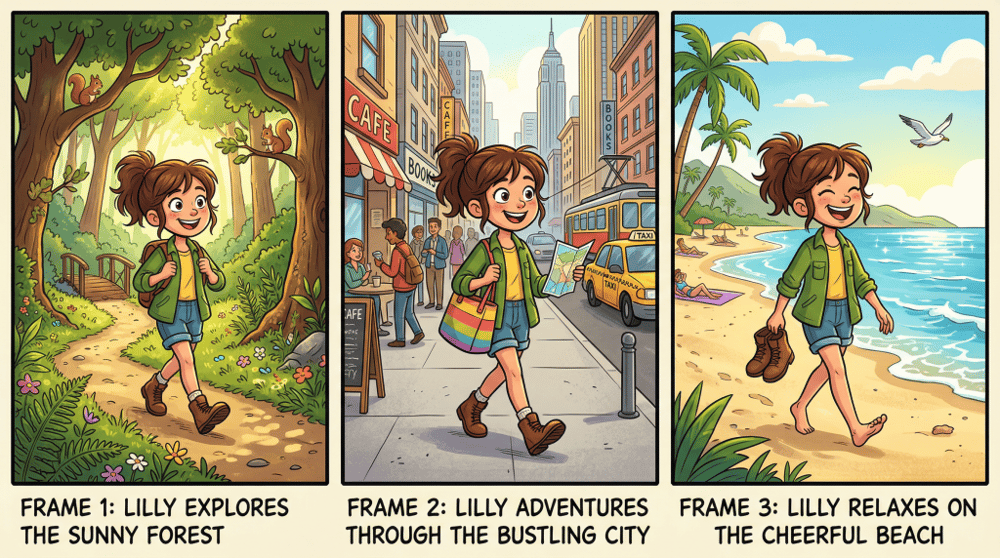
Here’s a feature that content creators and storytellers will love: subject consistency. Nano Banana 2 can maintain the appearance of up to 5 characters and the fidelity of up to 14 objects across a series of images.
That means you can create a comic strip, a storyboard, or a social media series — and your characters will look the same in every single frame. No more regenerating dozens of images hoping the character looks right. This is a game-changer for brand consistency and narrative content.
4. Sharp Details and True 4K Quality
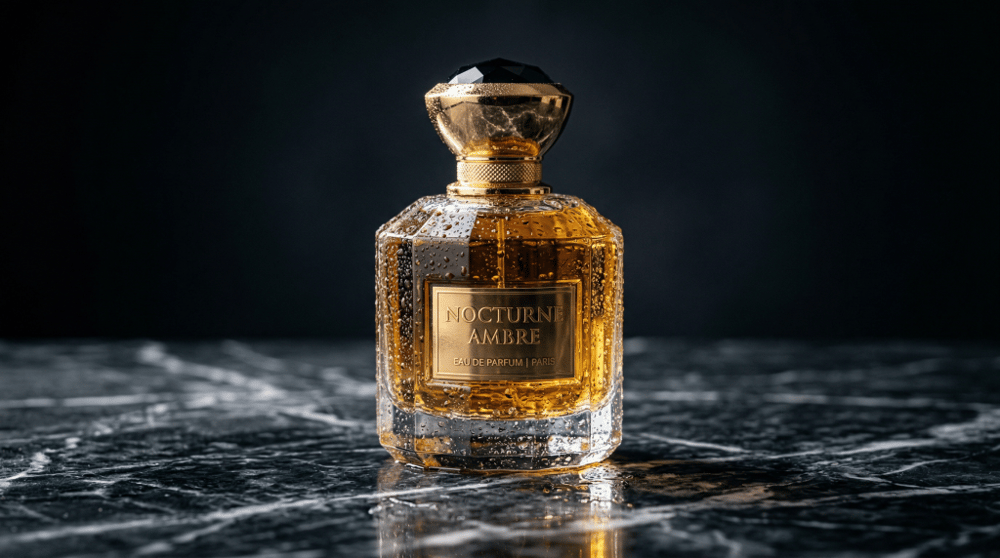
Nano Banana 2 doesn’t just make images quickly — it makes them beautifully. The model delivers:
- Vibrant lighting that makes images pop
- Richer textures for photorealistic results
- Full resolution control from 512px all the way up to 4K
- Multiple aspect ratios including 16:9, 9:16, 2:1, and more
Whether you’re creating a vertical Instagram Story or a full-width website banner, you get pixel-perfect results every time.
5. Follows Complex Instructions — Really Well
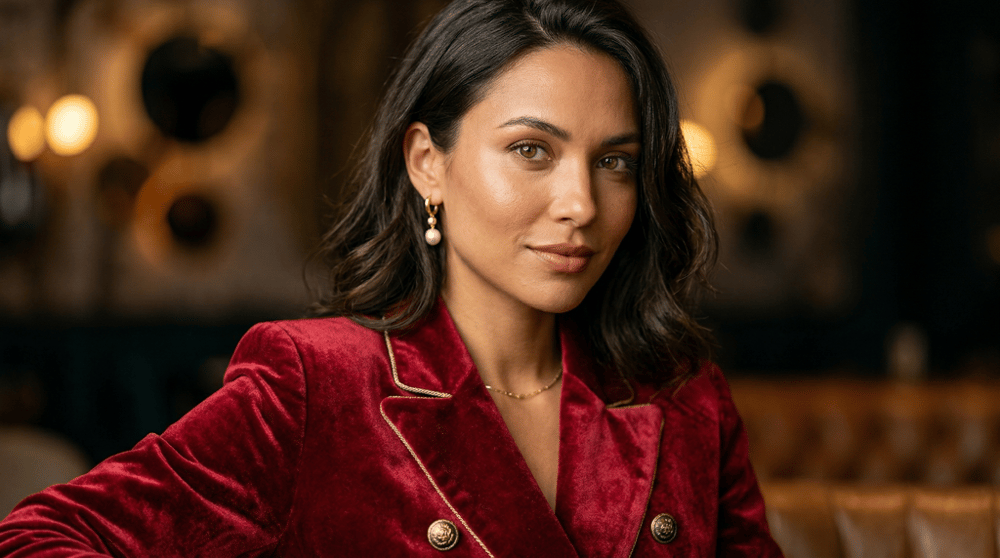
Ever typed a detailed prompt into an AI image generator and gotten something completely different from what you imagined? Nano Banana 2’s enhanced instruction following dramatically reduces that frustration. The model captures the exact mood, style, composition, and details you describe — so the image you get is much closer to the image you asked for.
Who Is Nano Banana 2 For?
The short answer: almost everyone. Here’s a quick breakdown by use case:
🎨 Content Creators & Bloggers
Generate scroll-stopping hero images, featured photos, and social visuals without a design team.

📣 Marketers & Advertisers
Create campaign-ready creatives, localized banners, and product mockups at 4K resolution in seconds.

🛍️ Small Business Owners
Build professional visual content without hiring a designer — marketing posters, product images, promo graphics.
📚 Educators & Students
Create accurate infographics, diagrams, and data visualizations grounded in real-world knowledge.
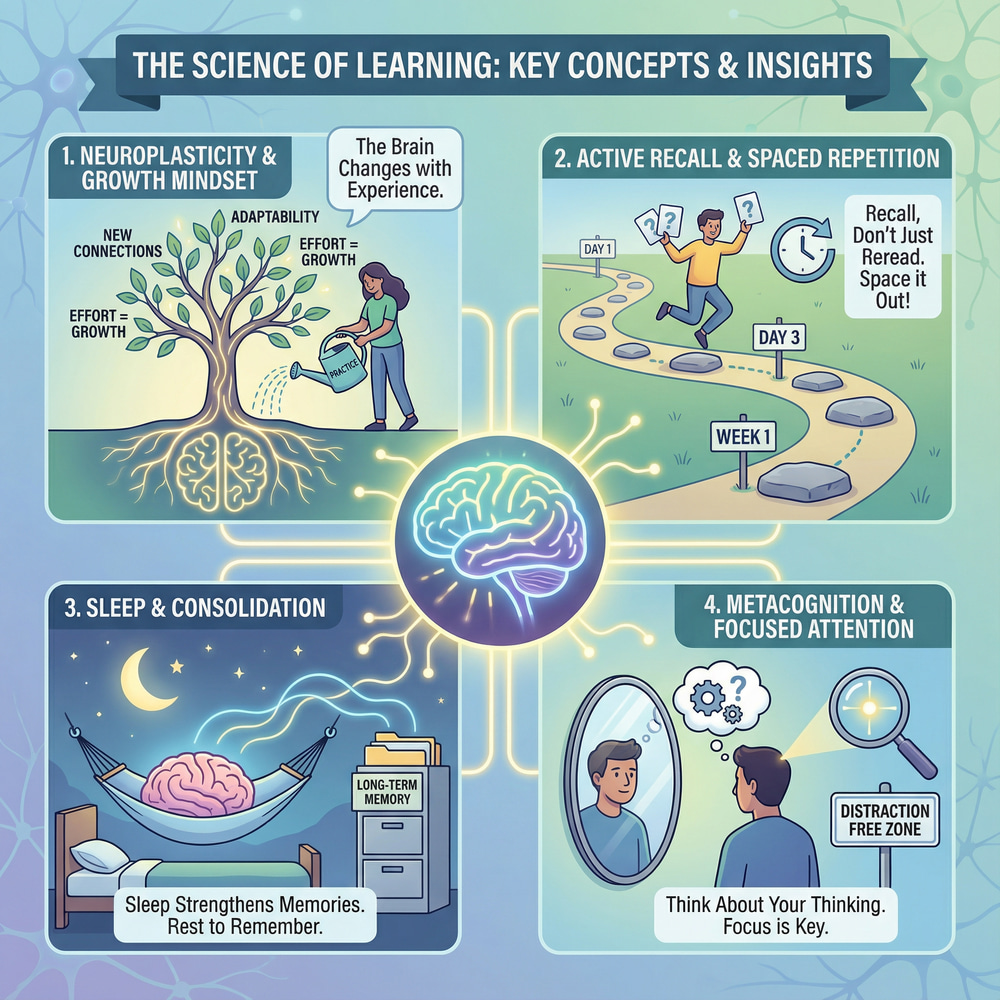
🎮 Game Developers & Artists
Use subject consistency to build character sheets, storyboards, and concept art with a coherent visual identity.


🏢 Enterprises & Developers
Companies like Adobe Firefly, Figma, Notion, and WPP are already using Nano Banana 2 for production-grade creative work.
How to Use Nano Banana 2 on Easy-Peasy.AI (3 Ways)
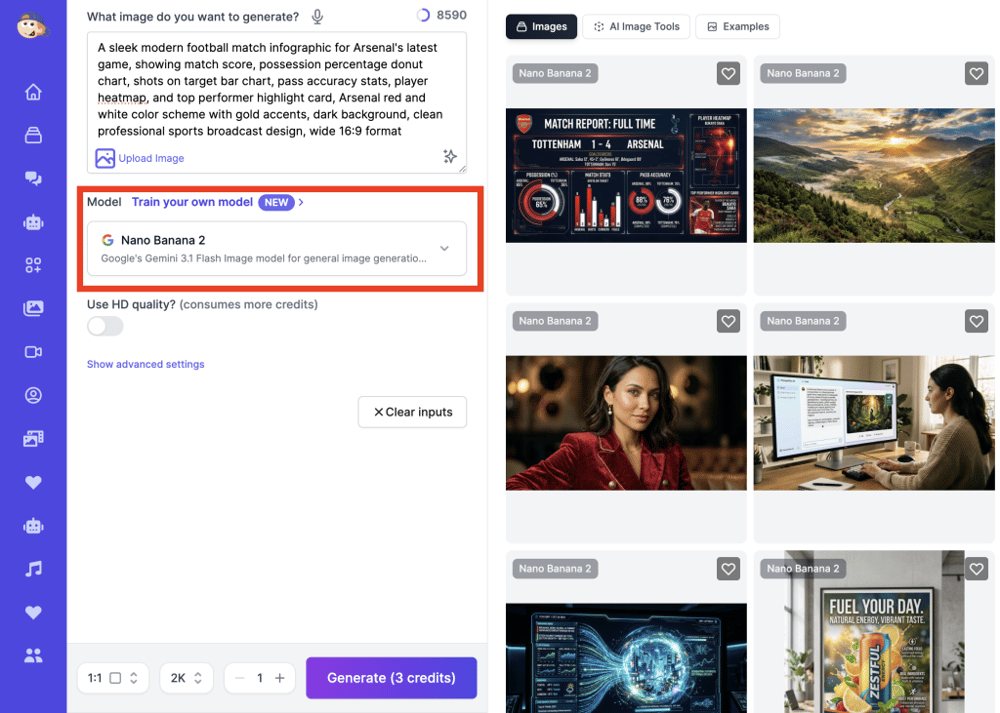
The great news is you don’t need a developer account or a Google Cloud subscription to experience Nano Banana 2. Easy-Peasy.AI has integrated it as the default image model across three of its core tools.
Option 1: AI Image Generator
The fastest way to try Nano Banana 2 is through Easy-Peasy.AI’s AI Image Generator.
How to use it:
- Go to easy-peasy.ai/ai-images
- Type your image description in the prompt box — the more detail, the better
- Choose your aspect ratio and resolution
- Hit generate and watch Nano Banana 2 work its magic
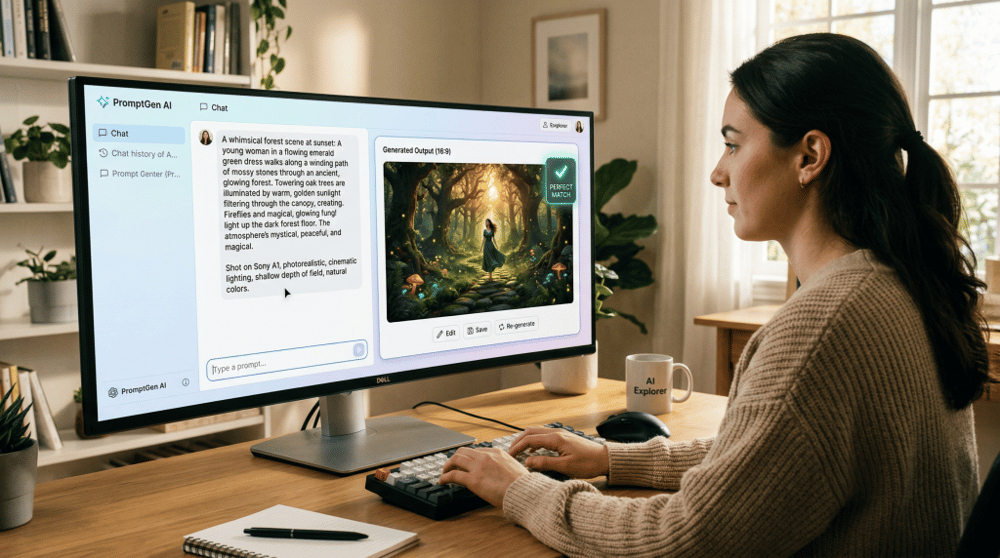
💡 Pro tip: Be specific with your prompts. Instead of “a woman running,” try “a young woman in athletic gear running through a misty forest at sunrise, photorealistic, side angle, cinematic lighting.” Nano Banana 2 excels at following detailed instructions.
Option 2: AI Image Editor
Already have an image you want to improve or transform? The AI Image Editor lets you edit existing photos and visuals using Nano Banana 2’s intelligence.
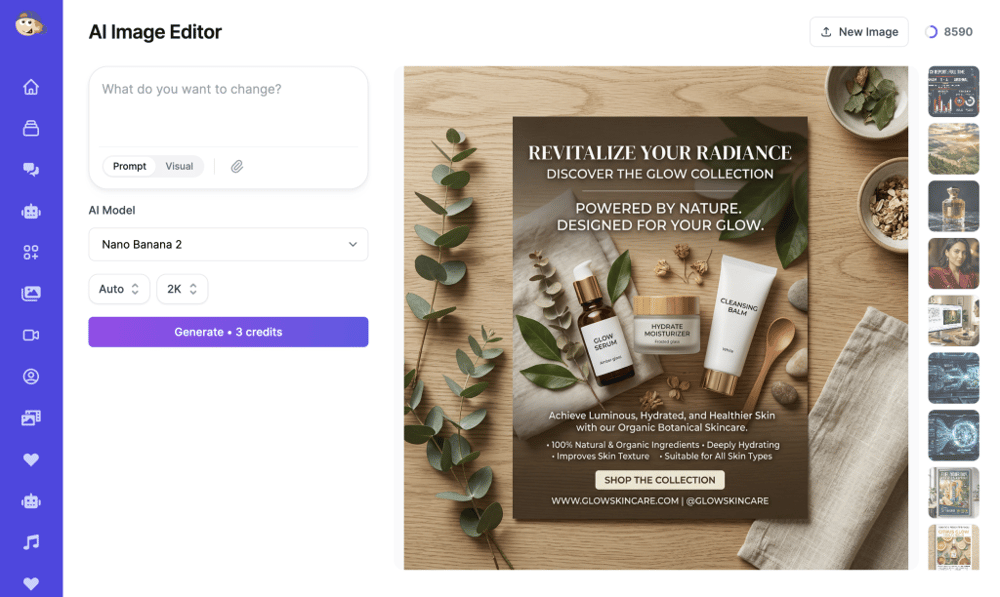
Use it to:
- Remove or change backgrounds
- Add or remove objects from an image
- Upscale a low-res photo to 2K or 4K
- Apply different styles or moods to existing photos
- Add accurate text overlays to marketing visuals
This is perfect when you have a product photo that needs polishing, or a stock image that isn’t quite right for your brand.
Option 3: Marky — Your AI Agent
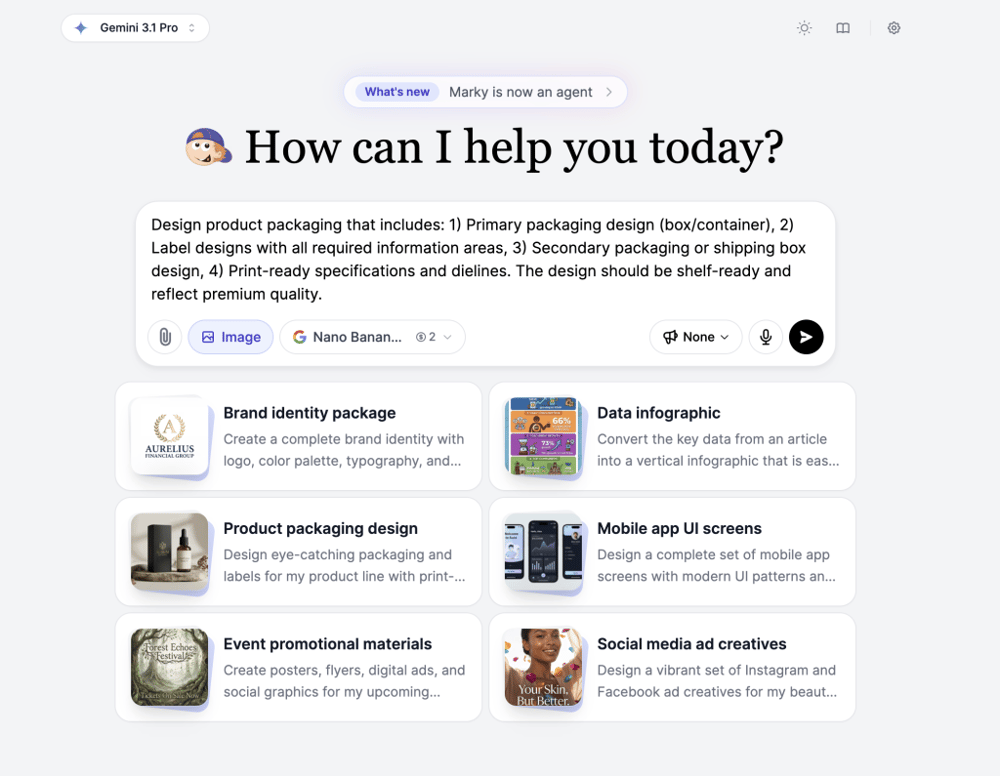
Marky is Easy-Peasy.AI’s all-in-one AI agent, and it can generate Nano Banana 2 images right inside your chat workflow.
This is the most powerful option for creators who want to combine image generation with writing, research, or content planning. You can ask Marky to write a blog post and generate the visuals for it — all in one conversation. Or describe a social media campaign and have Marky produce both the copy and the images at the same time.
Marky also gives you access to 85+ AI models, deep research, code execution, website building, and more. It’s your all-in-one creative command center.
AI Transparency & Why It Matters
One concern many people have with AI-generated images is: how do I know if something is real or AI-made?
Google is addressing this head-on with Nano Banana 2. Every image the model generates is watermarked using SynthID — Google’s invisible watermarking technology embedded directly into the pixels of the image, invisible to the human eye but detectable by verification tools.
Additionally, Nano Banana 2 supports C2PA Content Credentials, an industry-wide standard that records metadata about how an image was created and which AI tools were involved. Think of it as a certificate of authenticity for digital content.
Since its launch in November 2025, the SynthID verification feature has been used over 20 million times — showing just how much people care about image authenticity. These tools give both creators and viewers more transparency, which is good for everyone on the internet.
Nano Banana 2 vs. Nano Banana Pro: Which Should You Use?
Both models are available on Easy-Peasy.AI, so here’s a simple guide to choosing the right one for your project:
| Use Case | Nano Banana 2 ⚡ | Nano Banana Pro 🏆 |
|---|---|---|
| Speed | ⚡ Flash-fast | Slower |
| Image Quality | Very High | Maximum |
| Real-Time Web Knowledge | ✅ Yes | ✅ Yes |
| Text Rendering | ✅ Yes | ✅ Yes |
| Subject Consistency | ✅ Up to 5 characters | ✅ Yes |
| Best For | Rapid iteration, social media, drafts | Final deliverables, hero campaigns |
For most everyday use cases — Nano Banana 2 is the one to reach for. It’s fast, smart, and produces results that previously required much more time and computing power.
Real-World Examples: What Can You Make?
Here are some ideas to spark your creativity with Nano Banana 2 on Easy-Peasy.AI:
- A flat-lay infographic about the water cycle — with real data and accurate labels rendered in clean, legible text
- A storyboard for a short film — featuring the same two characters across 12 scenes, with perfectly consistent appearances
- A localized marketing banner — with your promotional text rendered in three different languages, each in its own image
- A 4K product mockup — showing a coffee mug on a textured wooden table, morning sunlight, steam rising, photorealistic
- A pop-art style portrait — in five different aspect ratios ready for TikTok, Instagram, Twitter, LinkedIn, and a website banner
- An educational diagram — showing how solar panels convert sunlight into electricity, with accurate labeled components
With Nano Banana 2’s speed, you can explore and iterate freely — without waiting minutes for each result.
Frequently Asked Questions
Is Nano Banana 2 free to use on Easy-Peasy.AI?
Yes! Nano Banana 2 is available on Easy-Peasy.AI. Sign up for a free account to get started. Premium plans unlock higher resolution outputs, more generations per month, and access to the full suite of Easy-Peasy tools including Marky.
Do I need any design or technical skills?
Not at all. Just describe what you want in plain English and Nano Banana 2 does the rest. The more descriptive you are, the better your results — but you don’t need to be a designer or a tech expert to get great images.
Can I use generated images commercially?
Images generated on Easy-Peasy.AI paid plans can be used for commercial purposes. Please check the full terms on the Easy-Peasy.AI website for the most up-to-date licensing details.
What’s the best way to write a prompt for Nano Banana 2?
A good prompt includes: subject + setting + mood/lighting + style + aspect ratio. Example: “A young entrepreneur working at a standing desk in a bright minimalist office, natural light from large windows, warm tones, photorealistic, 16:9 widescreen.” The more specific you are, the closer the result will be to your vision.
How is Nano Banana 2 different from DALL-E or Midjourney?
Nano Banana 2 stands out for its real-time web knowledge grounding (it understands current events and facts), superior text rendering inside images, and subject consistency across multiple images. It also integrates natively into Easy-Peasy.AI’s broader content creation workflow — so you can generate images alongside writing, research, and more.
What is Marky and how does it relate to Nano Banana 2?
Marky is Easy-Peasy.AI’s all-in-one AI agent. It uses Nano Banana 2 as its default image model, meaning you can generate images directly inside your chat conversations — alongside writing, research, code, and more. It’s the most versatile way to use Nano Banana 2 as part of a full content workflow.
Start Creating with Nano Banana 2 Today
Google’s Nano Banana 2 is a genuine leap forward in what AI image generation can do. It’s fast, smart, accurate — and it’s right at your fingertips on Easy-Peasy.AI.