Copy written for one action
A headline, benefits, proof and a single call to action, written for the audience you describe.
ローンチ、ウェイトリスト、キャンペーン向け
製品、ターゲット、訪問者にとってほしい1つの行動を説明してください。Markyがコピーを書き、画像を作り、ページとその裏で動くフォームを構築し、パソコンとスマホで表示を確認して公開します。
簡潔な回答
AIランディングページビルダーは、説明文から1ページで完結するウェブサイトを丸ごと作ります。見出しとコピー、画像、各セクション、登録フォームやお問い合わせフォーム、検索エンジンに表示されるタイトルと説明文までそろっています。Markyはこれを本物のReactプロジェクトとして構築し、フォームの入力内容をデータベースに保存し、パソコンとスマホでレイアウトを確認して、easy-peasy.siteのアドレスまたは独自ドメインで公開します。
実際の業務に合わせて構築
These are functional product layers tied to the workflow—not decorative sections copied from a template.
A headline, benefits, proof and a single call to action, written for the audience you describe.
Marky generates photos and illustrations that fit your product, so the page does not look like every other template.
Waitlist, newsletter and contact forms save each entry to a database that comes with the project.
Marky screenshots the page at desktop and phone widths and fixes sideways scrolling, cut-off text and broken images before handing it over.
The page is served as prerendered HTML with its own title and description, so search engines and AI tools can read it.
Publish to an easy-peasy.site address or your own domain, and push the code to GitHub when you want it.
推奨データモデル
プロンプト例
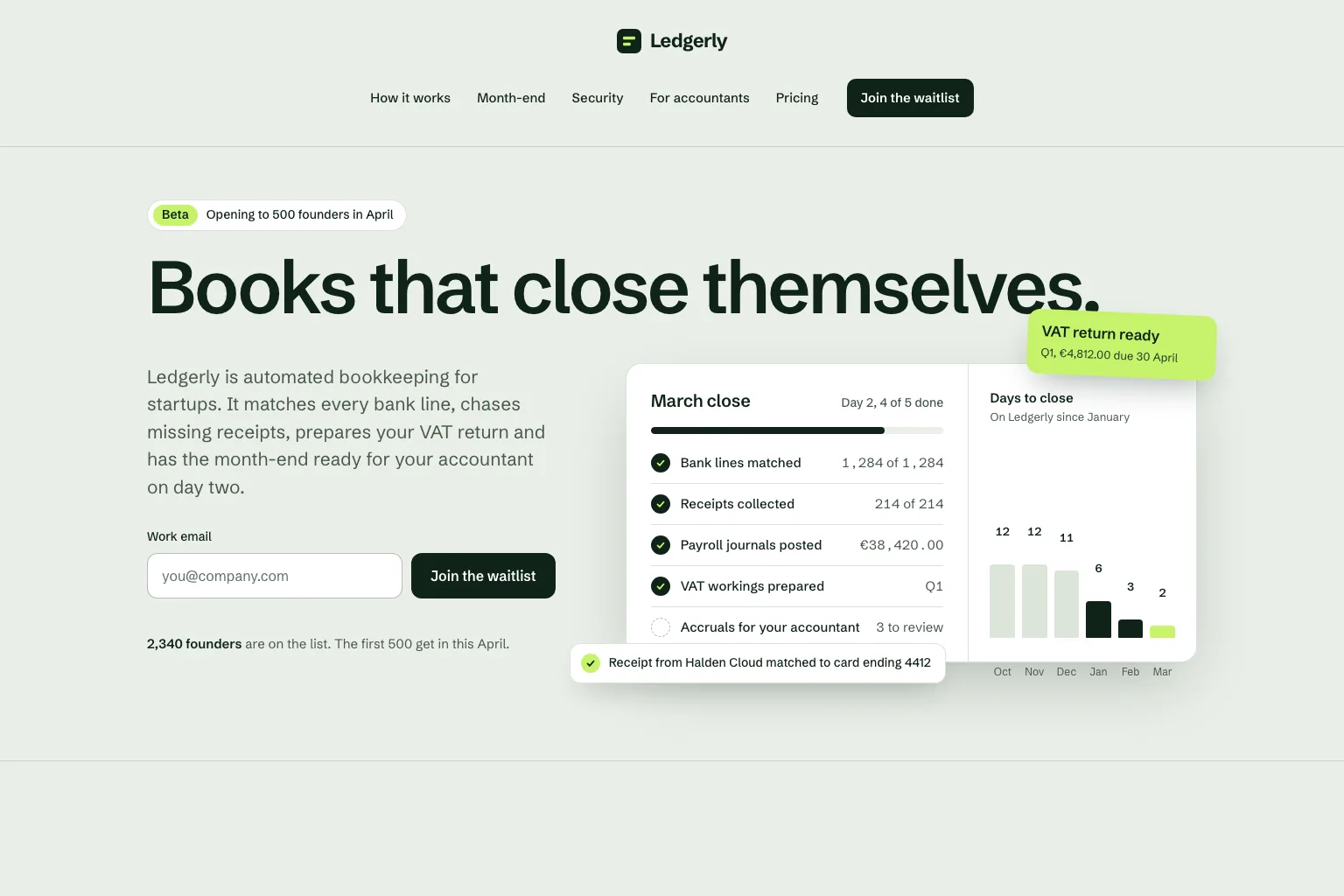
“Build a waitlist landing page for "Ledgerly", automated bookkeeping for startups that closes the books on day two. Lead with the promise and a work email form, then how it works, month-end, security, a section for accountants, pricing and an FAQ. Save every sign-up in a database. Calm, precise look.”これを出発点にする
実践的な構築手順
Join a waitlist, book a call or buy early: decide what the page asks for before anything else.
Who it is for, what it solves and the proof you have. Marky turns that into sections and copy.
Read the copy, try the form and open the page on your phone. Ask for changes in plain words.
Publish to an easy-peasy.site address or connect your domain, then send people to it.
共通の本番スタック
独自のページ形式ではなく、編集可能なフロントエンド。
永続的なレコードと保護されたサーバー側ロジック。
認証と、連携用の保護された認証情報。
組み込みの公開先はCloudflareで、ページはサーバーでレンダリングされるため、検索エンジンやAIツールが読み取れます。AWSサービスは保護された認証情報で連携でき、GitHubのコードベースは開発者がAWSデプロイ向けに調整できます。
個別の質問
Yes. Marky adds a waitlist, newsletter or contact form and saves every entry to a database that comes with the project. Ask Marky to show you the list, or to build a simple admin page for it.
Yes. Every published page gets an editable easy-peasy.site address, and you can connect a domain you own or buy a new one in the project settings.
Yes. Ask for changes in the same chat: new copy, another section, a different color. Marky saves versions, so you can go back to an earlier one.
The page is served as prerendered HTML with its own title and description, so search engines can read it. Where it ranks still depends on useful content and on other sites linking to it.
さらに見る
動く初期版を作る


