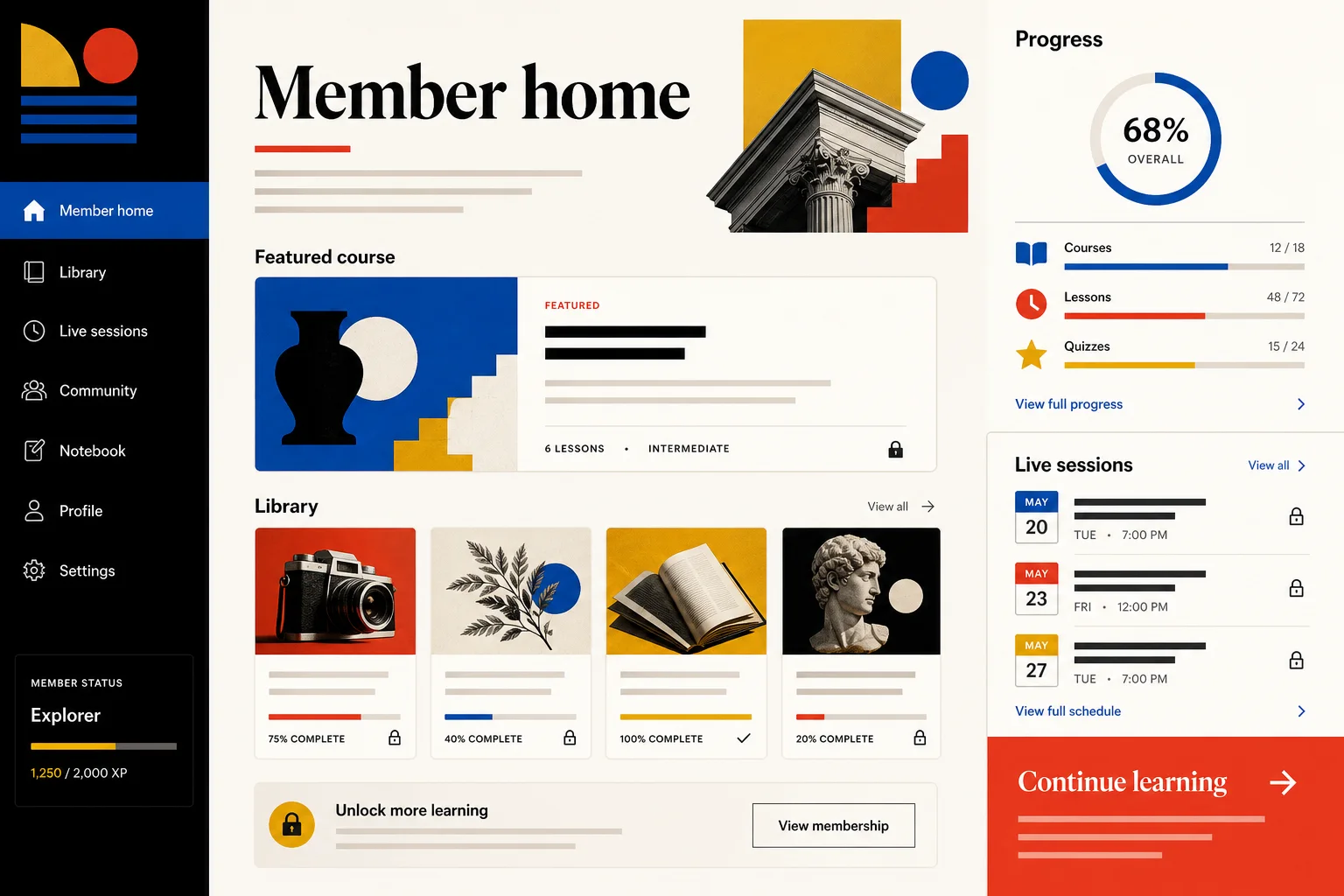
Accounts and onboarding
Create registration, Google sign-in, first-run setup and authenticated routes around your product flow.
創業者とプロダクトチーム向け
ユーザーとワークフローを説明すると、Markyが実データを扱える編集可能なフルスタックプロジェクトに変換し、本番公開まで支援します。
簡潔な回答
AI SaaSアプリビルダーは文章の要件を編集可能なWebアプリに変換します。MarkyはUI、バックエンド、データベース、認証、デプロイ設定を1つのプロジェクトに構築できます。
実際の業務に合わせて構築
These are functional product layers tied to the workflow—not decorative sections copied from a template.
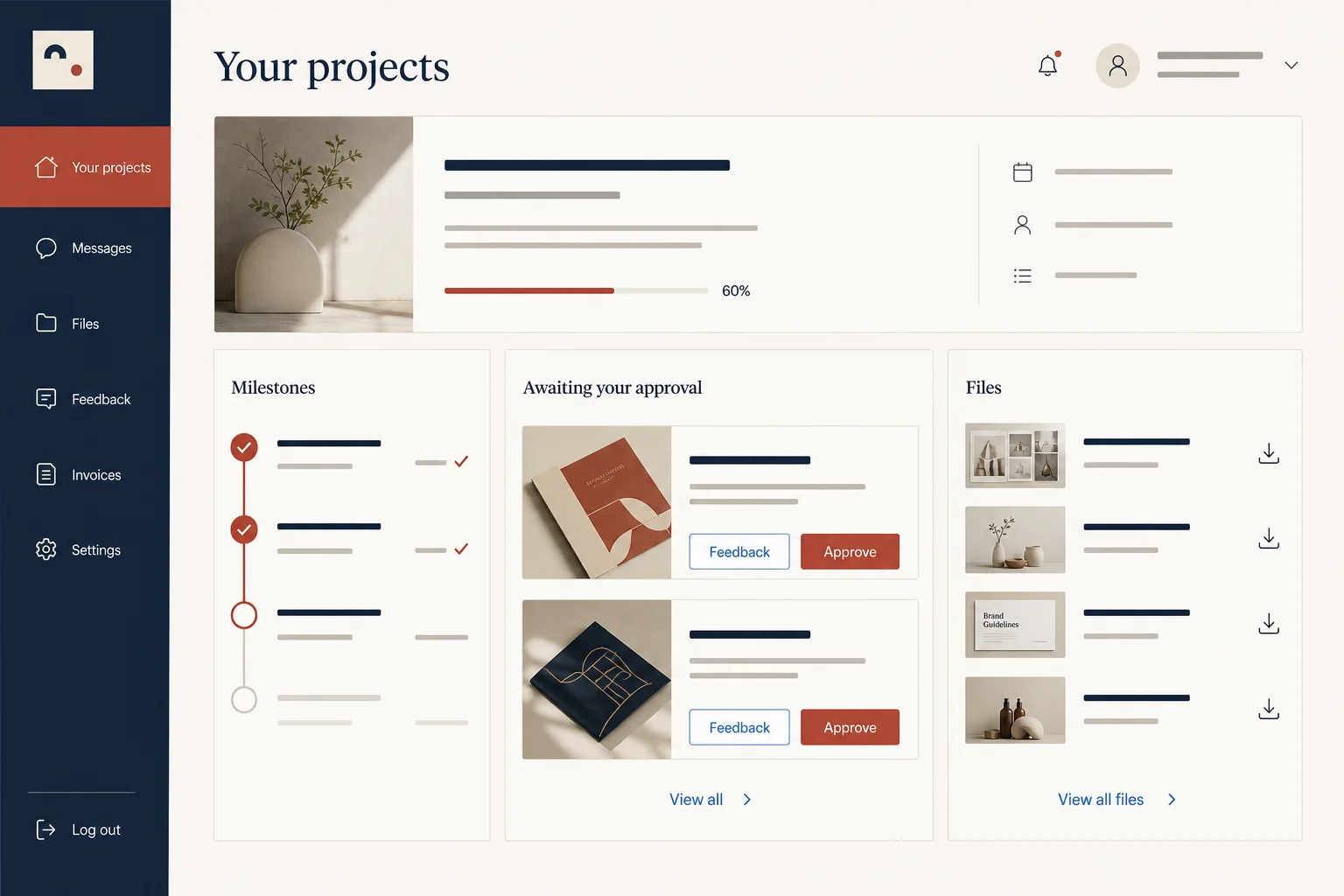
Create registration, Google sign-in, first-run setup and authenticated routes around your product flow.
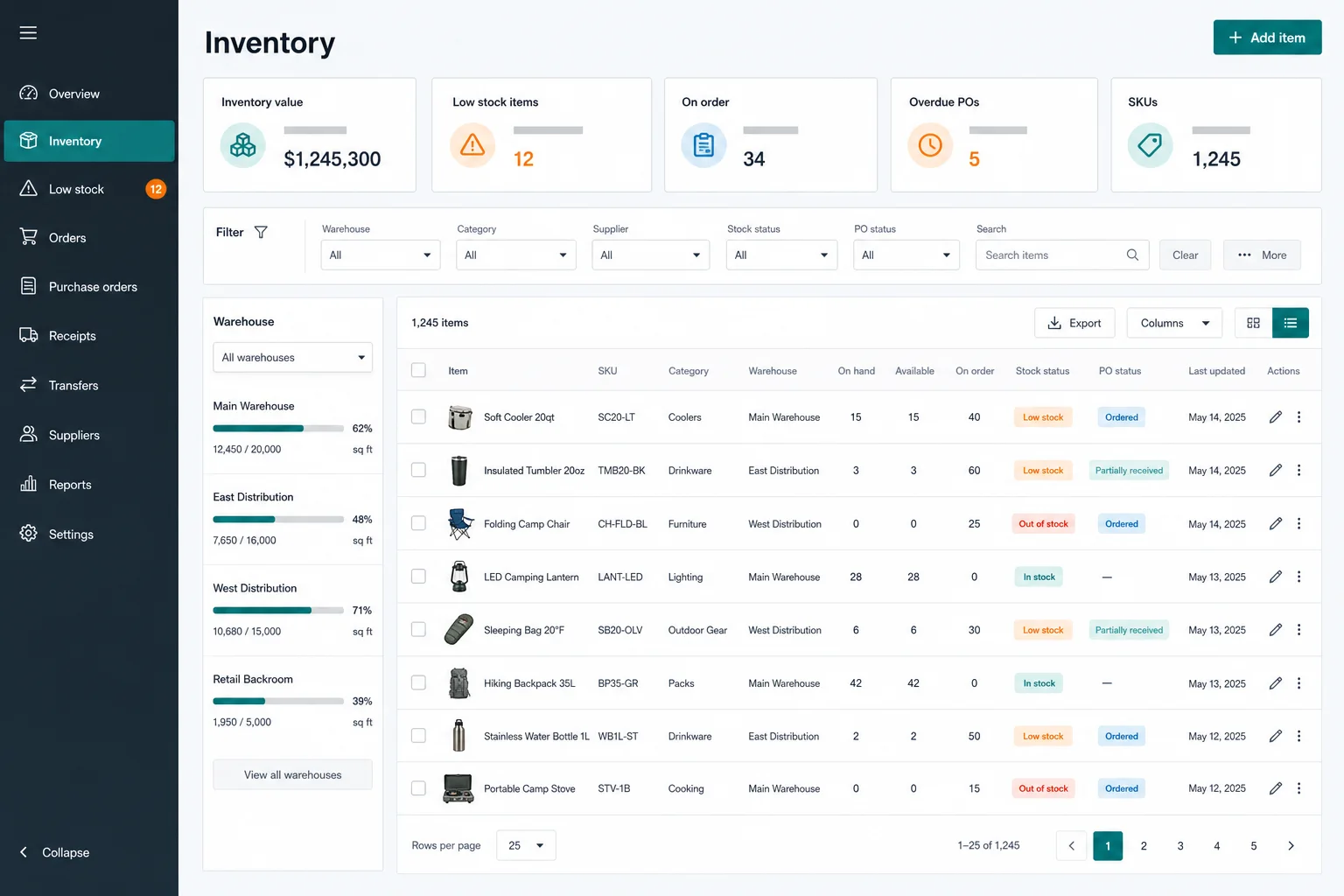
Model users, workspaces and core records in Neon Postgres with typed Drizzle queries and migrations.
Keep permissions, calculations, webhooks and private API calls in server functions that never reach the browser.
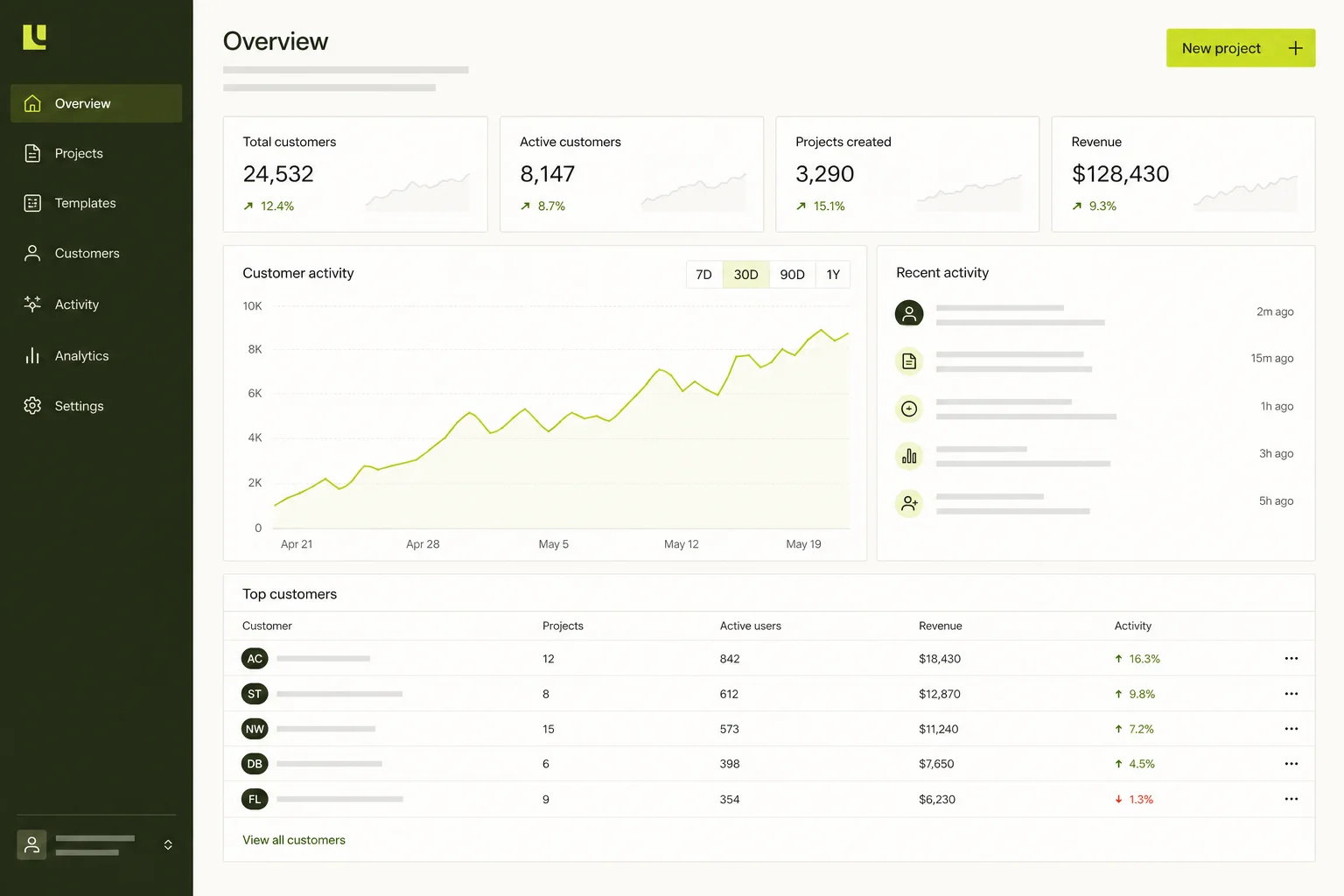
Build the customer product alongside practical admin screens for support, content or operations.
Add text, chat, image, video, speech or transcription features through the Easy-Peasy.AI API when the brief needs them.
Test a public preview, save a version, publish to Cloudflare and connect a domain when you approve the result.
推奨データモデル
プロンプト例
“Build a SaaS app for research teams. Users should sign in with Google, create a workspace, upload interview notes, tag findings and see an evidence dashboard. Add an admin view, a Neon Postgres schema, secure server APIs and a responsive onboarding flow.”これを出発点にする
実践的な構築手順
Name the user, the problem and the one outcome the first release must complete.
Marky drafts the database schema and API contracts before building the screens around them.
The agent implements the UI, server logic and tests, then opens a live preview for review.
Approve a version to publish, connect GitHub or a domain, and request the next feature in chat.
共通の本番スタック
独自のページ形式ではなく、編集可能なフロントエンド。
永続的なレコードと保護されたサーバー側ロジック。
認証と、連携用の保護された認証情報。
組み込みの公開先はCloudflareで、ページはサーバーでレンダリングされるため、検索エンジンやAIツールが読み取れます。AWSサービスは保護された認証情報で連携でき、GitHubのコードベースは開発者がAWSデプロイ向けに調整できます。
個別の質問
Yes. The full-stack scaffold renders pages on the server with TanStack Start and includes typed server functions, Drizzle database access and a managed Neon Postgres branch. Marky can implement server-side business rules instead of placing sensitive logic in the browser.
Yes. The scaffold supports Google OAuth through Marky's centralized authentication proxy, alongside the project's Better Auth foundation. The exact account and onboarding experience is generated for the product you describe.
Marky can build a Stripe integration when you provide the required Stripe credentials through project secrets. Payments are an external integration that should be tested in Stripe test mode before accepting real transactions.
Yes. Connect GitHub from project settings, create or link a repository, and push the current checkpoint. The generated application uses standard TypeScript and React project files rather than a proprietary page format.
さらに見る
動く初期版を作る