Copy written for one action
A headline, benefits, proof and a single call to action, written for the audience you describe.
Dành cho các đợt ra mắt, danh sách chờ và chiến dịch
Mô tả sản phẩm, đối tượng khách hàng và một hành động duy nhất bạn muốn họ thực hiện. Marky viết nội dung, tạo hình ảnh, dựng trang cùng form phía sau, kiểm tra trên máy tính và điện thoại, rồi xuất bản.
Trả lời trực tiếp
Trình tạo landing page bằng AI làm ra một website một trang hoàn chỉnh từ đoạn mô tả: tiêu đề chính và nội dung, hình ảnh, các phần của trang, form đăng ký hoặc liên hệ, cùng tiêu đề và mô tả mà công cụ tìm kiếm hiển thị. Marky dựng trang thành một dự án React thật, lưu dữ liệu gửi qua form vào cơ sở dữ liệu, kiểm tra bố cục trên máy tính và điện thoại, rồi xuất bản lên địa chỉ easy-peasy.site hoặc tên miền riêng của bạn.
Xây dựng theo công việc thực tế
These are functional product layers tied to the workflow—not decorative sections copied from a template.
A headline, benefits, proof and a single call to action, written for the audience you describe.
Marky generates photos and illustrations that fit your product, so the page does not look like every other template.
Waitlist, newsletter and contact forms save each entry to a database that comes with the project.
Marky screenshots the page at desktop and phone widths and fixes sideways scrolling, cut-off text and broken images before handing it over.
The page is served as prerendered HTML with its own title and description, so search engines and AI tools can read it.
Publish to an easy-peasy.site address or your own domain, and push the code to GitHub when you want it.
Mô hình dữ liệu đề xuất
Ví dụ prompt
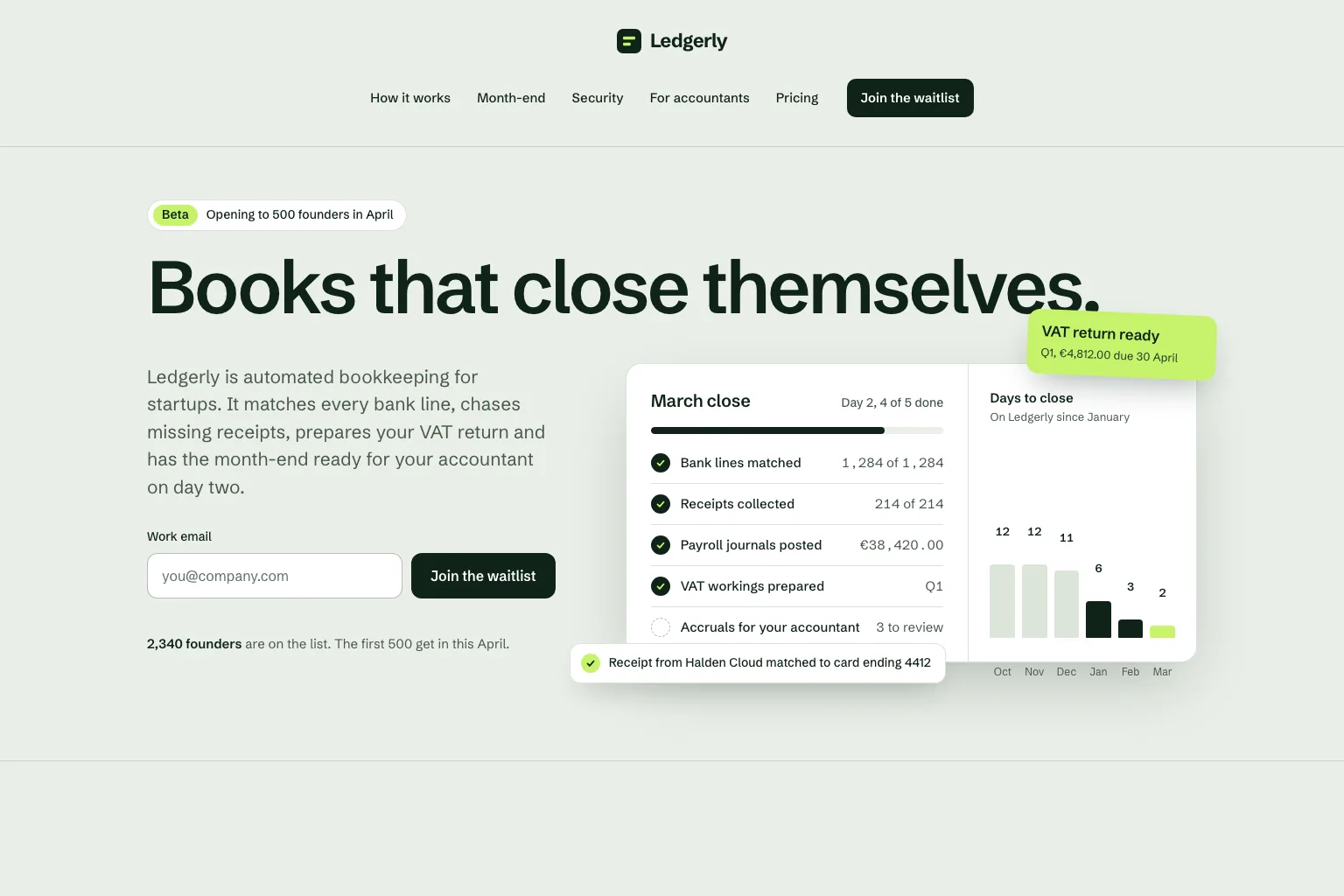
“Build a waitlist landing page for "Ledgerly", automated bookkeeping for startups that closes the books on day two. Lead with the promise and a work email form, then how it works, month-end, security, a section for accountants, pricing and an FAQ. Save every sign-up in a database. Calm, precise look.”Dùng làm điểm khởi đầu
Trình tự xây dựng thực tế
Join a waitlist, book a call or buy early: decide what the page asks for before anything else.
Who it is for, what it solves and the proof you have. Marky turns that into sections and copy.
Read the copy, try the form and open the page on your phone. Ask for changes in plain words.
Publish to an easy-peasy.site address or connect your domain, then send people to it.
Stack production dùng chung
Một frontend chỉnh sửa được, không phải định dạng trang độc quyền.
Dữ liệu được lưu trữ lâu dài và logic phía máy chủ được bảo vệ.
Xác thực và thông tin xác thực được bảo vệ cho các tích hợp.
Tính năng xuất bản tích hợp sẵn nhắm đến Cloudflare, và các trang được render phía máy chủ để công cụ tìm kiếm và công cụ AI có thể đọc được. Dịch vụ AWS có thể được tích hợp qua thông tin xác thực được bảo vệ, và mã nguồn trên GitHub có thể được lập trình viên điều chỉnh để triển khai trên AWS.
Câu hỏi cụ thể
Yes. Marky adds a waitlist, newsletter or contact form and saves every entry to a database that comes with the project. Ask Marky to show you the list, or to build a simple admin page for it.
Yes. Every published page gets an editable easy-peasy.site address, and you can connect a domain you own or buy a new one in the project settings.
Yes. Ask for changes in the same chat: new copy, another section, a different color. Marky saves versions, so you can go back to an earlier one.
The page is served as prerendered HTML with its own title and description, so search engines can read it. Where it ranks still depends on useful content and on other sites linking to it.
Tiếp tục khám phá
Xây dựng phiên bản hoạt động đầu tiên


