Copy written for one action
A headline, benefits, proof and a single call to action, written for the audience you describe.
Pour les lancements, listes d'attente et campagnes
Décrivez le produit, le public visé et l'action unique que vous attendez des visiteurs. Marky rédige les textes, crée les images, construit la page et le formulaire qui l'accompagne, la vérifie sur ordinateur et sur mobile, puis la publie.
Réponse directe
Un créateur de landing pages IA produit un site complet d'une seule page à partir d'une description : l'accroche et les textes, les images, les sections, un formulaire d'inscription ou de contact, ainsi que le titre et la description affichés par les moteurs de recherche. Marky le construit comme un vrai projet React, enregistre les réponses au formulaire dans une base de données, vérifie la mise en page sur ordinateur et sur mobile, puis le publie sur une adresse easy-peasy.site ou sur votre propre domaine.
Conçu pour le besoin réel
Il s'agit de couches fonctionnelles liées au workflow, pas de sections décoratives copiées d'un modèle.
A headline, benefits, proof and a single call to action, written for the audience you describe.
Marky generates photos and illustrations that fit your product, so the page does not look like every other template.
Waitlist, newsletter and contact forms save each entry to a database that comes with the project.
Marky screenshots the page at desktop and phone widths and fixes sideways scrolling, cut-off text and broken images before handing it over.
The page is served as prerendered HTML with its own title and description, so search engines and AI tools can read it.
Publish to an easy-peasy.site address or your own domain, and push the code to GitHub when you want it.
Modèle de données suggéré
Exemple de demande
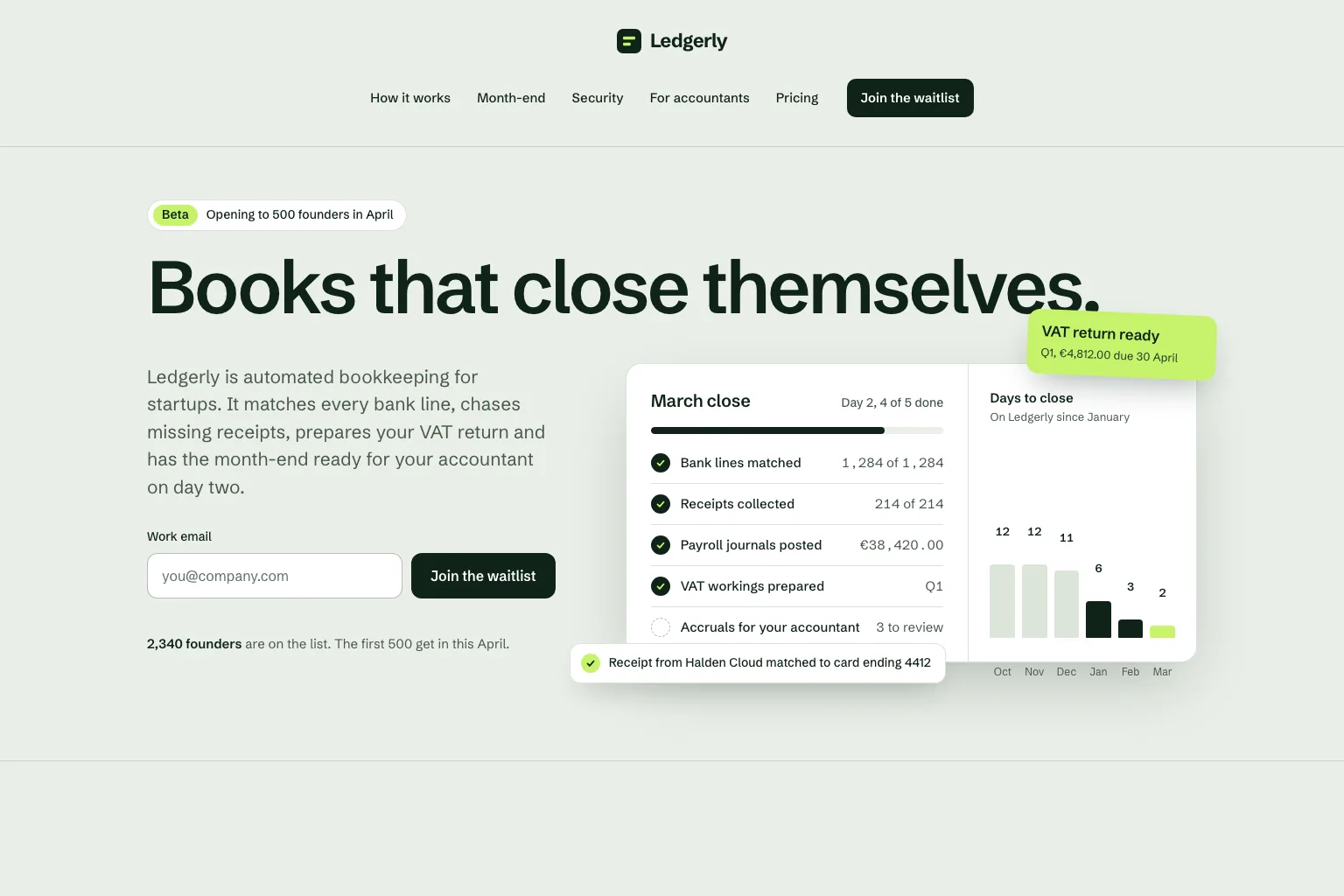
“Build a waitlist landing page for "Ledgerly", automated bookkeeping for startups that closes the books on day two. Lead with the promise and a work email form, then how it works, month-end, security, a section for accountants, pricing and an FAQ. Save every sign-up in a database. Calm, precise look.”Utiliser comme point de départ
Séquence de création pratique
Join a waitlist, book a call or buy early: decide what the page asks for before anything else.
Who it is for, what it solves and the proof you have. Marky turns that into sections and copy.
Read the copy, try the form and open the page on your phone. Ask for changes in plain words.
Publish to an easy-peasy.site address or connect your domain, then send people to it.
Stack de production commun
Un frontend modifiable, pas un format de page propriétaire.
Données persistantes et logique serveur protégée.
Authentification et identifiants protégés pour les intégrations.
La publication intégrée cible Cloudflare, et les pages sont rendues côté serveur pour que les moteurs de recherche et les outils IA puissent les lire. Les services AWS peuvent être intégrés via des identifiants protégés, et un développeur peut adapter le code GitHub pour un déploiement sur AWS.
Questions spécifiques
Yes. Marky adds a waitlist, newsletter or contact form and saves every entry to a database that comes with the project. Ask Marky to show you the list, or to build a simple admin page for it.
Yes. Every published page gets an editable easy-peasy.site address, and you can connect a domain you own or buy a new one in the project settings.
Yes. Ask for changes in the same chat: new copy, another section, a different color. Marky saves versions, so you can go back to an earlier one.
The page is served as prerendered HTML with its own title and description, so search engines can read it. Where it ranks still depends on useful content and on other sites linking to it.
Continuer l'exploration
Créez la première version fonctionnelle


