Accounts and onboarding
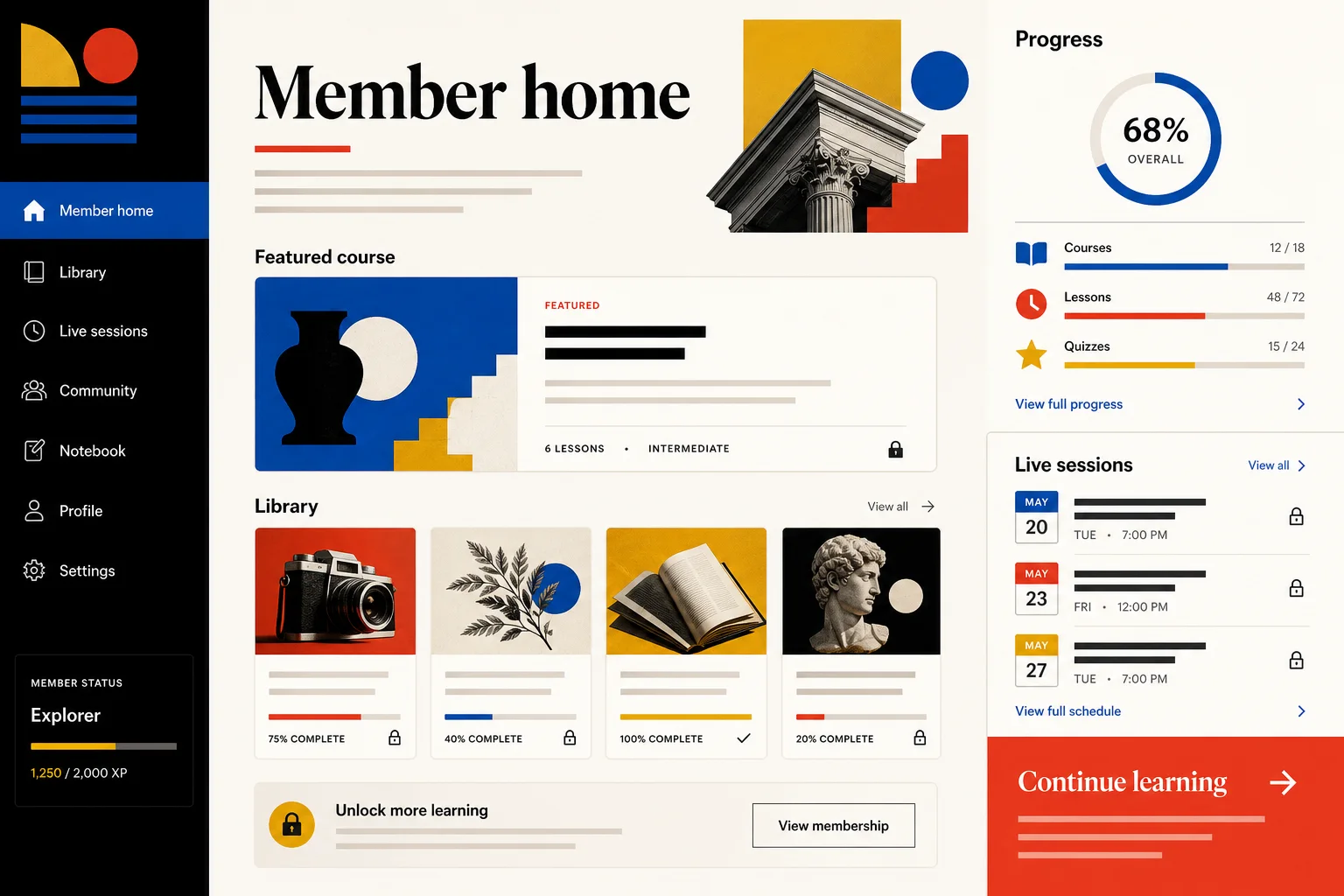
Create registration, Google sign-in, first-run setup and authenticated routes around your product flow.
For founders and product teams
Describe the product, users and core workflow. Marky turns the brief into an editable React application with a real backend, persistent data, account flows and a production path.
Direct answer
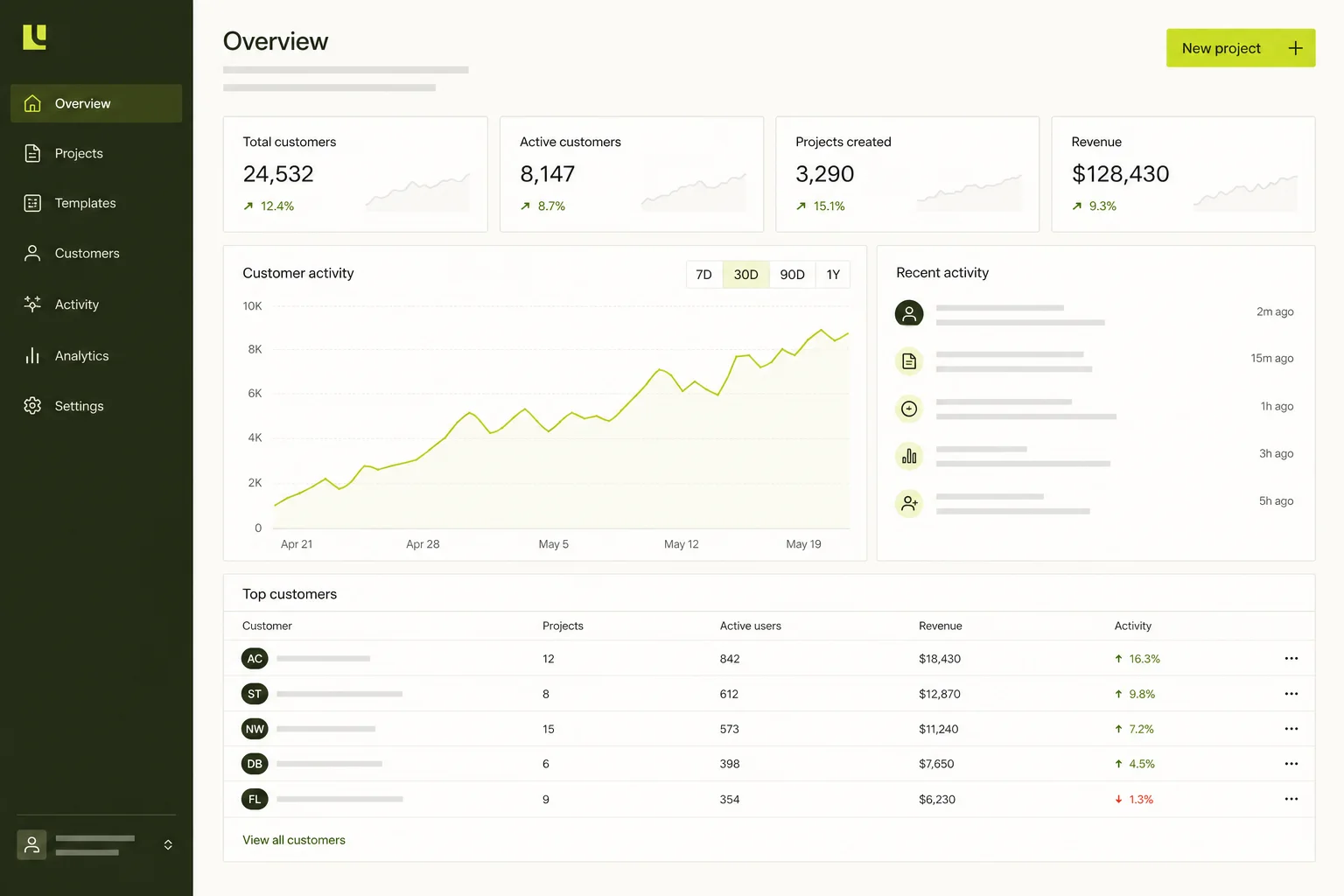
An AI SaaS app builder turns a product brief into working software rather than a static mockup. Marky can create the React interface, backend APIs, Postgres schema, authentication and deployment configuration in one project, then refine the product through the same conversation.
Built around the job
These are functional product layers tied to the workflow—not decorative sections copied from a template.
Create registration, Google sign-in, first-run setup and authenticated routes around your product flow.
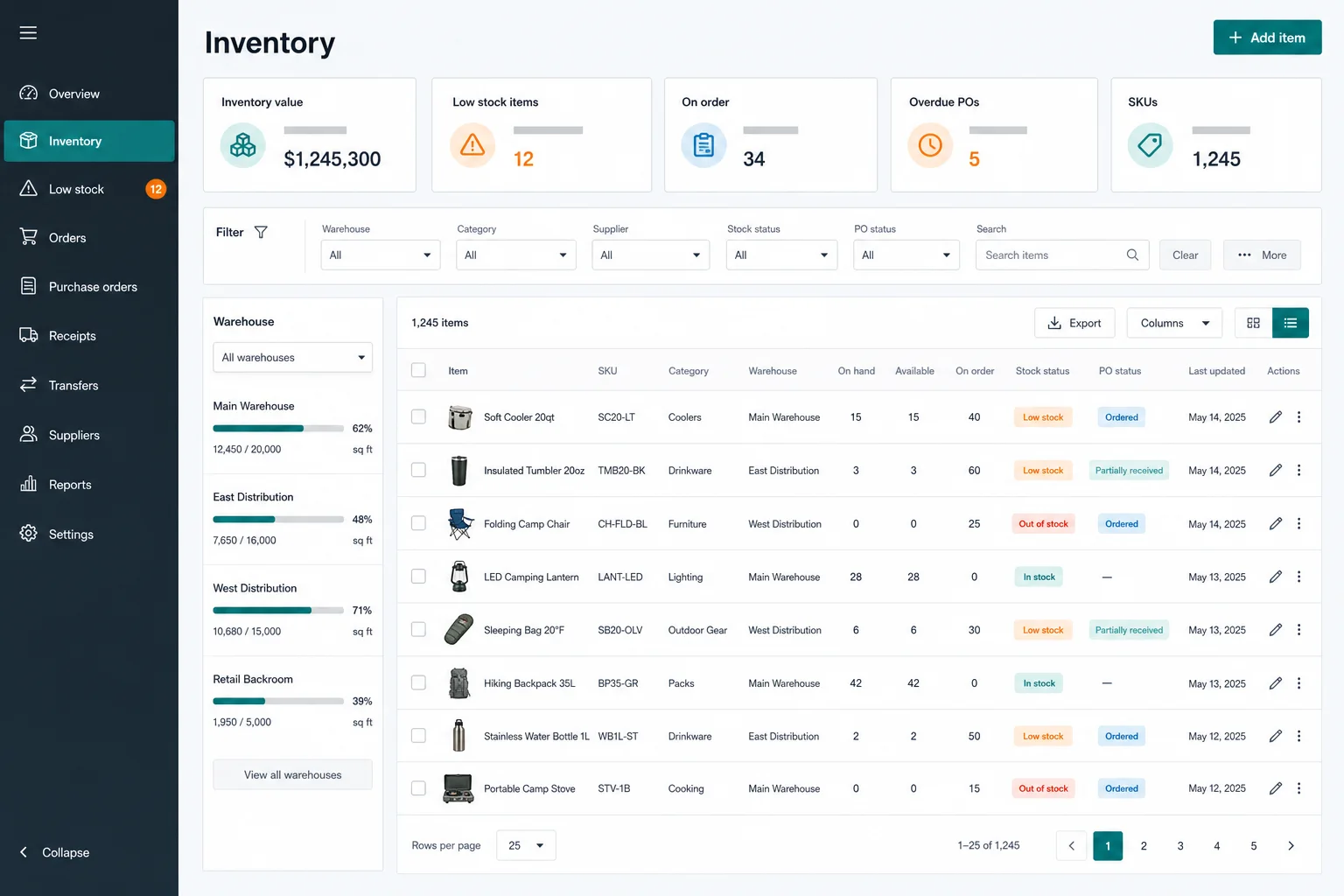
Model users, workspaces and core records in Neon Postgres with typed Drizzle queries and migrations.
Keep permissions, calculations, webhooks and private API calls in the Express and tRPC server layer.
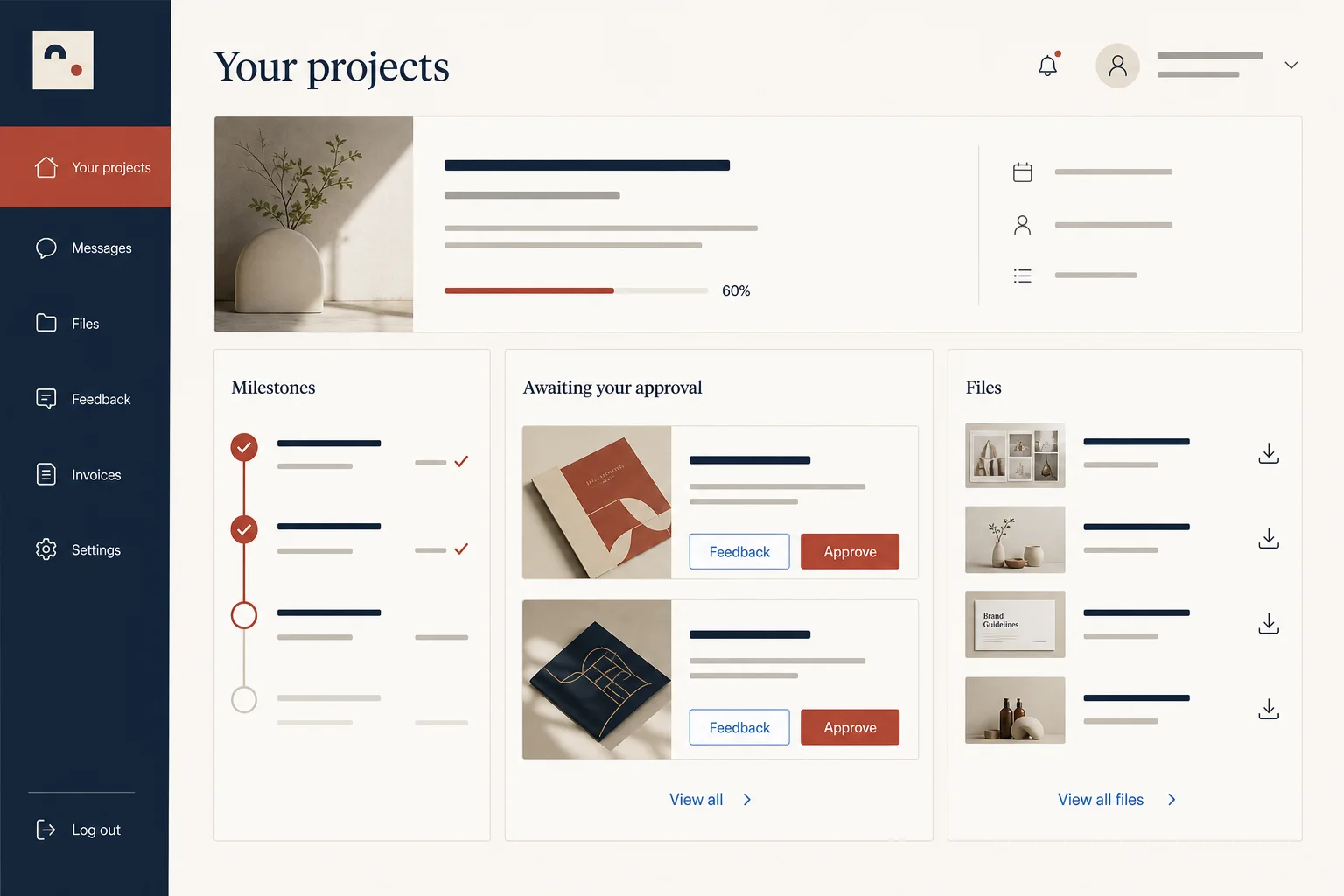
Build the customer product alongside practical admin screens for support, content or operations.
Add text, chat, image, video, speech or transcription features through the Easy-Peasy.AI API when the brief needs them.
Test a public preview, save a version, publish to Cloud Run and connect a domain when you approve the result.
Suggested data model
Example prompt
“Build a SaaS app for research teams. Users should sign in with Google, create a workspace, upload interview notes, tag findings and see an evidence dashboard. Add an admin view, a Neon Postgres schema, secure server APIs and a responsive onboarding flow.”Use this as a starting point
Practical build sequence
Name the user, the problem and the one outcome the first release must complete.
Marky drafts the database schema and API contracts before building the screens around them.
The agent implements the UI, server logic and tests, then opens a live preview for review.
Approve a version for Cloud Run, connect GitHub or a domain, and request the next feature in chat.
Shared production stack
An editable frontend, not a proprietary page format.
Persistent records and protected server-side logic.
Authentication and protected credentials for integrations.
Built-in publishing targets Google Cloud Run. AWS services can be integrated through protected credentials, and the GitHub codebase can be adapted for an AWS deployment by a developer.
Specific questions
Yes. The full-stack scaffold includes an Express server, typed tRPC APIs, Drizzle database access and a managed Neon Postgres branch. Marky can implement server-side business rules instead of placing sensitive logic in the browser.
Yes. The scaffold supports Google OAuth through Marky's centralized authentication proxy, alongside the project's Better Auth foundation. The exact account and onboarding experience is generated for the product you describe.
Marky can build a Stripe integration when you provide the required Stripe credentials through project secrets. Payments are an external integration that should be tested in Stripe test mode before accepting real transactions.
Yes. Connect GitHub from project settings, create or link a repository, and push the current checkpoint. The generated application uses standard TypeScript, React and Node.js project files rather than a proprietary page format.
Keep exploring
Build the first working version