


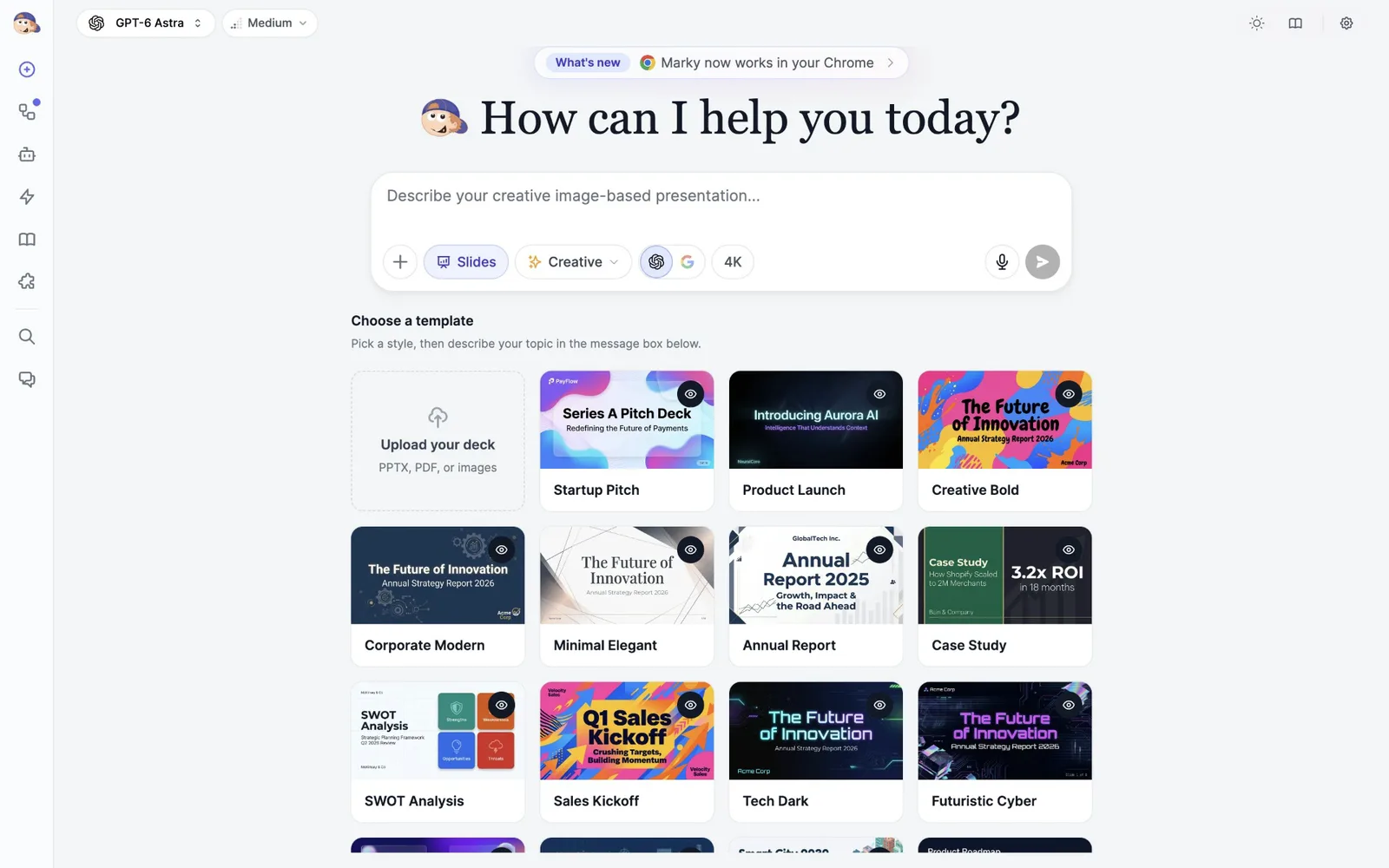
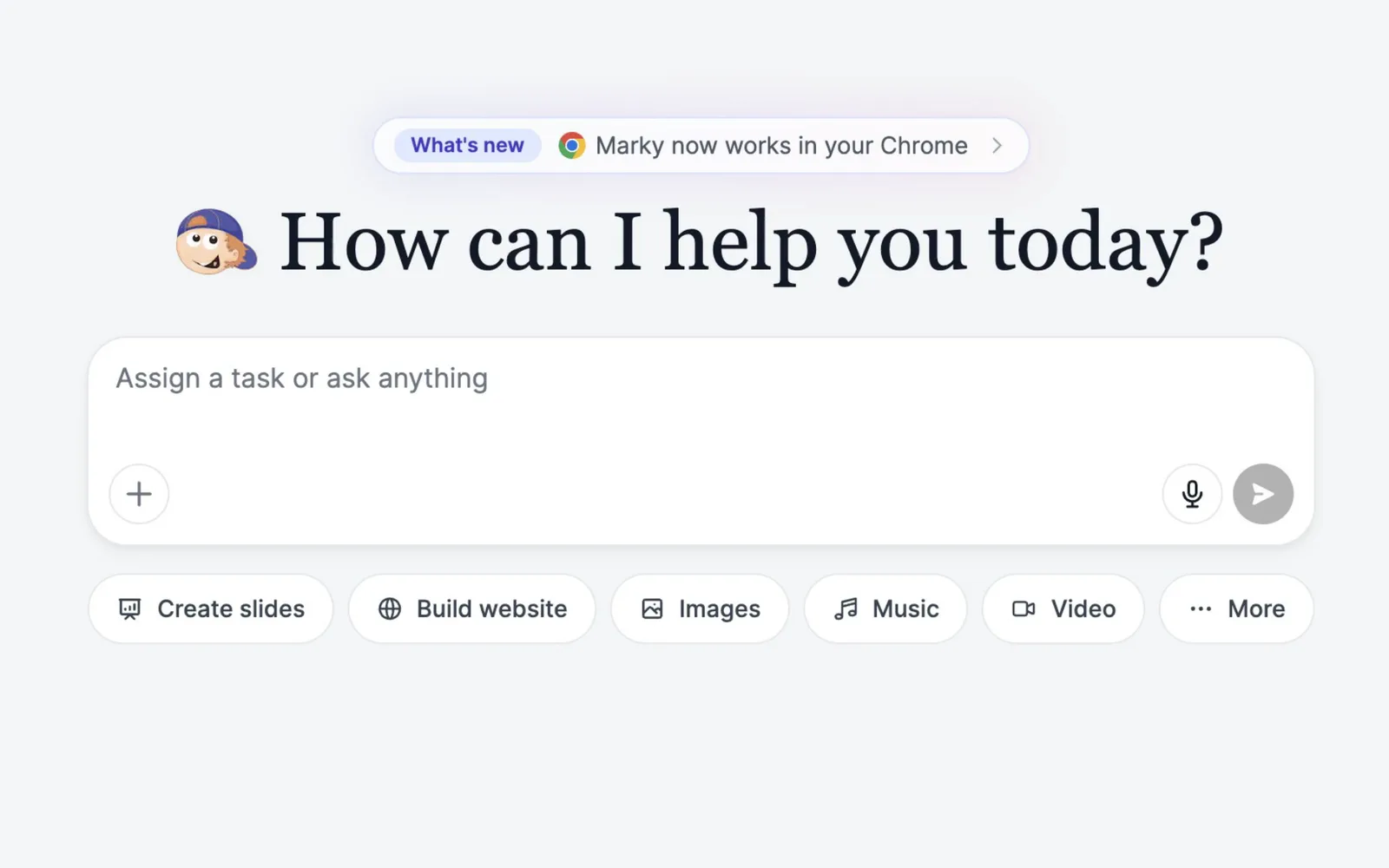






Images, video, music and voice.
Ask for a product shot, a short clip, a jingle or a voiceover. Marky picks a model for the job and hands back the file. Video and music are on paid plans.
Give Marky the whole job.
Marky makes a plan, does the work on its own computer and hands back the result: a live website, a pitch deck, a brief with sources or a chart from your spreadsheet.
Real recordings, sped up
Watch each task in full
60+ models from the leading AI labs, in one chat
Trusted by teams at companies and universities like


Each clip is one real chat: the request, the work as it happened and the finished result. We cut the waiting and sped up the rest.
The request
“Build a website for Tidewell Coffee Roasters, a small-batch roastery in Lisbon: a hero with an “Order beans” button, our three signature blends with tasting notes and prices, a monthly subscription, café hours and a newsletter signup. Warm, editorial look.”
What Marky did
Marky works like a capable colleague with a computer of its own. Watch every step, or close the tab and come back to the result.
01
Bigger jobs get a plan you can see, ticked off step by step. Send more messages while it works and they wait their turn.
02
A cloud computer with a browser, a terminal and a code editor. Click any step to see what Marky saw at that moment.
03
Live links, slide decks, documents, spreadsheets and charts, ready to download, share or keep improving in the same chat.
Ask for a product shot, a short clip, a jingle or a voiceover. Marky picks a model for the job and hands back the file. Video and music are on paid plans.
Marky opens pages, clicks and fills in forms in its own browser, and hands you control when a site needs your login or a payment. It can also work in your own Chrome.
Add Marky to ChromeRun a task every morning, when an email arrives or when something changes in your apps. Results land in their own chat.
Add up to 100 files to a chat from your computer, Google Drive or OneDrive. Marky reads them and hands back files you can download.
Save a way of working as a skill and run it with a slash command. Turn on memory and Marky remembers what you tell it, across chats.
Pick the right model for each job, or switch in the middle of a chat. 60+ models in all, from these labs and more.
FreeWorks on the Free plan. Paid plans include every model, Claude and Grok among them.
OpenAI
Anthropic
Z.ai
xAI
DeepSeek
Meta
Moonshot
MiniMax
Perplexity
Connect Gmail, Google Calendar, Notion, GitHub or any of 40+ apps, and Marky can read your inbox, book meetings, file documents and check your numbers.
 Stripe
 PayPal
 PostHog
 Mixpanel
 Supabase
 Airtable
 Linear
 Asana
 Trello
 monday.com
 ClickUp
 Klaviyo
 Cal.com
 Webflow
 Zapier
Easy-Peasy.AI is SOC 2, ISO 27001, GDPR and HIPAA compliant, and you choose which apps Marky can use.
We don’t use your inputs to train our own models.
Encrypted in transit and at rest.
A Business Associate Agreement on paid plans.
“We have tried multiple platforms that would work for us - a small business - and it was a bit overwhelming two years ago. Easy-Peasy has been a godsend. … Ironically, their human support is one of the most appreciated elements.”
“Marky is so helpful that you feel like you’re talking to a real person. … When it goes wrong, he’ll explain to you why it likely happened and he’s quick to give suggestions on how to fix it.”
 Shaun MZcCusker★★★★★Trustpilot
“This AI is revolutionary because it combines most of the useful AIs into a single tool. … It’s simple, it has everything.”
 Gabriel S.★★★★★G2
“Very useful and true to “Easy Peasy” on using AI. One platform on all the tools required for business needs.”
 Ken Poon★★★★★Google
Still curious? The Marky guide covers every feature.
Marky is the AI agent in Easy-Peasy.AI. Describe a task in plain words and Marky plans it, works through it on its own cloud computer and hands back the result: a website, a slide deck, a report, a spreadsheet, images and more.
A chatbot answers in text. An agent also does the work: it searches and browses the web, runs code, uses the apps you connect and delivers finished files or live links. You can follow every step while it works.
Yes, you can start on the Free plan, with a monthly allowance and a choice of free models. Paid plans add every model, more usage, video and music, full Creative slide decks and commercial use of what you make.
60+ models from OpenAI, Anthropic, Google, xAI, DeepSeek, Moonshot and others. You can switch models in any chat, even in the middle of a task.
Yes. Describe the site and Marky writes the code, shows a live preview on desktop and phone, and publishes it to an easy-peasy.site address in one click. Apps can have a database, sign-in and an API. You can connect your own domain, go back to an earlier version and push the code to GitHub.
Yes. Marky has its own cloud browser to open pages, click and fill in forms, and you can watch each step. When a site asks for your login, a verification or a payment, Marky hands you control. With the Chrome extension, it can also work in your own Chrome, asking first on each site.
PDFs, Word, Excel, PowerPoint, CSV, text and image files, up to 100 per chat, from your computer, Google Drive or OneDrive. Each file can be up to 50 MB on the Free plan and 500 MB on paid plans. Marky can also hand back new files, from slide decks to spreadsheets.
Yes. A task keeps running after you close the tab, for up to 30 minutes. For work that repeats, set up an automation: it runs on a schedule, when an email arrives or when something changes in a connected app, and the results wait for you in their own chat.
41 apps, including Gmail, Google Calendar, Google Drive, Outlook, OneDrive, Notion, GitHub, Stripe, Airtable and Zapier, plus any MCP server or API you add yourself.
Easy-Peasy.AI is SOC 2, ISO 27001, GDPR and HIPAA compliant. We don’t use your inputs to train our own models, your data is encrypted in transit and at rest, and paid plans can sign a Business Associate Agreement.
Yes, on paid plans. Work made on the Free plan is for non-commercial use.
Yes. Marky is in the Easy-Peasy.AI app for iPhone, and it works in any phone browser.
Start free. Describe a task and watch it get done, step by step.
Also on iPhone