
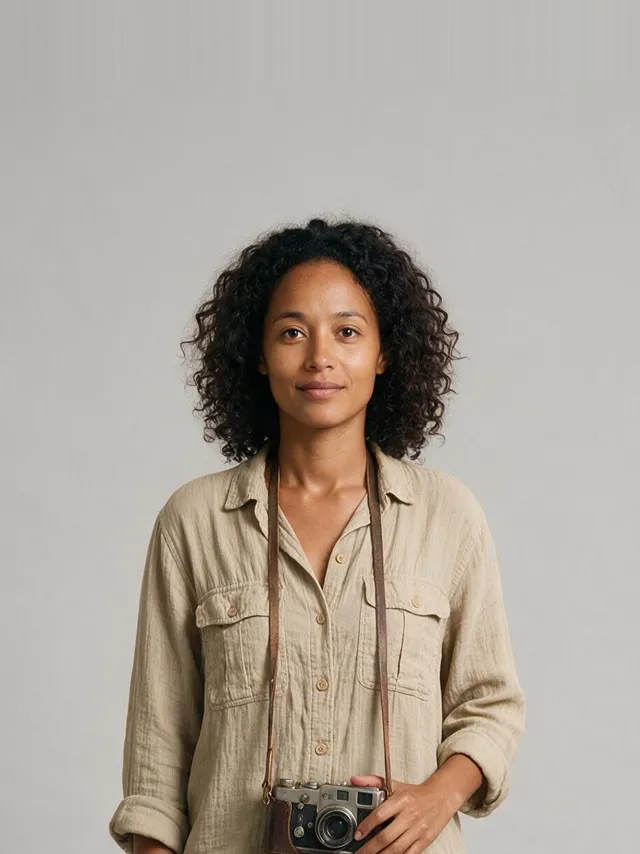
 @Image1
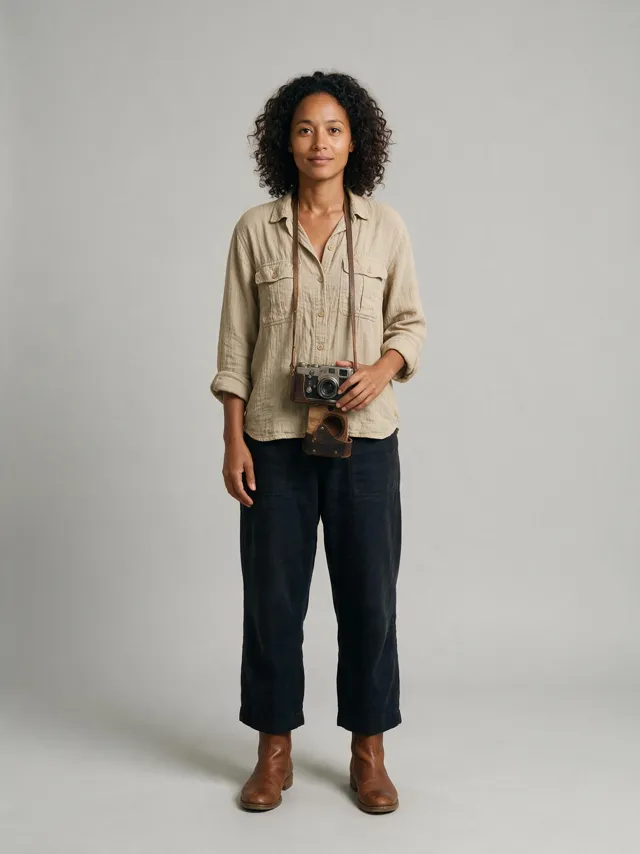 @Image2
Swap in a different actor
Instruction: Replace the seated actor with the person from @Image1 or @Image2.
Point at a moment and describe what should be different. Swap in a person from a photo, clear out a crowd, move the scene somewhere else, or add something new on cue — everything else stays exactly as you shot it.
Paid plans · Credits shown before you start · Original file kept
@Image1@Image2@Image1 or @Image2.Official Seedance 2.5 editing examples. Toggle each one between the original and the result — the playhead stays in place so you can compare frame for frame.
@Image1@Image2Instruction: Replace the seated actor with the person from @Image1 or @Image2.
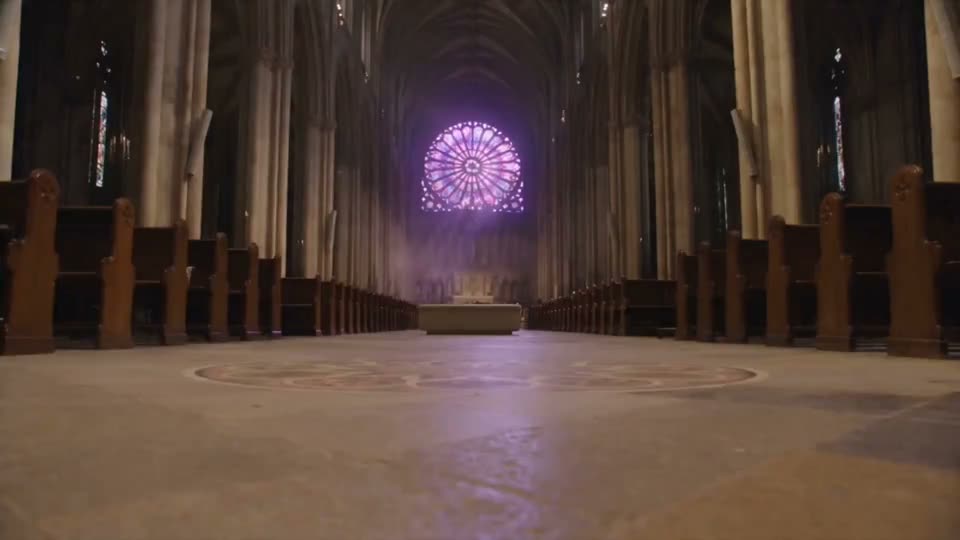
Instruction: Remove all people in the video except the protagonist.

Instruction: Remove the drone and the foreground vehicle edge, and inpaint the gaps. Keep the giraffes, branches, golden backlight and camera composition unchanged.
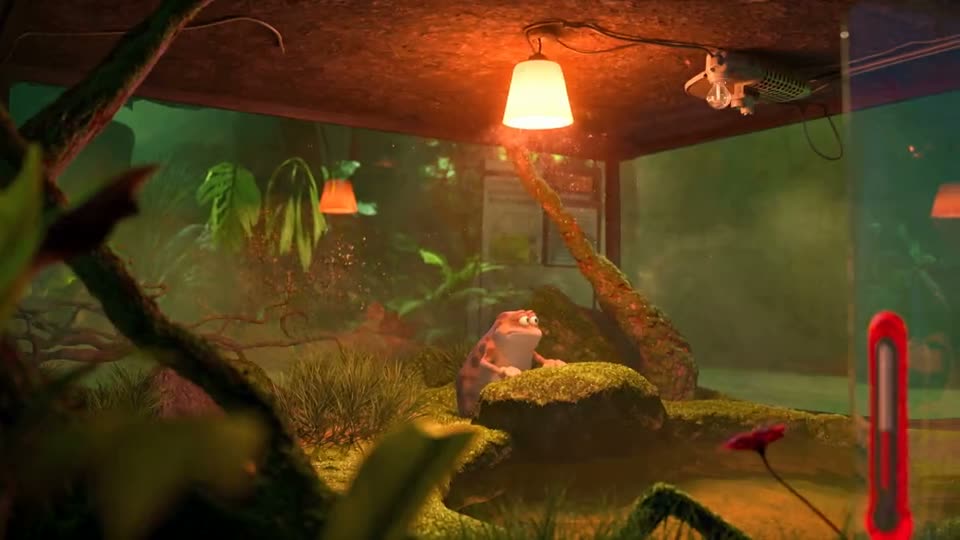
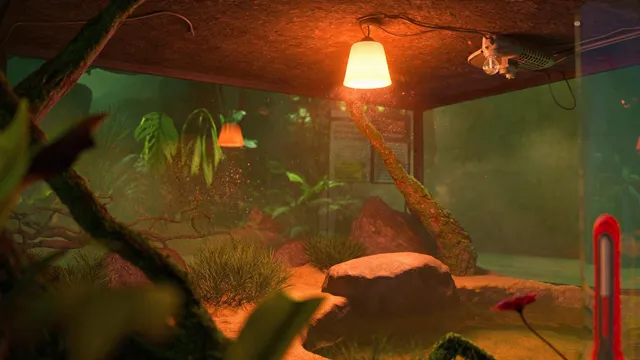 @Image1
Instruction: Change the scene to a breeding incubator with stones and moss — refer to @Image1.
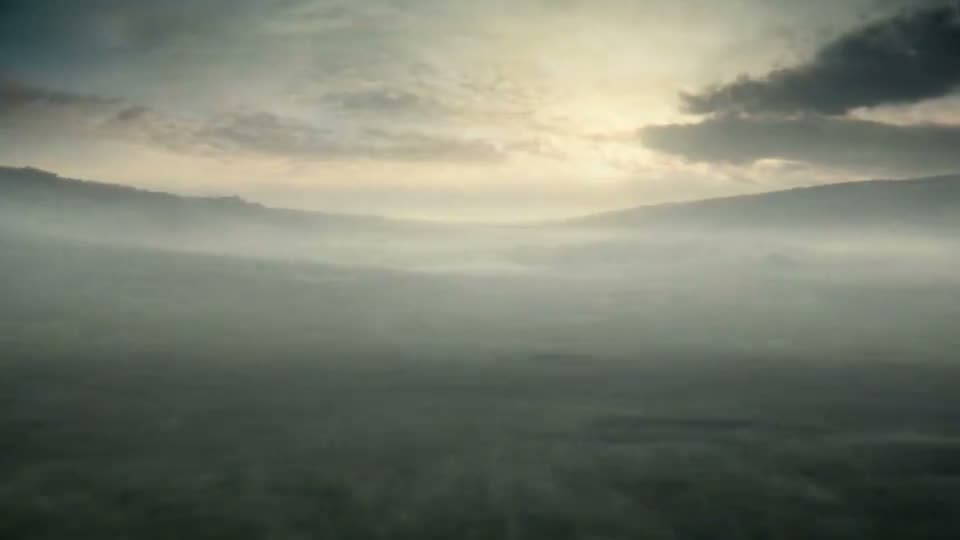
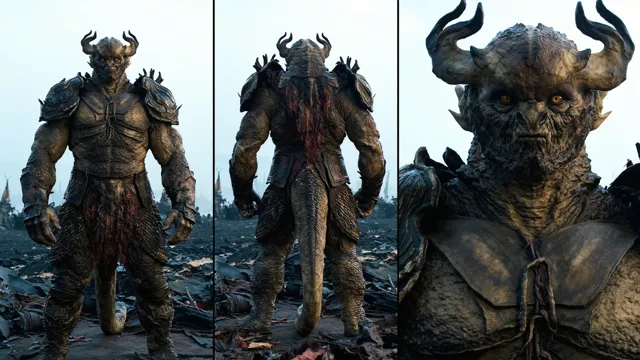 @Image1
Instruction: From 0s to 6s: insert @Image1 (the monster army) on the open lawn, charging toward the protagonist. From 16s to 20s: the army is knocked down by a blast of air. Everything else unchanged.
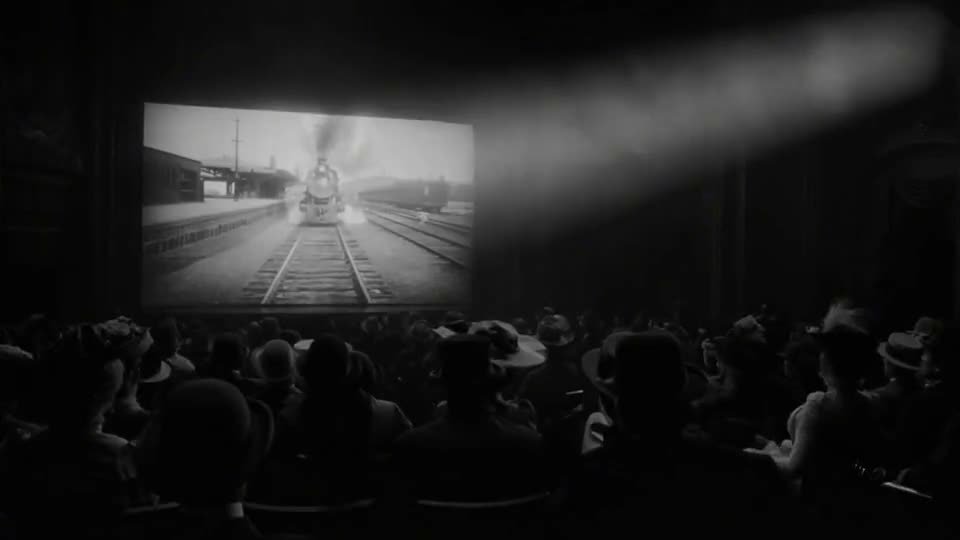
Instruction: Keep the black-and-white cinema footage intact; a steam locomotive breaks through the screen into the hall, and the picture snaps to full colour at that instant.
Example footage from the Seedance 2.5 showcase by BytePlus ModelArk.
Attach a photo and write "replace the presenter with @Image1". The pose, motion and lighting of the original performance carry over to the new subject.
A passer-by, a drone, a logo, on-screen text, the background music. Name it and it is gone, with the gap filled in to match the surroundings.
Move the shot to a new location from a reference image, turn noon into golden hour, or restyle the whole clip — without touching the action.
Drag a range on the timeline and describe what enters the frame there. Ranges snap to whole seconds, the finest timing the models read.
Editing is billed per second of the clip you upload, because both the input and the output are processed. The total is shown before you apply.
The flagship. Best fidelity on people and motion, the widest window, and the one to pick for replacing a subject from a photo.
The same model on the faster tier — roughly half the credits, and the only Seedance option that renders 1080p.
Alibaba’s model, a different family with its own strengths — a good second opinion when Seedance declines a clip, and 480p to 1080p.
Upload an MP4 or MOV up to 100 MB, or open any video you generated here from its menu with "Edit with AI".
Add an edit, set its time range on the timeline, and attach reference photos to name as @Image1 to @Image4. Add up to six edits in one pass.
Pick the engine and resolution, check the credit total, and apply. The edited clip lands in your library as a new video — the original is untouched.
Straight answers to help you choose the right tool for your video.
Talk to our team →Anything you can describe: replace a person or object using a reference photo, remove people or props, change the background or setting, add something new at a specific moment, or change lighting, weather and style. The rest of the shot — framing, camera moves, pacing and audio — stays as it was.
Upload the clip, add up to four reference images, and write an edit such as "replace the man with @Image1". Seedance 2.5 keeps the pose, motion and lighting of the original performance and renders the new person into it. Fidelity to the photo varies shot to shot, so keep the reference well-lit and front-facing.
Seedance 2.5 edits clips from 4 to 30 seconds. WAN 3.0 takes 2 to 15 seconds. Uploads can be MP4 or MOV up to 100 MB, and you can also edit any video you generated on Easy-Peasy.AI straight from its menu.
Every edit can be limited to a time range, set by dragging handles on the timeline. Ranges snap to whole seconds — the finest timing the models read — so "from 3s to 8s: change the sky to sunset" applies only there.
Editing is billed per second of the source clip, because both providers process the input and the output. Seedance 2.5 is 15 credits per second at 720p and 7 at 480p; Seedance Fast is 9 at 720p and 10 at 1080p; WAN 3.0 is 10 at 720p, 5 at 480p and 20 at 1080p. The exact total is shown before you apply.
Yes. One of our providers declines any clip or reference showing a real person, so those jobs are rerouted automatically to a provider that accepts them, at the same price. Deepfakes, impersonation and sexual content involving real people remain prohibited.
No. The edited video keeps the original duration, framing and aspect ratio, and comes back as a separate file — your original stays in your library untouched.
A dedicated workspace. A clear credit quote. Your original file kept.