Direct up to 30 seconds of cinematic video from text, first and last frames, or multimodal references—with dialogue, music, and effects generated in the same pass.
A single WAN 3.0 generation can carry setup, movement, performance, dialogue, and resolution. Use time ranges in the prompt to pace the take instead of squeezing the whole idea into one instant.
0–7s
Establish the world
7–15s
Build the action
15–23s
Turn the story
23–30s
Land the ending
Three Ways to Create
Start with an Idea, a Frame, or a Full Cast
The same WAN 3.0 family covers text, image, and reference-led generation, so you can choose the amount of control each shot needs.
T2V
Text to Video
Write the scene, performances, camera, dialogue, and score. WAN 3.0 turns one director prompt into a complete take with sound already synchronized.
5–30 second output on Easy-Peasy.AI
Prompts up to 20,000 characters
Five landscape, square, and vertical ratios
I2V
Image to Video
Animate a first frame while preserving the subject and composition, or add a last frame to give the shot an exact visual destination.
First-frame animation from your image
Optional last frame for controlled transitions
480P, 720P, or 1080P output
R2V
Reference to Video
Combine character, product, location, and style images with reference audio. Tell WAN what each source contributes in natural language.
Up to 9 reference images on Easy-Peasy.AI
Up to 3 reference audio clips, 30 seconds total
Character, object, style, voice, and music direction
Official Video Examples
See WAN 3.0 Tell the Whole Story
Every clip below comes from Alibaba Cloud’s official WAN 3.0 launch. Press play with sound to hear the model’s native audio-visual generation.
Two reference characters stay distinct through a fast 30-second sparring sequence
Typography & Interface Motion
Editorial grids, product details, and readable brand language share one visual system
Long-Form Character Story
A 30-second reunion moves across time while identity, wardrobe, and narration stay coherent
Continuous Backstage Take
Performance, camera blocking, and native sound build toward the stage in one unbroken move
Vertical Film Trailer
Reference-led characters and cinematic pacing composed specifically for a portrait frame
Product-Led UGC
The same presenter, product, and kitchen hold together through a complete vertical ad
Multimodal Direction
Keep Every Character, Product, and Sound on Brief
Reference mode gives the prompt a concrete cast and visual world. Assign each file a role—who appears, what they hold, where the scene happens, and which voice or music guides the performance.
Example direction
“Image 1 is the presenter. Keep the bottle from Image 2 unchanged. Use Image 3 for the kitchen. Match the speaking tone to Audio 1 and begin the music from Audio 2 after 12 seconds.”
9
Reference images
Characters, products, locations, composition, and style
3
Reference audio clips
Voice, singing, music, and sound direction
20K
Prompt characters
Enough room for timed beats, dialogue, camera, and sound
Workflow
From Brief to Finished Take
01
Choose your starting point
Select WAN 3.0 for text, WAN 3.0 Image for a first frame, or WAN 3.0 Reference for multimodal direction.
02
Load the visual rules
Add the people, products, locations, and style references that should remain recognizable throughout the take.
03
Direct picture and sound together
Describe action, framing, dialogue, ambience, music, and timing in the same prompt so they share one timeline.
04
Set the finish and render
Choose duration, aspect ratio, and resolution. Keep native audio on, or switch it off for a silent production plate.
Specifications
WAN 3.0 Technical Details
Maximum duration
30s
Eight practical duration presets
Resolution
1080P
480P, 720P, and 1080P tiers
Frame rate
30fps
Official WAN 3.0 output rate
Native audio
Optional
Dialogue, music, effects, and ambience
Aspect ratios
5
16:9 · 9:16 · 1:1 · 4:3 · 3:4
Prompt length
20K
Characters in the Easy-Peasy generator
Reference images
9
Character, object, and style roles
Reference audio
3
WAV or MP3, 30 seconds combined
First & last frame
Yes
Controlled opening and destination
Simple Per-Second Pricing
Draft Fast. Finish in 1080P.
Duration and resolution are the only price levers. Reference images, reference audio, and native sound do not add a separate Easy-Peasy.AI fee.
480P
2.5
credits / second
Fast drafts and storyboard exploration
720P
5
credits / second
Balanced quality for everyday production
1080P
10
credits / second
Maximum detail for final delivery
Production Use Cases
What You Can Make with WAN 3.0
01
Narrative & Pre-visualization
Block a full story beat, trailer passage, or complex camera move before committing a crew and location.
02
Brand Films & Product Launches
Hold products and visual identity steady while performance, typography, music, and camera work build the campaign.
03
Vertical Ads & UGC
Create portrait-first presenter spots with consistent products, spoken lines, close-ups, and a finished soundtrack.
04
Music & Performance
Direct choreography, vocal performance, camera rhythm, ambience, and score as one synchronized piece.
Read the comments that people have made on public platforms.
Jeff Wilson
By far the best compilation AI utility
By far the best compilation AI utility out there. Period. We have tried multiple platforms that would work for us - a small business - and it was a bit overwhelming two years ago. Easy-Peasy has been a godsend. So many freaking tools and no fewer than 10 (of the 200) are ones we use at least on a weekly basis. Ironically, their human support is one of the most appreciated elements.
Vivian Daze
Great services
Great services, and lovely and attentive customer service. Would reccommend
Cody Crabb
Great service, Best AI tool
Kia Tiow | COGUE
Easy-peasy is an easy to pick up and awesome AI software. I love it.
Easy-Peasy AI
Dezign121
Easy-Peasy.AI is very user friendly & a lot more to explore not only in the lesson, very helpful assistant in both work & personal
Blanca Marin
Very Good AI…
I really liked the easy-peasy AI service. It's a great tool, but I also had to ask them for a refund because I chose the wrong plan, and they were very quick to respond to my request. They looked into my case and I got my money back without any problems. Of course, I will continue to use it for my projects.
Easy-Peasy AI
Muhammad Md Rahim
Very awesome and practical AI tool that can help improve our productivity and the quality of our work!
Ken Poon
Very useful and true to “Easy Peasy” on using AI. One platform on all the tools required for business needs. Marianna sharing is super informative on how to use easy-peasy.ai
Dennis Cambronero
I have been using the tool for +1 year…
I have been using the tool for +1 year and I have to say it is amazing. I use it to create images, bots and access every LLM in one single place. I highly recommend it.
Yeah Likes
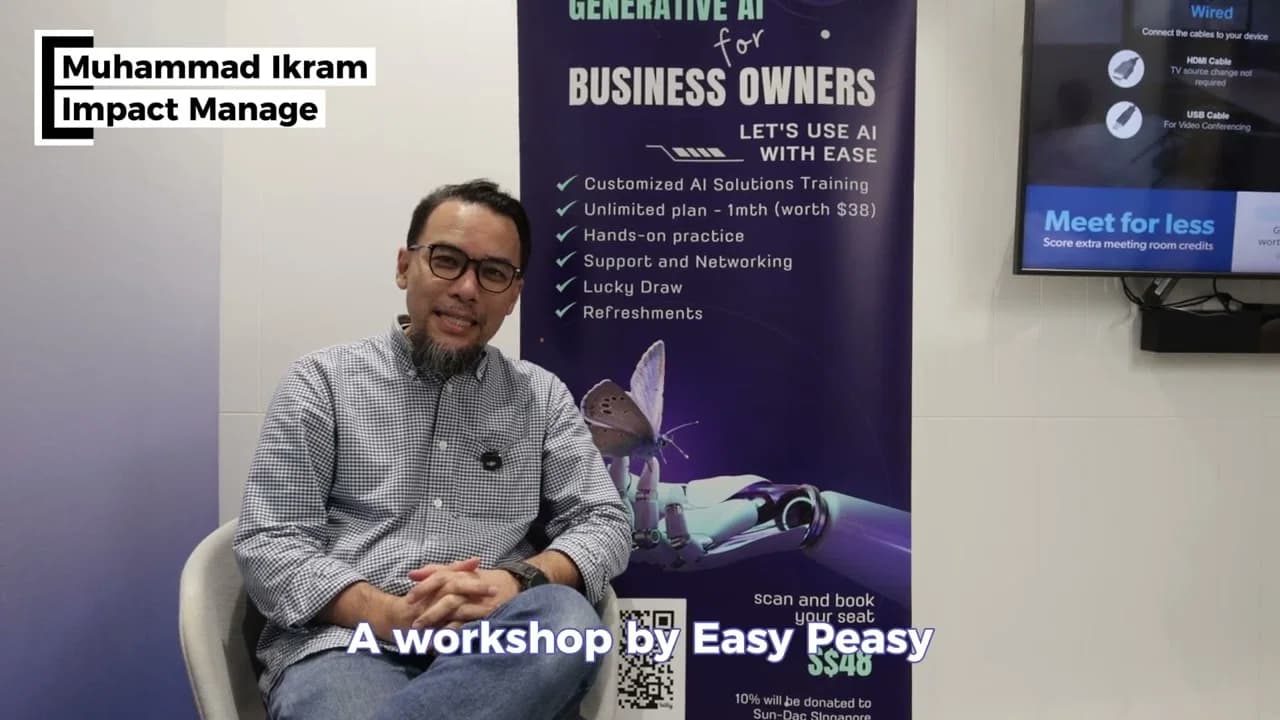
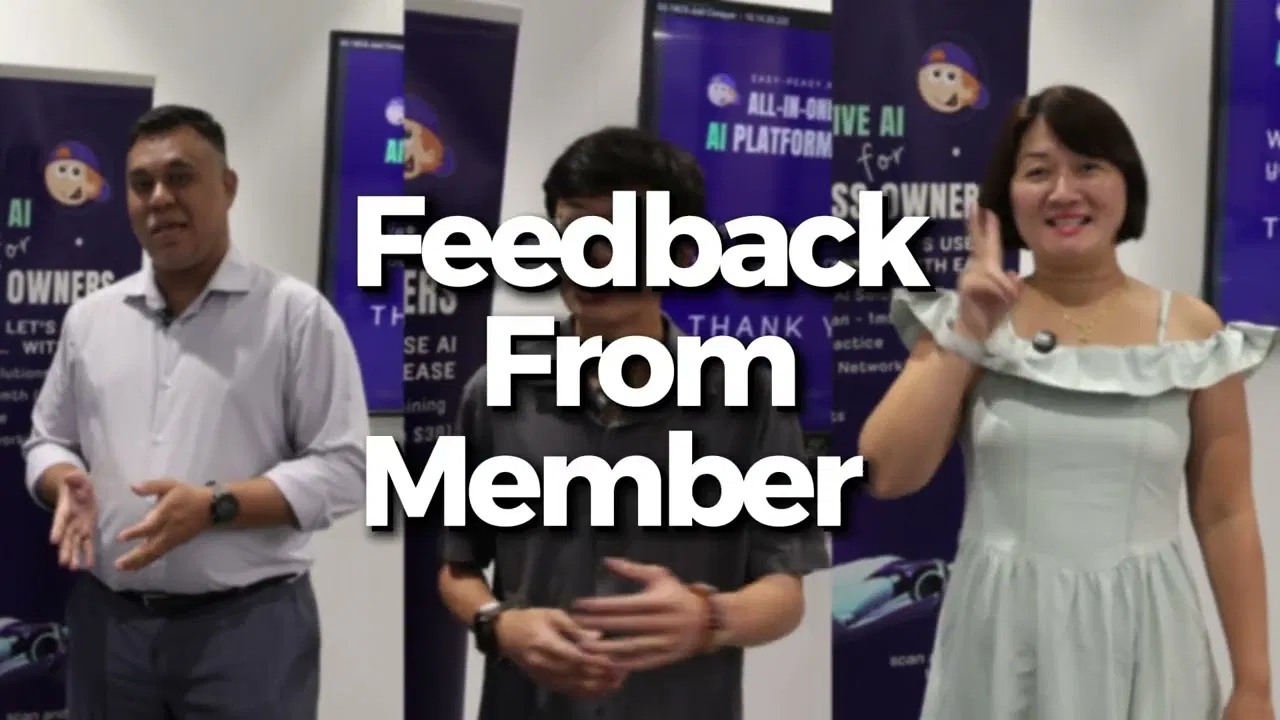
Practical and Powerful Software which is all In one and versatile. Just finished their workshop and got practical and valuable tips and tricks.
FAQ
Frequently Asked Questions
Everything you need to know about WAN 3.0
What is WAN 3.0?+
WAN 3.0 is Alibaba’s all-in-one video generation model, released through Alibaba Cloud Model Studio in August 2026. It creates up to 30 seconds of 30fps video from text, first and last frames, or multimodal references, with audio generated alongside the picture.
How long can a WAN 3.0 video be?+
Easy-Peasy.AI offers 5, 8, 10, 12, 15, 20, 25, and 30-second outputs. The 30-second ceiling applies to text, image, and reference workflows at every available resolution.
Does WAN 3.0 generate audio?+
Yes. WAN 3.0 can generate dialogue, music, sound effects, and ambience in the same pass as the video. The Easy-Peasy.AI generator also lets you turn native audio off when you need a silent plate.
What references can I use on Easy-Peasy.AI?+
WAN 3.0 Reference accepts up to 9 reference images and 3 WAV or MP3 audio clips on Easy-Peasy.AI. The audio clips can total up to 30 seconds and must be paired with at least one image reference.
Can WAN 3.0 use first and last frames?+
Yes. Start with one image and optionally add a second image as the final frame. Describe the movement between them rather than repeating what the last frame already shows.
How much does WAN 3.0 cost on Easy-Peasy.AI?+
Pricing is based on generated duration and resolution: 2.5 credits per second at 480P, 5 credits per second at 720P, and 10 credits per second at 1080P. The default 5-second 720P render is 25 credits.
Can I use WAN 3.0 videos commercially?+
Yes. You can use outputs for ads, social content, client work, product pages, games, and other commercial projects, subject to the Easy-Peasy.AI Terms of Use and your rights to every uploaded reference.
Create Faster With AI. Try it Risk-Free.
Stop wasting time and start creating high-quality content immediately with power of generative AI.