Copy written for one action
A headline, benefits, proof and a single call to action, written for the audience you describe.
Für Launches, Wartelisten und Kampagnen
Beschreiben Sie Produkt, Zielgruppe und die eine Aktion, die Besucher ausführen sollen. Marky schreibt die Texte, erstellt die Bilder, baut die Seite und das Formular dahinter, prüft alles auf Desktop und Smartphone und veröffentlicht die Seite.
Direkte Antwort
Ein KI-Landingpage-Builder erstellt aus einer Beschreibung eine komplette einseitige Website: Überschrift und Texte, Bilder, Abschnitte, ein Anmelde- oder Kontaktformular sowie Titel und Beschreibung, die Suchmaschinen anzeigen. Marky baut sie als echtes React-Projekt, speichert Formulareinträge in einer Datenbank, prüft das Layout auf Desktop und Smartphone und veröffentlicht sie unter einer easy-peasy.site-Adresse oder Ihrer eigenen Domain.
Für die echte Aufgabe gebaut
Das sind funktionale, mit dem Workflow verbundene Produktebenen – keine dekorativen Abschnitte aus einer Vorlage.
A headline, benefits, proof and a single call to action, written for the audience you describe.
Marky generates photos and illustrations that fit your product, so the page does not look like every other template.
Waitlist, newsletter and contact forms save each entry to a database that comes with the project.
Marky screenshots the page at desktop and phone widths and fixes sideways scrolling, cut-off text and broken images before handing it over.
The page is served as prerendered HTML with its own title and description, so search engines and AI tools can read it.
Publish to an easy-peasy.site address or your own domain, and push the code to GitHub when you want it.
Vorgeschlagenes Datenmodell
Beispiel-Prompt
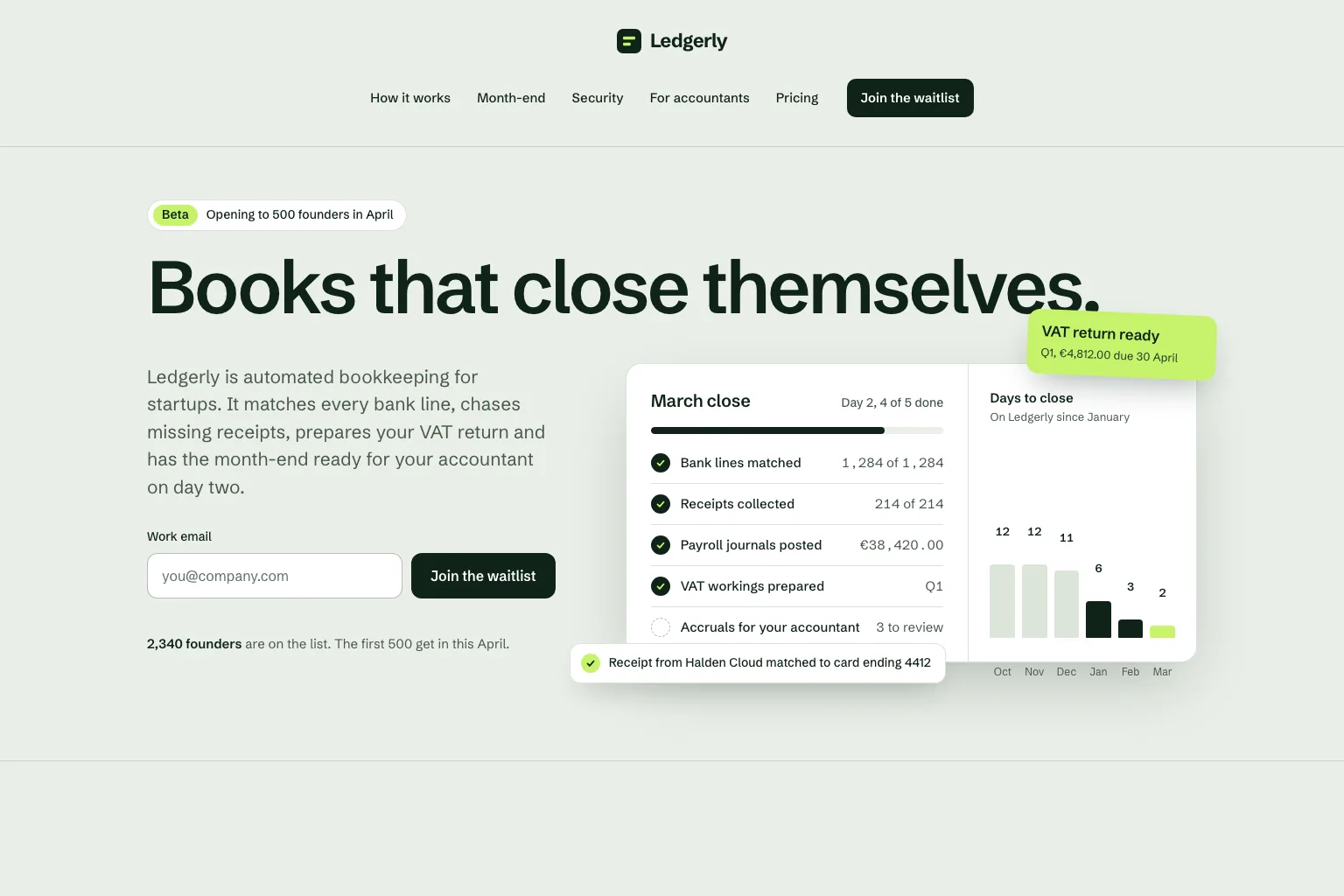
“Build a waitlist landing page for "Ledgerly", automated bookkeeping for startups that closes the books on day two. Lead with the promise and a work email form, then how it works, month-end, security, a section for accountants, pricing and an FAQ. Save every sign-up in a database. Calm, precise look.”Als Ausgangspunkt verwenden
Praktischer Build-Ablauf
Join a waitlist, book a call or buy early: decide what the page asks for before anything else.
Who it is for, what it solves and the proof you have. Marky turns that into sections and copy.
Read the copy, try the form and open the page on your phone. Ask for changes in plain words.
Publish to an easy-peasy.site address or connect your domain, then send people to it.
Gemeinsamer Produktions-Stack
Ein bearbeitbares Frontend, kein proprietäres Seitenformat.
Persistente Datensätze und geschützte serverseitige Logik.
Authentifizierung und geschützte Zugangsdaten für Integrationen.
Die integrierte Veröffentlichung zielt auf Cloudflare, und Seiten werden auf dem Server gerendert, damit Suchmaschinen und KI-Tools sie lesen können. AWS-Dienste lassen sich über geschützte Zugangsdaten integrieren, und die GitHub-Codebasis kann von einem Entwickler für eine AWS-Bereitstellung angepasst werden.
Spezifische Fragen
Yes. Marky adds a waitlist, newsletter or contact form and saves every entry to a database that comes with the project. Ask Marky to show you the list, or to build a simple admin page for it.
Yes. Every published page gets an editable easy-peasy.site address, and you can connect a domain you own or buy a new one in the project settings.
Yes. Ask for changes in the same chat: new copy, another section, a different color. Marky saves versions, so you can go back to an earlier one.
The page is served as prerendered HTML with its own title and description, so search engines can read it. Where it ranks still depends on useful content and on other sites linking to it.
Weiter entdecken
Erstellen Sie die erste funktionierende Version


