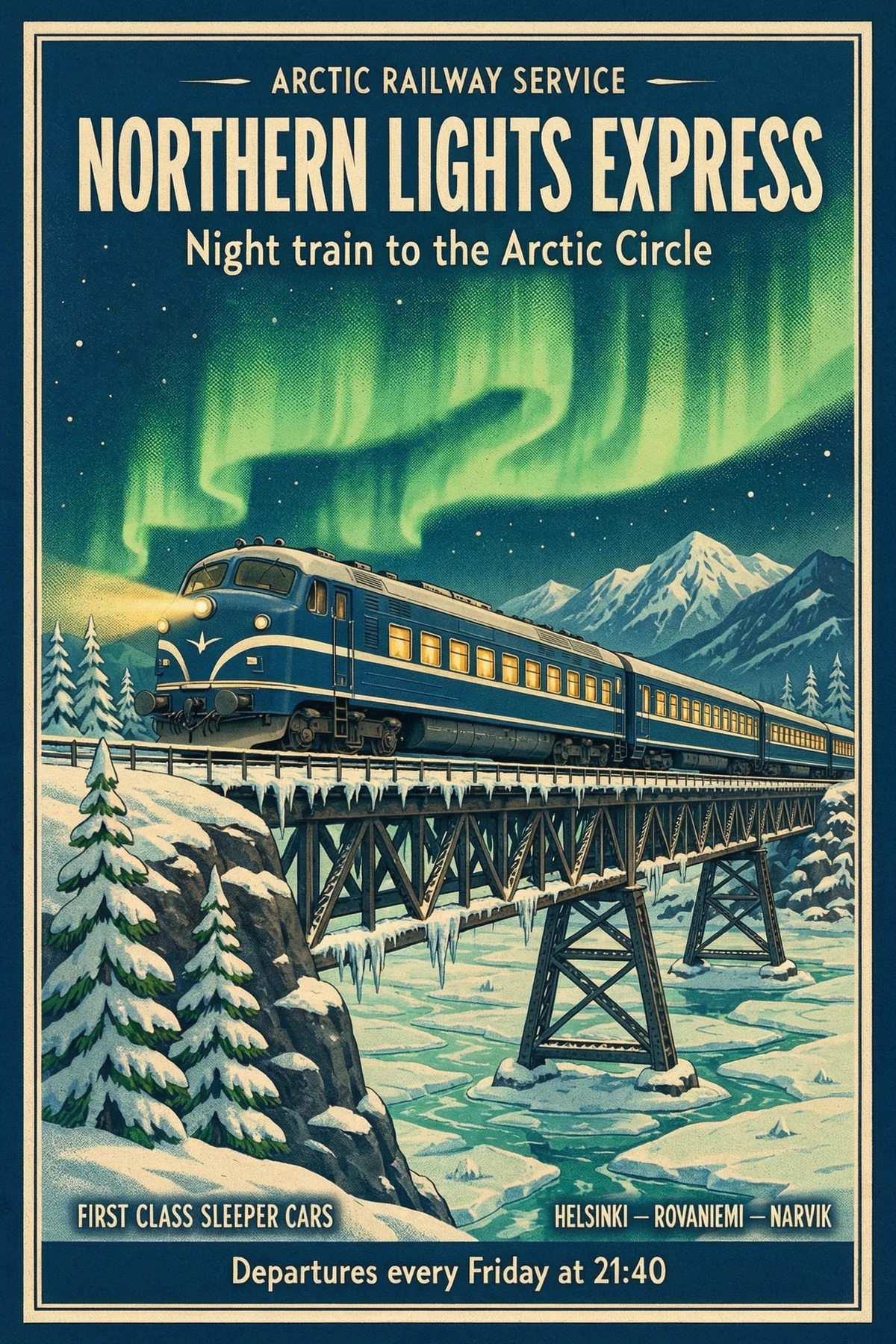
여행 포스터
요청한 문구
- “NORTHERN LIGHTS EXPRESS”
- “Night train to the Arctic Circle”
- “Departures every Friday at 21:40”
또렷하게 읽히는 텍스트를 담은 실사 이미지를 최대 네이티브 8K로.
여덟 가지 화면 비율로 2K, 4K, 8K 이미지를 생성하세요. 간판과 포스터 문구도 글자 그대로 담고, 최대 10장의 이미지를 편집하거나 합성할 수 있습니다.


3,482,705+ 행복한 사용자
여기 있는 모든 이미지는 Kling Image 4.0이 2K로 생성한 그대로입니다. 마음에 드는 프롬프트를 이미지 생성기에서 열어 나만의 이미지로 만들어 보세요.
 3:4
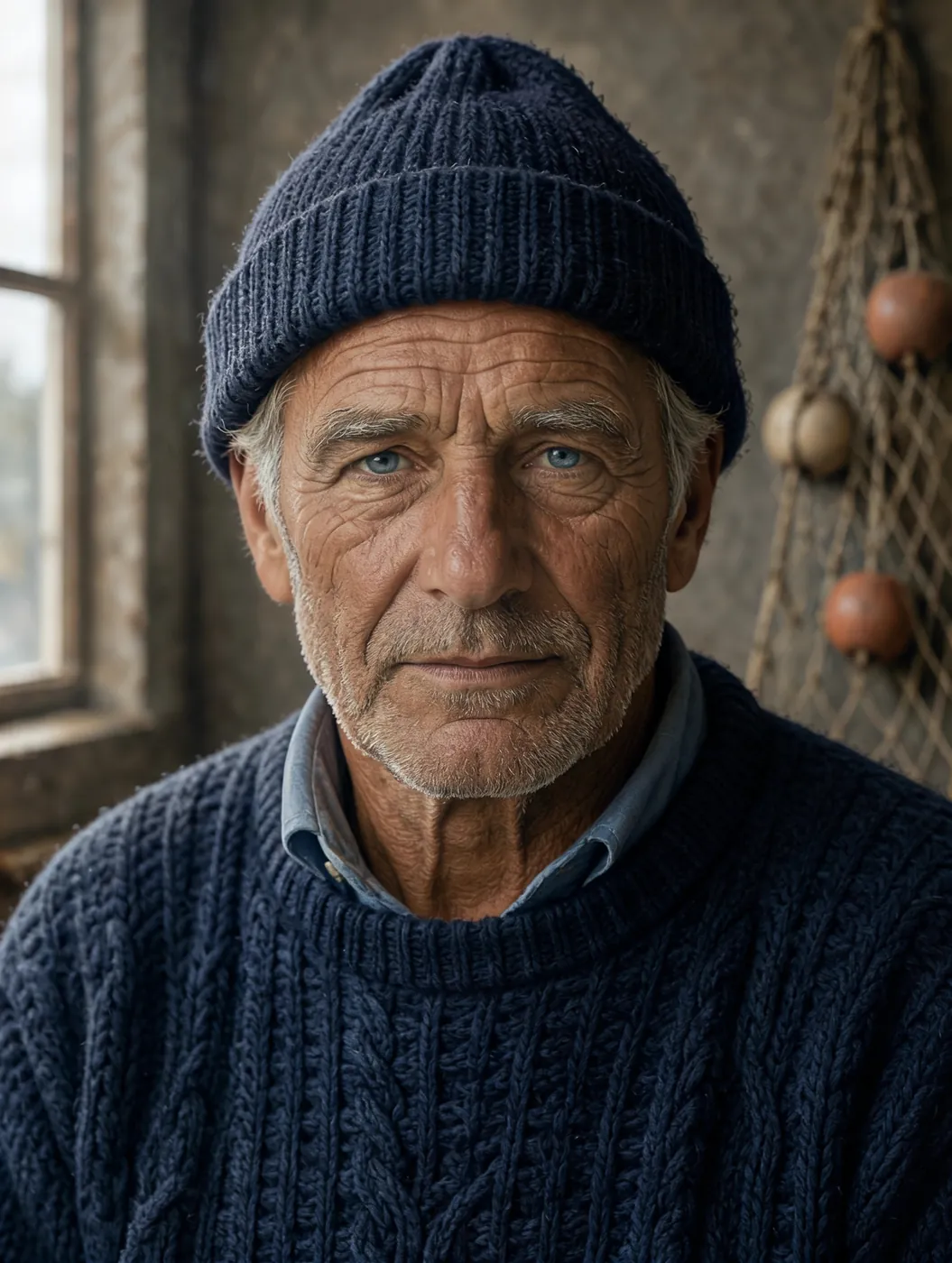
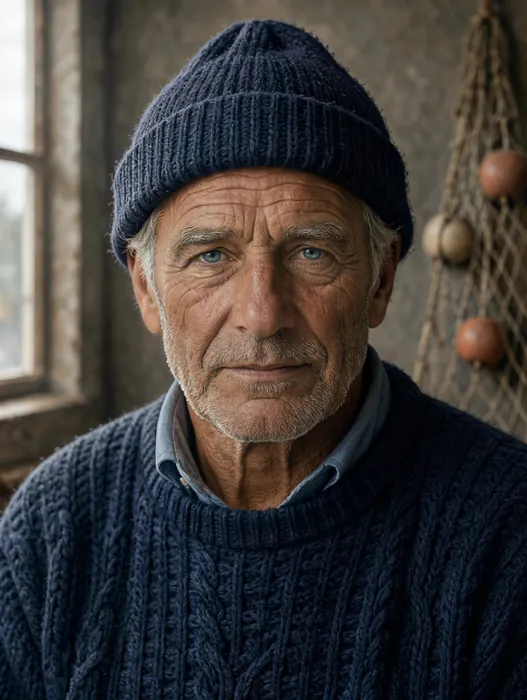
Close studio portrait of an elderly fisherman with a weathered, sun-lined face, silver stubble and a navy knitted wool cap, soft window light from the left, every pore and wrinkle visible, 85mm lens, shallow depth of field, photorealistic
이 프롬프트 사용하기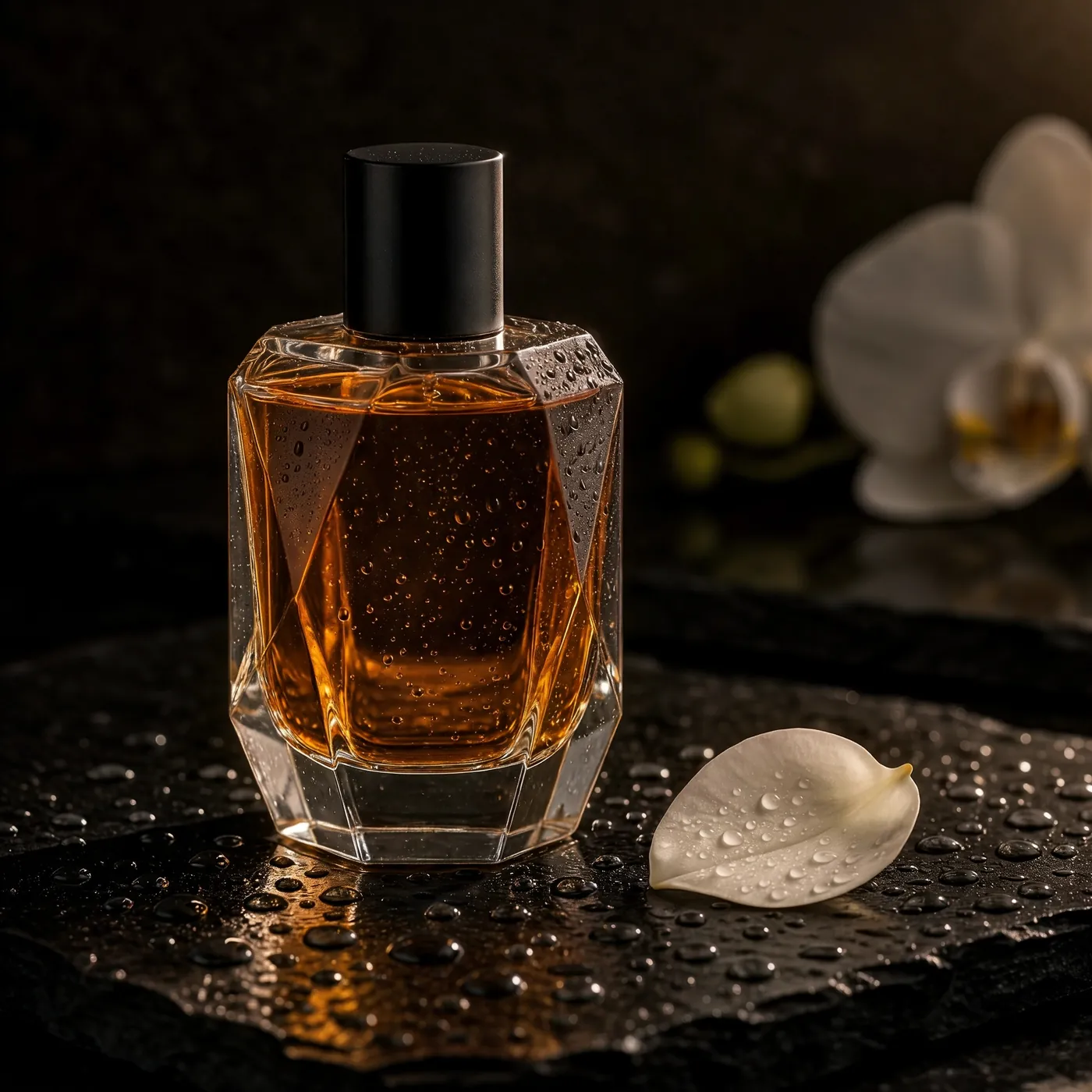 1:1
A faceted glass perfume bottle filled with amber liquid standing on wet black slate, tiny water droplets on the glass, a single white orchid petal beside it, dramatic rim light against a dark background, luxury product photography, plain bottle with no logo and no label
이 프롬프트 사용하기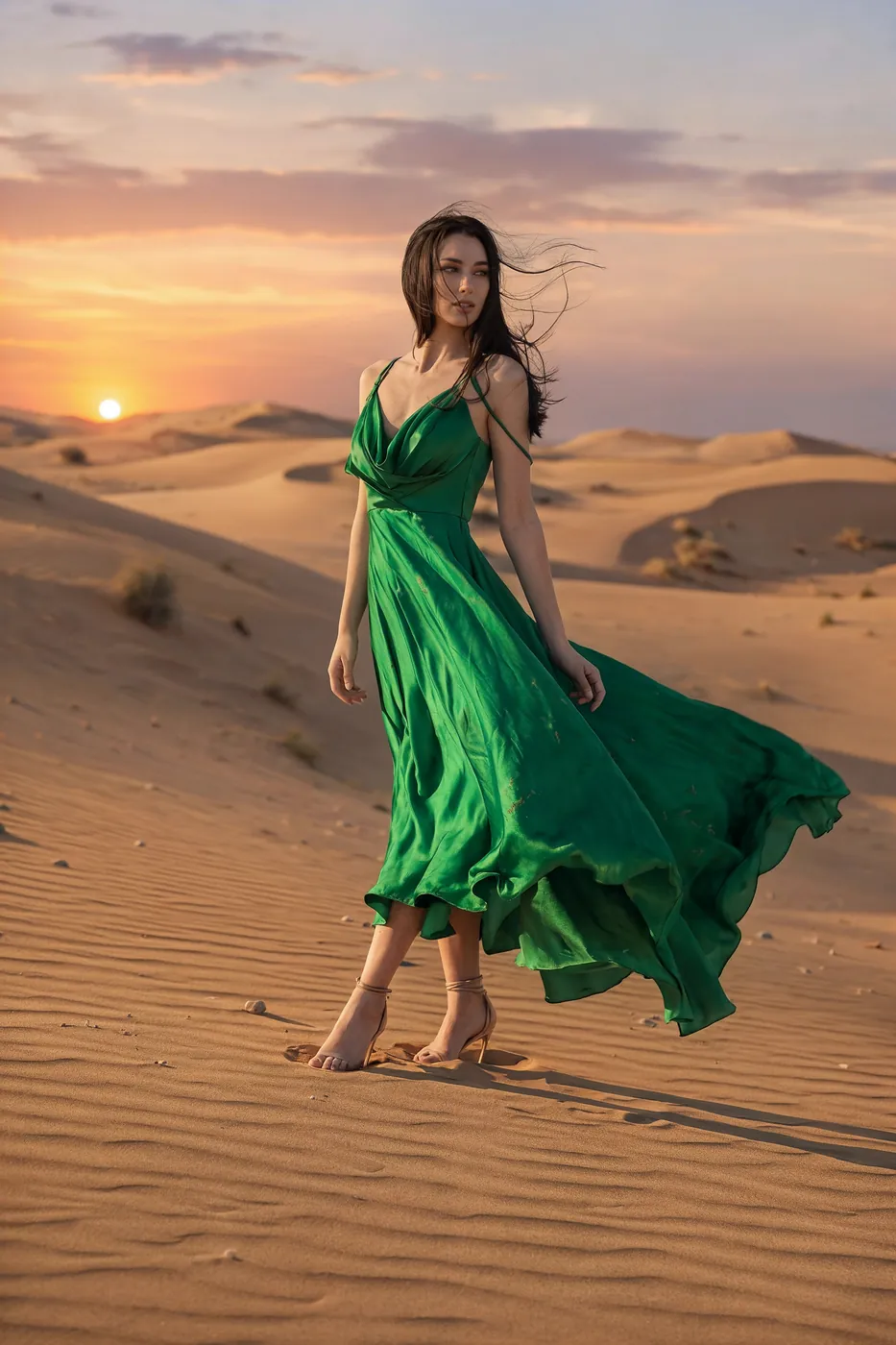 2:3
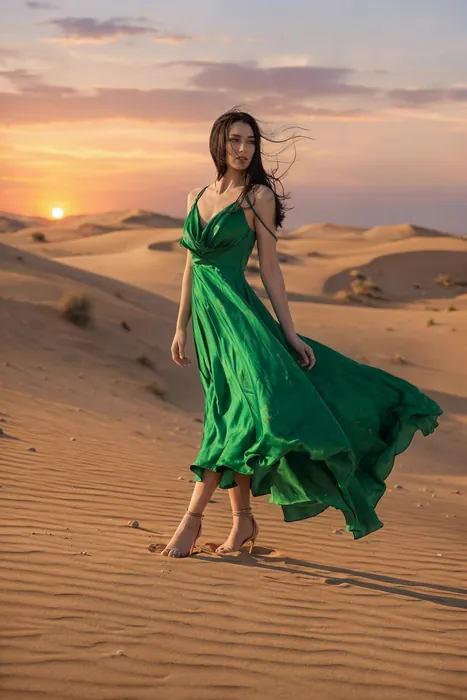
Full-length fashion editorial of a model in a flowing emerald silk gown walking across pale desert dunes at sunset, the fabric caught by the wind, a long shadow on the sand, warm low sun, high-fashion magazine photography
이 프롬프트 사용하기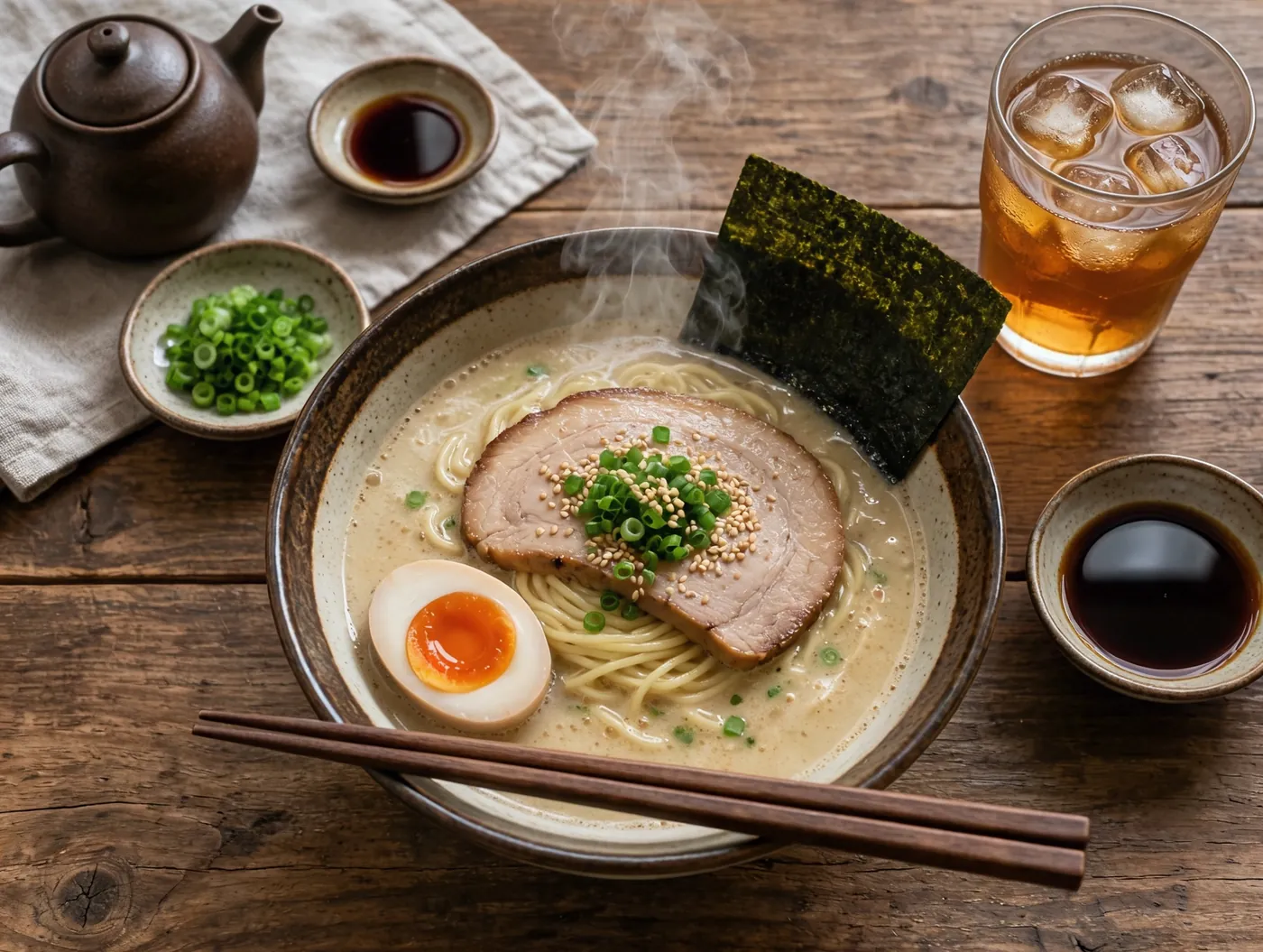 4:3
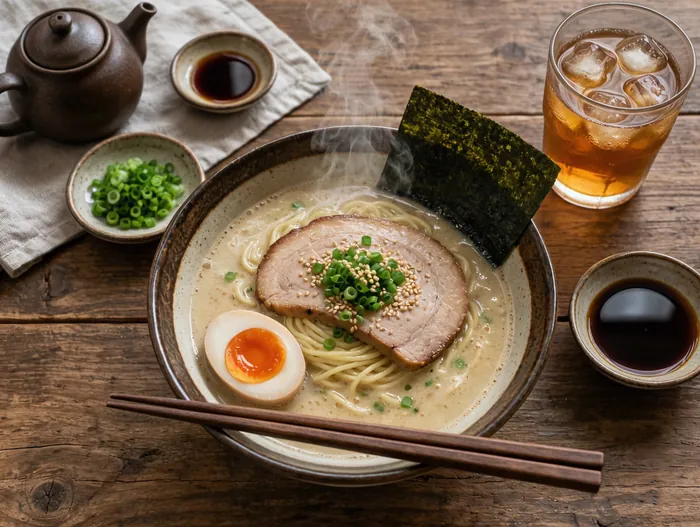
Overhead photograph of a rustic wooden table with a steaming bowl of tonkotsu ramen, a soft-boiled egg cut in half, nori, scallions, chopsticks resting on the bowl and a glass of iced tea, soft natural window light, editorial food photography
이 프롬프트 사용하기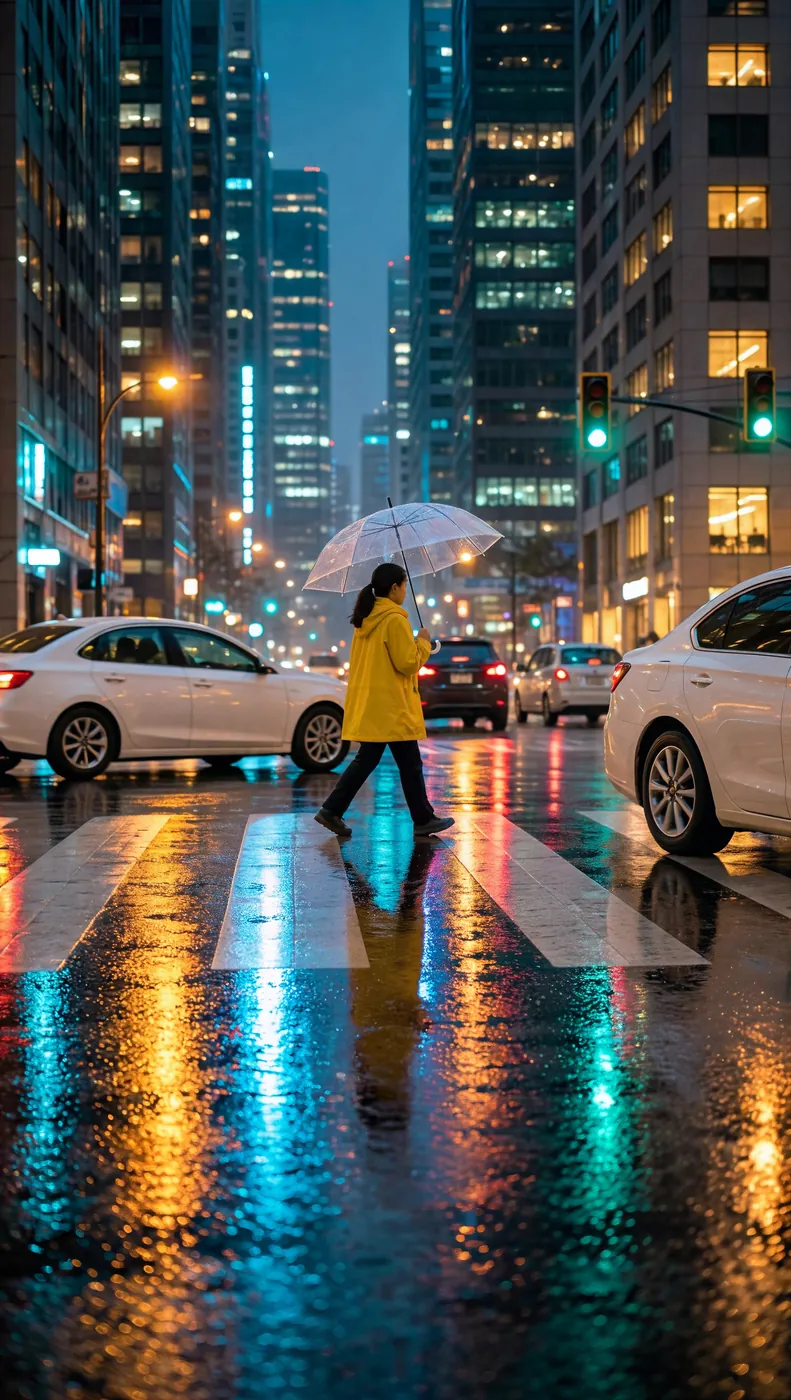 9:16
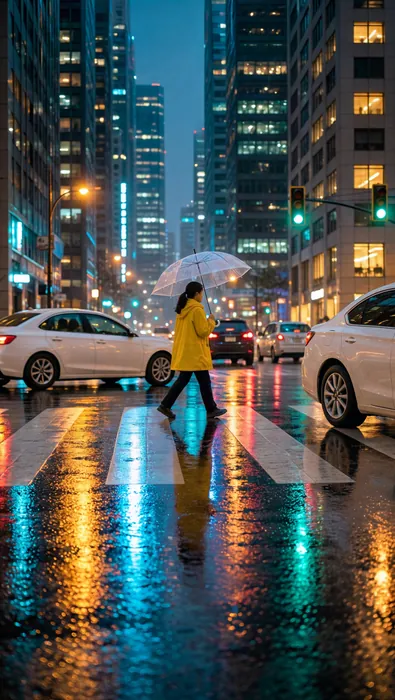
A rainy city street at night, neon reflections on the wet asphalt, a woman in a yellow raincoat holding a clear umbrella crossing the road, soft bokeh of car lights, cinematic vertical photograph
이 프롬프트 사용하기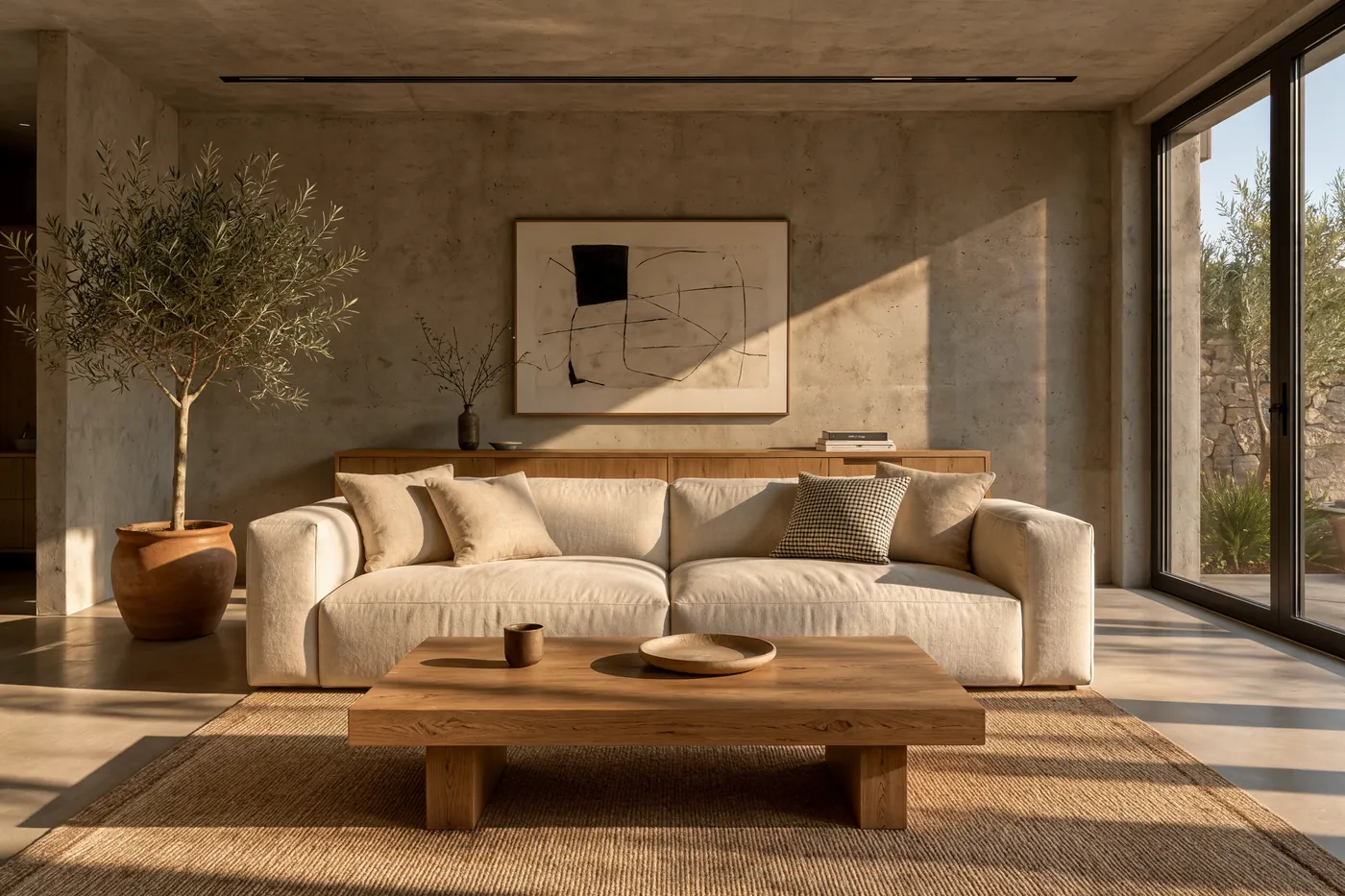 3:2
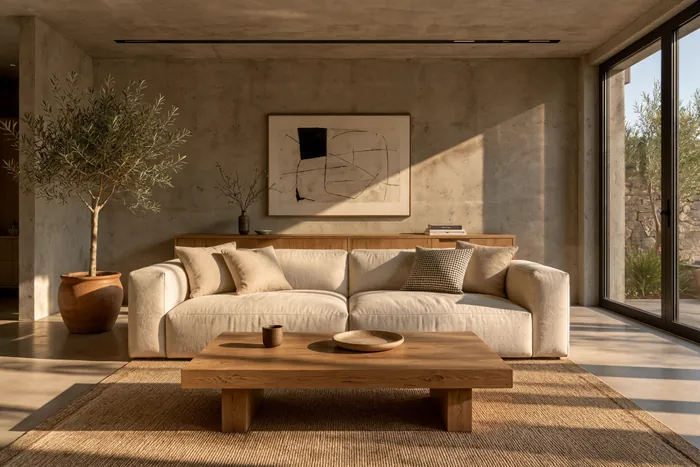
A sunlit minimalist living room with raw concrete walls, a cream linen sofa, an olive tree in a terracotta pot, a low oak coffee table with an empty top in the foreground, long late-afternoon shadows across the floor, architectural interior photography
이 프롬프트 사용하기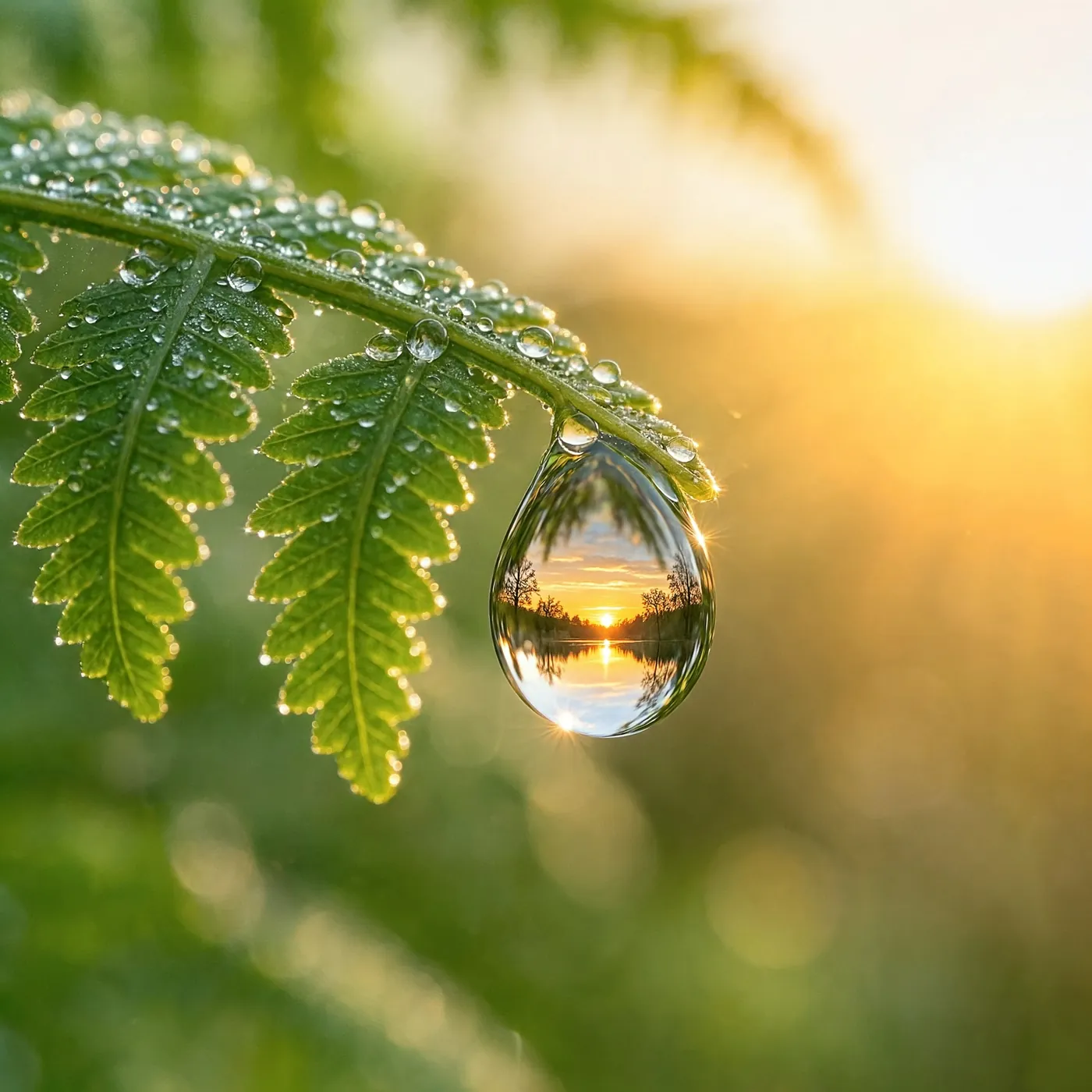 1:1
Macro photograph of a single dewdrop hanging from the tip of a fern frond, the drop refracting an upside-down sunrise forest, soft green background bokeh, extreme fine detail
이 프롬프트 사용하기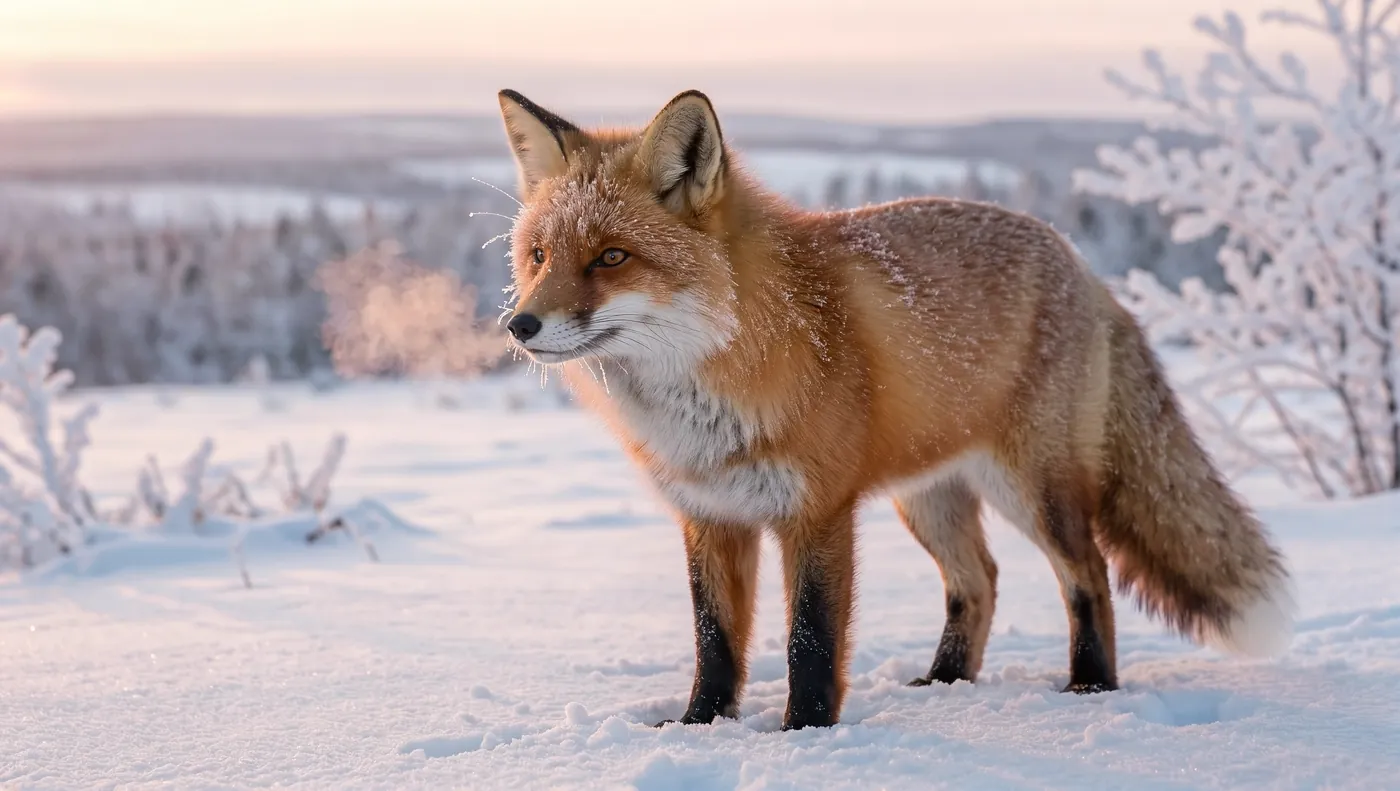 16:9
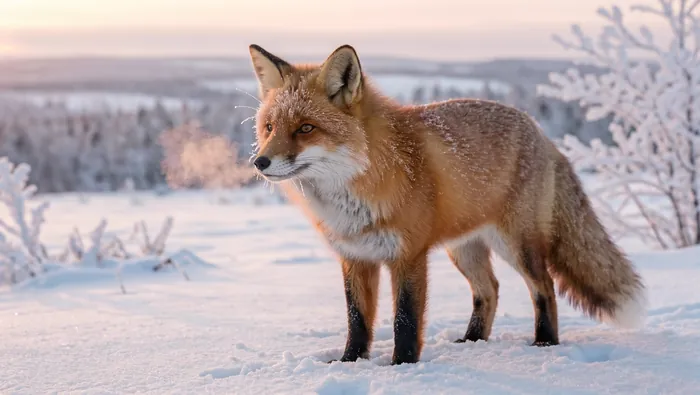
A red fox standing in fresh snow at dawn, frost on its whiskers and fur, breath visible in the cold air, soft pink morning light, telephoto wildlife photography, background gently blurred
이 프롬프트 사용하기문구를 따옴표로 묶으면 큰 헤드라인부터 작은 글씨까지 Kling Image 4.0이 입력한 그대로 써 줍니다.
Kling은 스스로 디테일을 더하기도 합니다. 포스터의 노선과 침대차 문구는 프롬프트에 없던 내용입니다.
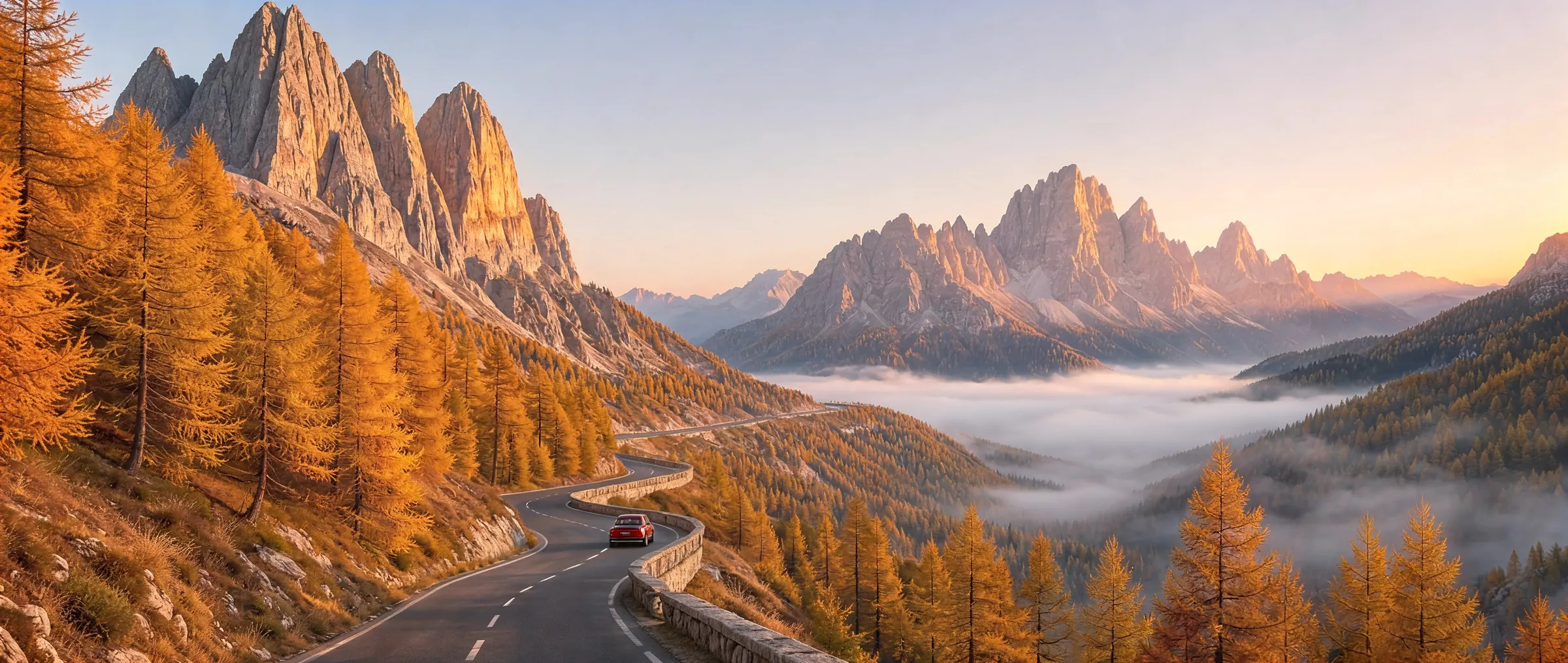
8K에서 16:9 이미지는 10,880 × 6,144픽셀입니다. 원하는 지점을 선택하면 파일에서 그대로 가져온 원본 해상도로 볼 수 있습니다.
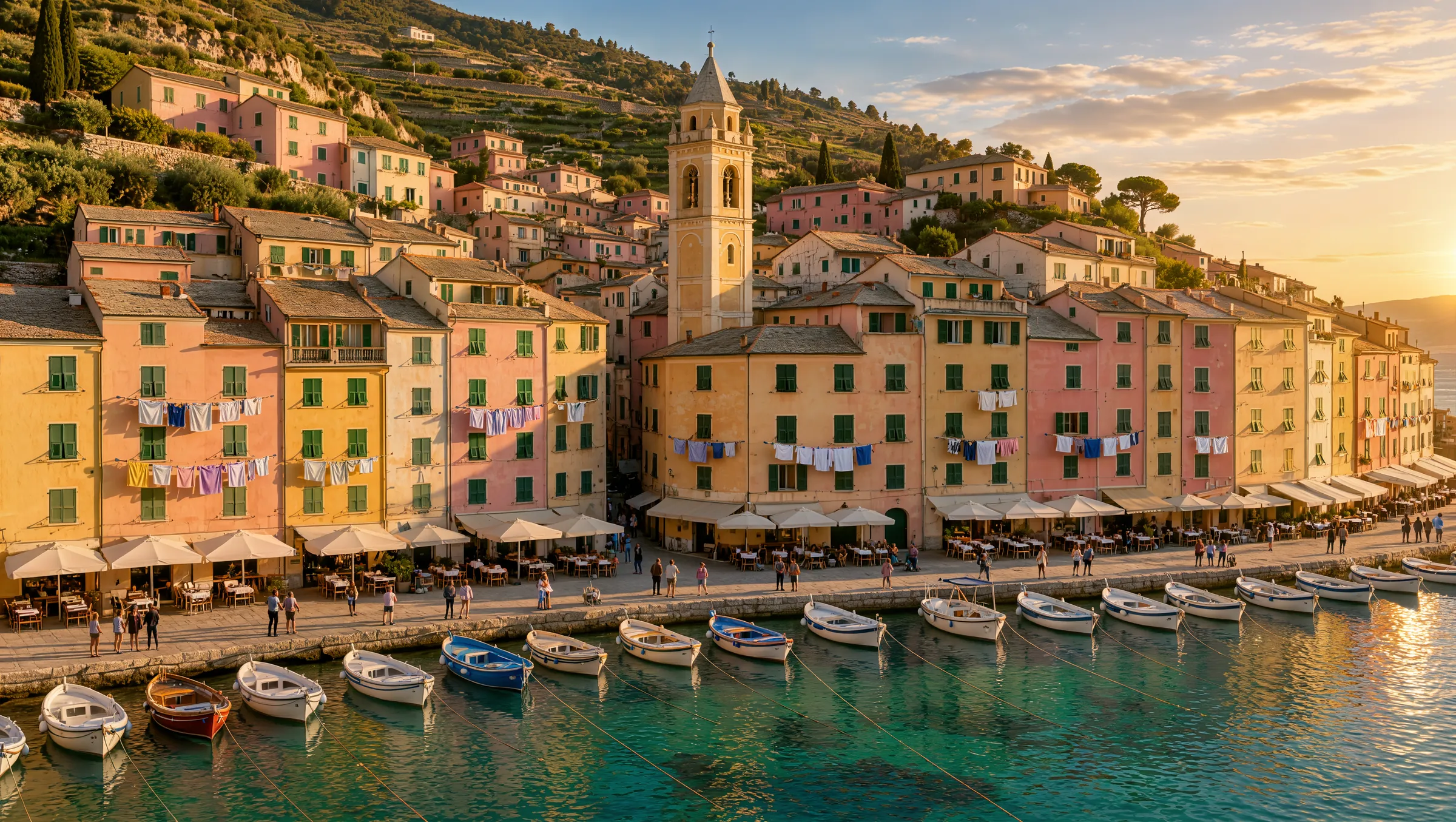 10,880 × 6,144
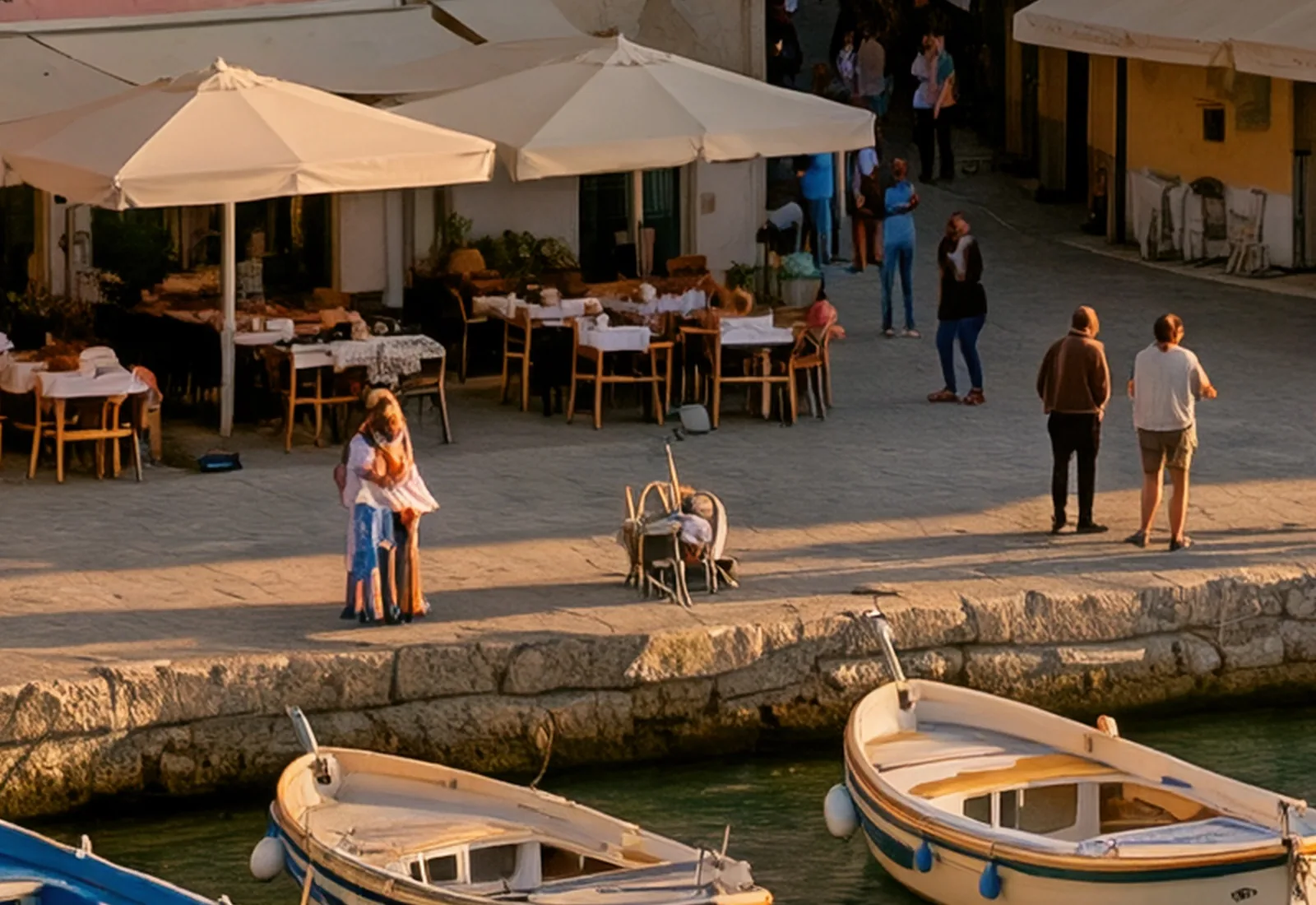 해안가 카페 · 1,600 × 1,100 px
두 화면 모두 같은 8K 이미지입니다. 잘라 낸 부분은 업스케일한 것이 아니라 이미지 본래의 픽셀입니다.
이미지를 최대 10장 업로드하고 변경 내용을 설명하면 Kling Image 4.0이 이미지를 편집하거나 새로운 한 장으로 합성합니다.
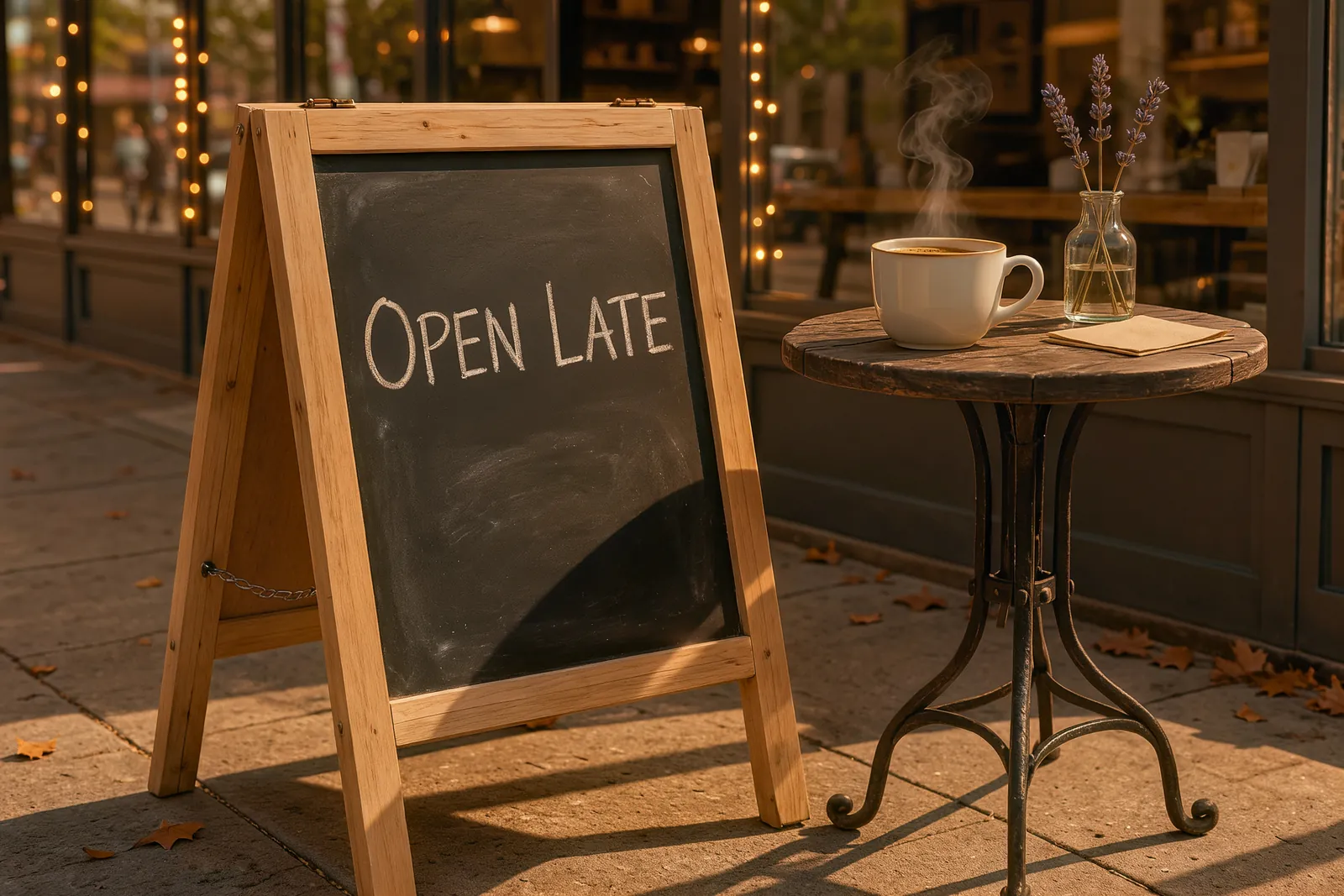
사진 한 장과 문장 하나면 됩니다. 문구와 빛은 바뀌고, 간판과 컵, 테이블은 제자리에 그대로 있습니다.
Change the chalkboard text to "OPEN LATE" and turn the scene into a warm evening with string lights
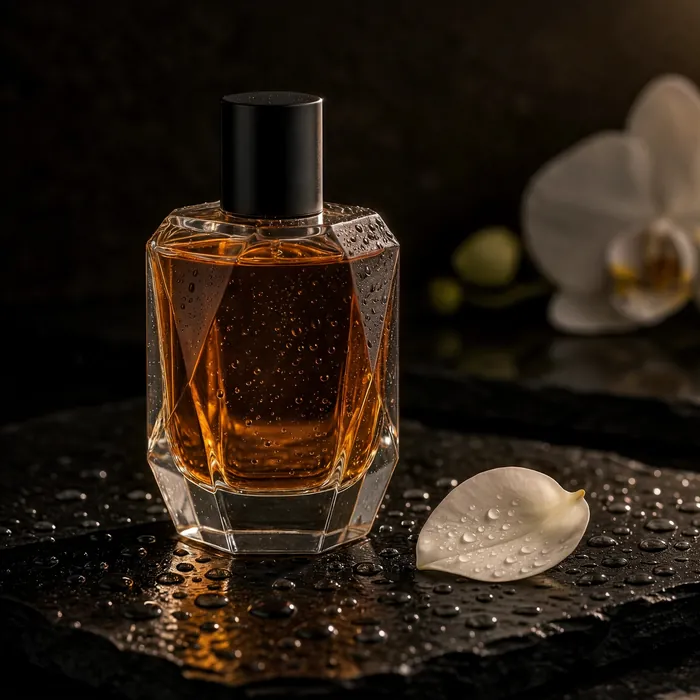 이미지 1
 이미지 2
 결과물
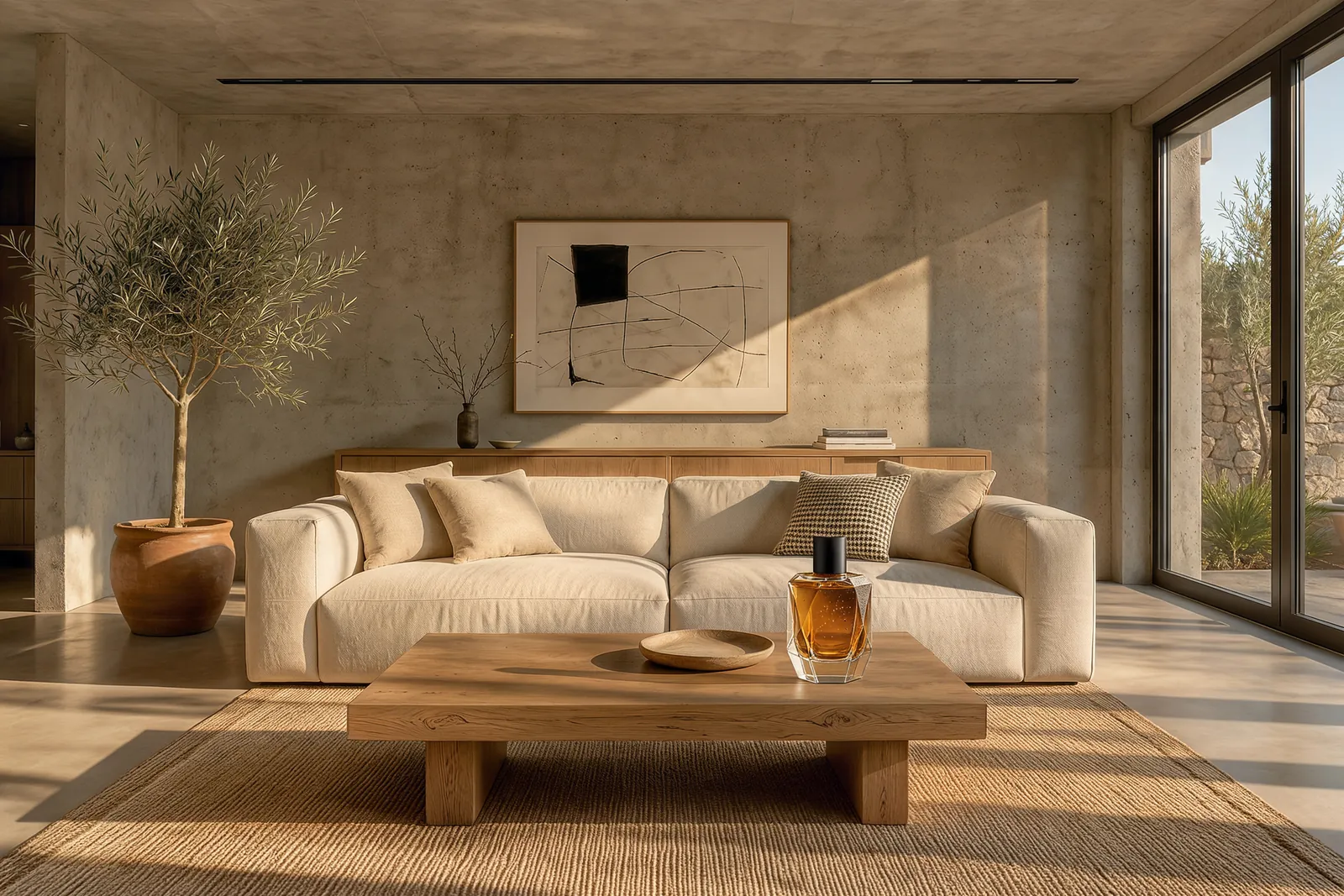
첫 번째 이미지의 병이 같은 오후 햇살 아래 두 번째 이미지의 커피 테이블 위에 놓였습니다.
Place the perfume bottle from <<<image_1>>> on the oak coffee table in the living room from <<<image_2>>>, next to the small bowl. Match the warm late-afternoon sunlight, give the bottle a soft natural shadow, and keep the rest of the room unchanged.
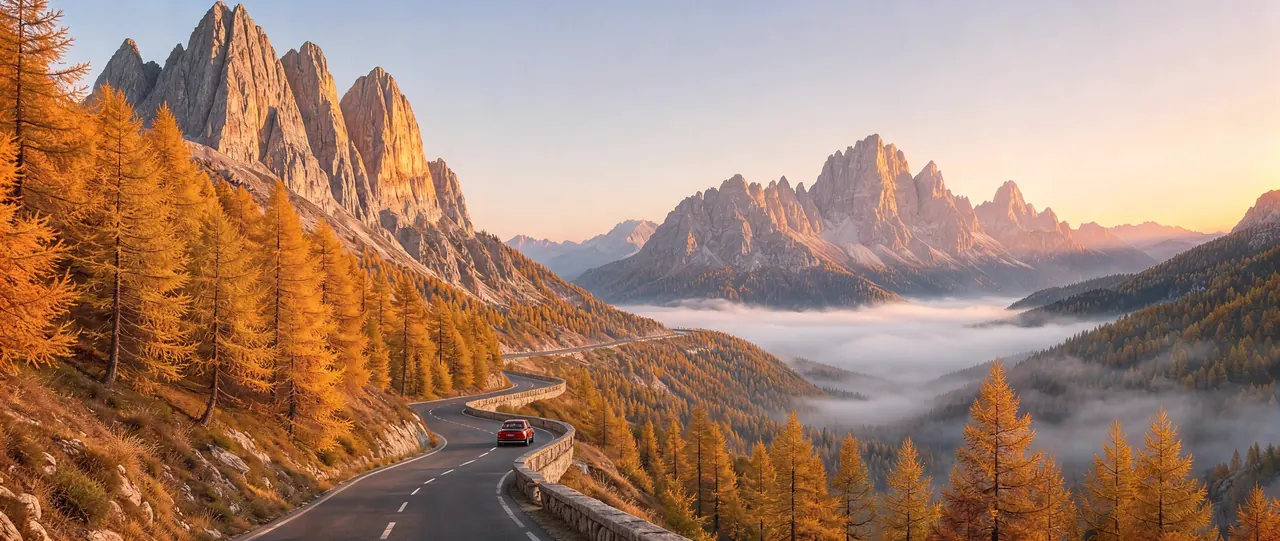
생성하기 전에 화면 비율을 고르면 Kling Image 4.0이 그 비율에 맞춰 구도를 잡습니다. 아래 예시는 모두 각자의 화면 비율로 생성했습니다.
Kling Image 4.0은 이미지 1장 단위로 과금됩니다. 크기와 원하는 이미지 수를 고르고, 편집이라면 업로드할 이미지 수도 선택하세요.
정확한 총액은 생성하기 전에 항상 표시됩니다.
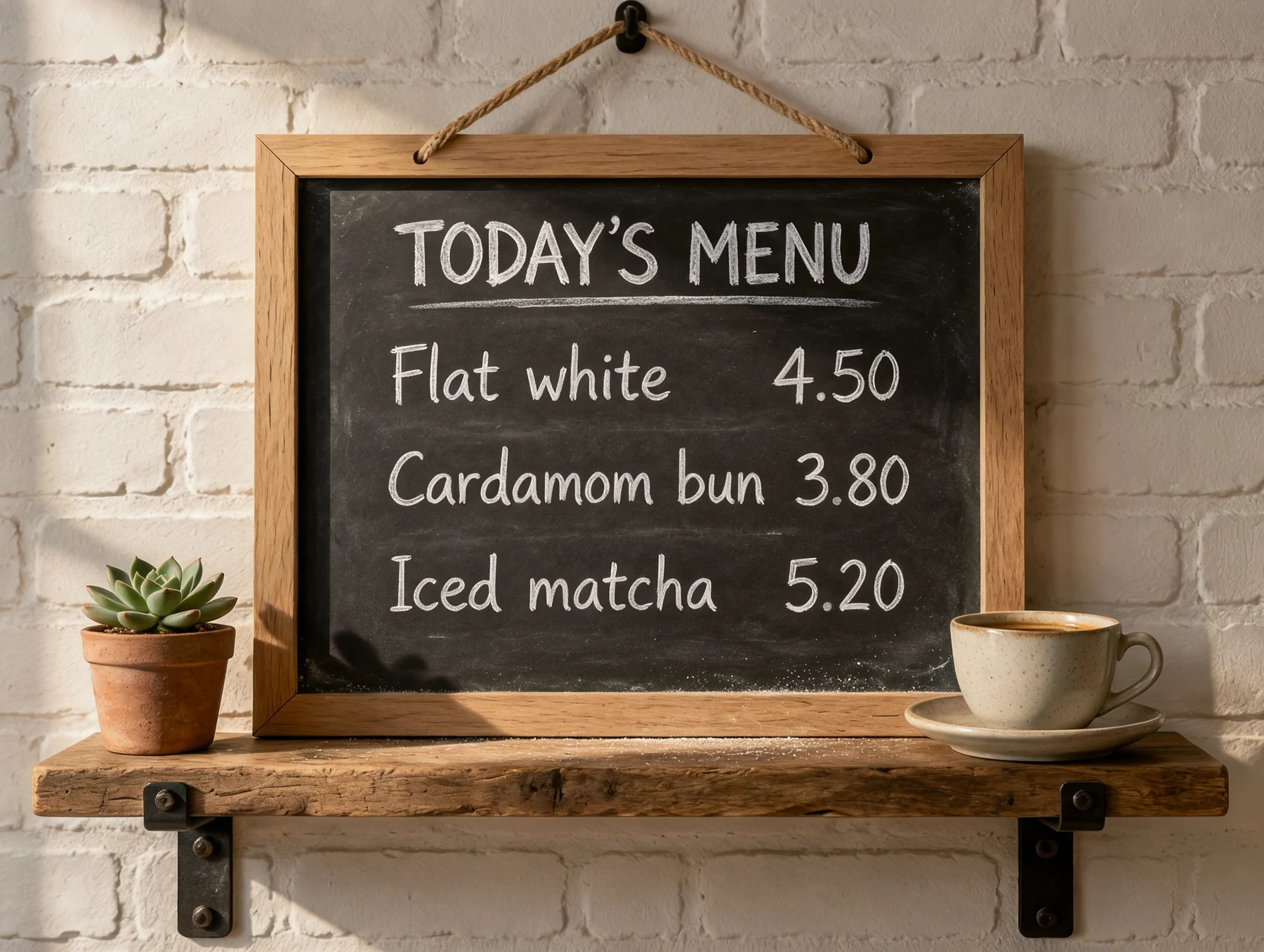
Kling Image 4.0은 따옴표 안의 텍스트를 입력한 그대로 써 주므로 헤드라인, 라벨, 메뉴, 가격이 오타 없이 나옵니다. 각 줄이 들어갈 위치도 알려 주세요.
A café menu board in white chalk. The title at the top reads "TODAY'S MENU". Below it: "Flat white 4.50" and "Cardamom bun 3.80".
빛, 렌즈, 거리를 지정하세요. 카메라 용어로 설명하면 모델이 실제 같은 피사계 심도와 자연스러운 피부, 질감으로 답합니다.
Close portrait of an elderly fisherman in a navy wool cap, soft window light from the left, 85mm lens, shallow depth of field.
화면 비율과 크기를 먼저 고르세요. 이미지가 그 프레임에 맞춰 구성되므로 9:16 스토리와 21:9 배너는 각각에 맞는 레이아웃을 갖게 됩니다.
Aerial photograph of a harbor town at golden hour, pastel houses stacked up a steep hillside, boats in the marina.
이미지를 편집하거나 합성할 때는 추가한 순서대로 <<<image_1>>>, <<<image_2>>> 등으로 부르고, 그대로 유지해야 할 부분도 알려 주세요.
Place the perfume bottle from <<<image_1>>> on the coffee table in <<<image_2>>> and keep the rest of the room unchanged.
이미지에 움직임을 더하고 싶으신가요? Kling 4.0으로 동영상 만들기
고객 후기

공개 플랫폼에서 사람들이 남긴 댓글을 읽어보세요.
Jeff Wilson
By far the best compilation AI utility
By far the best compilation AI utility out there. Period. We have tried multiple platforms that would work for us - a small business - and it was a bit overwhelming two years ago. Easy-Peasy has been a godsend. So many freaking tools and no fewer than 10 (of the 200) are ones we use at least on a weekly basis. Ironically, their human support is one of the most appreciated elements.
Cody Crabb
Great service, Best AI tool

Easy-Peasy AI

Blanca Marin
I really liked the easy-peasy AI service. It's a great tool, but I also had to ask them for a refund because I chose the wrong plan, and they were very quick to respond to my request. They looked into my case and I got my money back without any problems. Of course, I will continue to use it for my projects.
Easy-Peasy AI
Kling Image 4.0에 대해 알아야 할 모든 것
Kling Image 4.0은 Kuaishou의 생성형 AI 플랫폼인 Kling AI의 최신 이미지 모델입니다. 선명하고 읽기 쉬운 텍스트가 담긴 실사 같은 이미지를 2K, 4K 또는 네이티브 8K로 생성하며, 사진을 편집하거나 최대 10장의 이미지를 합성해 새로운 이미지를 만들 수도 있습니다.
2K, 4K, 네이티브 8K 중에서 선택할 수 있습니다. 2K에서 3:2 이미지는 2,496 × 1,664픽셀이고, 8K에서 16:9 이미지는 10,880 × 6,144픽셀입니다.
텍스트는 이 모델의 강점 중 하나입니다. 문구를 따옴표로 묶으면 헤드라인과 간판부터 메뉴와 작은 글씨까지 Kling이 입력한 그대로 써 줍니다. 가끔 직접 문구를 덧붙이기도 하므로, 무엇을 어디에 넣을지 알려 주세요.
네. 이미지 생성기에서 이미지를 최대 10장 업로드하고, 편집 모델로 Kling Image 4.0을 선택한 뒤 변경 내용을 설명하세요. 요청한 부분만 바꾸고 나머지는 그대로 유지합니다.
1:1, 2:3, 3:2, 3:4, 4:3, 9:16, 16:9, 21:9의 여덟 가지입니다. 편집할 때 ‘자동’을 사용하면 사진의 비율이 그대로 유지됩니다.
이미지 1장당 2K는 3.25크레딧, 4K는 4.75크레딧, 8K는 8크레딧입니다. 편집은 업로드하는 이미지마다 비용이 조금씩 추가되며, 2K에서 이미지 1장을 업로드하면 3.5크레딧입니다. 정확한 총액은 생성하기 전에 표시됩니다.
Kling Image 4.0은 유료 플랜에서 사용할 수 있습니다. 무료 플랜에서는 이미지 생성기의 다른 모델을 사용해 볼 수 있습니다.
네, 유료 플랜에서 가능합니다. Easy-Peasy.AI 이용약관, Kling의 사용 정책, 그리고 업로드한 이미지에 대한 사용자의 권리를 준수하는 범위에서 사용할 수 있습니다.
아니요. Easy-Peasy.AI에서 Kling Image 4.0으로 만든 이미지에는 눈에 보이는 워터마크가 없습니다.
자체 테스트에서 2K 이미지는 1분도 걸리지 않았고, 8K 이미지는 약 2분 30초가 걸렸습니다.
고화질 JPEG입니다. 8K 이미지는 약 16MB이므로, 그만큼의 디테일이 필요하지 않다면 2K나 4K를 선택하세요.
이 페이지의 모든 이미지는 함께 표시된 프롬프트로 Kling Image 4.0에서 생성했으며, 리터칭은 전혀 하지 않았습니다.