Copy written for one action
A headline, benefits, proof and a single call to action, written for the audience you describe.
출시, 대기자 명단, 캠페인을 위해
제품, 대상 고객, 그리고 유도하고 싶은 단 하나의 행동을 설명하세요. Marky가 카피를 쓰고, 이미지를 만들고, 페이지와 그 뒤에서 작동하는 양식을 구축하고, 데스크톱과 휴대폰에서 확인한 뒤 게시합니다.
핵심 답변
AI 랜딩 페이지 빌더는 설명만으로 완성된 원페이지 웹사이트를 만듭니다. 헤드라인과 카피, 이미지, 섹션, 신청 양식이나 문의 양식, 그리고 검색 엔진에 표시되는 제목과 설명까지 담깁니다. Marky는 이를 실제 React 프로젝트로 구축하고, 양식에 제출된 내용을 데이터베이스에 저장하며, 데스크톱과 휴대폰에서 레이아웃을 확인한 뒤 easy-peasy.site 주소나 내 도메인에 게시합니다.
실제 업무에 맞춘 설계
These are functional product layers tied to the workflow—not decorative sections copied from a template.
A headline, benefits, proof and a single call to action, written for the audience you describe.
Marky generates photos and illustrations that fit your product, so the page does not look like every other template.
Waitlist, newsletter and contact forms save each entry to a database that comes with the project.
Marky screenshots the page at desktop and phone widths and fixes sideways scrolling, cut-off text and broken images before handing it over.
The page is served as prerendered HTML with its own title and description, so search engines and AI tools can read it.
Publish to an easy-peasy.site address or your own domain, and push the code to GitHub when you want it.
권장 데이터 모델
프롬프트 예시
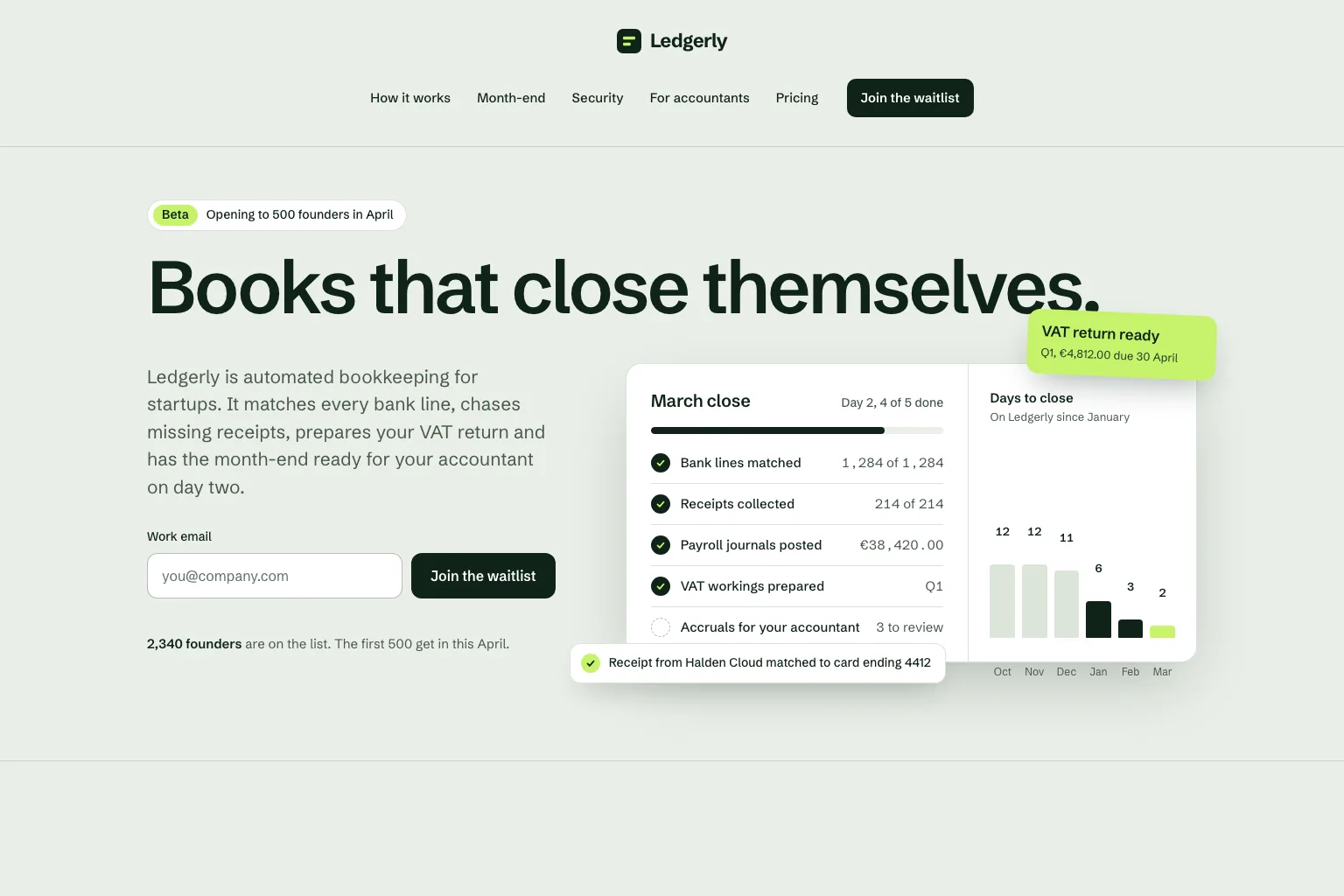
“Build a waitlist landing page for "Ledgerly", automated bookkeeping for startups that closes the books on day two. Lead with the promise and a work email form, then how it works, month-end, security, a section for accountants, pricing and an FAQ. Save every sign-up in a database. Calm, precise look.”이 내용으로 시작하기
실용적인 구축 순서
Join a waitlist, book a call or buy early: decide what the page asks for before anything else.
Who it is for, what it solves and the proof you have. Marky turns that into sections and copy.
Read the copy, try the form and open the page on your phone. Ask for changes in plain words.
Publish to an easy-peasy.site address or connect your domain, then send people to it.
공통 프로덕션 스택
독자적인 페이지 형식이 아닌, 편집 가능한 프런트엔드.
영구 레코드와 보호된 서버 측 로직.
연동을 위한 인증 및 보호된 자격 증명.
기본 게시 대상은 Cloudflare이며, 페이지는 서버에서 렌더링되어 검색 엔진과 AI 도구가 읽을 수 있습니다. AWS 서비스는 보호된 자격 증명으로 연동할 수 있으며, 개발자가 GitHub 코드베이스를 AWS 배포에 맞게 조정할 수 있습니다.
구체적인 질문
Yes. Marky adds a waitlist, newsletter or contact form and saves every entry to a database that comes with the project. Ask Marky to show you the list, or to build a simple admin page for it.
Yes. Every published page gets an editable easy-peasy.site address, and you can connect a domain you own or buy a new one in the project settings.
Yes. Ask for changes in the same chat: new copy, another section, a different color. Marky saves versions, so you can go back to an earlier one.
The page is served as prerendered HTML with its own title and description, so search engines can read it. Where it ranks still depends on useful content and on other sites linking to it.
더 살펴보기
작동하는 첫 버전 만들기


