From Gray-Box to Final Cast
A gray-box animation sets the choreography and the camera; reference images supply the cast and the location.
Cinematic takes up to 30 seconds, with stereo sound.
Start from text, a photo or up to 10 keyframes, guide it with reference images and clips, then edit or extend the result — in 720p or 1080p, from 9:16 to 21:9.


3,482,705+ happy users
Every clip on this page comes from Kling AI’s official Kling 4.0 release. Turn the sound on — the audio is generated with the picture.
01 / 7
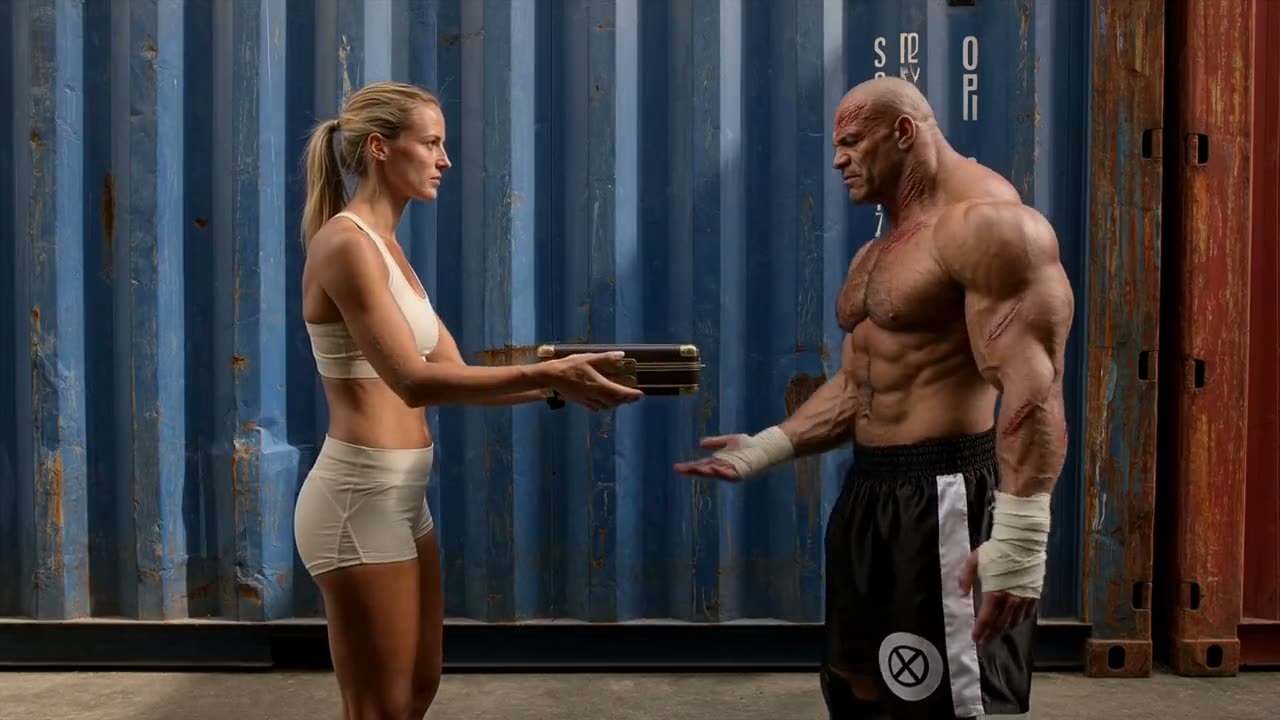
Full-body fight choreography that holds steady through fast moves, hard impacts and a crowd on its feet.
Kling 4.0 renders 21:9 ultrawide alongside 16:9, 9:16 and 1:1. Pick the format before you generate and compose the shot for the screen it is made for.
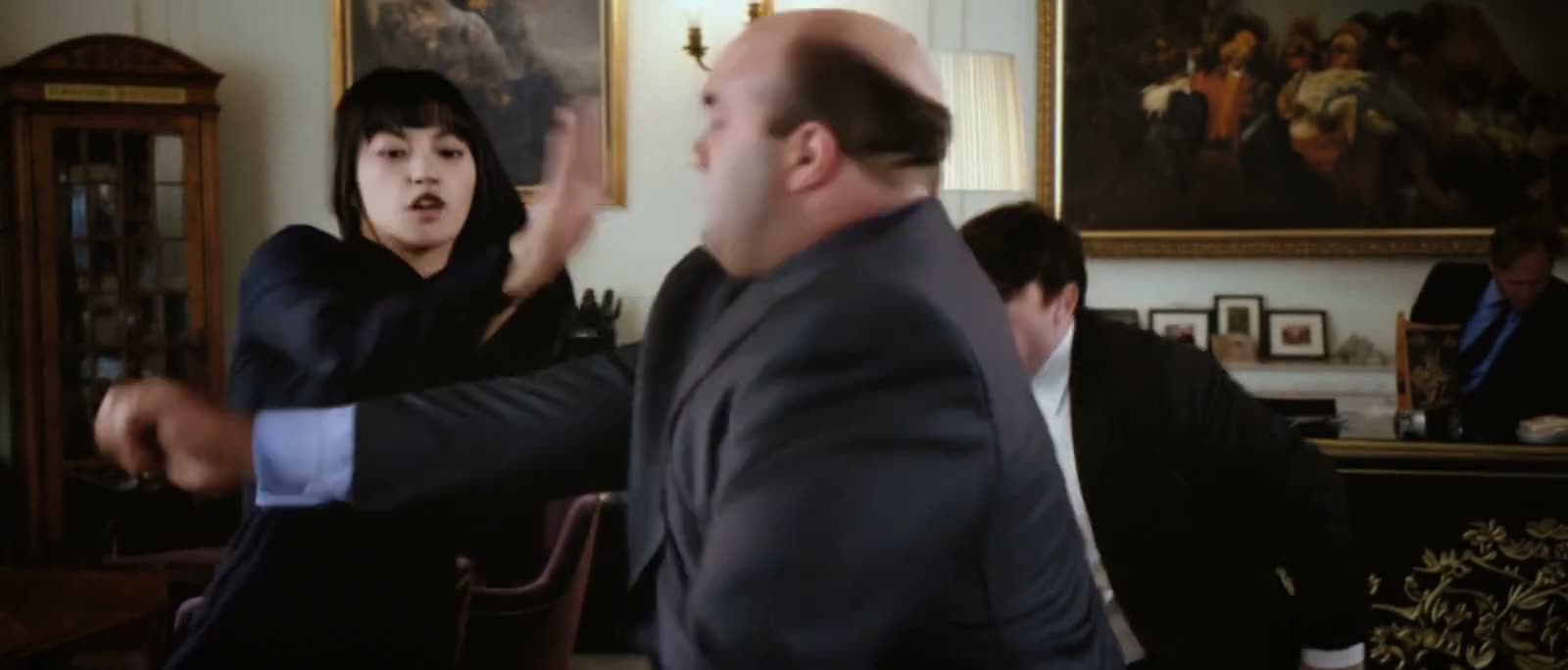
An official Kling 4.0 example shot in 21:9. The guide previews how each format frames a scene — every format is generated natively, never cropped.
Give Kling 4.0 up to 10 images and 5 video clips in a single request. Name each one in your prompt — @Image1, @Video1 — and say what it is for.
A gray-box animation sets the choreography and the camera; reference images supply the cast and the location.
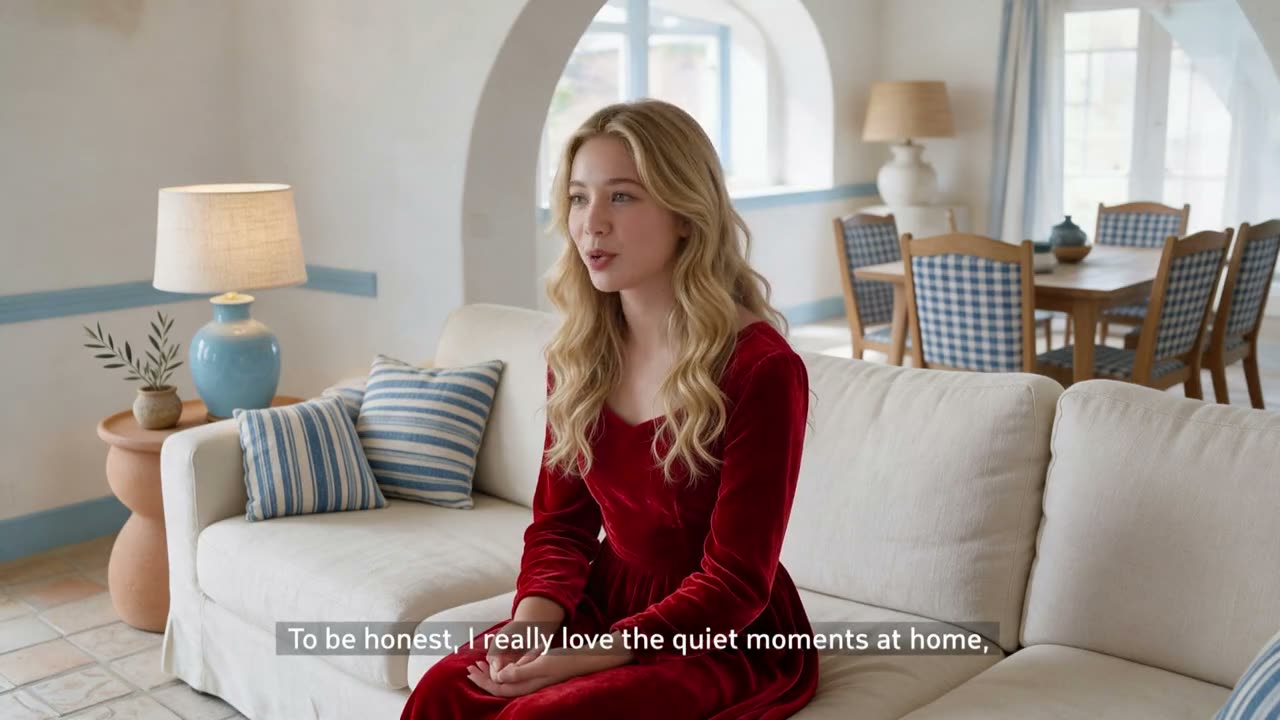
The take keeps its timing and its lines while a new character and a new living room replace the old ones.
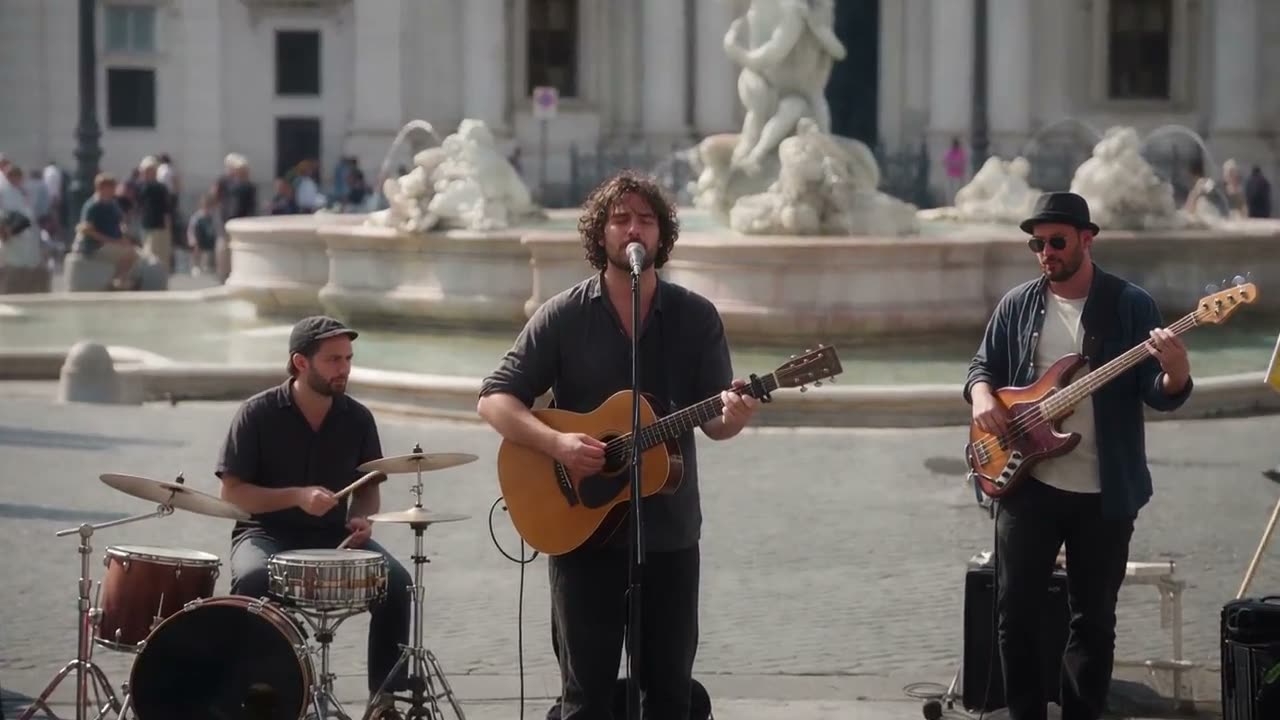
The passers-by in front of the band disappear while the street performance plays on.
Set the opening image, the closing image and up to eight moments in between. Kling 4.0 generates the motion that connects them, in the order you add them.
In the Video Generator, attach your images and pick Kling 4.0 Keyframes. Two images make a first-and-last-frame transition; more turn into a storyboard.
The same model handles photoreal drama and stylized worlds. Hover over a style — or tap it — to play.
Generate, direct with references and keyframes, then keep working on the clip — without leaving Easy-Peasy.AI.
Describe the scene, the camera and the sound, and get a 3–30 second take in 720p or 1080p.
Animate a photo and, if you like, lock the closing shot with an end image.
Line up to 10 images and Kling 4.0 connects them into one continuous take.
Combine images and video clips to control the characters, the look and the motion.
Upload a 3–30 second clip and describe the change. The scene, the motion and the original sound stay.
Add 3–30 seconds to the end of a clip. The new part continues from the last frame and is joined to the original.
Kling 4.0 is billed per second of video. Pick what you are making, how long it runs and the resolution.
Attaching reference video clips adds to the price, because the reference footage is processed too. The exact total is always shown before you generate.
Say how the shot moves and when it changes. Kling 4.0 handles tracking, orbiting and handheld moves, and several shots in one take.
Low tracking shot behind a sports car drifting across white dunes, sand spraying toward the lens. Cut to a wide aerial as the car straightens out.
Every clip has stereo audio, so put dialogue in quotes and describe the music and the ambience.
In a recording booth, a young singer performs a soft ballad into the microphone. Close vocals, light room echo, a faint click of headphones.
When you attach images or clips, name each one and say what it controls.
@Image1 is the dancer. Copy the camera move from @Video1. She says: “Let’s begin.”
Add the frames in the order they should appear and describe what changes between them.
Open on the empty stage, the dancer enters by the second frame, and the lights go down by the last one.
Testimonials

Read the comments that people have made on public platforms.
Jeff Wilson
By far the best compilation AI utility
By far the best compilation AI utility out there. Period. We have tried multiple platforms that would work for us - a small business - and it was a bit overwhelming two years ago. Easy-Peasy has been a godsend. So many freaking tools and no fewer than 10 (of the 200) are ones we use at least on a weekly basis. Ironically, their human support is one of the most appreciated elements.
Cody Crabb
Great service, Best AI tool
Easy-Peasy AI

Blanca Marin
I really liked the easy-peasy AI service. It's a great tool, but I also had to ask them for a refund because I chose the wrong plan, and they were very quick to respond to my request. They looked into my case and I got my money back without any problems. Of course, I will continue to use it for my projects.
Easy-Peasy AI
Everything you need to know about Kling 4.0
Kling 4.0 is the newest video model from Kling AI, Kuaishou’s video platform, released in October 2026. It generates 3–30 second clips with stereo sound from text, images, keyframes and multimodal references, and it can edit and extend existing videos.
Each generation is 3 to 30 seconds long. The Extend Video tool adds another 3 to 30 seconds to a clip, and you can extend the result again.
Easy-Peasy.AI renders Kling 4.0 in 720p or 1080p, in 16:9, 9:16, 1:1 or 21:9. Image-to-video and keyframe videos follow the shape of your first image.
Not yet. Kling has announced 4K and 10-bit HDR output for its own platform; on Easy-Peasy.AI, Kling 4.0 renders in 720p and 1080p.
Yes. Every clip comes with synchronized stereo audio — dialogue, music, effects and ambience — so describe the sound in your prompt. Edits keep the original clip’s sound.
Up to 10 images and 5 video clips (30 seconds combined). Refer to them in your prompt as @Image1 and @Video1, in the order you added them.
Add up to 10 images and choose Kling 4.0 Keyframes. The first image opens the clip, the last one closes it, and the others appear in between in the order you added them.
Generating and extending cost 8 credits per second at 720p and 12 at 1080p. Editing costs 10 credits per second of your clip at 720p and 15 at 1080p. Attaching reference video clips adds to the price. The exact total is shown before you start.
Kling 4.0 is available on paid plans. On the Free plan you can try other models in the Video Generator.
Yes, on paid plans, subject to the Easy-Peasy.AI Terms of Use, Kling’s usage policies and your rights to any images or clips you upload.
No. Videos you create with Kling 4.0 on Easy-Peasy.AI come without a visible watermark.
They are Kling AI’s own Kling 4.0 demonstrations, published in the official Kling 4.0 release note.
Stop wasting time and start creating high-quality content immediately with power of generative AI.