

NewTurn your images into video

AI Chalk Art Generator

Get started for free
Video

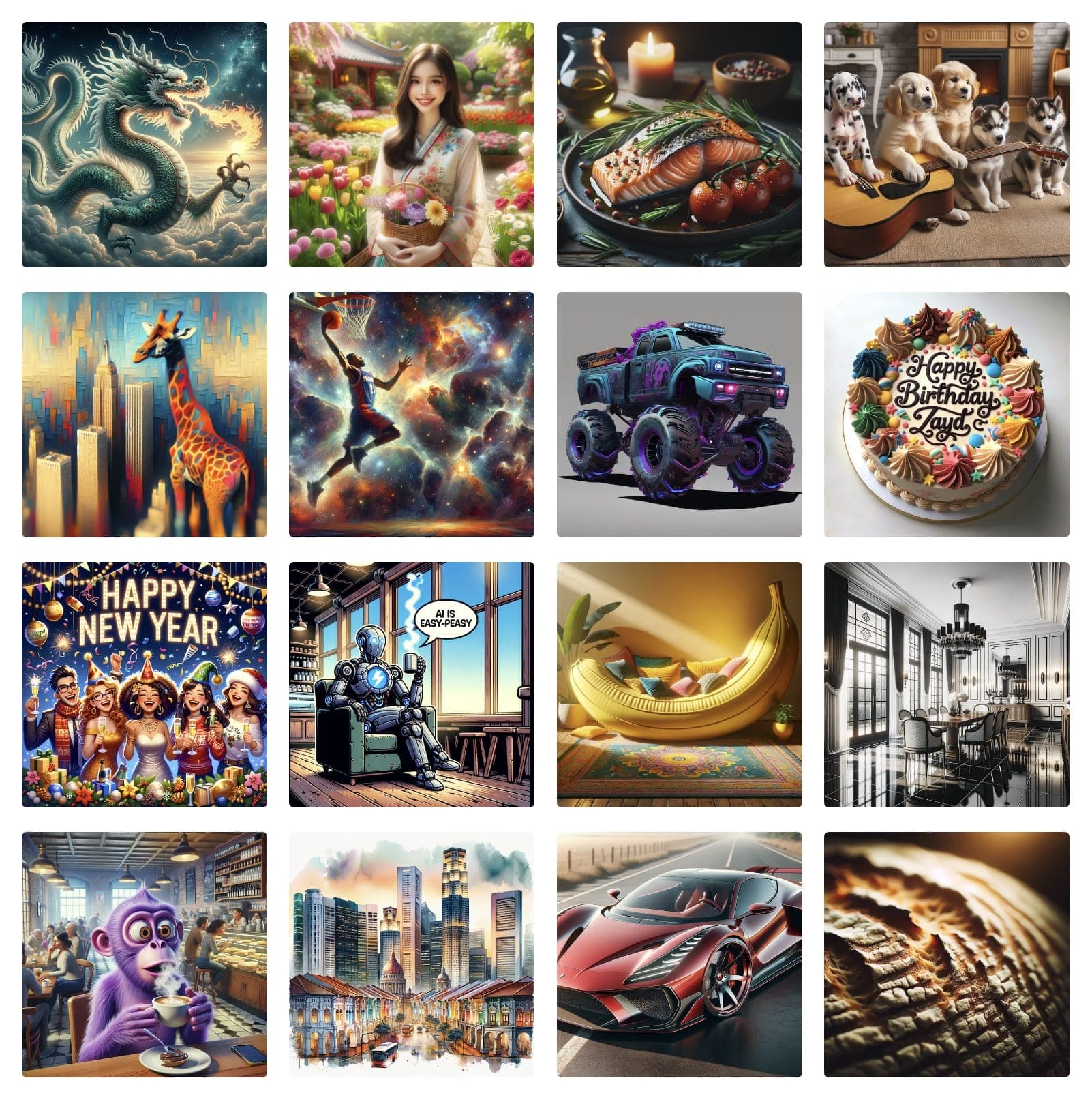
Examples of Generated Art & Images

How to Create Chalk Art Images

Chalk art style recreates the soft, powdery texture of chalk drawings on blackboards or sidewalks with distinctive dusty effects.

How to Create Chalk Art

  1. 1Navigate to Easy-Peasy.AI Image Generator
  2. 2Describe drawing subject
  3. 3Add "chalk art", "chalkboard drawing", or "sidewalk chalk"
  4. 4Specify surface type
  5. 5Include chalk colors
  6. 6Generate chalk artwork
  7. 7Upload a reference image or the image you want to modify (optional)

Chalk Art Tips

  • •Specify surface: "blackboard", "sidewalk", "colored paper", "pavement"
  • •Include effects: "chalk dust", "smudged edges", "layered colors"
  • •Mention style: "mathematical diagrams", "street art", "menu board"
  • •Add details: "partially erased", "white chalk highlights", "colorful"

Best Practices

  • ✓Show chalk texture clearly
  • ✓Use appropriate color limitations
  • ✓Include surface imperfections
  • ✓Create authentic chalk effects

Example Prompts

"Chalk art on blackboard, mathematical equations, white chalk, professor's notes, academic style"
"Sidewalk chalk art, colorful mandala, pastel chalks, street art festival, viewed from above"
"Cafe menu chalk art, decorative lettering, coffee illustrations, rustic blackboard, artisanal"

Ready to create amazing chalk art images?

Start Creating for Free

How to Create Chalk Art Videos

Every chalk art image you generate can become a short video. Create the still first, then animate it into a few seconds of motion — the subject stays exactly as you designed it while the camera and the scene come to life.

Video
A Chalk Art still, animated with Easy-Peasy.AI

From Chalk Art Image to Video

  1. 1Generate your image first, or upload one you already have
  2. 2Open the image and choose "Generate video"
  3. 3Pick a video model — FLUX 3 Image gives cinematic motion with synchronized audio
  4. 4Describe the motion you want, not the picture you already have
  5. 5Choose a duration (5 seconds is plenty for a loop) and a resolution
  6. 6Hit Generate — most clips are ready in about a minute

Tips for Better Motion

  • •Describe motion only: the model can already see the image, so spend the prompt on what moves
  • •Ask for less than you think — subtle motion reads as real, big motion warps faces and hands
  • •Name the camera explicitly ("locked-off camera", "slow push-in") or the model will invent its own move
  • •Generating at 1:1 or 9:16 gives you a clip you can post straight to social

Example Motion Prompts

"Subtle idle motion, natural breathing and a slow blink. Locked-off camera."
"Slow cinematic push-in, soft light shifting across the frame."
"Gentle parallax as the camera drifts left, everything else holds still."

Ready to see your chalk art move?

Animate an Image

Testimonials

Our Trustpilot score

Read the comments that people have made on public platforms.

Jeff Wilson

By far the best compilation AI utility

By far the best compilation AI utility out there. Period. We have tried multiple platforms that would work for us - a small business - and it was a bit overwhelming two years ago. Easy-Peasy has been a godsend. So many freaking tools and no fewer than 10 (of the 200) are ones we use at least on a weekly basis. Ironically, their human support is one of the most appreciated elements.

Vivian Daze avatar

Vivian Daze

Great services

Great services, and lovely and attentive customer service. Would reccommend

Cody Crabb

Great service, Best AI tool

Kia Tiow | COGUE avatar

Kia Tiow | COGUE

Easy-peasy is an easy to pick up and awesome AI software. I love it.

Easy-Peasy AI

Dezign121 avatar

Dezign121

Easy-Peasy.AI is very user friendly & a lot more to explore not only in the lesson, very helpful assistant in both work & personal

Blanca Marin avatar

Blanca Marin

Very Good AI…

I really liked the easy-peasy AI service. It's a great tool, but I also had to ask them for a refund because I chose the wrong plan, and they were very quick to respond to my request. They looked into my case and I got my money back without any problems. Of course, I will continue to use it for my projects.

Easy-Peasy AI

Muhammad Md Rahim avatar

Muhammad Md Rahim

Very awesome and practical AI tool that can help improve our productivity and the quality of our work!

Ken Poon avatar

Ken Poon

Very useful and true to “Easy Peasy” on using AI. One platform on all the tools required for business needs. Marianna sharing is super informative on how to use easy-peasy.ai

Dennis Cambronero avatar

Dennis Cambronero

I have been using the tool for +1 year…

I have been using the tool for +1 year and I have to say it is amazing. I use it to create images, bots and access every LLM in one single place. I highly recommend it.

Yeah Likes avatar

Yeah Likes

Practical and Powerful Software which is all In one and versatile. Just finished their workshop and got practical and valuable tips and tricks.

Create Faster With AI.
Try it Risk-Free.

Stop wasting time and start creating high-quality content immediately with power of generative AI.

App screenshot

Create Your Own Chalk Art images

Generate stunning Chalk Art images with our easy-to-use AI generator