

AI Texture Generator

Get started for free
Seamless tileable texture with realistic surface details, high-resolution material pattern with consistent repeating design, detailed surface qualities like wood grain, fabric weave, stone or metal, perfect for 3D rendering and digital art backgrounds

Who Can Benefit

Discover how different professionals and creators can utilize this AI image style

1

Graphic Designers

Creating unique textures and patterns for backgrounds, packaging, and digital design projects.

2

Web Designers

Generating custom textures for website backgrounds, UI elements, and digital experiences.

3

Interior Designers

Producing texture samples and patterns for wallpapers, fabrics, and surface design concepts.

4

Product Designers

Developing textural elements for product surfaces, packaging, and material design.

5

Game Artists

Creating realistic and stylized textures for 3D models, environments, and game assets.

6

Fashion Designers

Generating textile patterns and surface textures for fabric design and fashion collections.

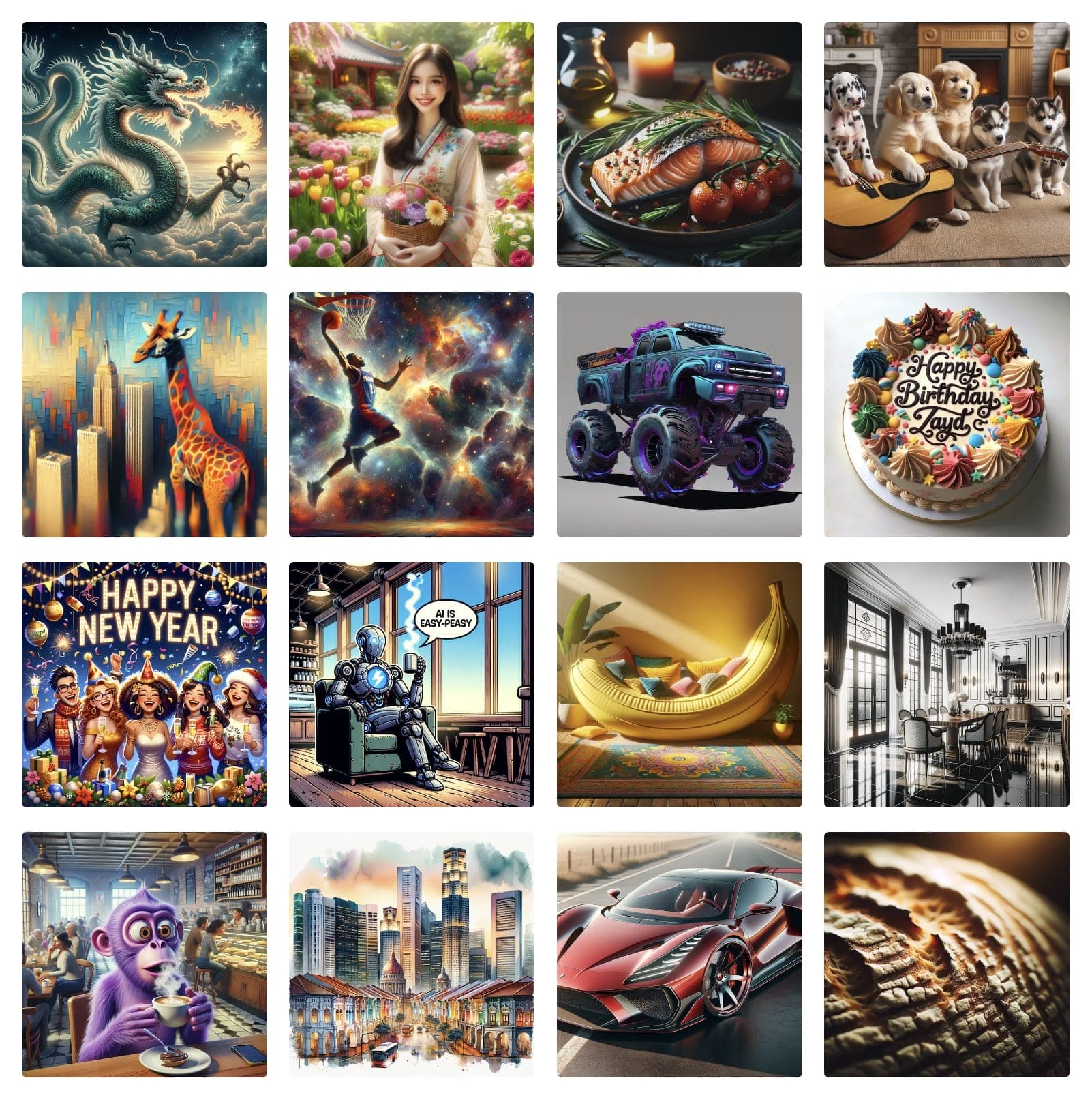
Examples of Generated Art & Images

How to Create Texture Images

Texture style creates detailed surface patterns and materials, perfect for backgrounds, 3D rendering, and design resources.

How to Create Texture Images

  1. 1Visit Easy-Peasy.AI Image Generator
  2. 2Describe the material or pattern
  3. 3Include "texture", "seamless pattern", or "surface"
  4. 4Specify scale and detail level
  5. 5Choose tileable if needed
  6. 6Generate high-quality textures
  7. 7Upload a reference image or the image you want to modify (optional)

Texture Design Tips

  • •Specify materials: "wood grain", "marble", "fabric", "metal", "stone"
  • •Mention patterns: "seamless", "tileable", "organic", "geometric"
  • •Include details: "weathered", "polished", "rough", "smooth"
  • •Add variations: "color variations", "damage", "wear patterns"

Best Practices

  • ✓Create seamless edges for tiling
  • ✓Include realistic surface details
  • ✓Consider different lighting angles
  • ✓Maintain consistent scale

Example Prompts

"Wood texture, oak grain, seamless pattern, natural finish, high resolution, tileable background"
"Marble texture, white with gold veins, polished surface, luxury material, architectural quality"
"Fabric texture, denim material, blue color, visible weave pattern, close-up detail, realistic"

Ready to create amazing texture images?

Start Creating for Free

Testimonials

Our Trustpilot score

Read the comments that people have made on public platforms.

Jeff Wilson

By far the best compilation AI utility

By far the best compilation AI utility out there. Period. We have tried multiple platforms that would work for us - a small business - and it was a bit overwhelming two years ago. Easy-Peasy has been a godsend. So many freaking tools and no fewer than 10 (of the 200) are ones we use at least on a weekly basis. Ironically, their human support is one of the most appreciated elements.


Vivian Daze avatar

Vivian Daze

Great services

Great services, and lovely and attentive customer service. Would reccommend

Cody Crabb

Great service, Best AI tool

Kia Tiow | COGUE avatar

Kia Tiow | COGUE

Easy-peasy is an easy to pick up and awesome AI software. I love it.

Easy-Peasy AI

Dezign121 avatar

Dezign121

Easy-Peasy.AI is very user friendly & a lot more to explore not only in the lesson, very helpful assistant in both work & personal

Blanca Marin avatar

Blanca Marin

Very Good AI…

I really liked the easy-peasy AI service. It's a great tool, but I also had to ask them for a refund because I chose the wrong plan, and they were very quick to respond to my request. They looked into my case and I got my money back without any problems. Of course, I will continue to use it for my projects.

Easy-Peasy AI

Muhammad Md Rahim avatar

Muhammad Md Rahim

Very awesome and practical AI tool that can help improve our productivity and the quality of our work!

Ken Poon avatar

Ken Poon

Very useful and true to “Easy Peasy” on using AI. One platform on all the tools required for business needs. Marianna sharing is super informative on how to use easy-peasy.ai

Dennis Cambronero avatar

Dennis Cambronero

I have been using the tool for +1 year…

I have been using the tool for +1 year and I have to say it is amazing. I use it to create images, bots and access every LLM in one single place. I highly recommend it.

Yeah Likes avatar

Yeah Likes

Practical and Powerful Software which is all In one and versatile. Just finished their workshop and got practical and valuable tips and tricks.

Create Faster With AI.
Try it Risk-Free.

Stop wasting time and start creating high-quality content immediately with power of generative AI.

App screenshot

Create Your Own Texture images

Generate stunning Texture images with our easy-to-use AI generator