Travel Poster
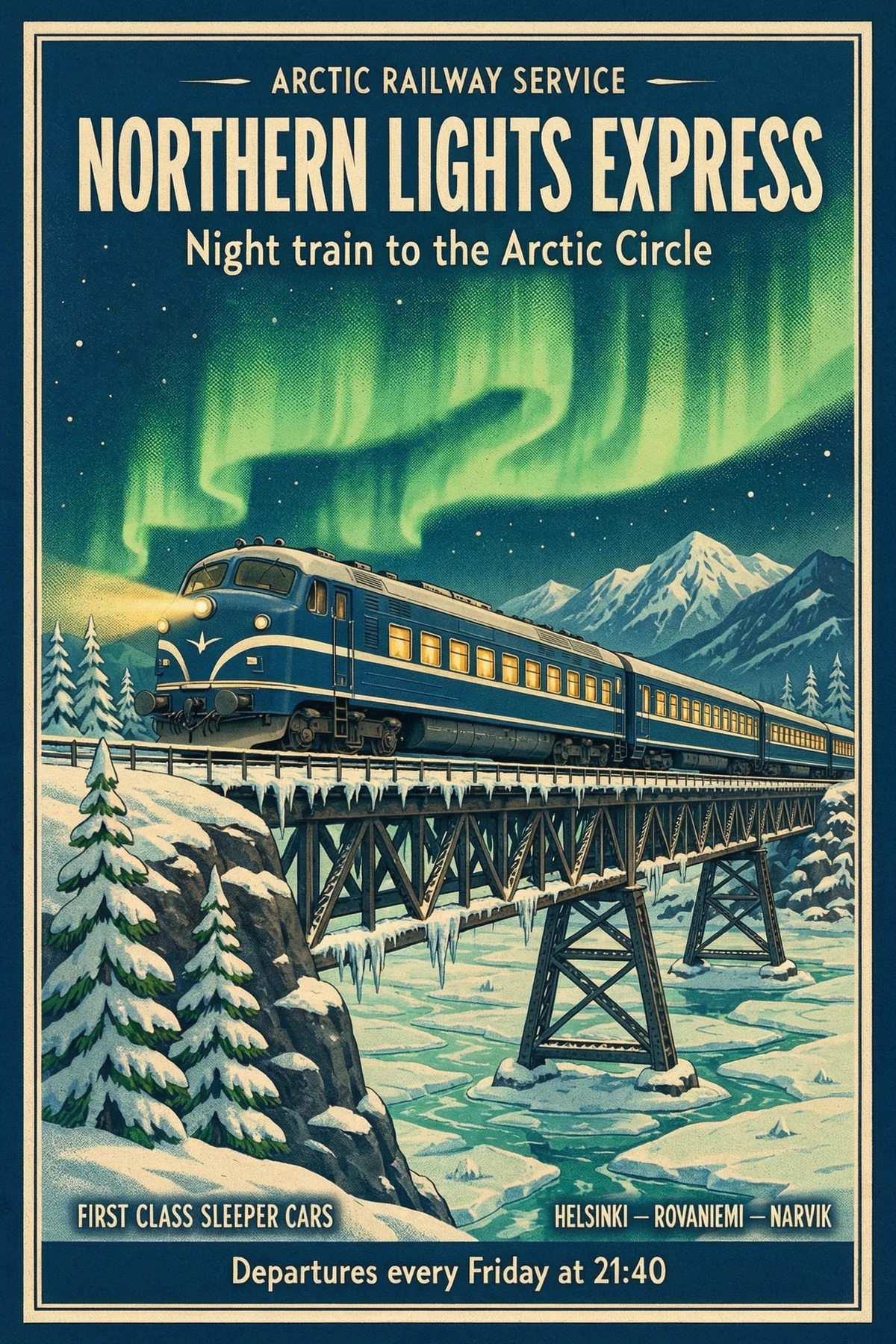
Asked for
- “NORTHERN LIGHTS EXPRESS”
- “Night train to the Arctic Circle”
- “Departures every Friday at 21:40”
Photoreal images with text that reads, up to native 8K.
Generate in 2K, 4K or 8K across eight aspect ratios, write signs and posters word for word, and edit or combine up to 10 images.


3,482,705+ happy users
Every image here came straight out of Kling Image 4.0 at 2K. Open any prompt in the Image Generator and make it your own.
 3:4
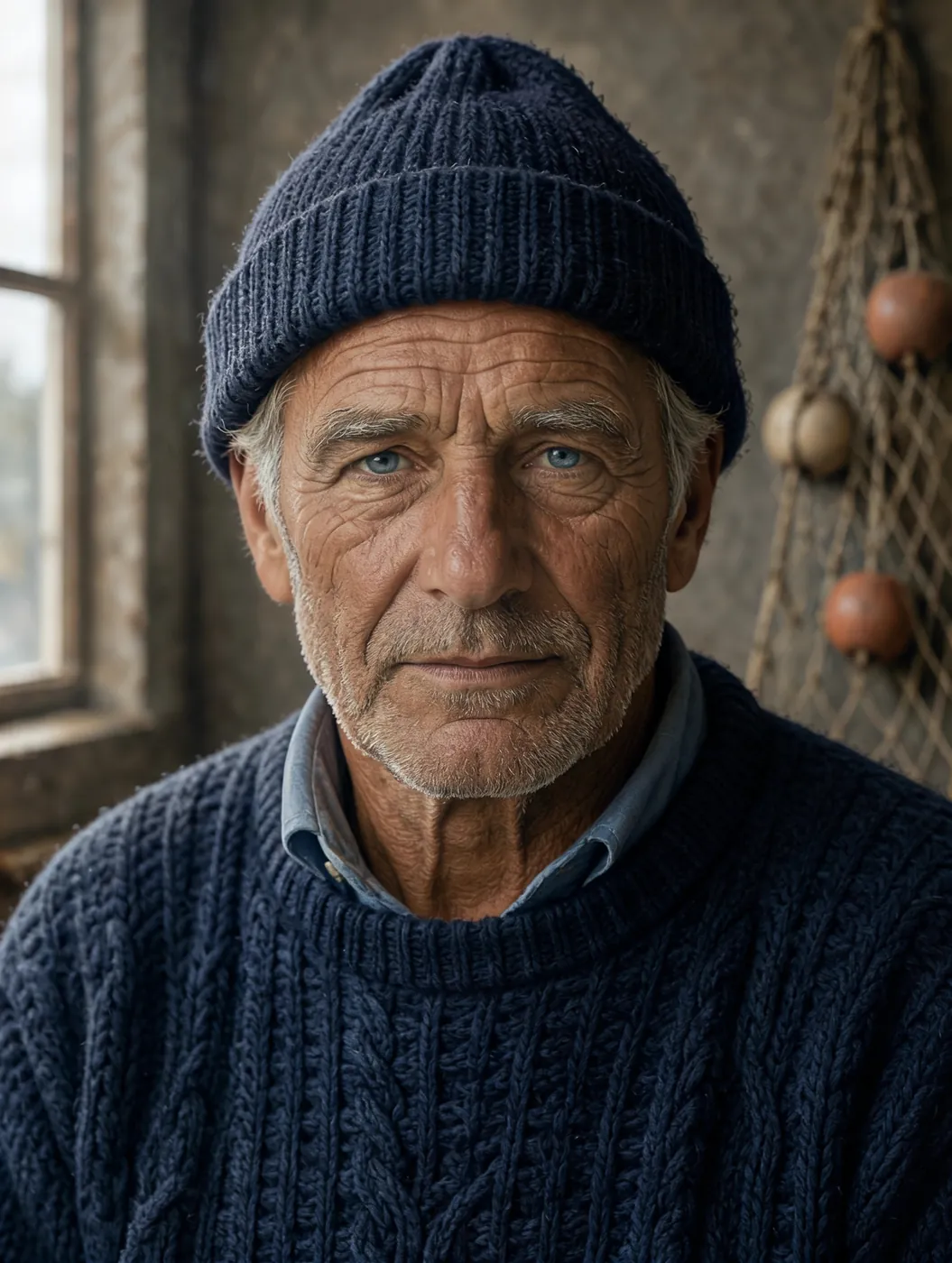
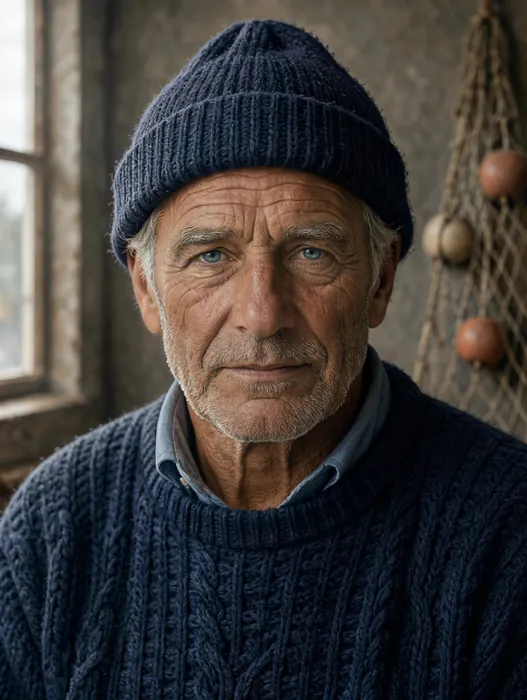
Close studio portrait of an elderly fisherman with a weathered, sun-lined face, silver stubble and a navy knitted wool cap, soft window light from the left, every pore and wrinkle visible, 85mm lens, shallow depth of field, photorealistic
Use this prompt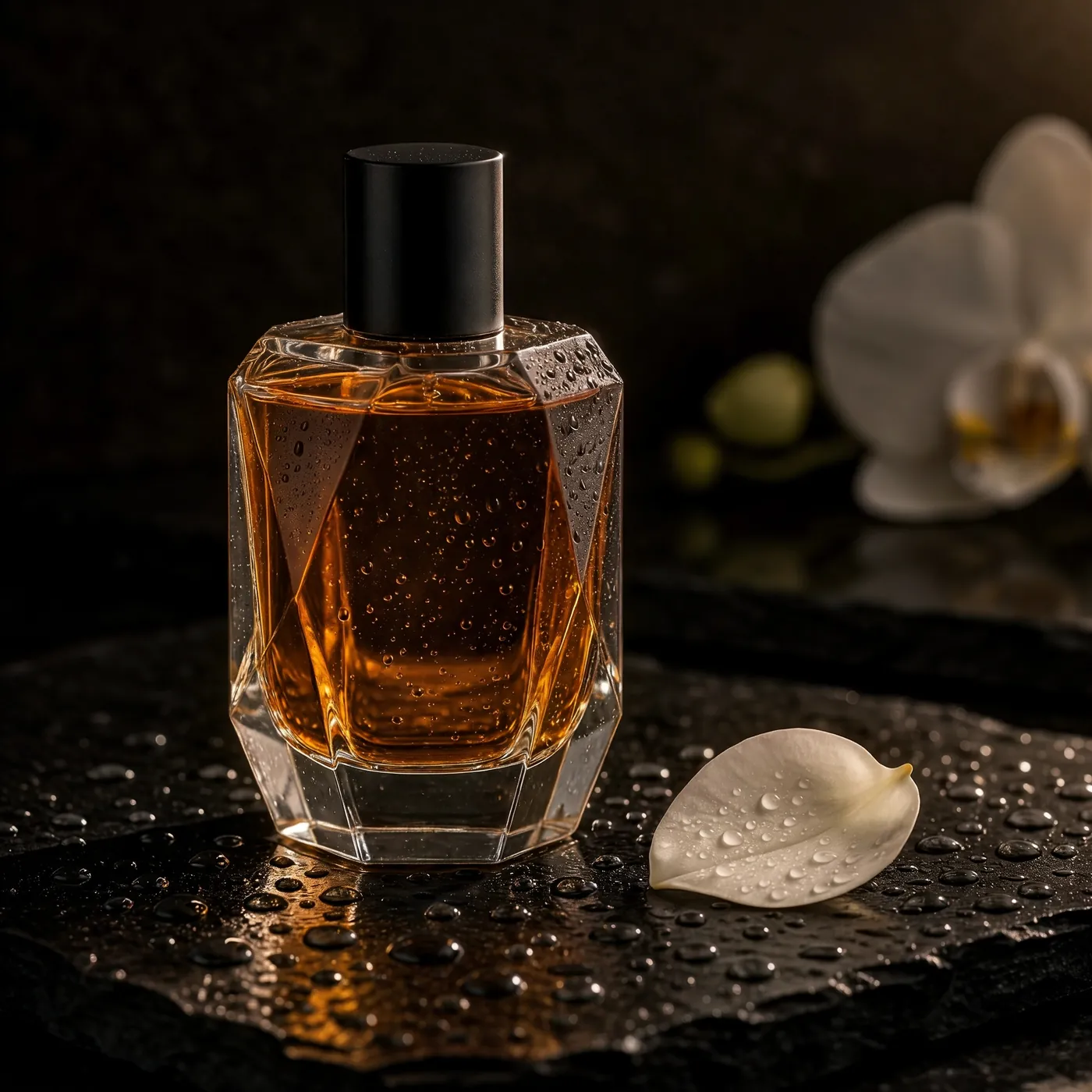 1:1
A faceted glass perfume bottle filled with amber liquid standing on wet black slate, tiny water droplets on the glass, a single white orchid petal beside it, dramatic rim light against a dark background, luxury product photography, plain bottle with no logo and no label
Use this prompt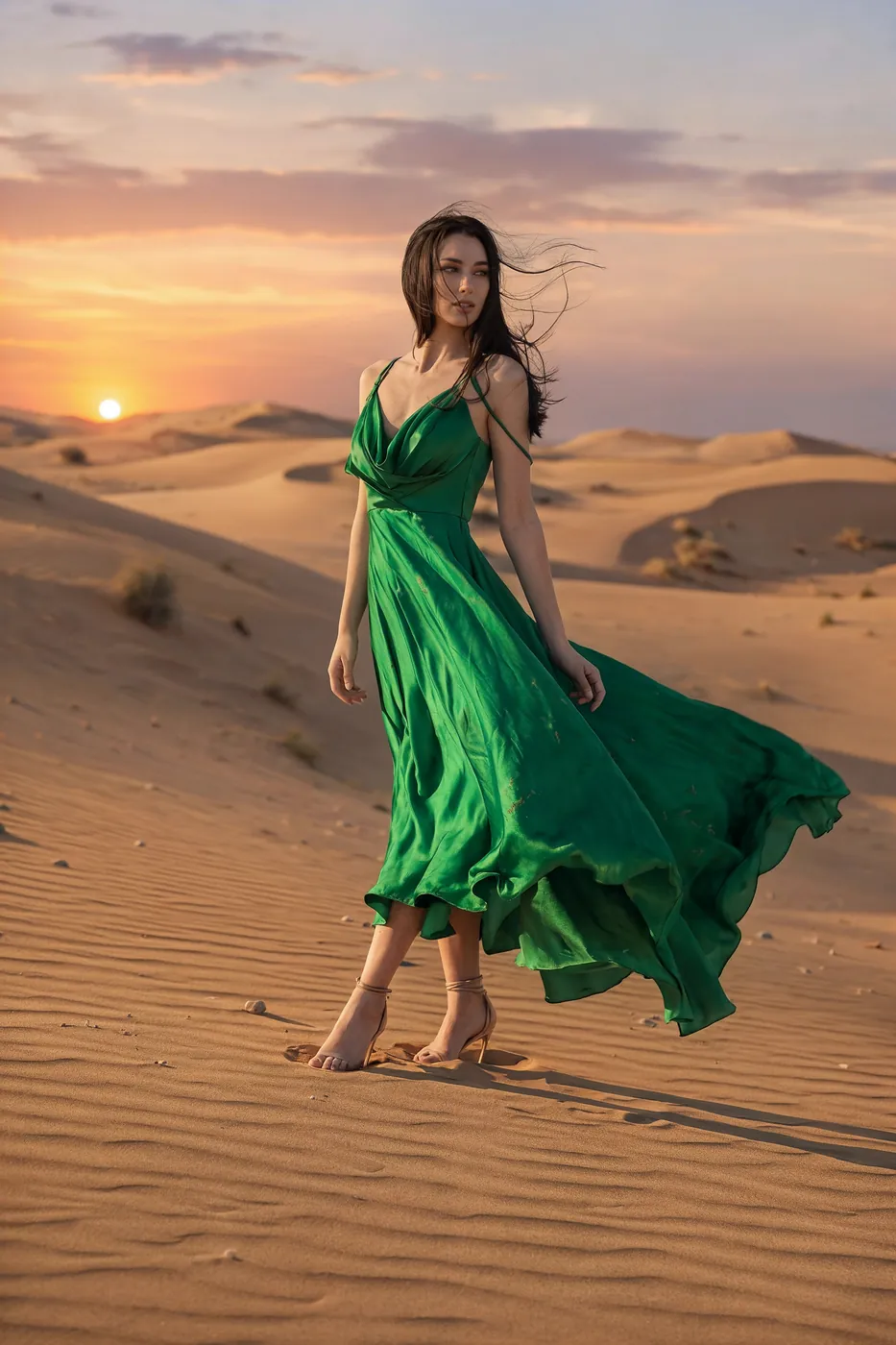 2:3
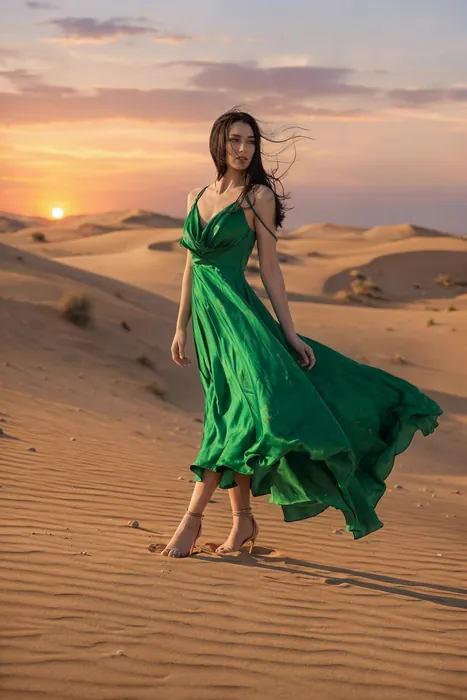
Full-length fashion editorial of a model in a flowing emerald silk gown walking across pale desert dunes at sunset, the fabric caught by the wind, a long shadow on the sand, warm low sun, high-fashion magazine photography
Use this prompt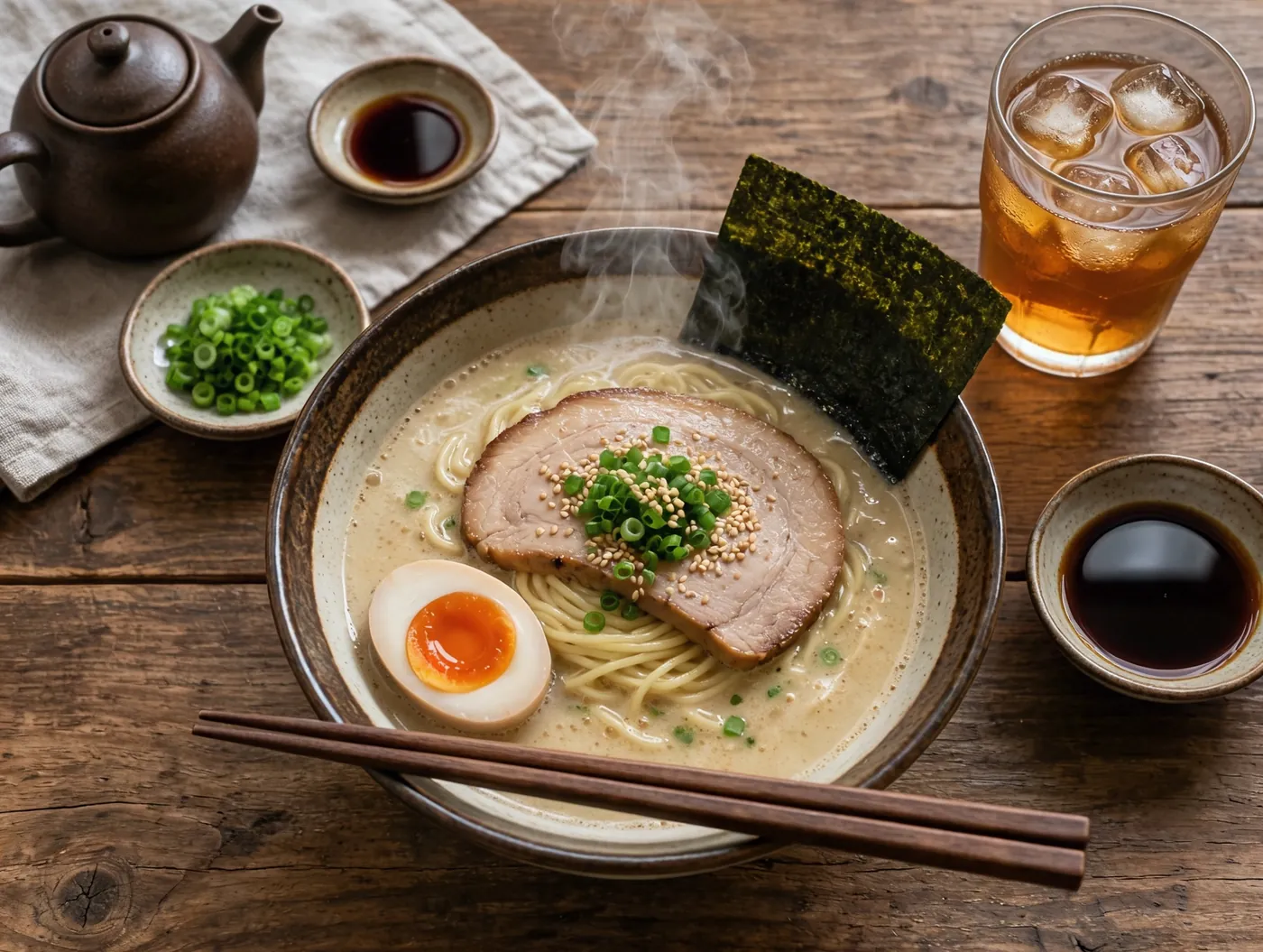 4:3
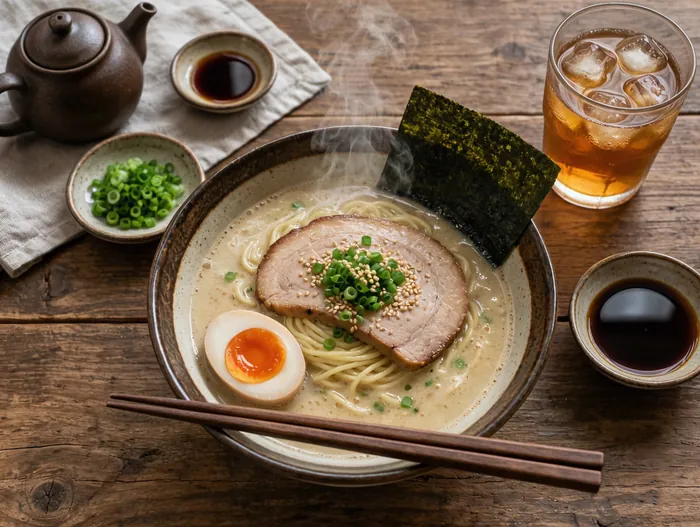
Overhead photograph of a rustic wooden table with a steaming bowl of tonkotsu ramen, a soft-boiled egg cut in half, nori, scallions, chopsticks resting on the bowl and a glass of iced tea, soft natural window light, editorial food photography
Use this prompt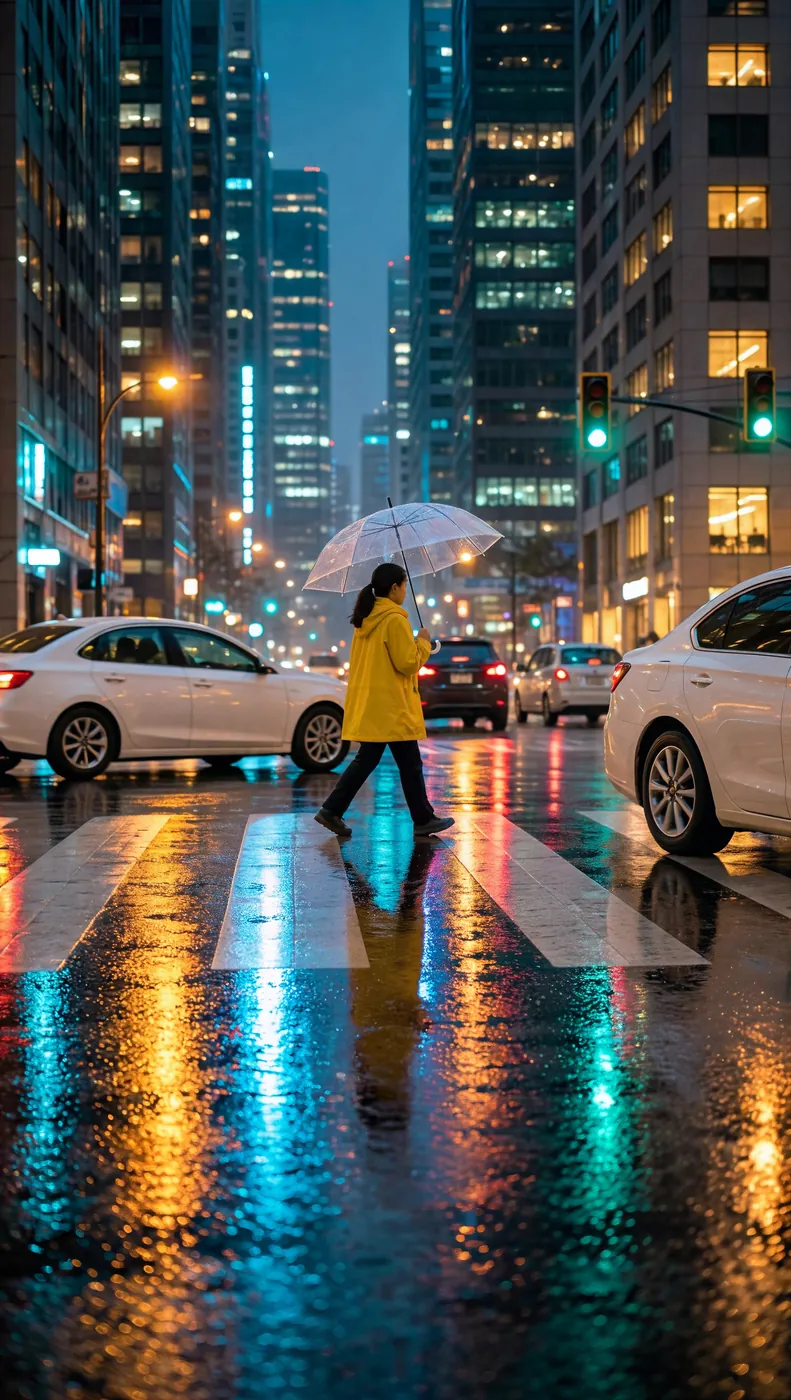 9:16
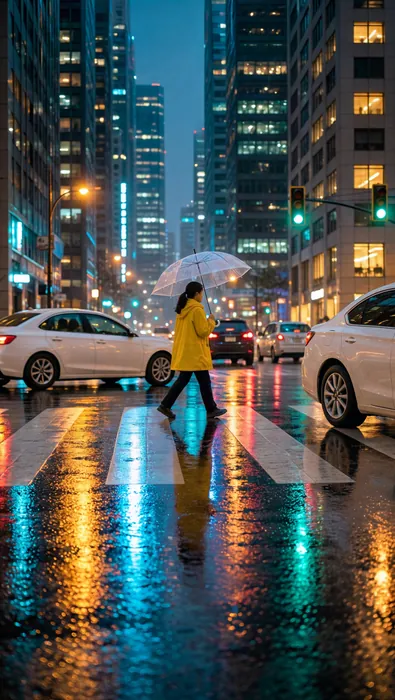
A rainy city street at night, neon reflections on the wet asphalt, a woman in a yellow raincoat holding a clear umbrella crossing the road, soft bokeh of car lights, cinematic vertical photograph
Use this prompt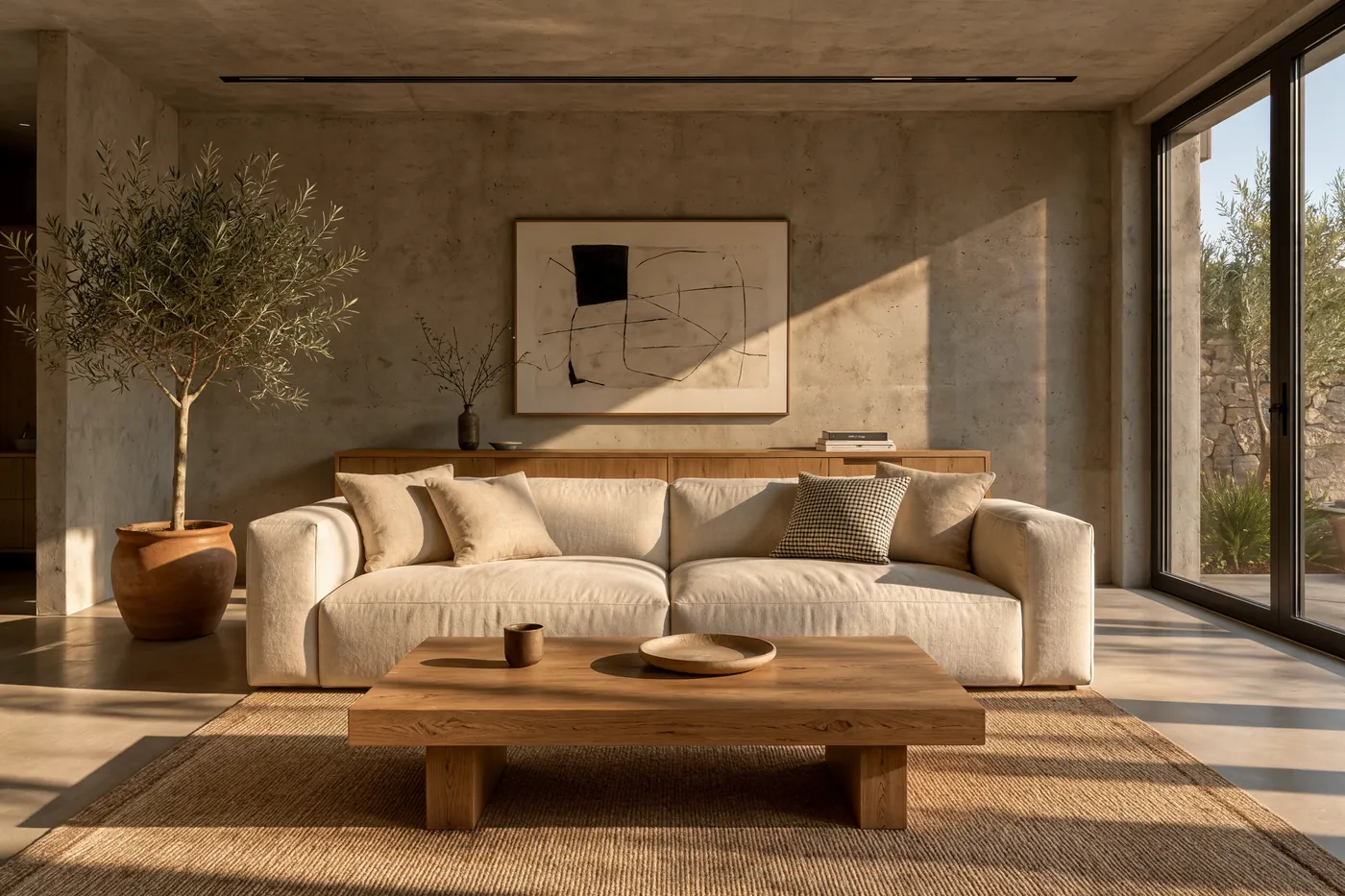 3:2
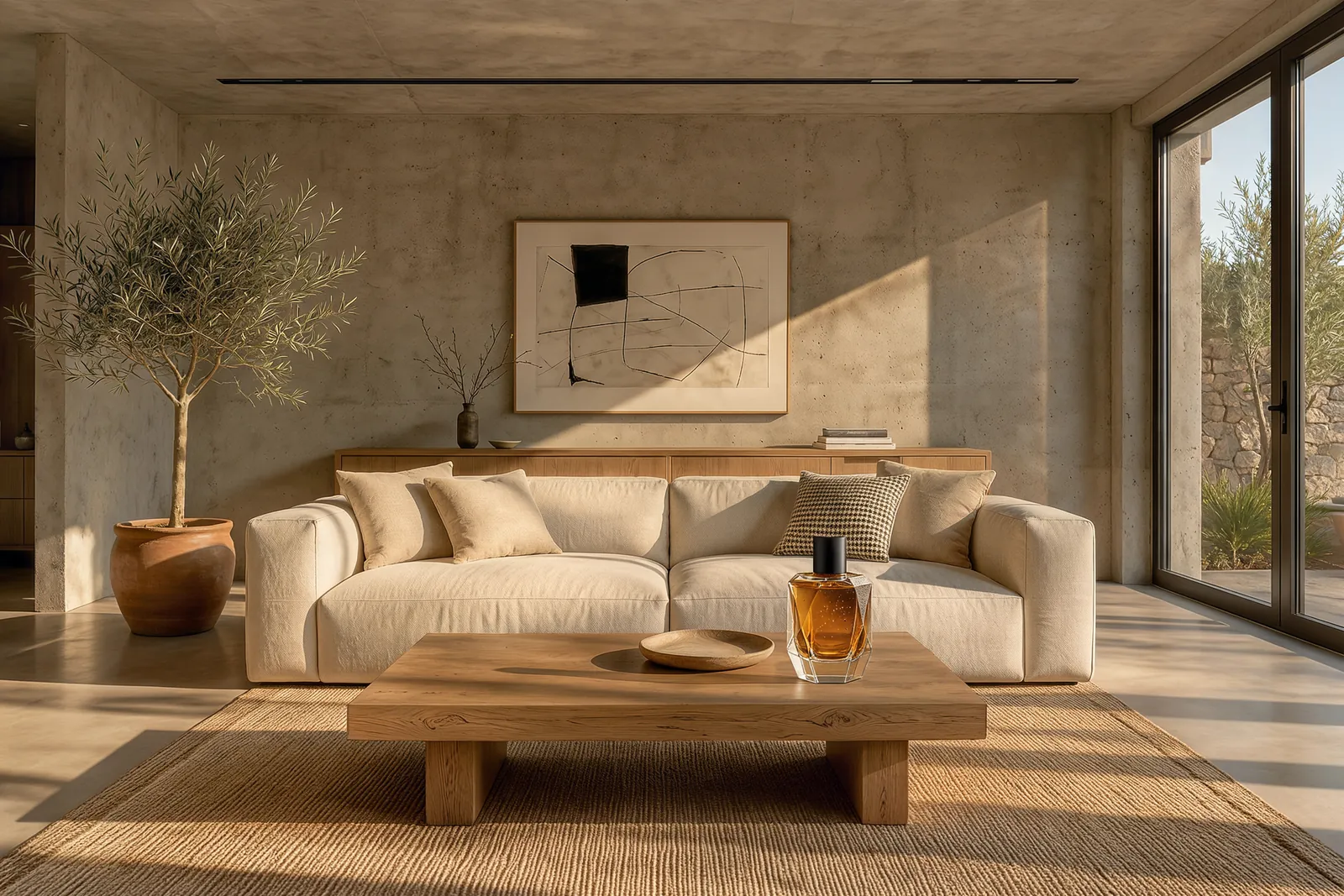
A sunlit minimalist living room with raw concrete walls, a cream linen sofa, an olive tree in a terracotta pot, a low oak coffee table with an empty top in the foreground, long late-afternoon shadows across the floor, architectural interior photography
Use this prompt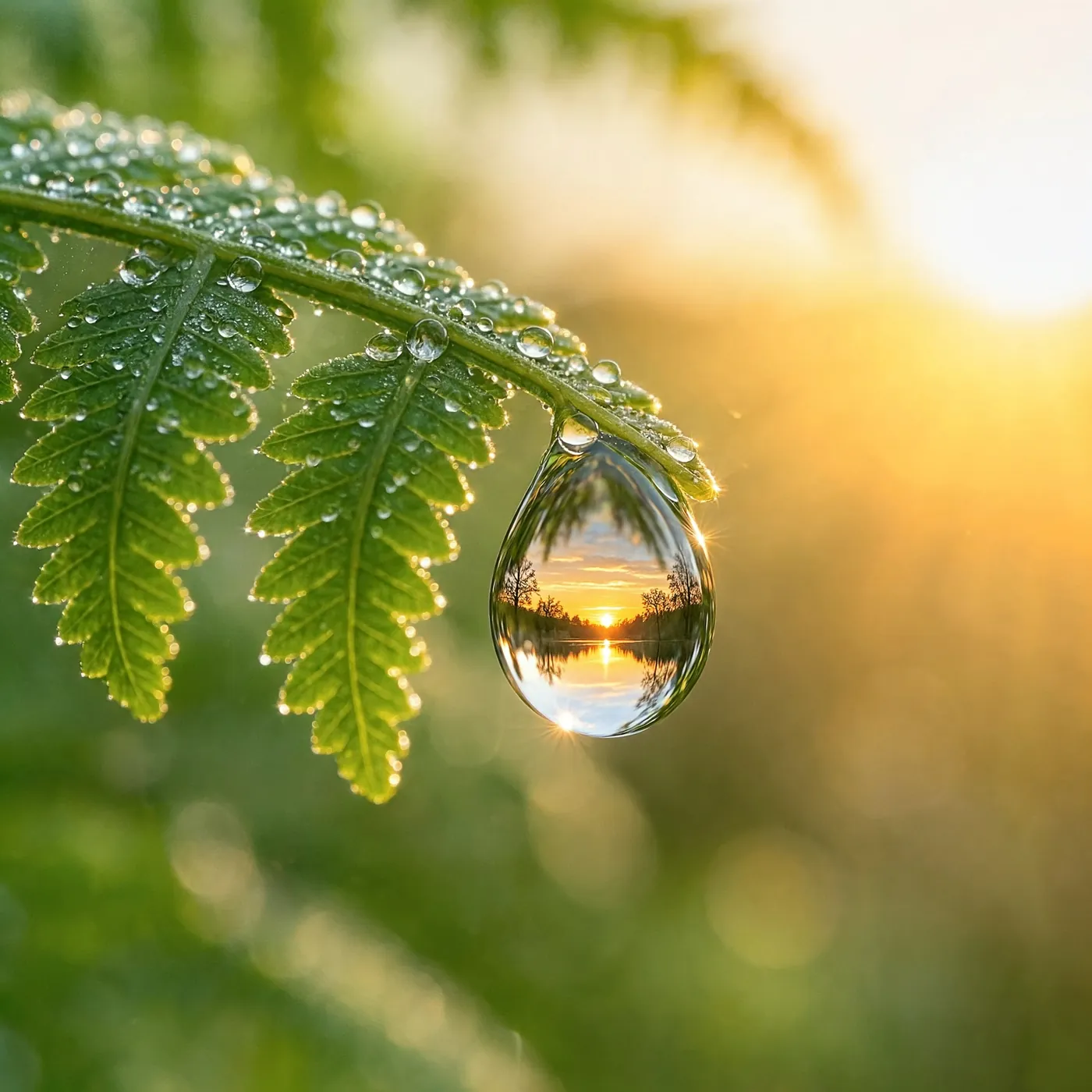 1:1
Macro photograph of a single dewdrop hanging from the tip of a fern frond, the drop refracting an upside-down sunrise forest, soft green background bokeh, extreme fine detail
Use this prompt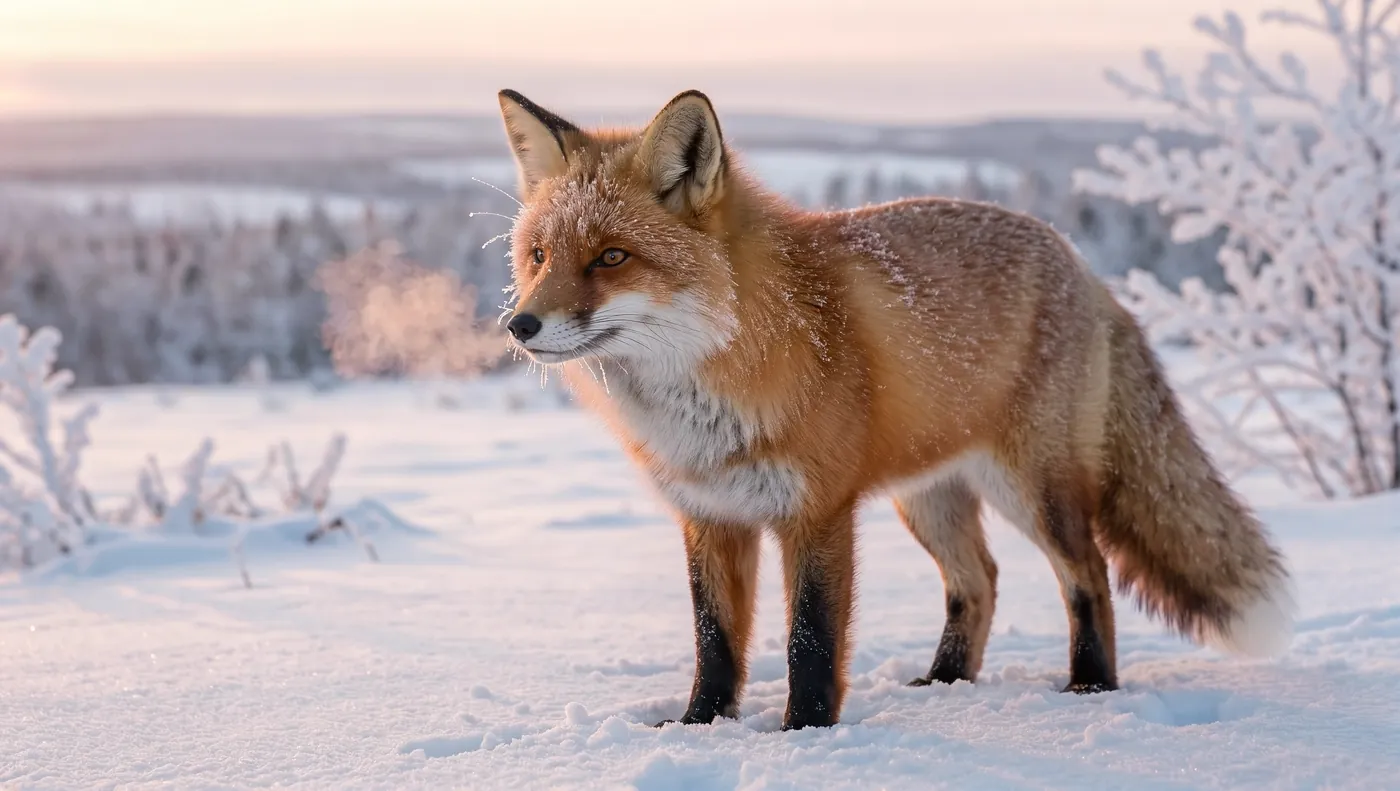 16:9
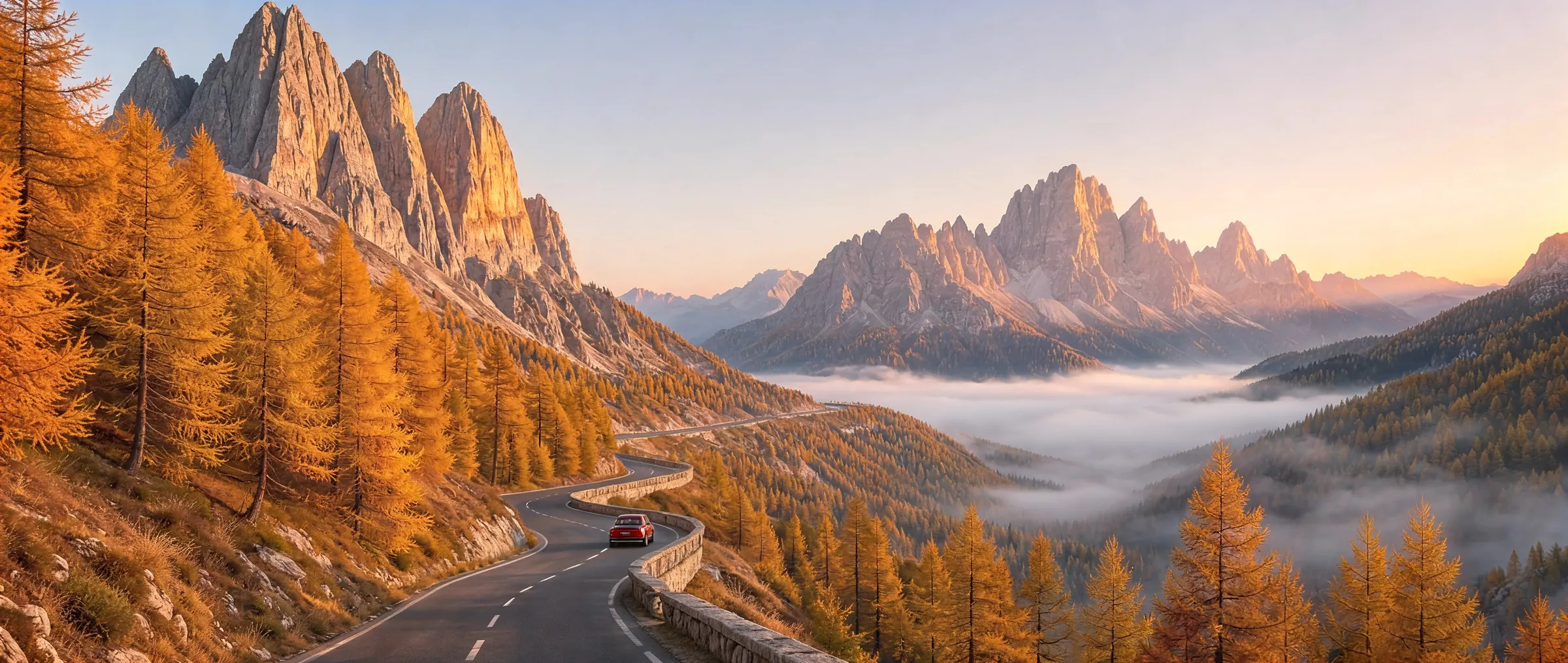
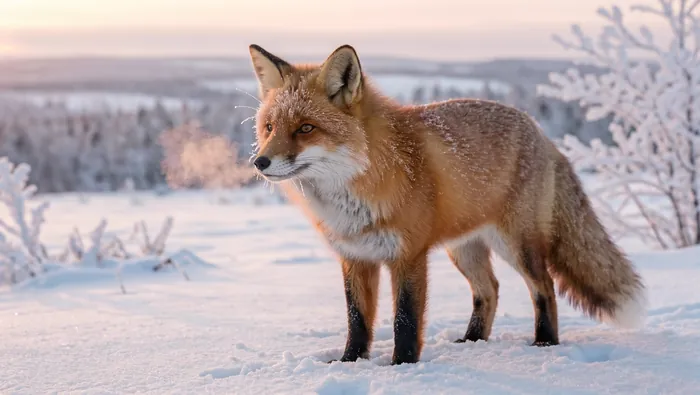
A red fox standing in fresh snow at dawn, frost on its whiskers and fur, breath visible in the cold air, soft pink morning light, telephoto wildlife photography, background gently blurred
Use this promptPut the words in quotes and Kling Image 4.0 writes them as typed, from big headlines to the small print.
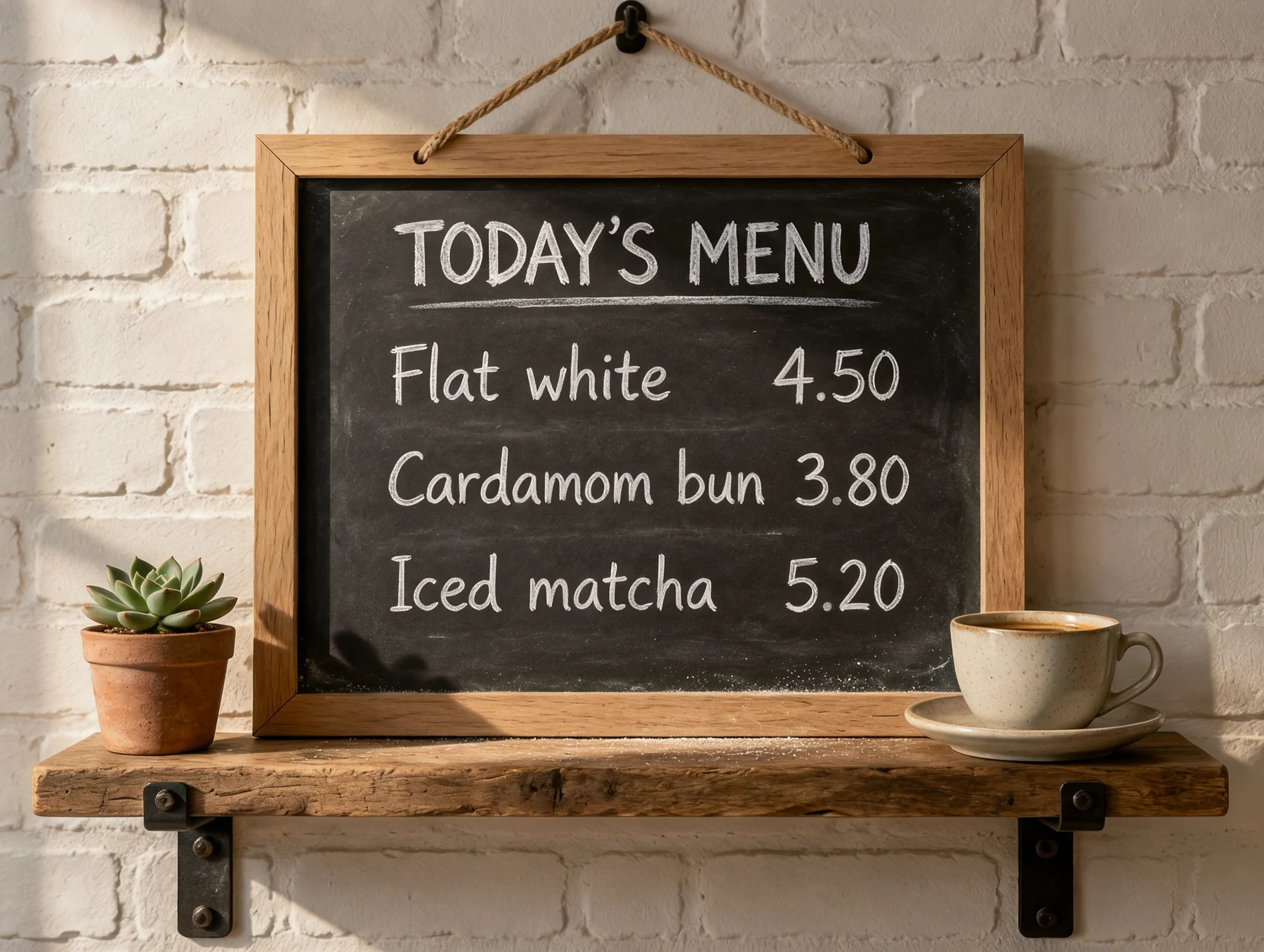
Kling also adds touches of its own: the route and the sleeper-car line on the poster were not in the prompt.
At 8K a 16:9 image is 10,880 × 6,144 pixels. Pick a spot to see it at full resolution, straight from the file.
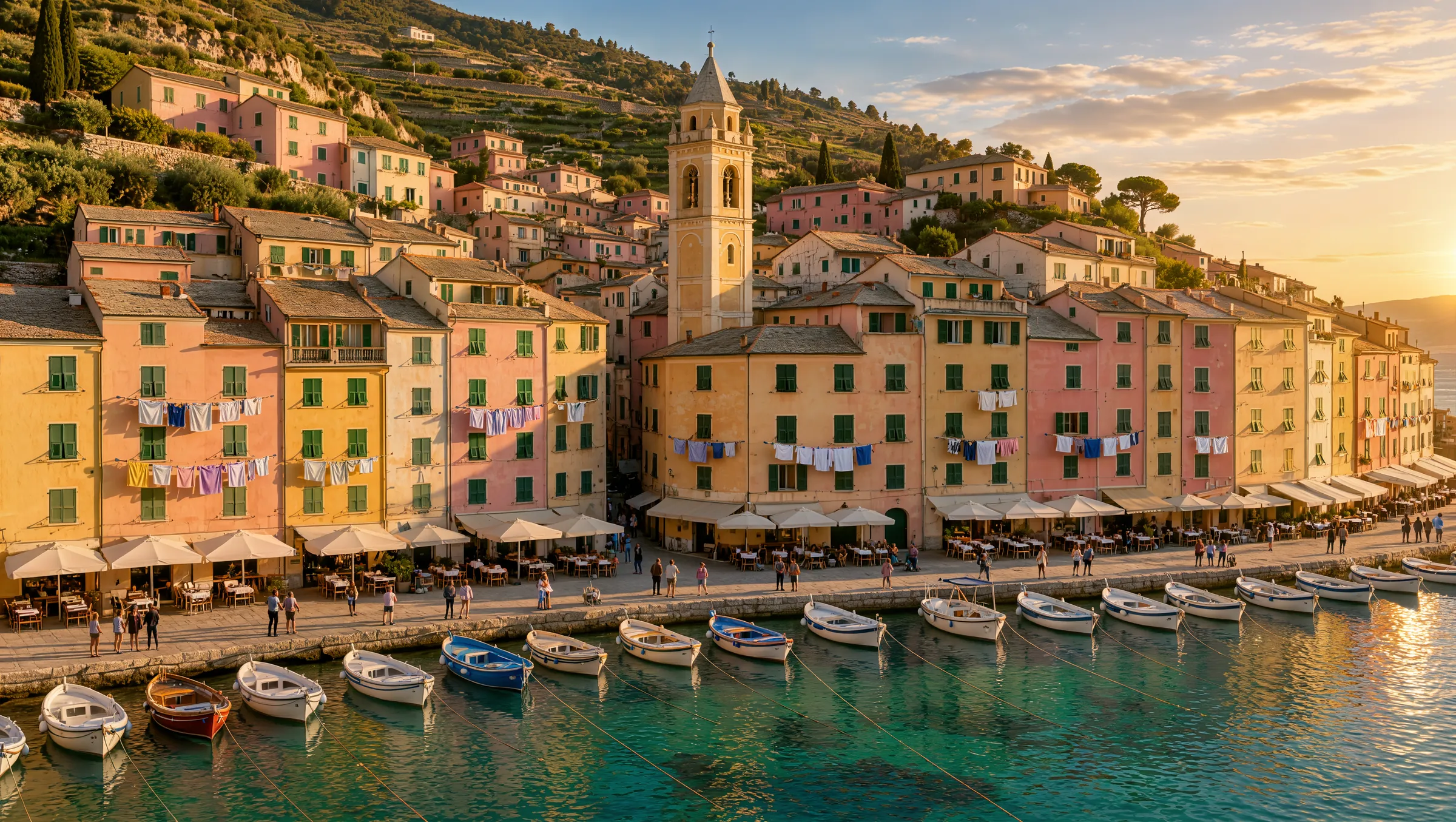 10,880 × 6,144
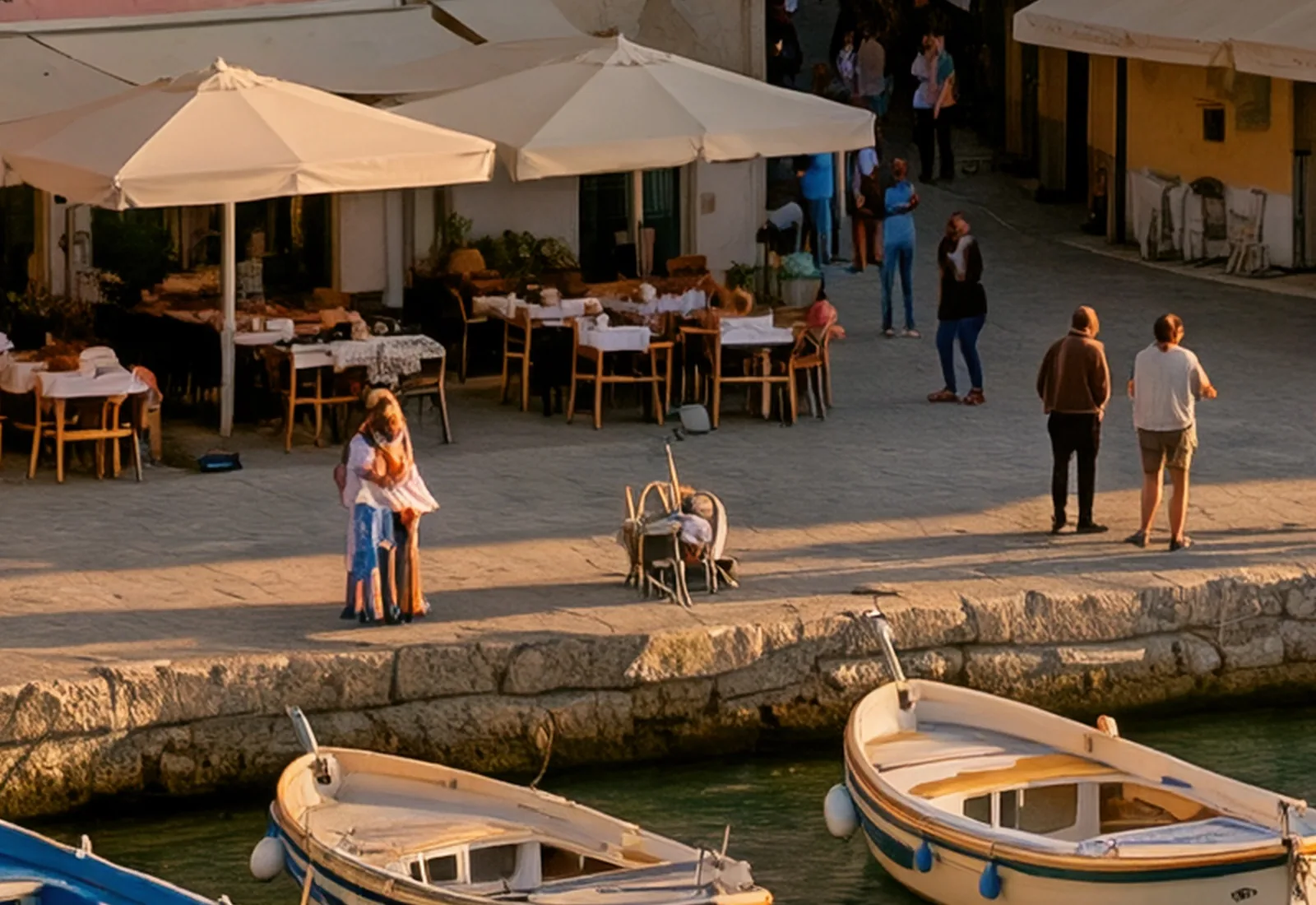 Waterfront Café · 1,600 × 1,100 px
Both views come from the same 8K image. The crops are its own pixels, not upscaled.
Upload up to 10 images, describe the change, and Kling Image 4.0 edits them or combines them into a new picture.

One photo and one sentence: the words and the light change, while the sign, the cup and the table stay where they were.
Change the chalkboard text to "OPEN LATE" and turn the scene into a warm evening with string lights
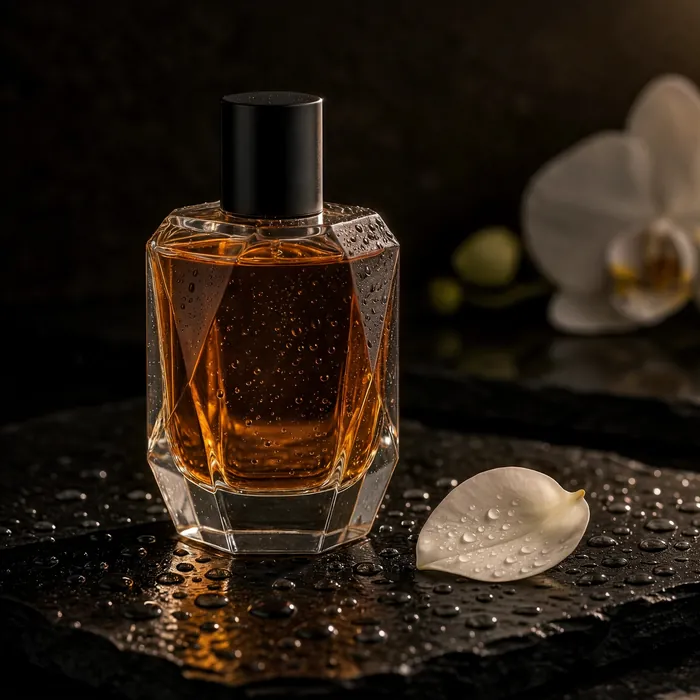 Image 1
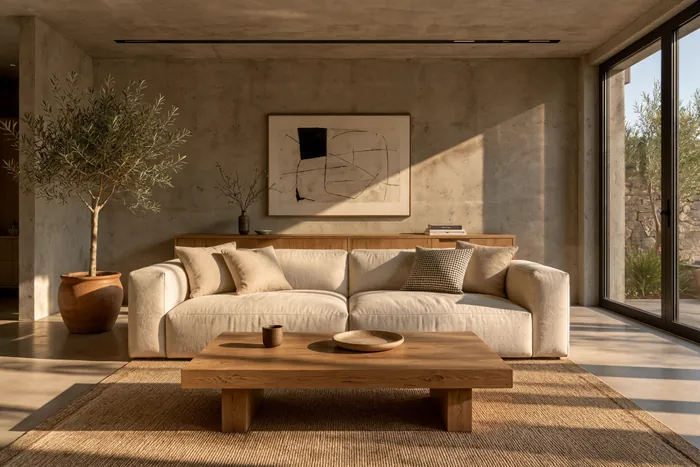 Image 2
 Result
The bottle from the first image is placed on the coffee table in the second, in the same afternoon light.
Place the perfume bottle from <<<image_1>>> on the oak coffee table in the living room from <<<image_2>>>, next to the small bowl. Match the warm late-afternoon sunlight, give the bottle a soft natural shadow, and keep the rest of the room unchanged.
Choose the aspect ratio before you generate and Kling Image 4.0 composes the picture for it. Every example below was made in its own format.
Kling Image 4.0 is billed per image. Pick the size, how many images you want and, for an edit, how many you upload.
The exact total is always shown before you generate.
Kling Image 4.0 writes quoted text as typed, so headlines, labels, menus and prices come out spelled right. Say where each line goes.
A café menu board in white chalk. The title at the top reads "TODAY'S MENU". Below it: "Flat white 4.50" and "Cardamom bun 3.80".
Name the light, the lens and the distance. The model answers camera language with real depth of field and natural skin and textures.
Close portrait of an elderly fisherman in a navy wool cap, soft window light from the left, 85mm lens, shallow depth of field.
Pick the aspect ratio and the size first. The picture is composed for that frame, so a 9:16 story and a 21:9 banner each get their own layout.
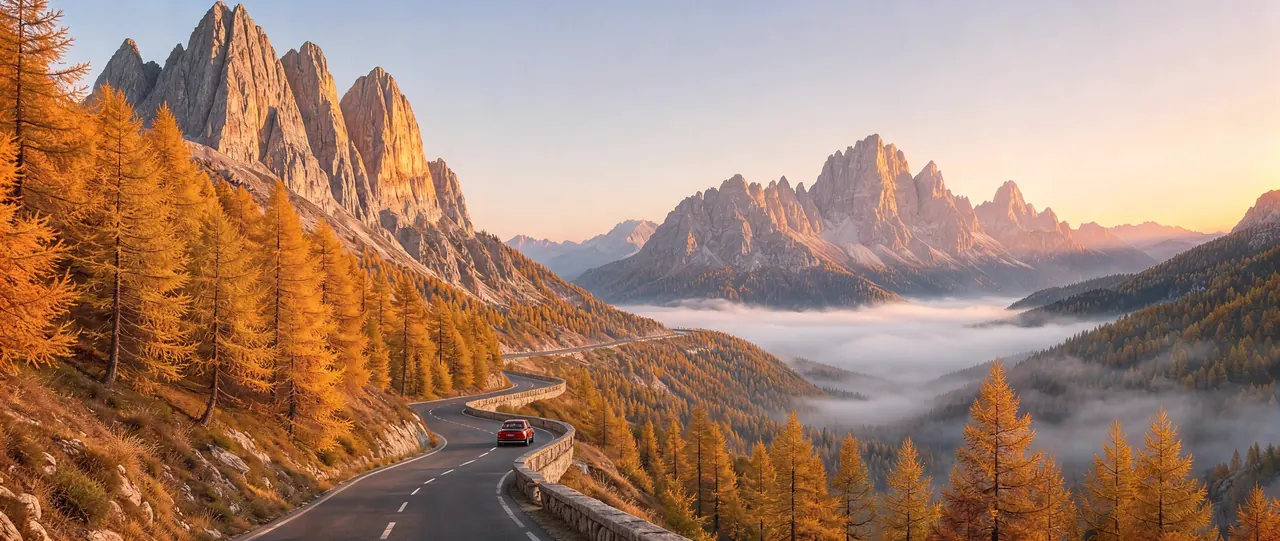
Aerial photograph of a harbor town at golden hour, pastel houses stacked up a steep hillside, boats in the marina.
When you edit or combine pictures, call them <<<image_1>>>, <<<image_2>>> and so on, in the order you added them, and say what must stay the same.
Place the perfume bottle from <<<image_1>>> on the coffee table in <<<image_2>>> and keep the rest of the room unchanged.
Want your image to move? Animate it with Kling 4.0
Testimonials

Read the comments that people have made on public platforms.
Jeff Wilson
By far the best compilation AI utility
By far the best compilation AI utility out there. Period. We have tried multiple platforms that would work for us - a small business - and it was a bit overwhelming two years ago. Easy-Peasy has been a godsend. So many freaking tools and no fewer than 10 (of the 200) are ones we use at least on a weekly basis. Ironically, their human support is one of the most appreciated elements.
Cody Crabb
Great service, Best AI tool

Easy-Peasy AI

Blanca Marin
I really liked the easy-peasy AI service. It's a great tool, but I also had to ask them for a refund because I chose the wrong plan, and they were very quick to respond to my request. They looked into my case and I got my money back without any problems. Of course, I will continue to use it for my projects.
Easy-Peasy AI
Everything you need to know about Kling Image 4.0
Kling Image 4.0 is the newest image model from Kling AI, Kuaishou’s generative AI platform. It creates photorealistic images with sharp, legible text at 2K, 4K or native 8K, and it can edit a photo or combine up to 10 images into a new one.
You choose 2K, 4K or native 8K. At 2K a 3:2 image is 2,496 × 1,664 pixels; at 8K a 16:9 image is 10,880 × 6,144 pixels.
Text is one of its strengths. Put the words in quotes and Kling writes them as typed, from headlines and signs to menus and small print. It sometimes adds lines of its own, so say what should appear and where.
Yes. Upload up to 10 images in the Image Generator, choose Kling Image 4.0 as the edit model and describe the change. It changes what you ask for and keeps the rest of the picture.
Eight: 1:1, 2:3, 3:2, 3:4, 4:3, 9:16, 16:9 and 21:9. When you edit, Auto keeps the shape of your photo.
An image costs 3.25 credits at 2K, 4.75 at 4K and 8 at 8K. Edits cost a little more for every image you upload: 3.5 credits at 2K with one image. The exact total is shown before you generate.
Kling Image 4.0 is available on paid plans. On the Free plan you can try other models in the Image Generator.
Yes, on paid plans, subject to the Easy-Peasy.AI Terms of Use, Kling’s usage policies and your rights to any images you upload.
No. Images you create with Kling Image 4.0 on Easy-Peasy.AI come without a visible watermark.
In our tests a 2K image took under a minute and an 8K image about two and a half minutes.
A high-quality JPEG. An 8K image is around 16 MB, so pick 2K or 4K when you don’t need the extra detail.
Every image here was generated with Kling Image 4.0 from the prompt shown with it, with no retouching.
Stop wasting time and start creating high-quality content immediately with power of generative AI.