
What Marky can do
Chat and get work done
Ask anything, attach files, and follow Marky’s work step by step.
Create slides
Get a finished deck from a topic or a document, as PowerPoint or PDF.
Build websites and apps
Describe a site or app, preview it, and publish it at your own address.
Images, music, and video
Make pictures, songs, videos, and voiceovers without leaving the chat.
Research
Web search with sources, academic papers, and in-depth research reports.
Browse the web
Let Marky use websites for you, in the cloud or in your own Chrome.
Connectors
Connect Gmail, Google Calendar, Notion, GitHub, Stripe, and more.
Scheduled tasks
Have Marky do a job every day or week and send you the result.
How Marky works
When you give Marky a task, it works in steps and shows each one in the chat: a web search, a command it runs, a file it writes. For longer jobs, it writes a short plan first, and a Task progress bar above the message box shows how far along it is. Marky has its own computer in the cloud for each chat. It uses it to open websites, run code, and create files, and you can watch it work in the Marky’s Computer panel. Files you attach are copied there too. Marky keeps working even if you close the tab or switch to another chat. Come back later, and the result is waiting.Pick a mode, or just ask
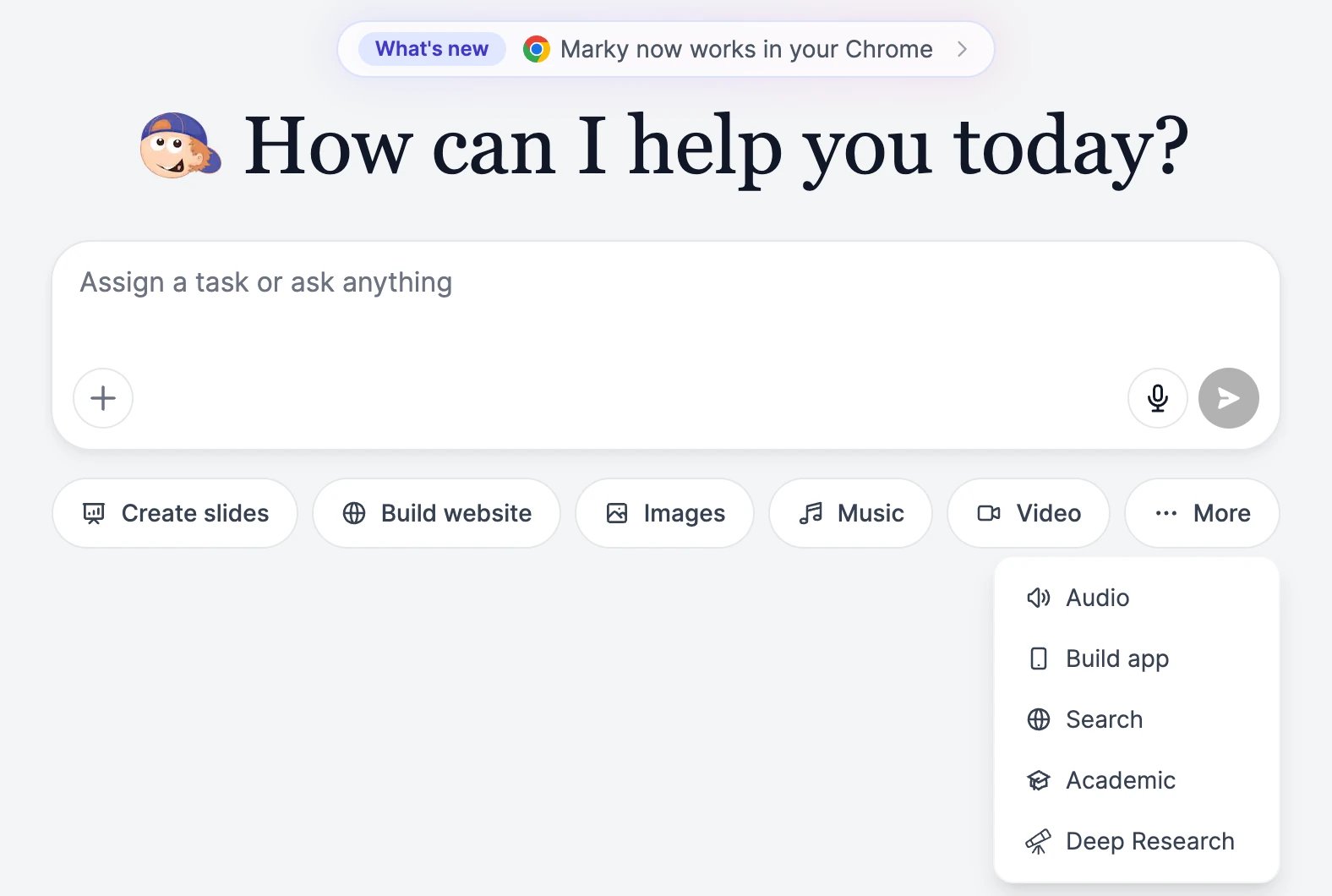
The buttons under the message box of a new chat set Marky up for a kind of task:
You don’t need a mode. Marky picks the right tools from what you ask, so “make me a 5-slide deck about our Q3 results” works in a plain chat too.
Make Marky your own
- Choose a model for each chat, from fast and cheap to the most capable.
- Add skills and prompts for jobs you repeat, and a brand voice for your writing style.
- Turn on memory so Marky remembers facts about you and your business across chats, or import your ChatGPT history.