Copy written for one action
A headline, benefits, proof and a single call to action, written for the audience you describe.
For launches, waitlists and campaigns
Describe the product, the audience and the one action you want. Marky writes the copy, makes the images, builds the page and the form behind it, checks it on desktop and phone, and publishes it.
Direct answer
An AI landing page builder makes a complete one-page website from a description: the headline and copy, images, sections, a sign-up or contact form and the title and description search engines show. Marky builds it as a real React project, saves form entries in a database, checks the layout on desktop and phone, and publishes it to an easy-peasy.site address or your own domain.
Built around the job
These are functional product layers tied to the workflow—not decorative sections copied from a template.
A headline, benefits, proof and a single call to action, written for the audience you describe.
Marky generates photos and illustrations that fit your product, so the page does not look like every other template.
Waitlist, newsletter and contact forms save each entry to a database that comes with the project.
Marky screenshots the page at desktop and phone widths and fixes sideways scrolling, cut-off text and broken images before handing it over.
The page is served as prerendered HTML with its own title and description, so search engines and AI tools can read it.
Publish to an easy-peasy.site address or your own domain, and push the code to GitHub when you want it.
Suggested data model
Example prompt
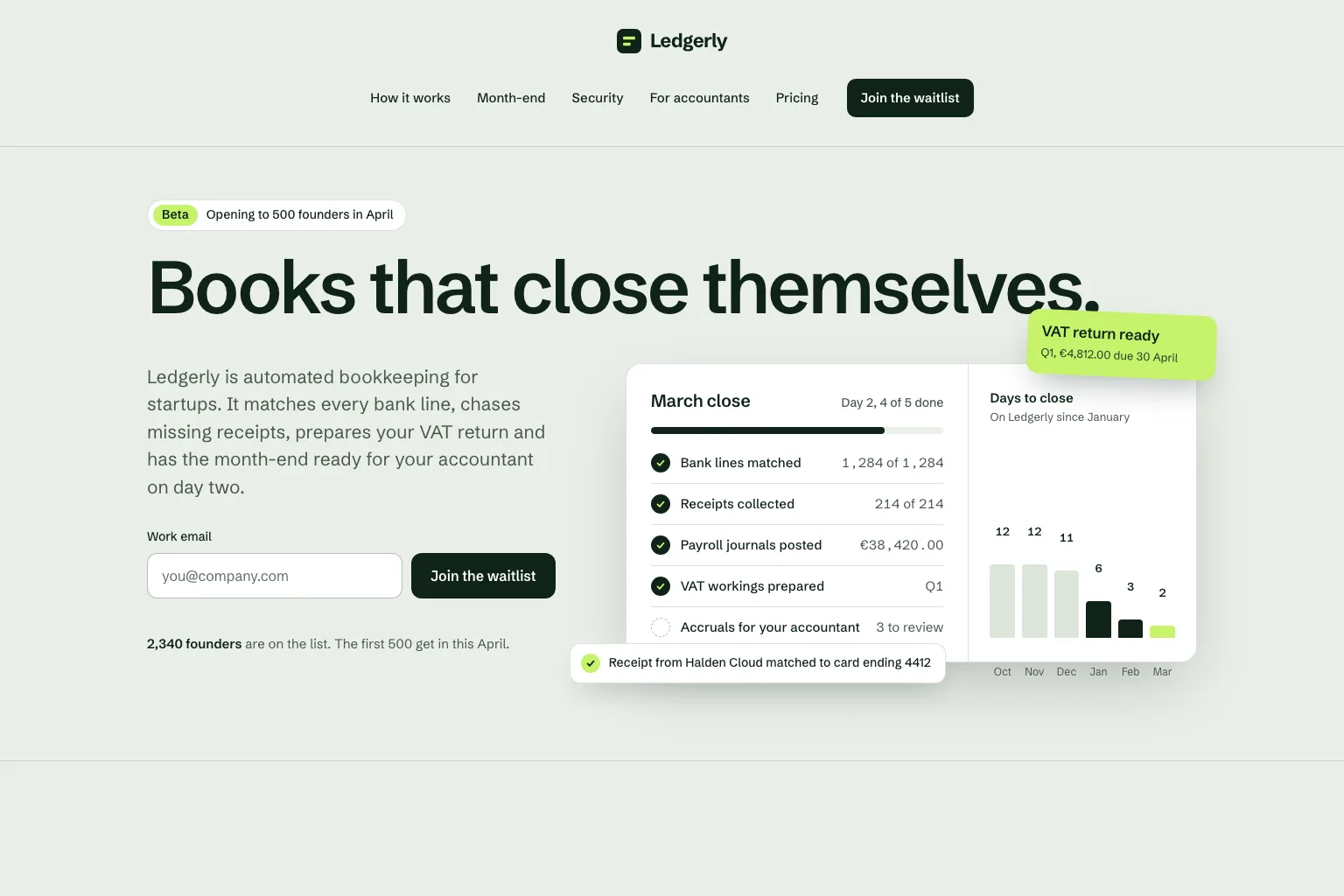
“Build a waitlist landing page for "Ledgerly", automated bookkeeping for startups that closes the books on day two. Lead with the promise and a work email form, then how it works, month-end, security, a section for accountants, pricing and an FAQ. Save every sign-up in a database. Calm, precise look.”Use this as a starting point
Practical build sequence
Join a waitlist, book a call or buy early: decide what the page asks for before anything else.
Who it is for, what it solves and the proof you have. Marky turns that into sections and copy.
Read the copy, try the form and open the page on your phone. Ask for changes in plain words.
Publish to an easy-peasy.site address or connect your domain, then send people to it.
Shared production stack
An editable frontend, not a proprietary page format.
Persistent records and protected server-side logic.
Authentication and protected credentials for integrations.
Built-in publishing targets Cloudflare, and pages are rendered on the server so search engines and AI tools can read them. AWS services can be integrated through protected credentials, and the GitHub codebase can be adapted for an AWS deployment by a developer.
Specific questions
Yes. Marky adds a waitlist, newsletter or contact form and saves every entry to a database that comes with the project. Ask Marky to show you the list, or to build a simple admin page for it.
Yes. Every published page gets an editable easy-peasy.site address, and you can connect a domain you own or buy a new one in the project settings.
Yes. Ask for changes in the same chat: new copy, another section, a different color. Marky saves versions, so you can go back to an earlier one.
The page is served as prerendered HTML with its own title and description, so search engines can read it. Where it ranks still depends on useful content and on other sites linking to it.
Keep exploring
Build the first working version