FreeTry it with a free account
LinkedIn Carousel Generator
Turn any idea into a scroll-stopping LinkedIn carousel — designed slides plus a ready-to-post caption.
LinkedIn carousel styles you can create
Made with this tool. Click one to see it full size.
- No credit card required
- Supports 40+ languages
- Runs on leading AI models
- 3.4M+ people have signed up
Trusted by teams at companies and universities like






How to use the LinkedIn Carousel Generator
- 01
Create a free account
It takes a few seconds. No credit card needed.
- 02
Fill in a few details
Tell the tool what you need. Short answers work fine.
- What is your carousel about?
- Key points to cover (optional)
- Number of slides
- Brand color or visual vibe (optional)
- +2 more
- 03
Generate and edit
Click Generate, then copy, edit or save the result.
Who it’s for. And what they make with it.
Scroll-Stopping Documents
Turn one insight into a designed slide carousel — LinkedIn’s highest-reach organic format.
Slides Plus Caption
Designed slides and the accompanying post text generated together.
Thought Leadership
Package your expertise into swipeable frameworks people save and share.
No Designer Needed
Professional carousel design without touching a design tool.
LinkedIn Carousel examples. Real results, made with this tool.
INPUT
5 productivity myths that keep remote teams busy but not effective
- 5 slides
OUTPUT

Slide 1 (Cover)
Headline: 5 Myths Hurting Remote Team Productivity
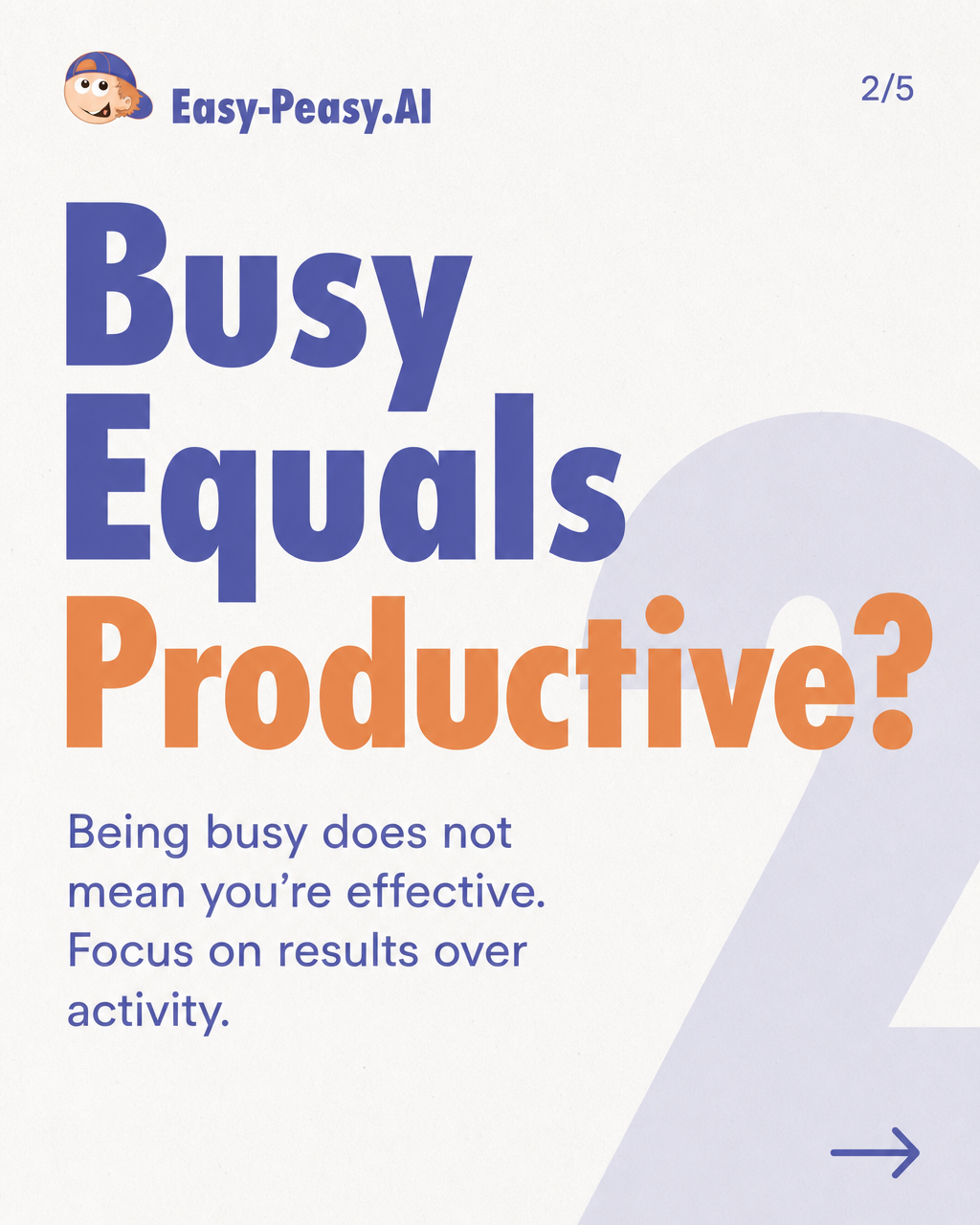
Text: Discover the truth behind common misconceptions.Slide 2Headline: Busy Equals Productive?
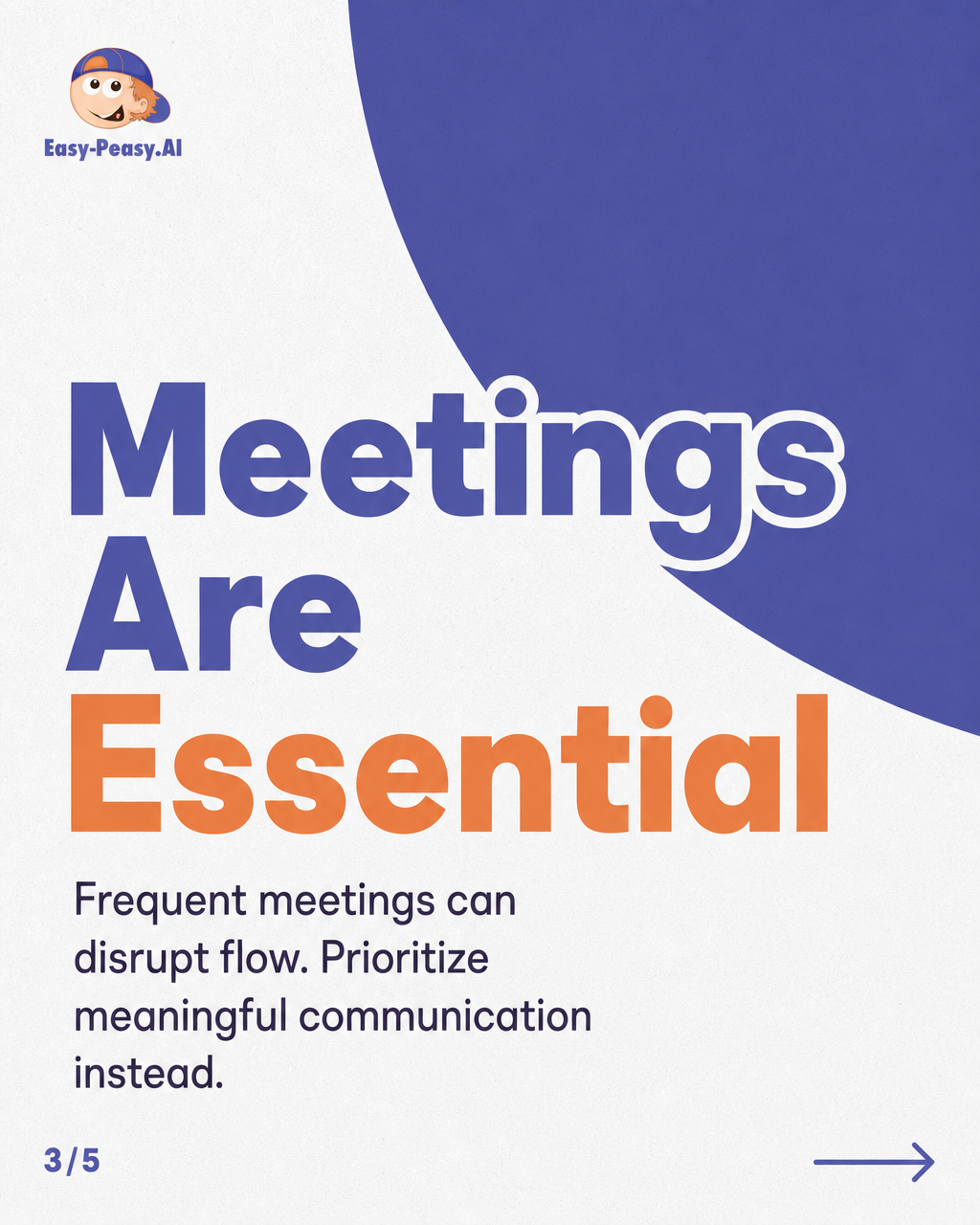
Text: Being busy does not mean you’re effective. Focus on results over activity.Slide 3Headline: Meetings Are Essential
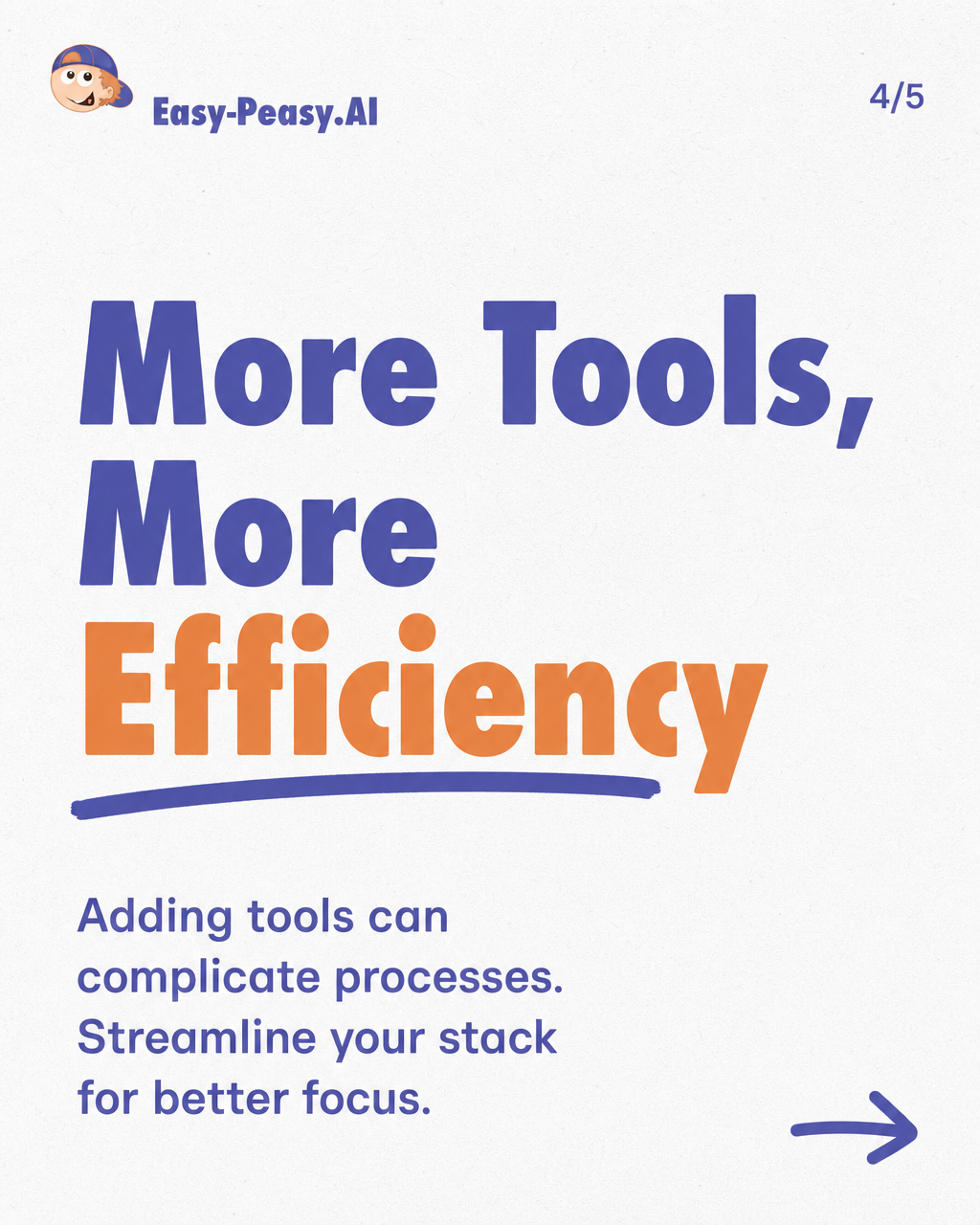
Text: Frequent meetings can disrupt flow. Prioritize meaningful communication instead.Slide 4Headline: More Tools, More Efficiency
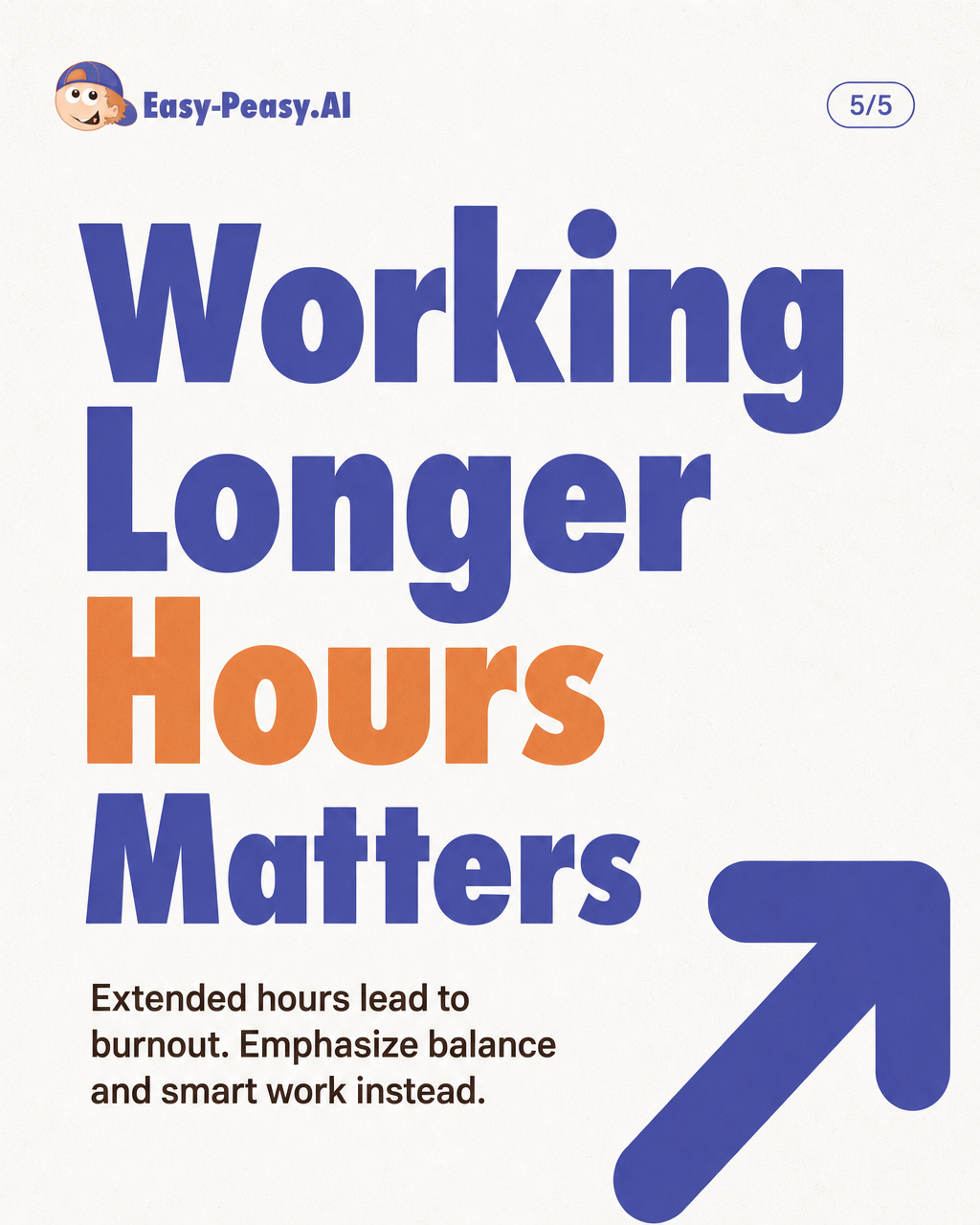
Text: Adding tools can complicate processes. Streamline your stack for better focus.Slide 5Headline: Working Longer Hours Matters
Text: Extended hours lead to burnout. Emphasize balance and smart work instead.CaptionAre you constantly busy but not seeing results? It’s time to debunk some productivity myths that may be holding your remote team back. This carousel reveals the misconceptions that can hinder effectiveness. What productivity myths have you encountered? Share your thoughts! #RemoteWork #Productivity #TeamEfficiency #WorkLifeBalance #MythBusting
Questions, answered.
Something else on your mind? Ask our assistant, it replies in seconds.
Is the LinkedIn carousel generator free to use?
It’s a paid-plan tool. A free account can try it once from the dashboard; after that it needs a paid plan.
What do I get from one generation?
A complete designed document carousel — cover, content slides, CTA — plus the post caption, ready to upload.
Why carousels on LinkedIn?
Document posts hold attention across multiple swipes, which the algorithm reads as strong engagement — consistently among the highest-reach organic formats.
What content works best?
Frameworks, step-by-steps, lessons and myth-busting — expertise packaged as swipeable value. Describe your insight and it becomes slides.
More templates like this. Free to try, no sign-up needed for most.
- LinkedIn Post GeneratorGet more out of LinkedIn with the LinkedIn Post Generator!
- Instagram Carousel GeneratorTurn any idea into a save-worthy Instagram carousel — designed slides plus a ready-to-post caption.
- LinkedIn Bio GeneratorWith just a few clicks, you can create a custom bio that will help you stand out from the crowd
- LinkedIn Recommendation GeneratorStuck writing a recommendation for someone's profile? Use this tool to get started!
- LinkedIn Connection Request Message GeneratorCraft a personalized connection request on LinkedIn to expand your professional network
- LinkedIn Headline GeneratorCreate the Perfect Professional Headline for Your Profile
- Custom GeneratorGenerate custom text for any purpose.
- Instagram Post CaptionGenerate a caption for an Instagram post
- Headline GeneratorGenerate eye-catching headlines with our AI-powered title generator tool.
- SEO Title and Meta DescriptionsGet your website to the top of the search engines!
- Meta Description GeneratorGenerate compelling meta descriptions to improve click-through rates from search results.
- Keywords GeneratorGenerate relevant keywords from your input text to boost SEO and content relevance.
Loved by people who create every day.

Do more with a free account.
Save your results, pick up where you left off and use 300+ AI tools for writing, images, video and audio. Upgrade any time for advanced models.