

A Whodunit, Solved
Six suspects, true-or-false stamps and a verification table that points to the one culprit.
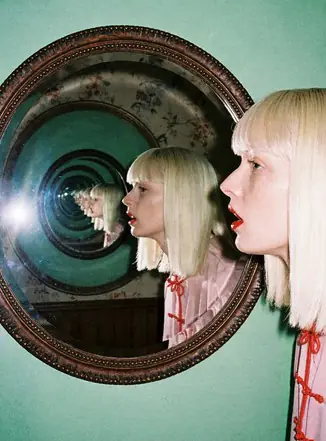
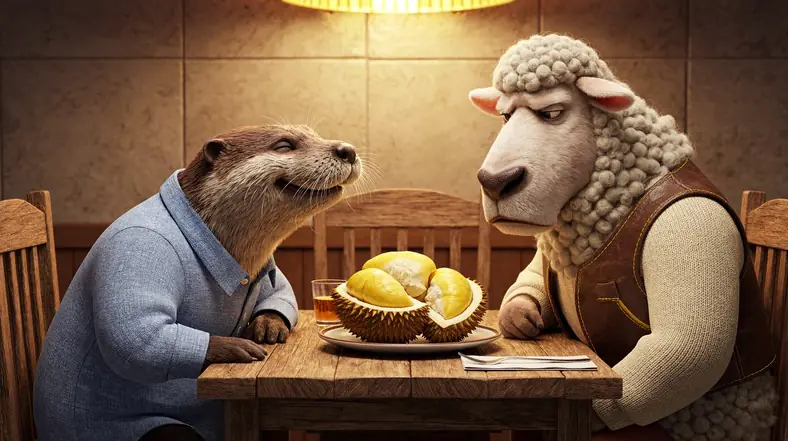
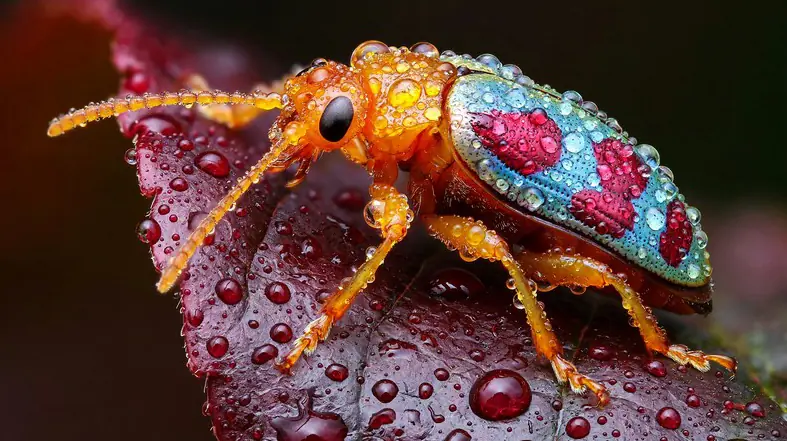
Native 4K images with rich, natural detail.
Create from a prompt or edit with reference images, in 1K, 2K or 4K and 10 aspect ratios from 9:16 to 21:9.


3,482,705+ happy users
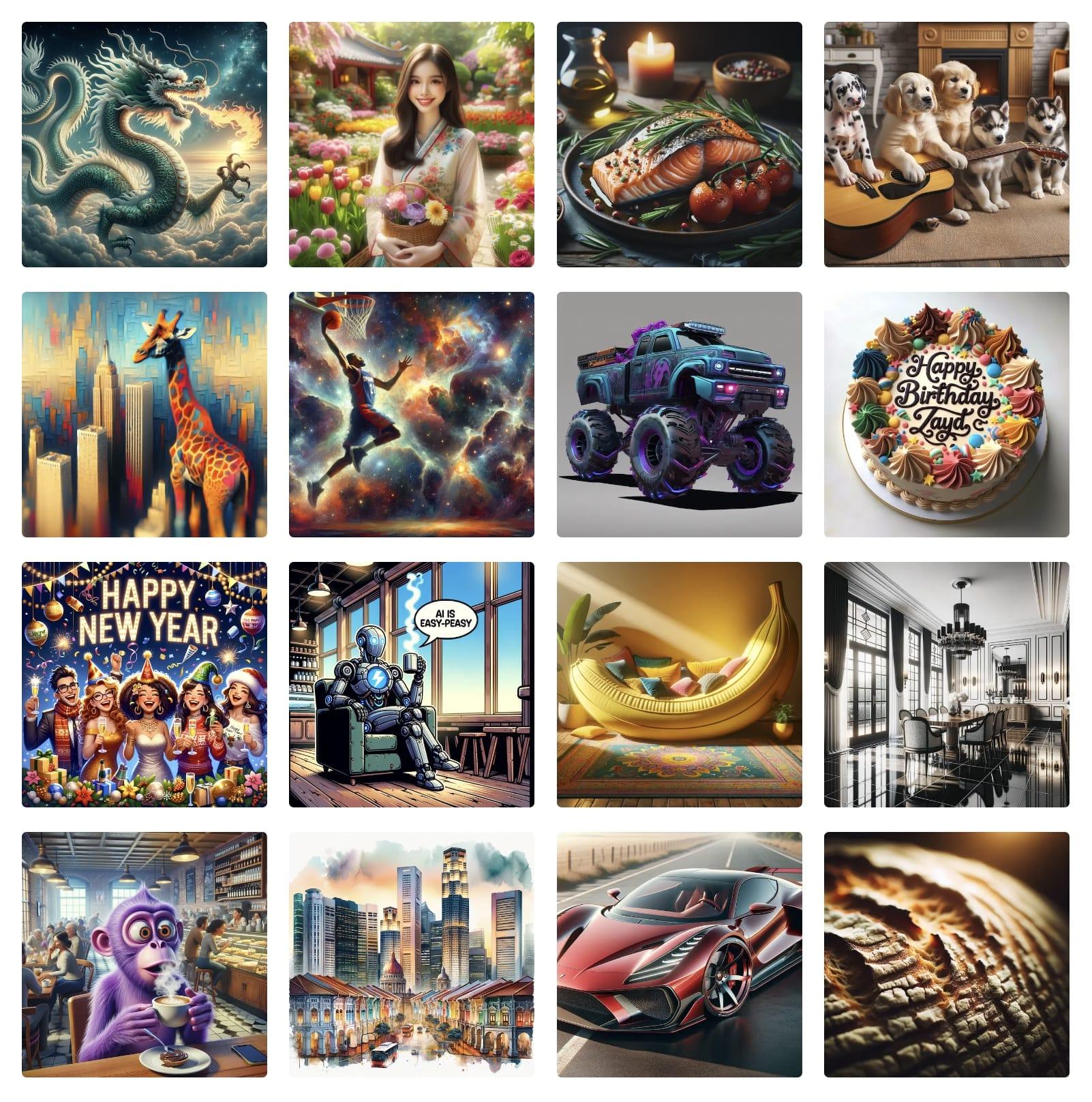
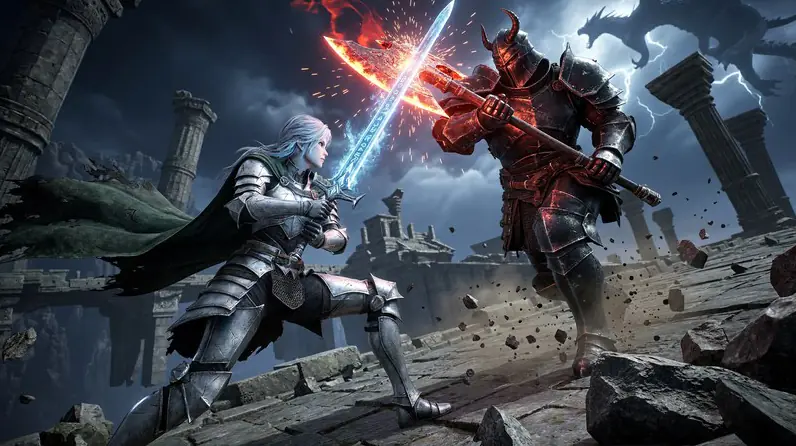
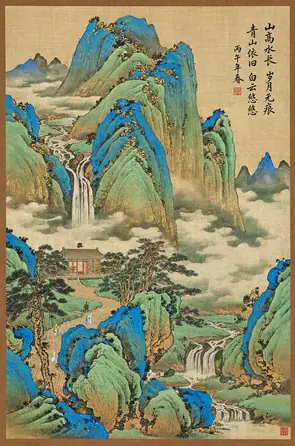
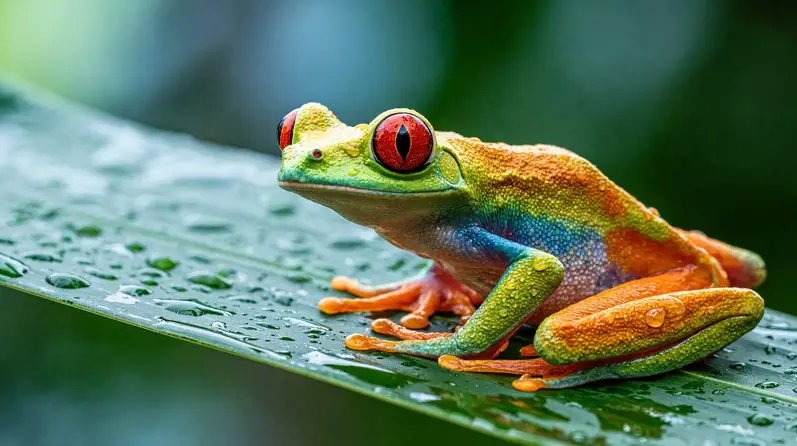
These are MiniMax’s own examples from its MiniMax H3 Image release. Pick a category and open any picture to see it larger.
Upload an image and say what should change. MiniMax H3 Image redraws what you asked for and keeps the rest of the scene. Add more images to bring in new objects, people or styles.
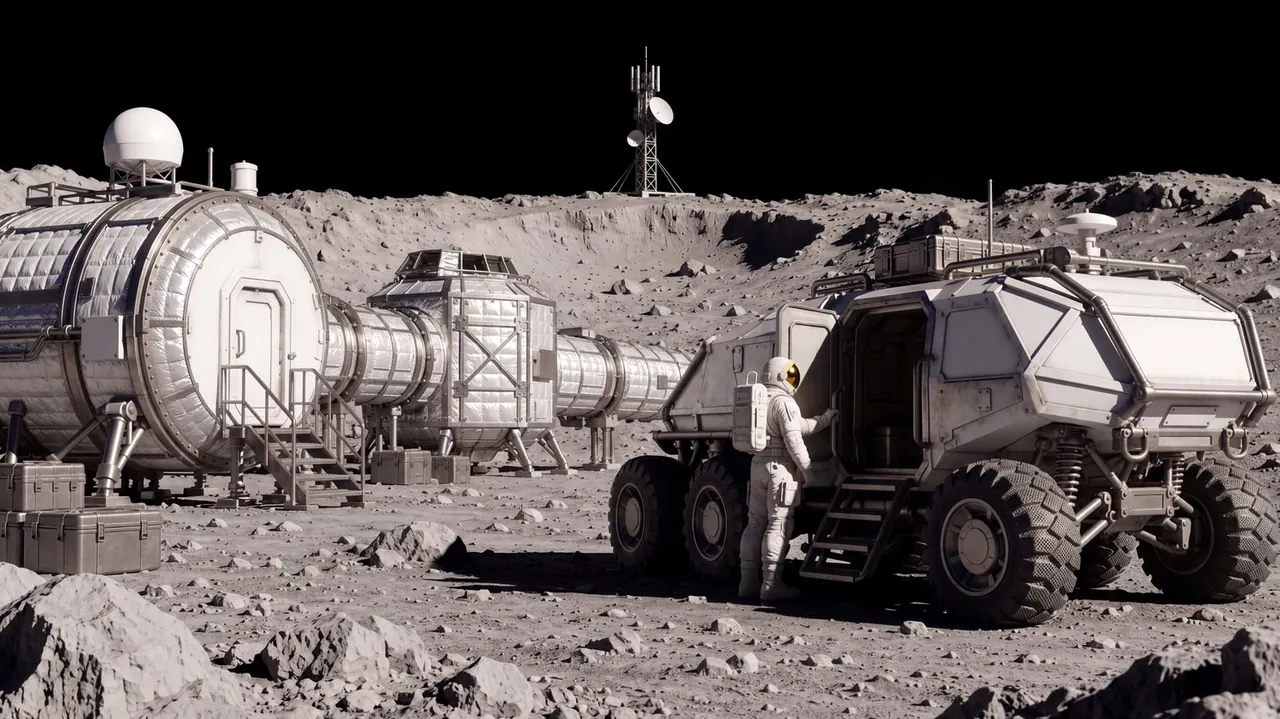
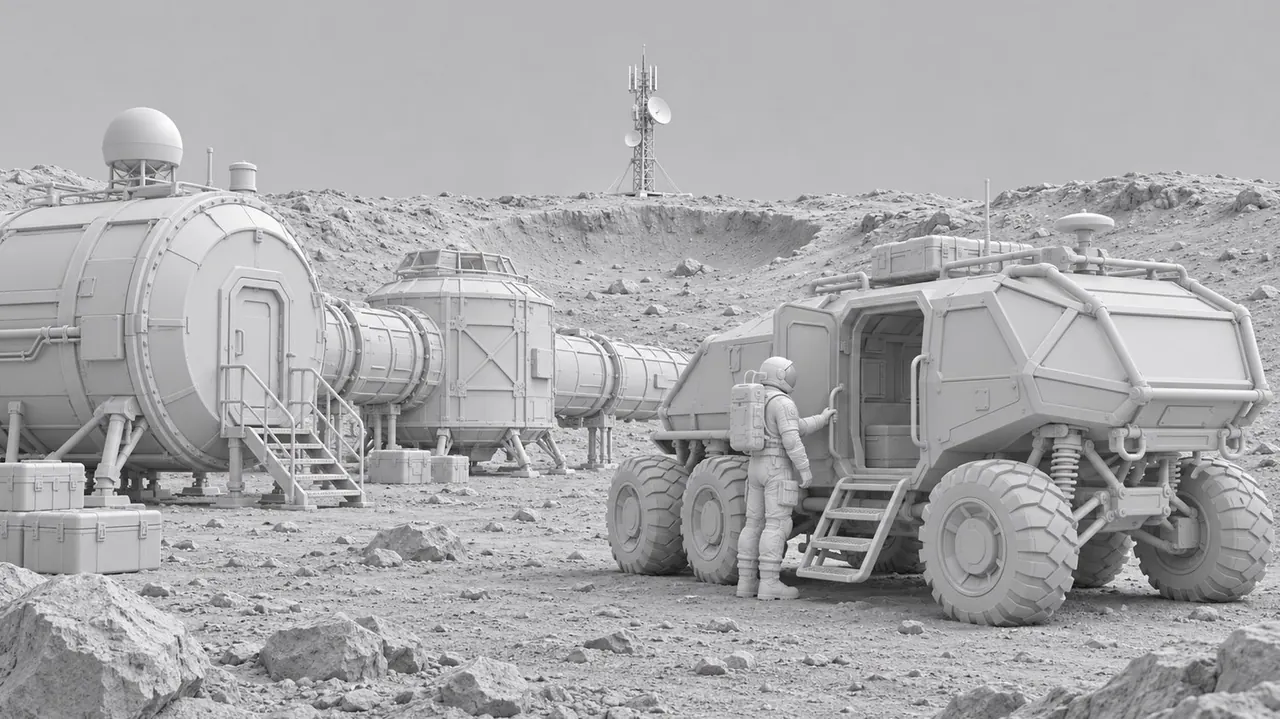
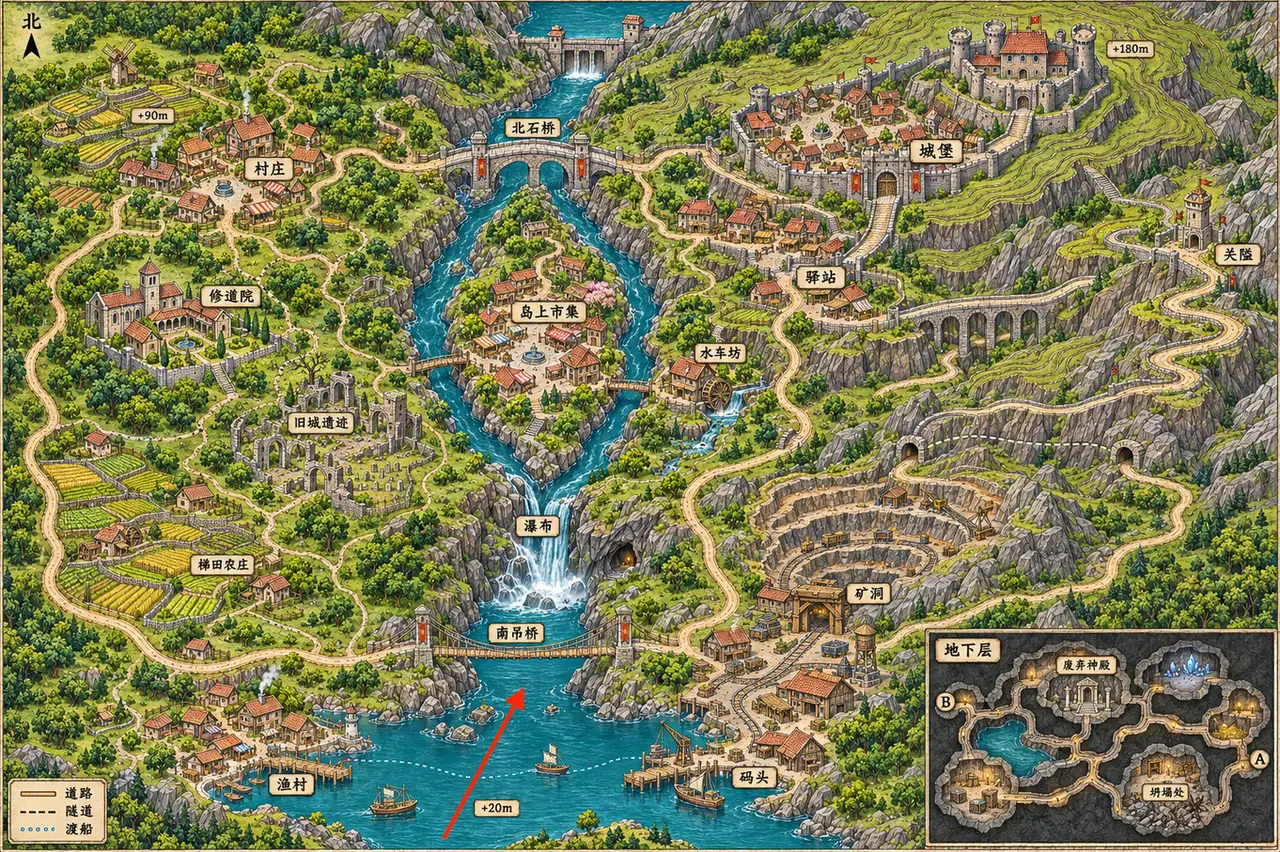
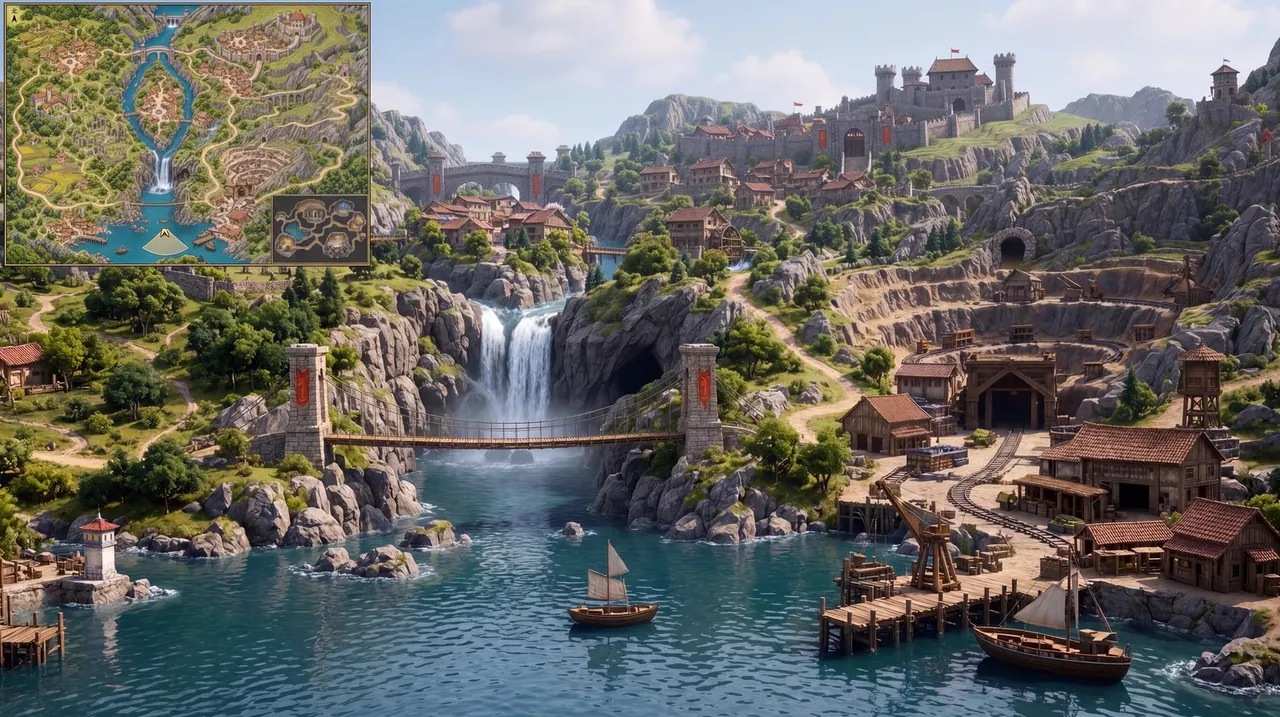
An empty room and nine pieces of furniture, sent together in one edit, come back as one furnished living room with all nine pieces in it.
Reference images
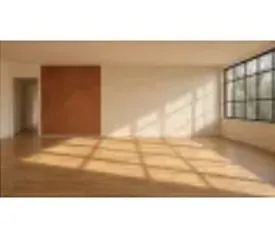 1
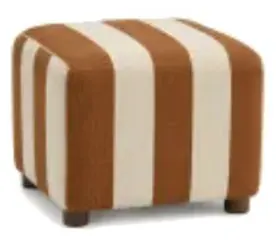 2
 3
 4
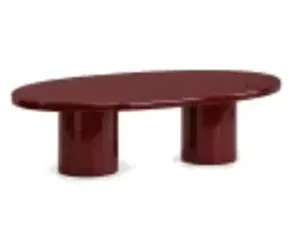 5
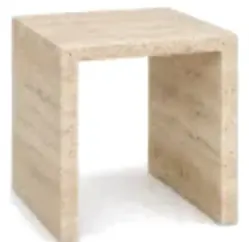 6
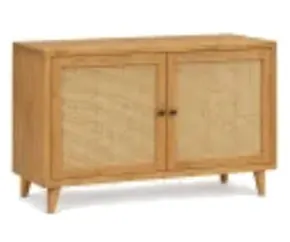 7
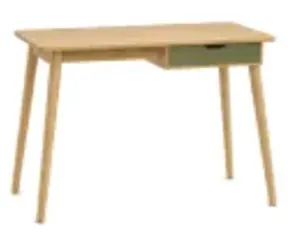 8
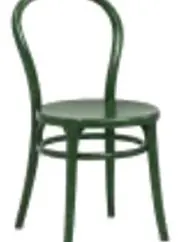 9
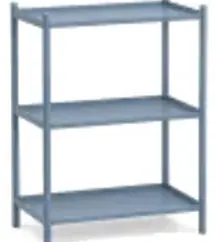 10
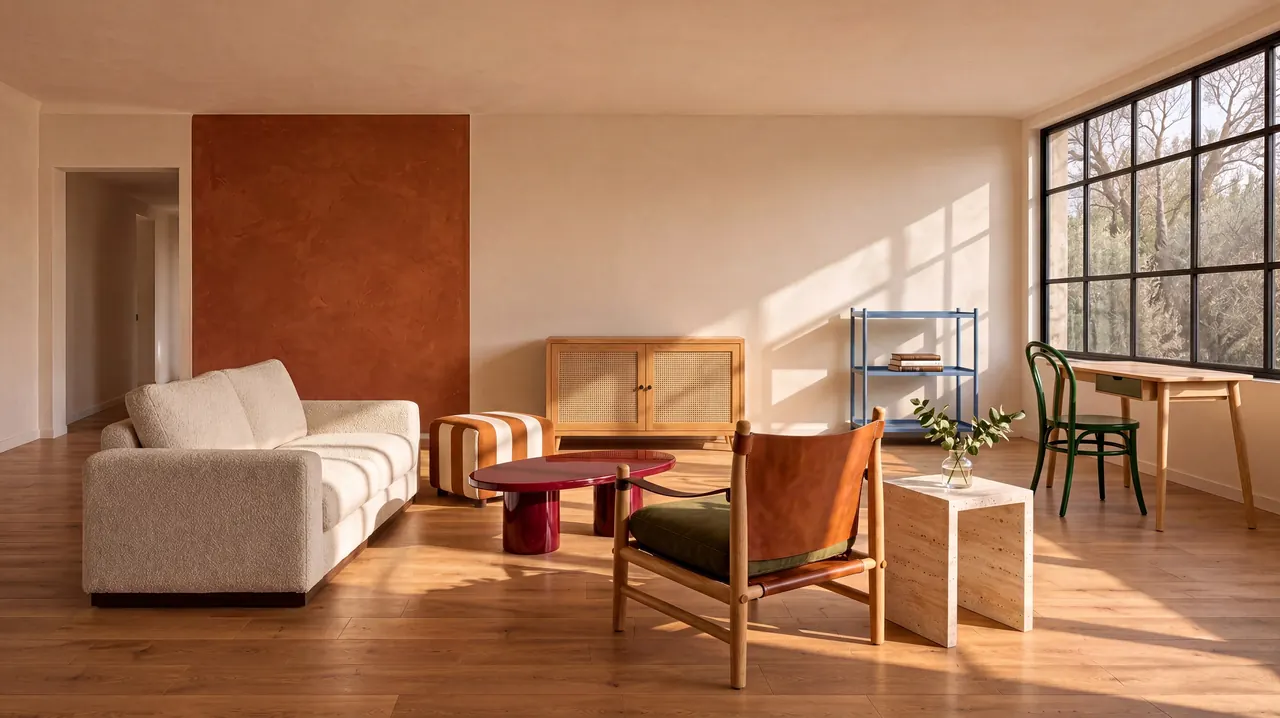 Result
The Image Generator takes up to 8 uploads per request; the AI Image Editor and the API take all 16.
MiniMax’s examples keep headlines, labels and small print legible in English and Chinese. In its own test, the model even worked out a logic puzzle and wrote the solution on the board.
Six suspects, true-or-false stamps and a verification table that points to the one culprit.
Five conditions, the three people selected and the reasoning behind each step.
Proofread names, prices and small print before you publish.
Choose the shape before you generate, from tall stories to ultrawide banners. Each one comes in 1K, 2K or 4K, and when you edit, Auto keeps the shape of your first image.
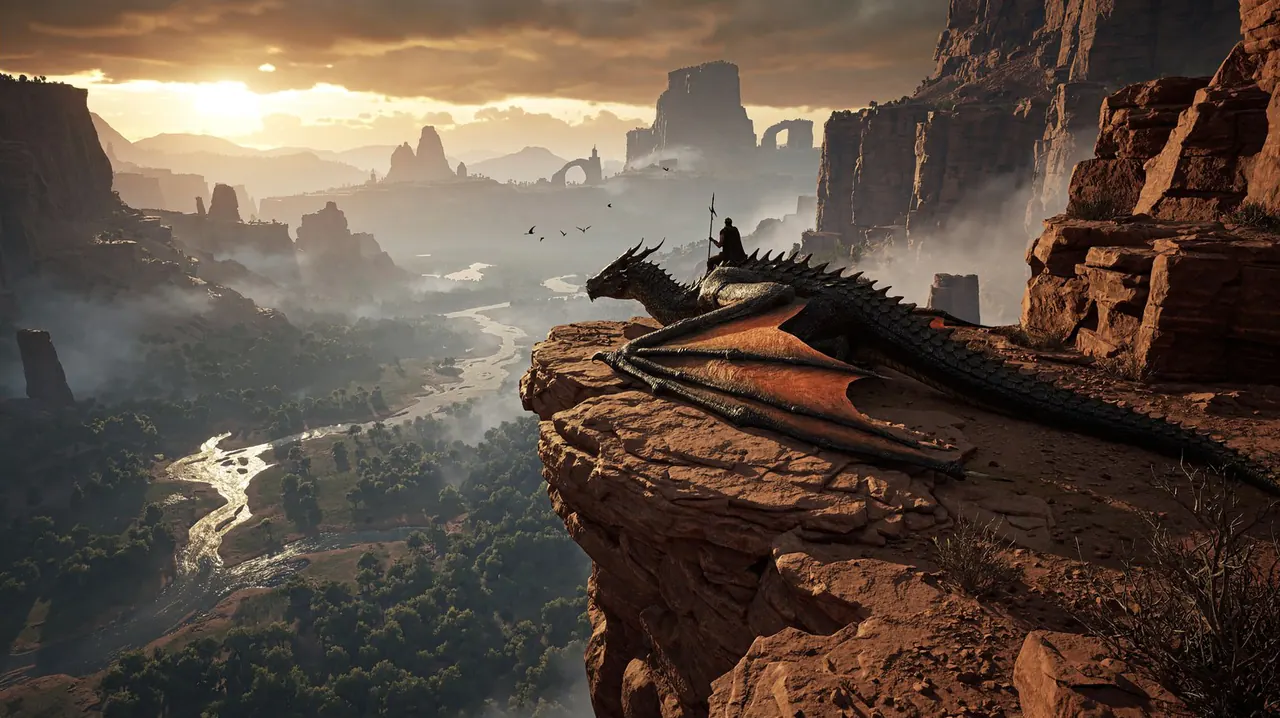
≈ 5472 × 3072 px
4K · 16:9 · ≈ 16.8 MP
An official MiniMax H3 Image example. The guide previews how each shape frames a scene; every shape is generated at its own size, never cropped.
Resolution
Aspect ratio
MiniMax H3 Image is billed per image. An edit costs a little more for each image you send, because the model reads every one of them.
Generating several images at once costs this much for each one.
Name the subject, the setting, the light and the camera. MiniMax expands short prompts on its own, but specific details give you more control.
A rustic, overhead shot of a farm-to-table feast, showcasing a variety of colorful, seasonal vegetables, artisanal cheeses, and freshly baked bread on a weathered wooden table.
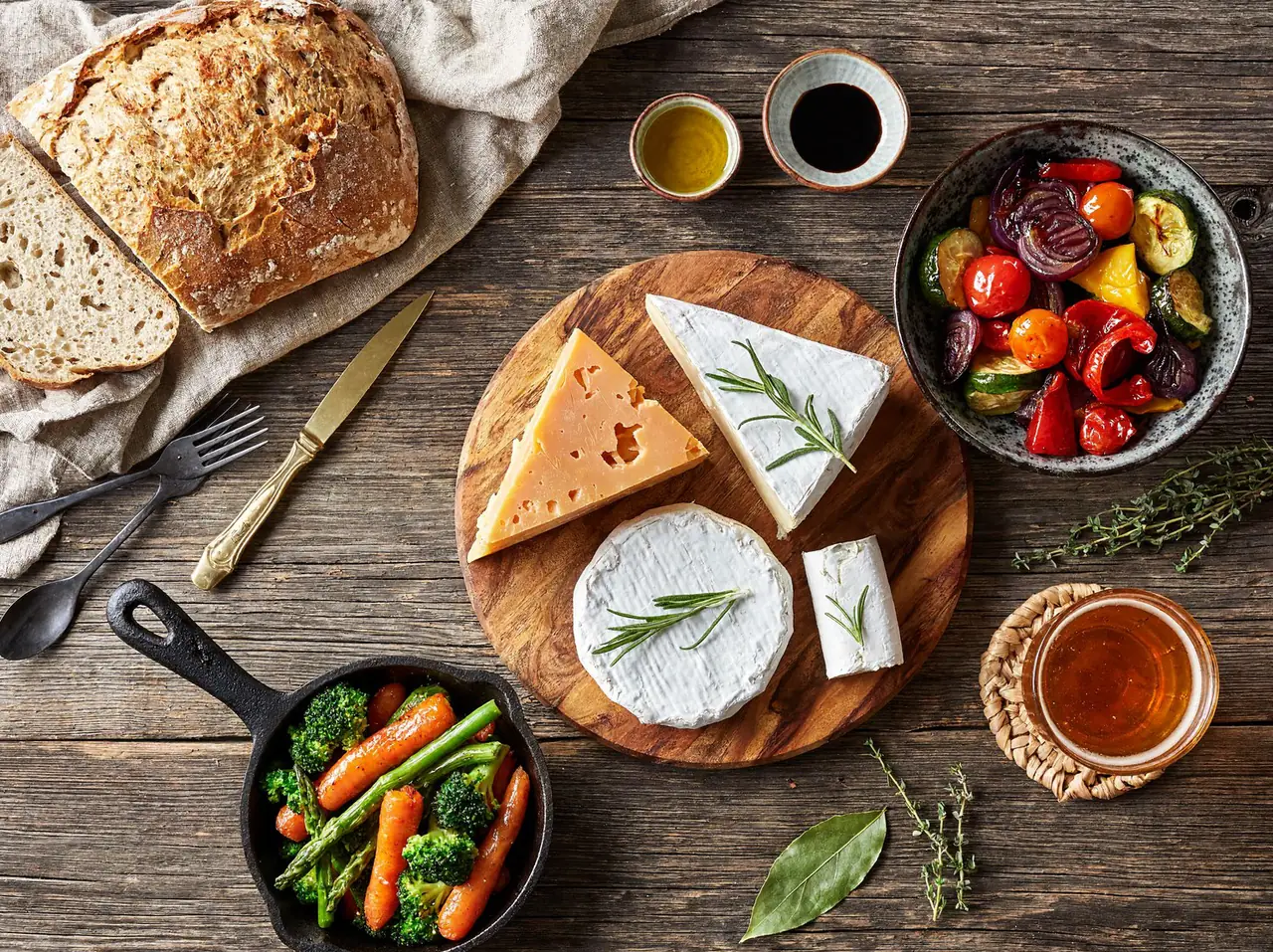 Result
Quote every headline, label or sign, and say where it goes and how it should look.
A vintage travel poster of Lisbon at sunset, with the title “LISBOA” in tall Art Deco letters across the top and “Tram 28” in small print at the bottom.
In an edit, describe the change, then list what must stay exactly as it is.
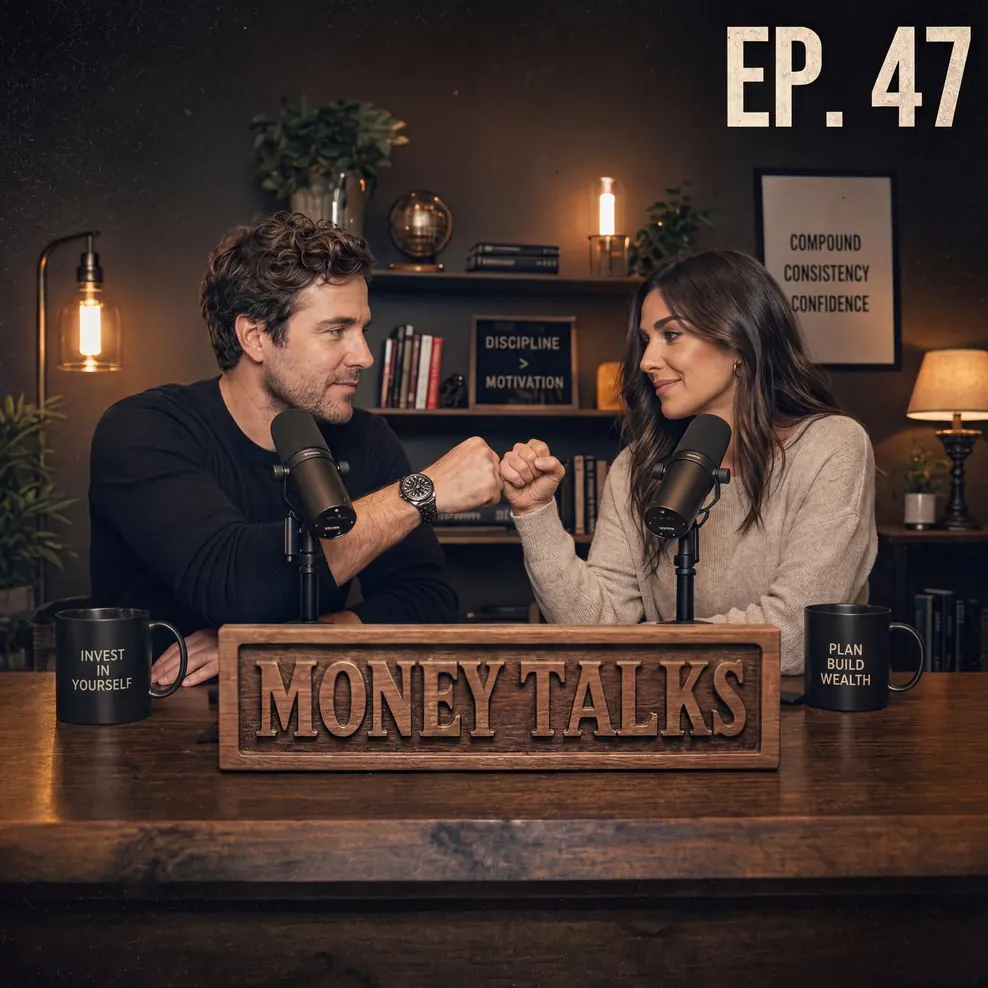
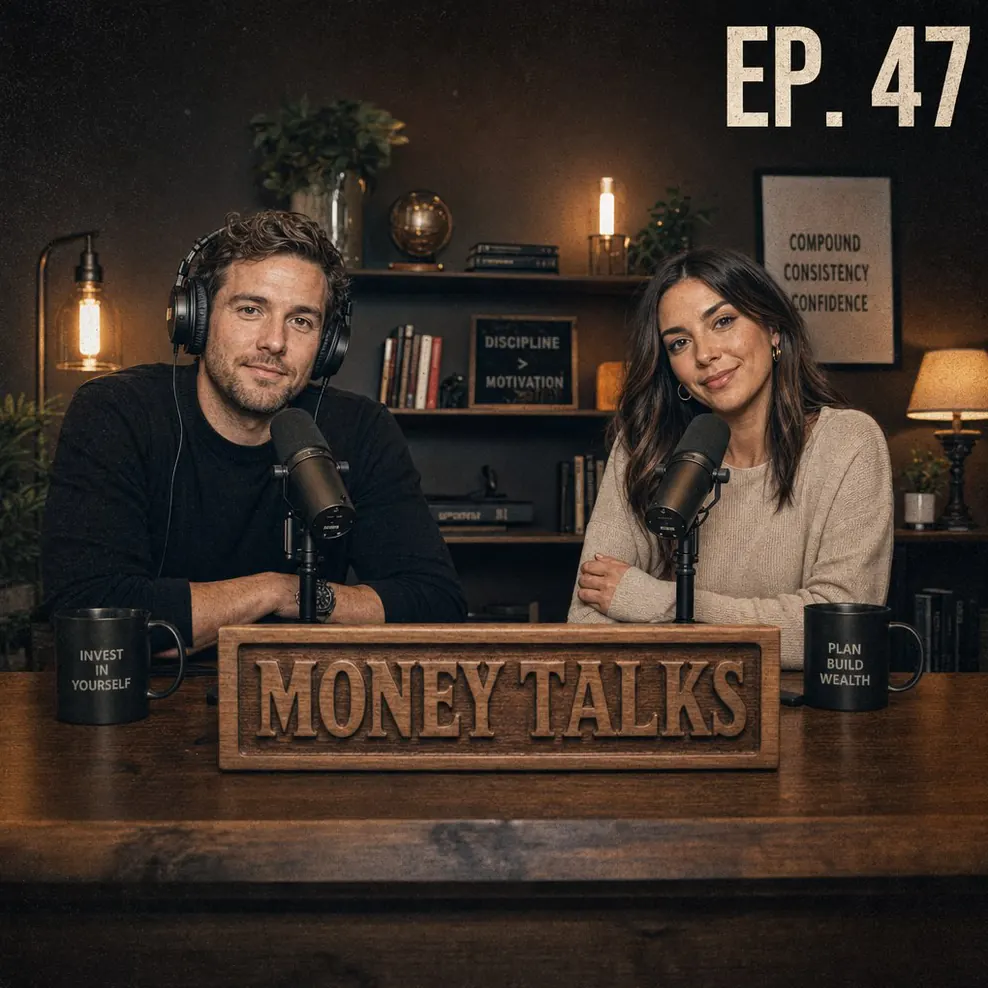
Take the headphones off the man on the left and have both hosts bump fists above the “MONEY TALKS” sign. Keep the room, the lamps and the mugs exactly as they are.
MiniMax counts your images in the order they are added, so you can refer to each one as image 1, image 2 and so on.
Put the sofa from image 2 and the armchair from image 3 into the empty room in image 1, lit by the afternoon sun from the window.
MiniMax H3 Image is built on MiniMax H3, MiniMax’s video model. Turn any still into a video of 4 to 15 seconds in 768p or 2K, with sound generated alongside the picture.
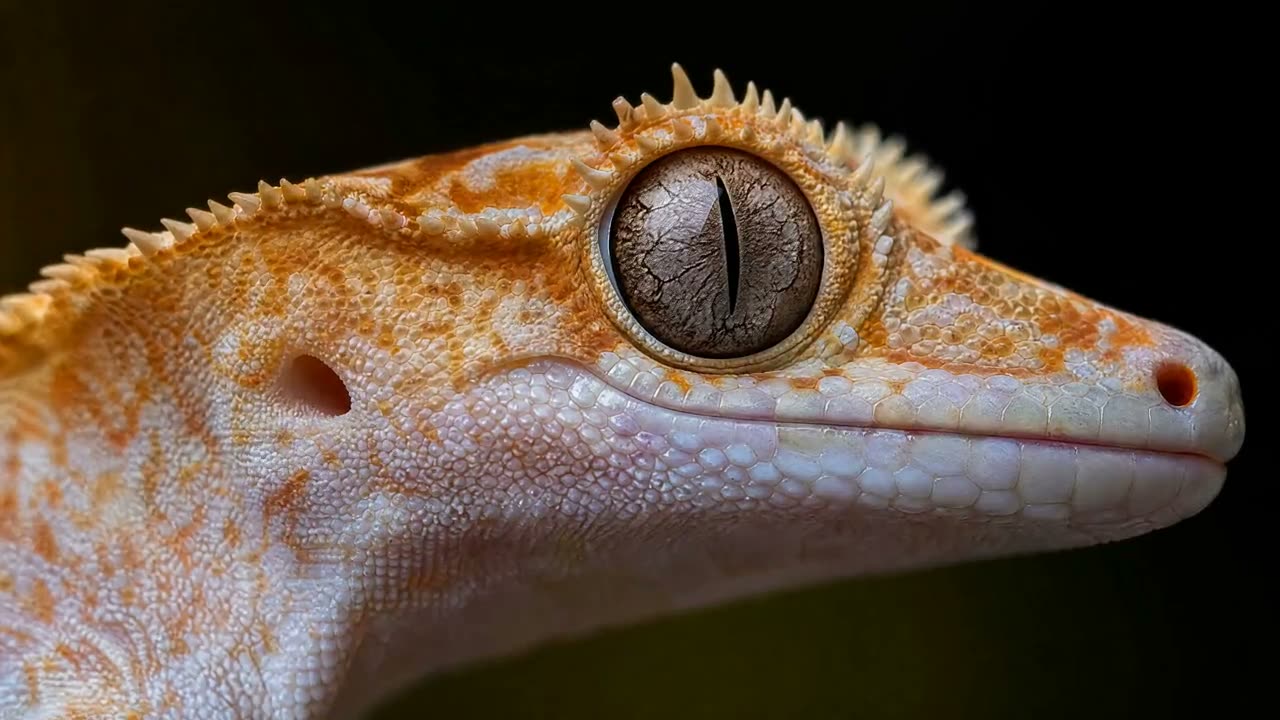 MiniMax H3 · Video
Testimonials

Read the comments that people have made on public platforms.
Jeff Wilson
By far the best compilation AI utility
By far the best compilation AI utility out there. Period. We have tried multiple platforms that would work for us - a small business - and it was a bit overwhelming two years ago. Easy-Peasy has been a godsend. So many freaking tools and no fewer than 10 (of the 200) are ones we use at least on a weekly basis. Ironically, their human support is one of the most appreciated elements.
Cody Crabb
Great service, Best AI tool
Easy-Peasy AI

Blanca Marin
I really liked the easy-peasy AI service. It's a great tool, but I also had to ask them for a refund because I chose the wrong plan, and they were very quick to respond to my request. They looked into my case and I got my money back without any problems. Of course, I will continue to use it for my projects.
Easy-Peasy AI
Everything you need to know about MiniMax H3 Image
MiniMax H3 Image is the image model MiniMax released on November 11, 2026. Built on its H3 video model, it creates images from text and edits up to 16 reference images in one request, at up to 4K (about 16 megapixels). MiniMax has also published the model’s weights.
Photorealistic shots, product and food photography, concept art, characters, illustrations in many painting styles and designs with readable text. Edits can relight, restyle or restage an image, or combine several images into one scene.
1K, 2K or 4K, in 10 aspect ratios: 1:1 · 2:3 · 3:2 · 3:4 · 4:3 · 4:5 · 5:4 · 9:16 · 16:9 · 21:9. In an edit, Auto keeps the shape of your first image.
Up to 16 in one edit. In the Image Generator you can upload up to 8 images per request; the AI Image Editor and the API take all 16.
A new image costs 1.5 credits at 1K, 1.5 at 2K and 3.75 at 4K. An edit with one image costs 1.75 credits at 1K, 1.75 at 2K and 4.25 at 4K, and each extra image you send adds to that, up to 8.25, 8.25 and 10.5 with 16 images. The exact price is shown before you generate.
The model reads every image you send in full, so each one adds to the work and to the price. The total is always shown before you generate.
Yes, at 1K and 2K. It isn’t one of the premium models, so Free accounts can use it with the plan’s monthly image credits. 4K and several images at once need a paid plan, and images made on the Free plan are for non-commercial use.
Yes, on paid plans, subject to the Easy-Peasy.AI Terms of Use, MiniMax’s usage policies and your rights to any images you upload. Images made on the Free plan are for non-commercial use.
Yes. MiniMax’s examples show legible English and Chinese, from tarot cards and signs to a logic puzzle solved on a board. Put the exact words in quotes, and proofread names, prices and small print before you publish.
MiniMax expands every prompt into a detailed description before it generates, which is why a short prompt in any language can still produce a rich image. That step is included in the price.
You aren’t charged for it. MiniMax checks each request against its content rules, and an image it declines, or one that fails for any other reason, costs nothing.
MiniMax H3 Image makes still images. MiniMax H3 is the video model it is built on: it turns text or an image into a video of 4 to 15 seconds with sound. Both are on Easy-Peasy.AI.
They are MiniMax’s own MiniMax H3 Image examples, published with the model on its official Hugging Face model card. MiniMax shows them as collages; here each one appears on its own, at a smaller size.
Stop wasting time and start creating high-quality content immediately with power of generative AI.