AI SVG Generator
Describe it. Get a real SVG.
Type what you need, a logo, an icon set, a badge or an illustration, and get an SVG file back: clean vector shapes that stay sharp at any size and open in Figma, Illustrator, Inkscape or your code editor.
- Real vector paths
- Sharp at any size
- Opens in Figma and Illustrator
Trusted by teams at companies and universities like





SVGs made from one prompt. Real files, unedited.
Every graphic here is the SVG file the model returned, shown with its prompt, its model and its size. Press “Use this prompt” to start from the same words.
Logos with lettering
- Recraft v4.1 Vector
- SVG · 23 KB
- 4 credits
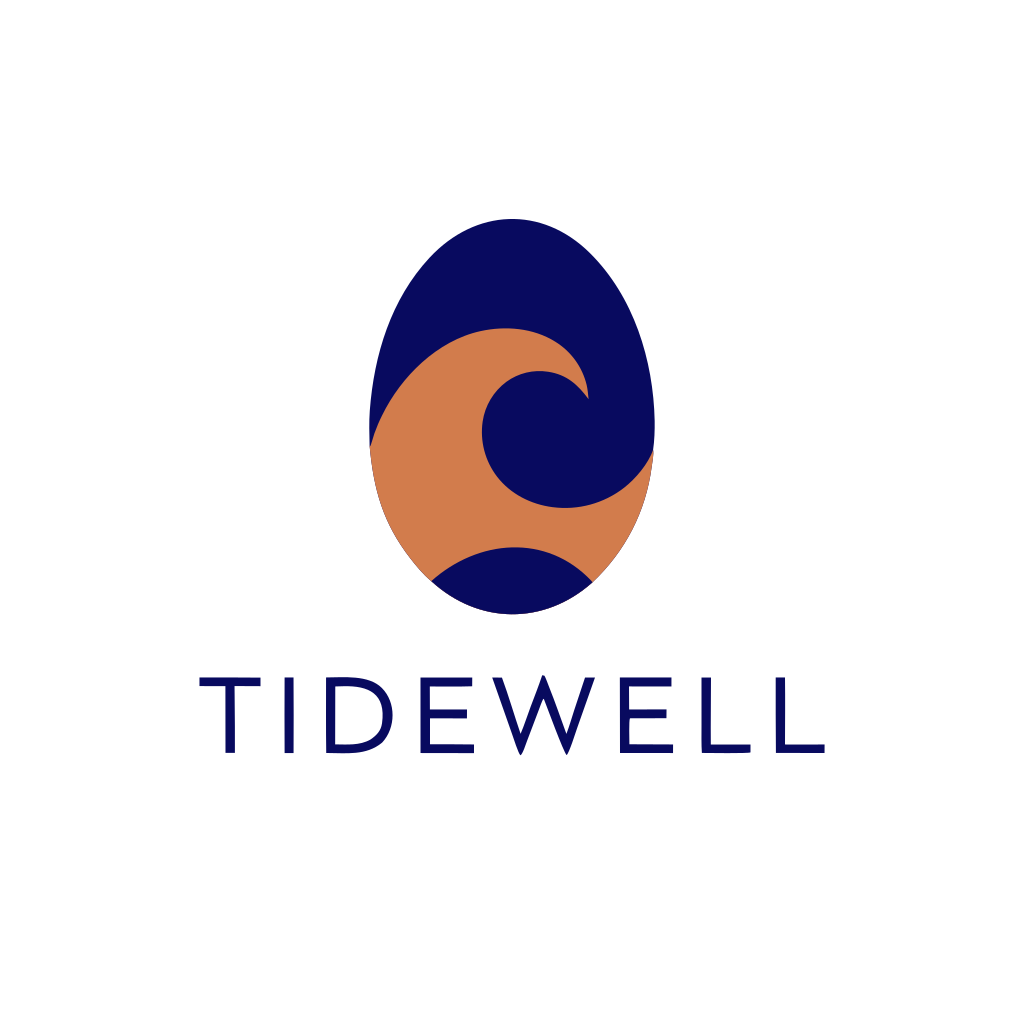
Prompt: Minimal flat vector logo for a coffee roaster called "Tidewell": a stylized ocean wave curling inside a coffee bean shape, with the word TIDEWELL in a clean geometric sans-serif below. Navy and copper on white, simple shapes, balanced and centered.
Icon sets
- Recraft v4.1 Vector
- SVG · 31 KB
- 4 credits
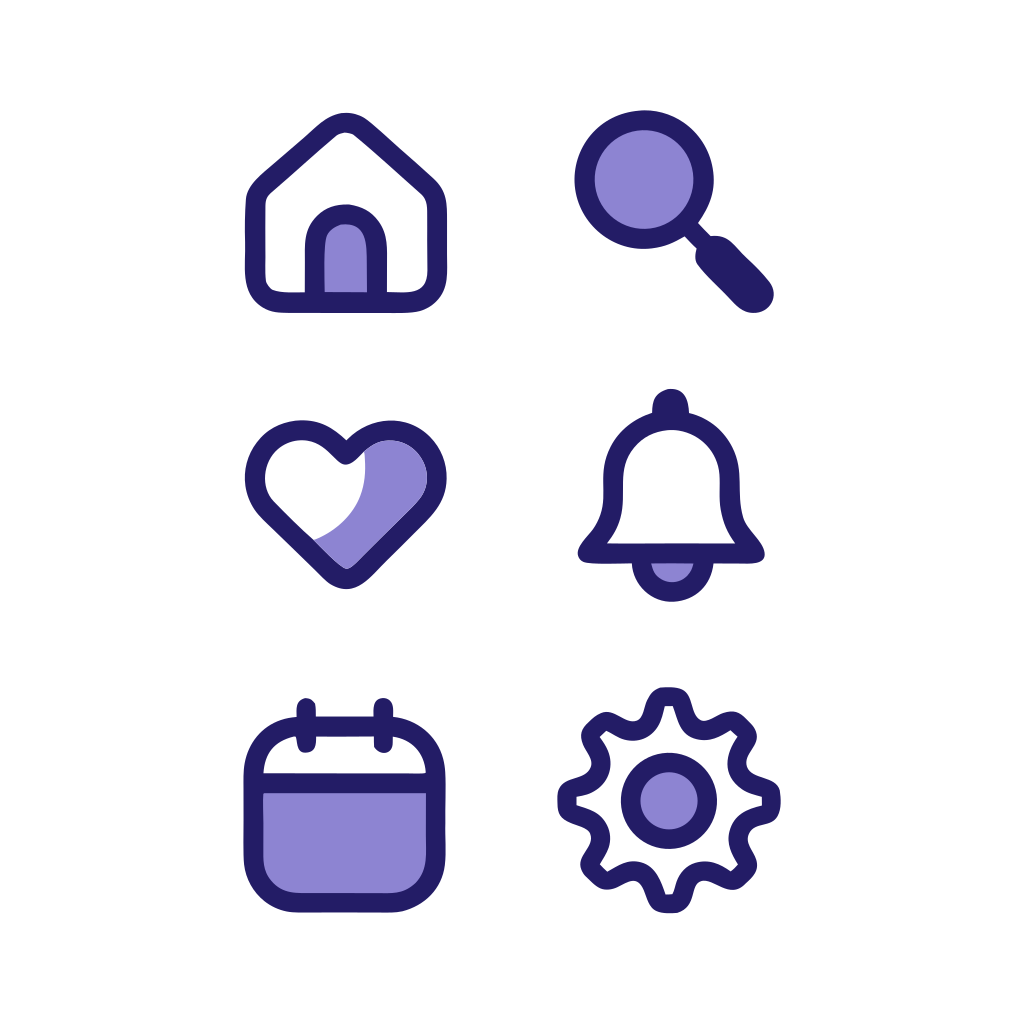
Prompt: A set of six matching app icons in a 3x2 grid: home, search, heart, bell, calendar and settings gear. Rounded line icons with a consistent stroke, two-tone indigo and soft lavender fills, generous spacing, white background, no text.
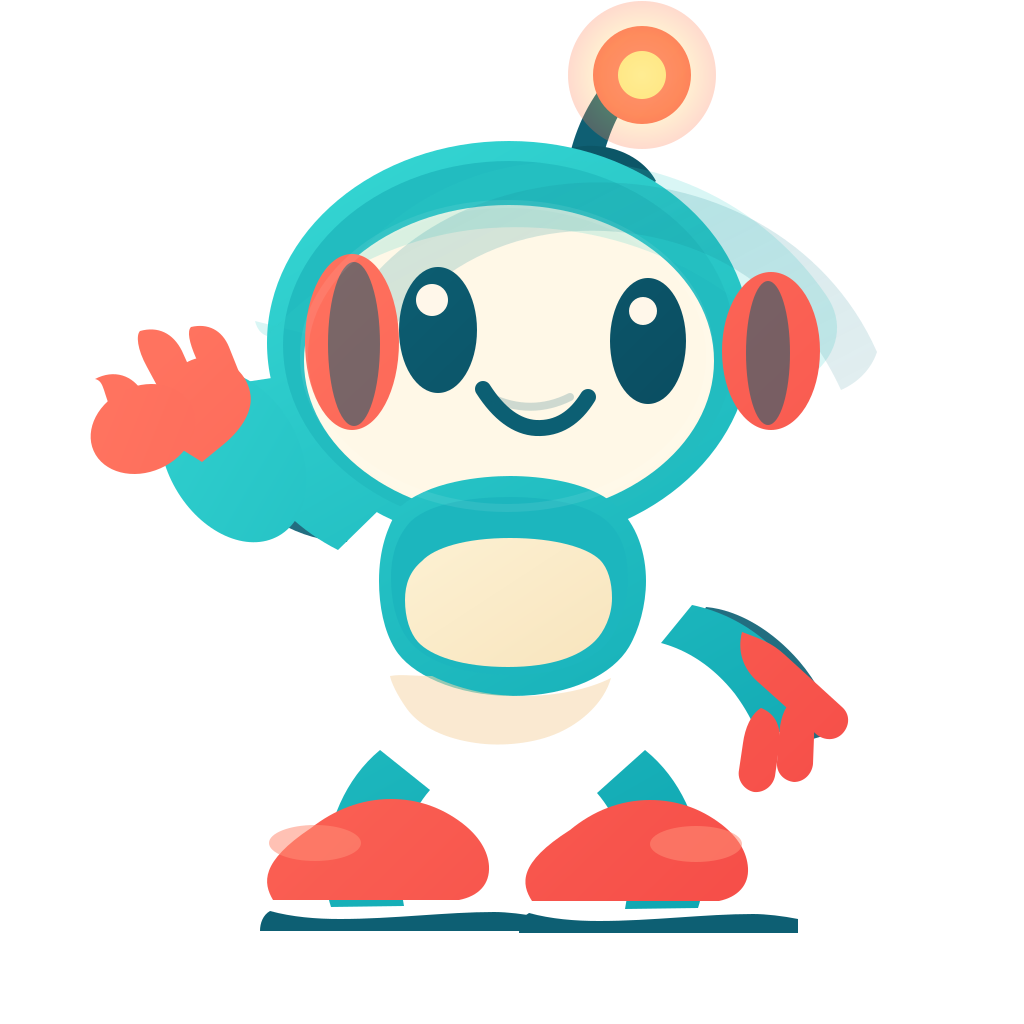
Mascots and characters
- GPT Image 2.6 Vector
- SVG · 7 KB
- 3.75 credits
Prompt: A friendly round robot mascot waving one hand, big oval eyes and a small smile, antenna with a glowing tip. Flat vector character, teal and coral with a cream belly panel, simple bold shapes, soft flat shading, centered on white, no text.
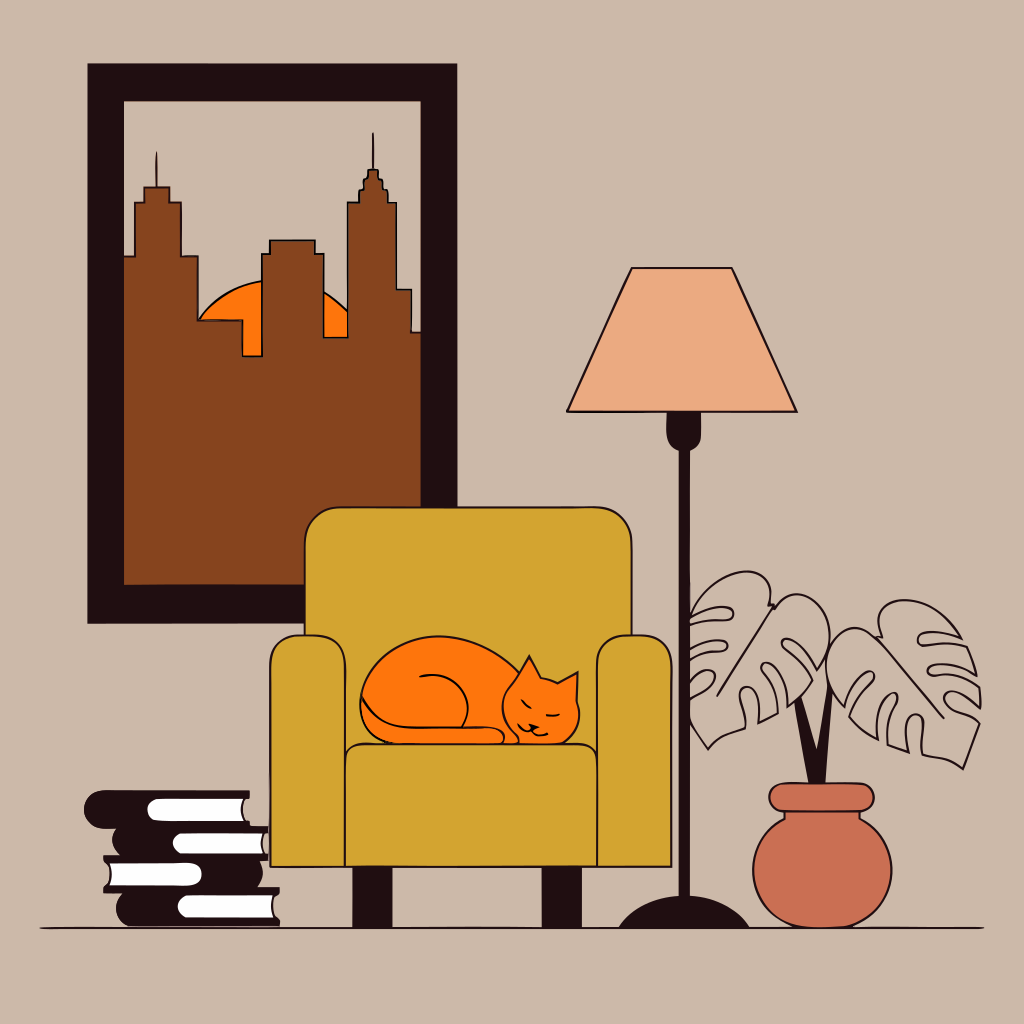
Illustrations
- Recraft v4.1 Vector
- SVG · 53 KB
- 4 credits
Prompt: Flat vector illustration of a cozy reading nook: a mustard armchair beside a tall window with a city skyline at dusk, a sleeping orange cat curled on the seat, a stack of books, a potted monstera and a floor lamp. Warm muted palette, clean geometric shapes, no text.

Badges and stickers
- GPT Image 2.6 Vector
- SVG · 6 KB
- 3.75 credits
Prompt: A retro national park style round badge: layered blue mountains, pine trees, a winding river and a rising sun inside a circle with a thick outline. Flat vector, five-color palette of forest green, teal, cream, orange and navy, clean shapes, centered on white, no text.
A real vector file. Not a picture saved as SVG.
The model writes shapes and paths, so the file behaves like one a designer made: you can scale it, recolor it and take it apart.
Sharp at any size
From a favicon to a billboard, edges stay crisp because the file stores shapes, not pixels.
Edit every shape
Open it in Figma, Illustrator, Inkscape or Affinity to change colors, move parts or add your own text.
Light files for the web
The examples on this page weigh 6 to 53 KB, and you can paste the code straight into a page.
Two vector models. Pick by what you draw.
Recraft is built for vector graphics and handles lettering and clean geometry best. GPT Image 2.6 draws a picture first and then writes it as SVG code, which suits characters and badges.
Recraft v4.1 Vector
Logos with words, icon sets, geometric illustrations
4Paid plansRecraft v4.1 Pro Vector
The cleanest geometry for brand work
10Paid plansGPT Image 2.6 Flare Vector Medium
Mascots, characters, badges and flat scenes
3.75Paid plansGPT Image 2.6 Flare Vector Low
Simple shapes and quick tries
3Paid plans
SVG files are made on paid plans, which include commercial use. Letters drawn by GPT Image 2.6 can come out wrong in an SVG, so pick Recraft for logos with words.
What to make with it. Anything that needs to scale.
Logos and brand marks
Try logo ideas in minutes, then take the one you like into your editor to refine.
Icon sets
Matching icons for an app, a website or a slide deck, in one style and one color scheme.
Stickers and badges
Die-cut stickers, patches and badges that print sharp at any size.
Website illustrations
Hero scenes, empty states and spot illustrations that stay crisp on every screen.
Cut files for Cricut and Silhouette
Upload the SVG to Cricut Design Space or Silhouette Studio. Flat, single-color designs cut best.
Print on demand
T-shirts, mugs and posters at full print size, without the blur of an enlarged picture.
How to make an SVG with AI. Four steps.
- 01
Describe it.
Say what it shows, the style and the colors. Ask for “flat, no gradients” for icons and cut files, and put any words in quotes.
- 02
Pick a vector model.
Recraft v4.1 Vector for logos, icons and lettering; GPT Image 2.6 Flare Vector for mascots and badges.
- 03
Create it.
A logo takes seconds and a detailed scene under a minute. Change the words and try again until it fits.
- 04
Download and edit.
Save the .svg file and open it in your design tool, upload it to your cutting machine, or paste the code into a web page.
Questions, answered.
What is an AI SVG generator?
It creates vector graphics from a description and saves them as SVG files. An SVG stores shapes and paths instead of pixels, so it stays sharp at any size and you can edit every part of it.
Is the AI SVG generator free?
SVG files are made on paid plans. You can sign up free and try pictures and short GIFs first; a paid plan unlocks both vector models and commercial use.
Can I convert a PNG or JPG to SVG?
Not here. This generator creates new SVGs from your description; it doesn’t trace a picture you upload. To get a similar look, describe the shapes and colors of your picture in the prompt.
Can I edit the SVG files?
Yes. Open them in Figma, Adobe Illustrator, Inkscape or any code editor to change colors, shapes or text. Recraft files come with their shapes in layers.
Do the files work with Cricut and Silhouette?
Yes. Upload the SVG to Cricut Design Space or Silhouette Studio. Flat designs with few colors and no gradients cut cleanest, so ask for “single color” or “flat, no gradients”.
Can it make logos with text?
Yes. Recraft v4.1 Vector handles lettering best. GPT Image 2.6 can get letters wrong in an SVG, so with it, check the spelling or add the words in your editor.
Which vector model should I pick?
Recraft v4.1 Vector for logos with words, icon sets and geometric illustrations; GPT Image 2.6 Flare Vector for mascots, characters and badges. Recraft v4.1 Pro Vector costs more and gives the cleanest geometry.
How big are the files?
Usually a few kilobytes to a few dozen: the examples on this page are 6 to 53 KB. Detailed scenes make bigger files than simple logos.
Can I use the SVGs for my business?
Yes. SVG files are made on paid plans, and paid plans include commercial use.
More ways to create. Pictures and GIFs too.
Need a vector? Describe it.
Get an SVG file you can scale and edit, in under a minute. SVG files are on paid plans.