Product Background Change
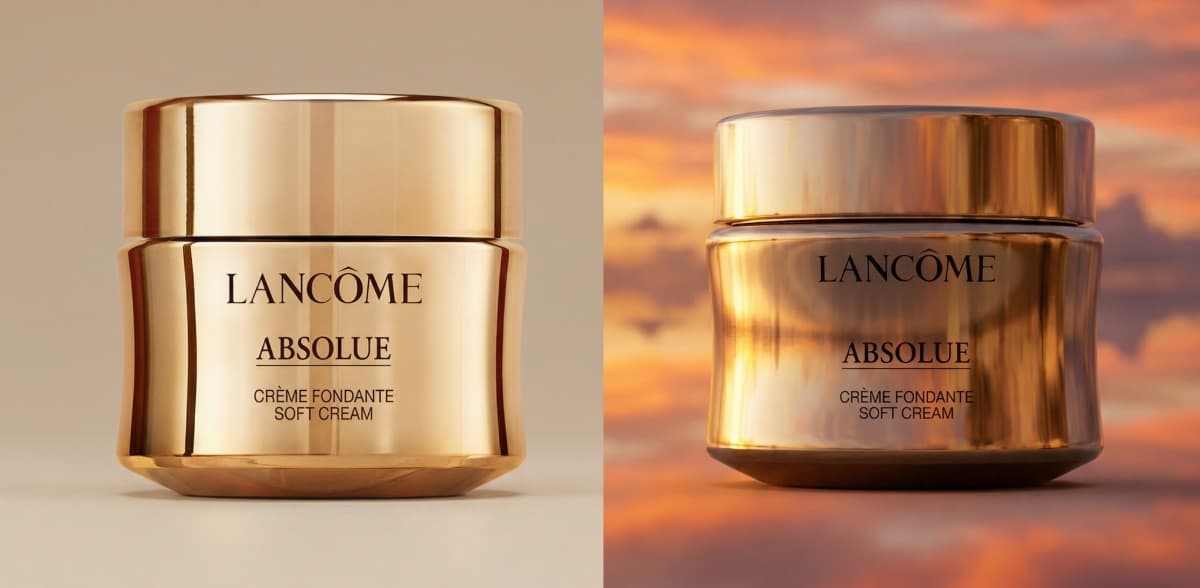
Swap the background of any product photo while keeping the product completely untouched — every label, color, shadow, and reflection stays exactly as it was. Drop in a sunset sky, a marble surface, or any scene, and the product looks naturally placed.
%20and%20preserving%20the%20original%20position%2C%20scale%2C%20angle%2C%20and%20crop%3B%20make%20the%20new%20background%20ultra-photorealistic%20and%20match%20the%20original%20lighting%20and%20optics%20with%20accurate%20shadows%2C%20reflections%2C%20contact%20occlusion%2C%20and%20depth%20of%20field%20so%20the%20product%20looks%20naturally%20photographed%3B%20do%20not%20alter%20the%20product%20or%20place%20objects%20overlapping%20it.&image=https%3A%2F%2Fmedia.easy-peasy.ai%2F27feb2bb-aeb4-4a83-9fb6-8f3f2a15885e%2F81f2a8a6-1d67-44ca-af14-9070251d0112.png)


3,482,705+ happy users
Why use this template
Skip the blank page — start from a structure that works.
The product is pixel-perfect — no warping, no color shifts, no missing labels.
Photorealistic lighting match between the new background and the product.
Generate dozens of background variations from a single product shot.
How to get the best output
Follow these steps for production-ready results every time.
Upload a product photo — clean studio shots with minimal shadows work best.
Edit the prompt to describe your desired background (e.g., "marble countertop with morning light").
Generate the image and verify the product edges blend naturally with the new scene.
Download and use directly on your store, ad, or social post.
Best for
- Create seasonal or campaign-specific product imagery without re-shooting.
- Test different lifestyle backgrounds for ecommerce A/B testing.
- Produce social media content with varied settings from one studio product photo.
Prompt tips
- Describe the background lighting to match the product's existing light direction for realism.
- Be specific about the surface the product sits on — "wooden table" gives better results than just "wood."
- Products with transparent elements (glass bottles) need extra attention — verify reflections in the output.
Frequently asked questions
Explore more image templates
Browse other templates to find the perfect starting point.
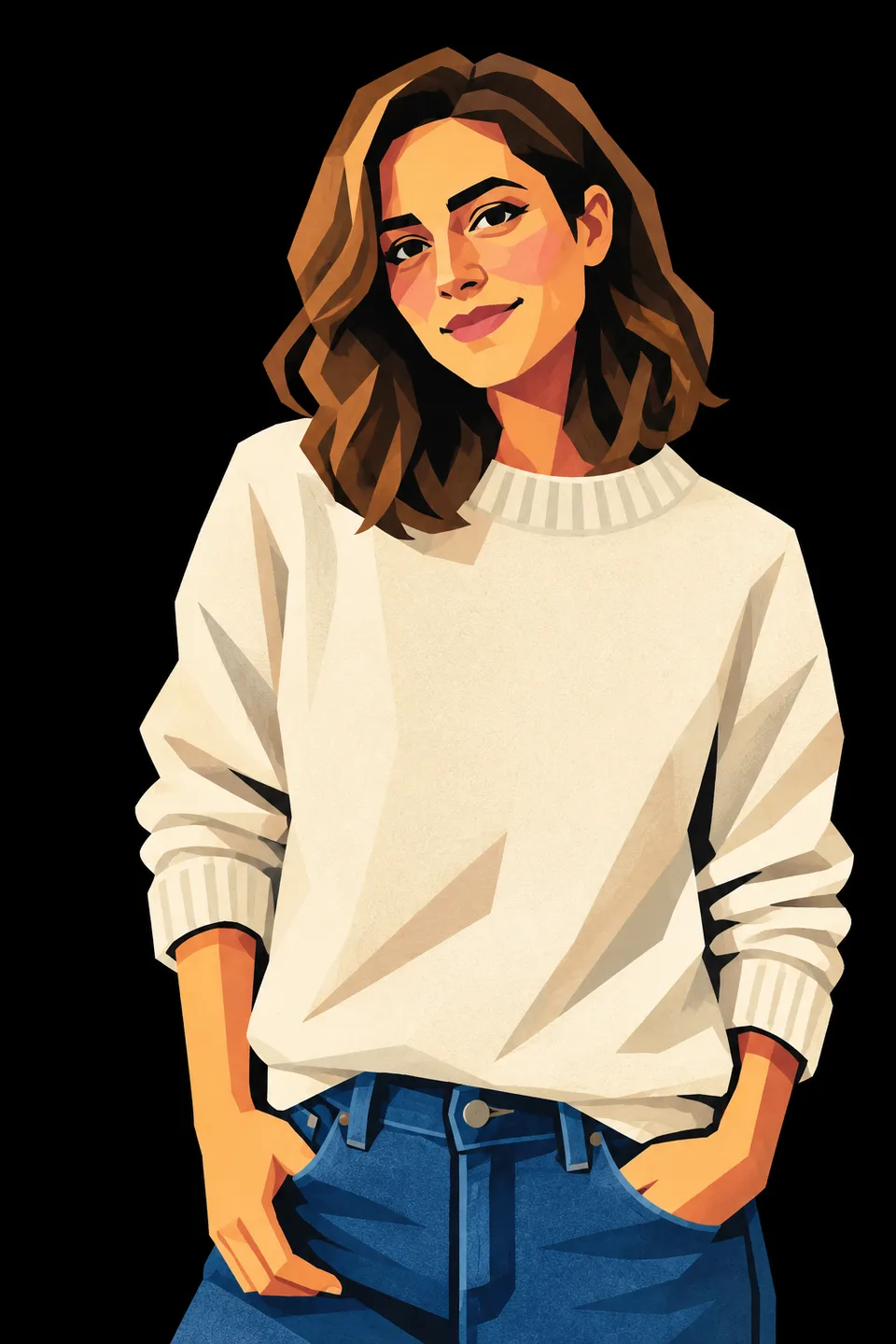
Cubist Vector Portrait
Turn your photo into a cute minimalist cubist vector illustration while keeping your pose and colors.
View template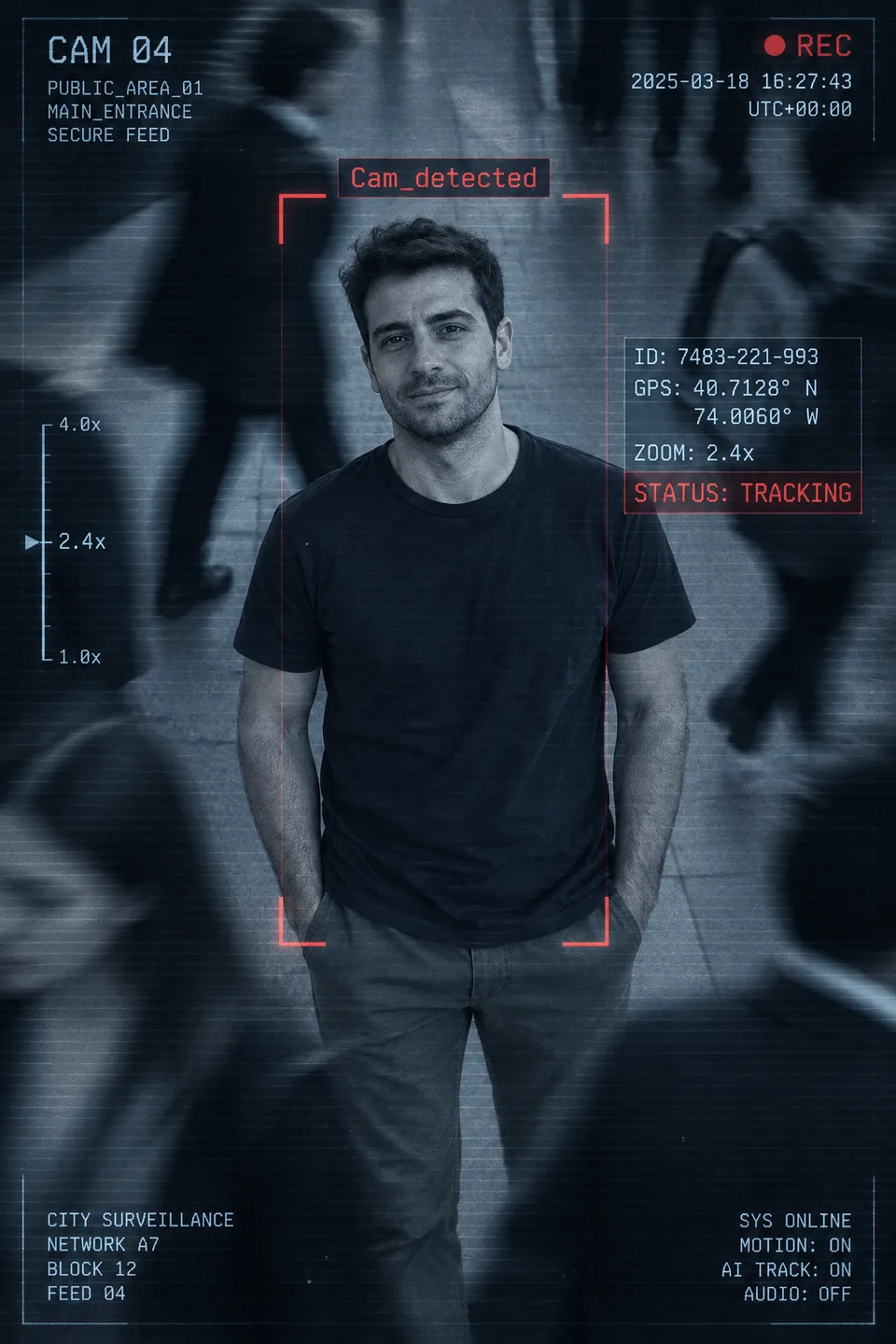
CCTV Surveillance Photo
Put yourself in a blue CCTV feed with a red tracking box, scan lines and a live REC overlay.
View template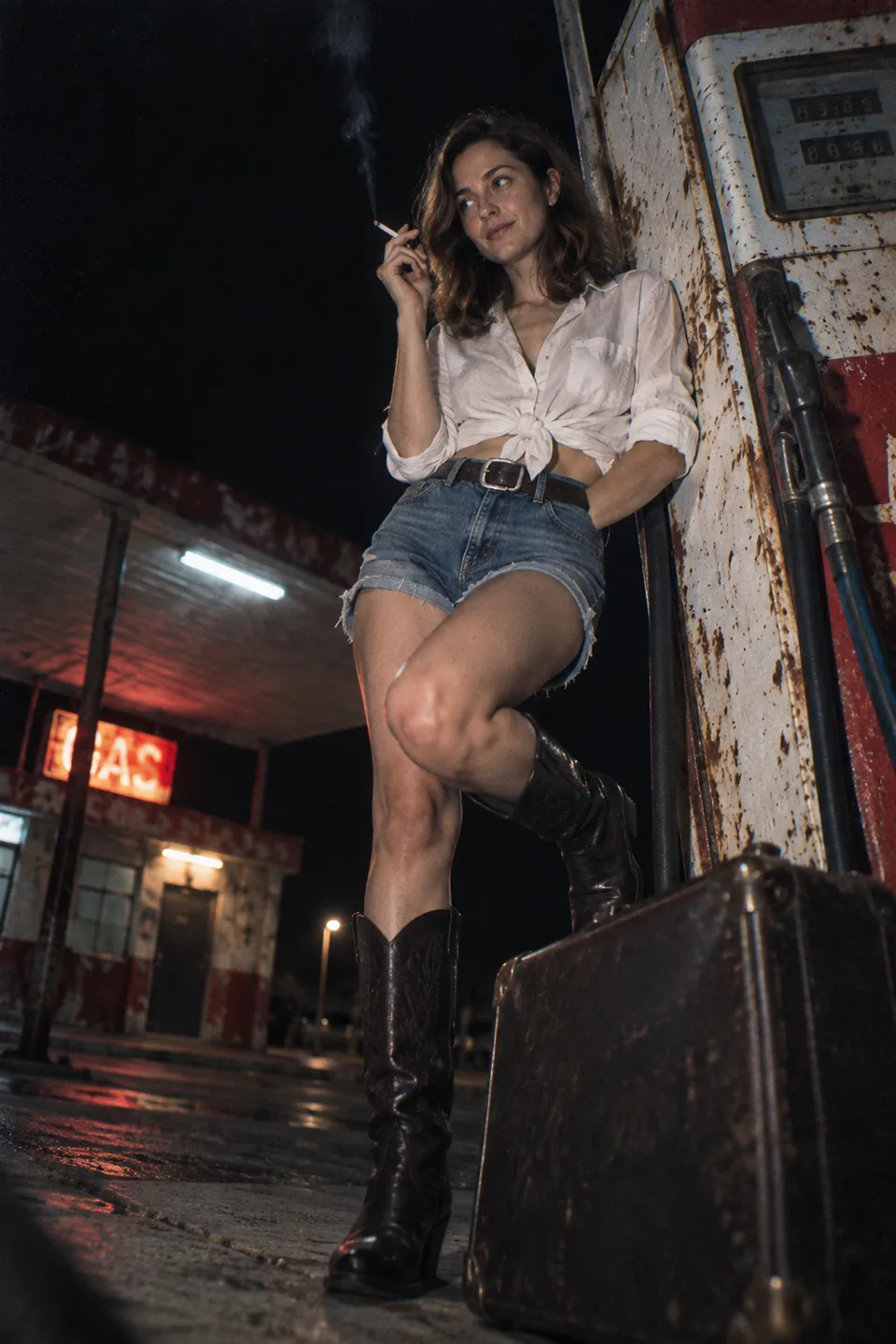
Desert Gas Station Flash
A harsh-flash night fashion shot of you leaning on a rusty pump at an abandoned roadside gas station.
View template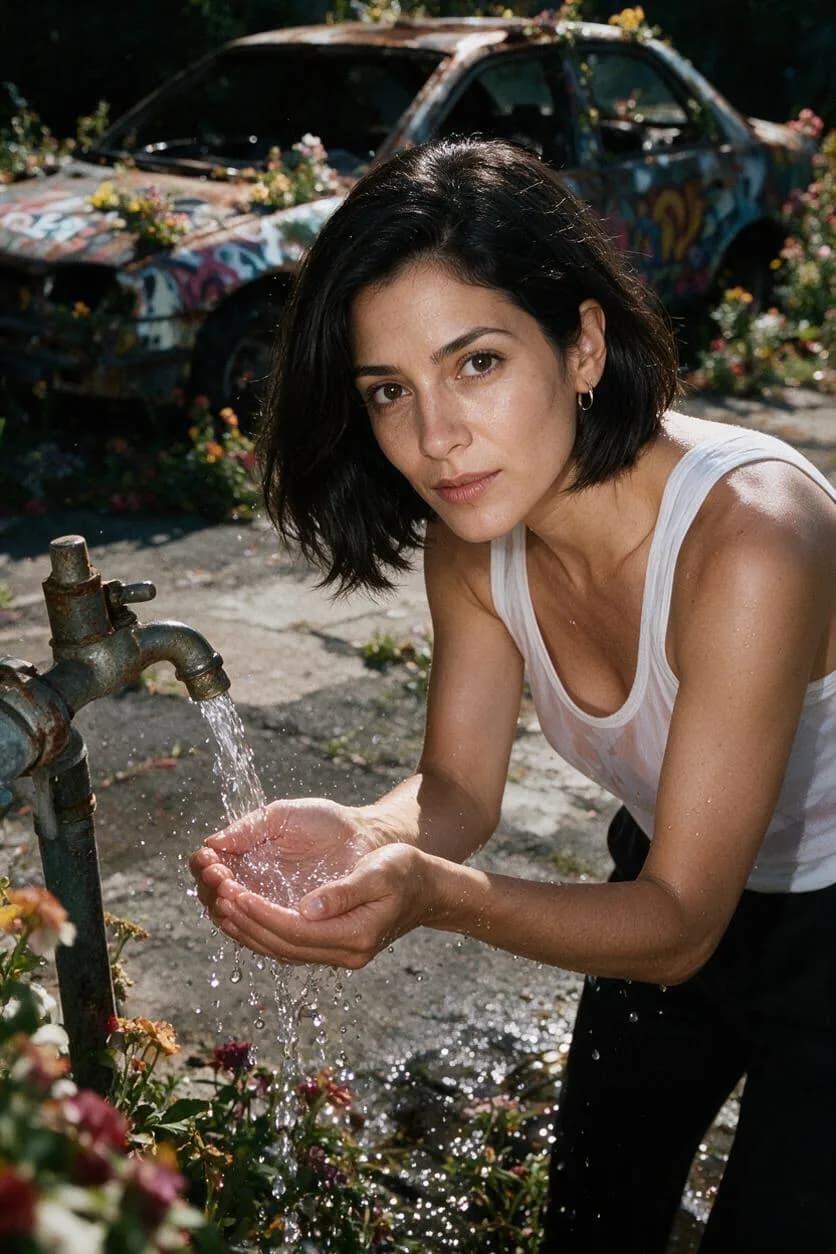
Overgrown Garden Flash
A tilted flash fashion frame of you at a rusty tap in a wild overgrown garden, water droplets frozen mid-air.
View template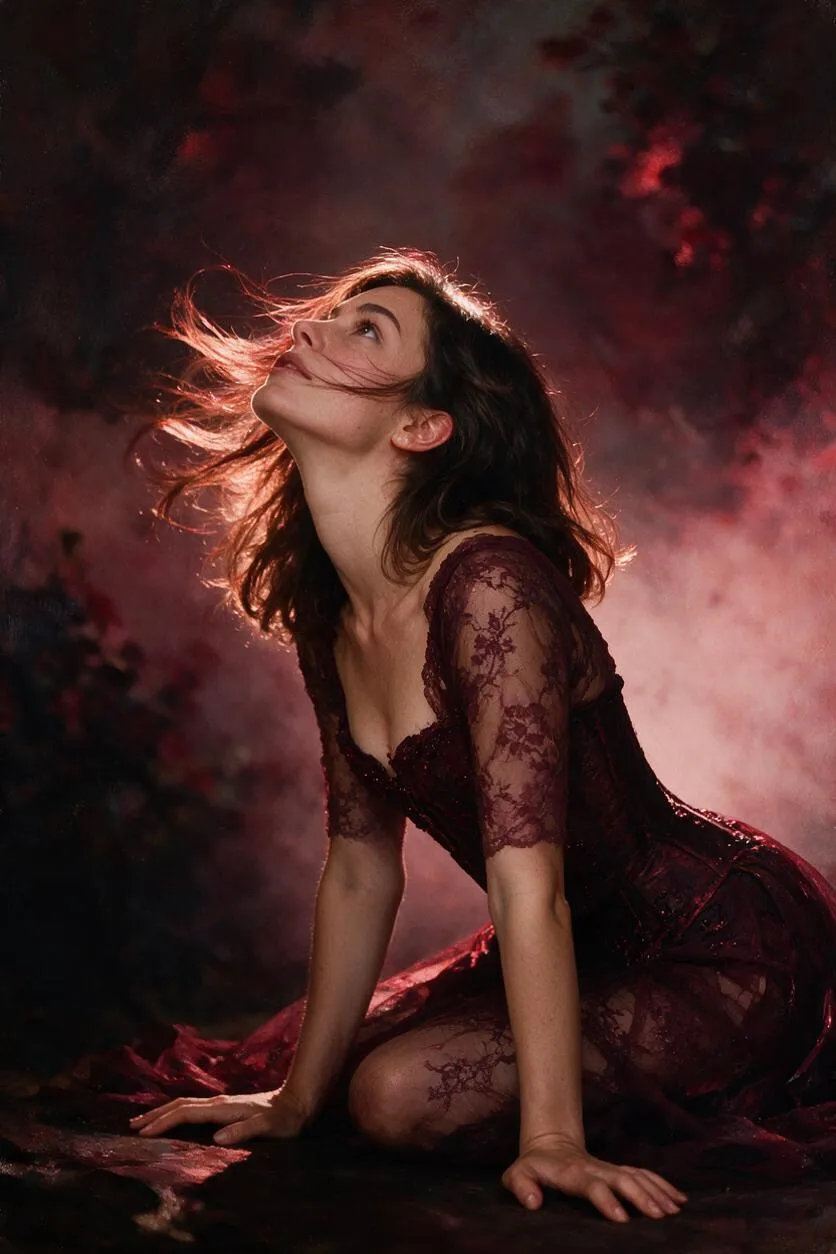
Burgundy Magazine Cover
A painterly soft-focus fashion portrait of you drenched in rich burgundy tones, magazine-cover style.
View template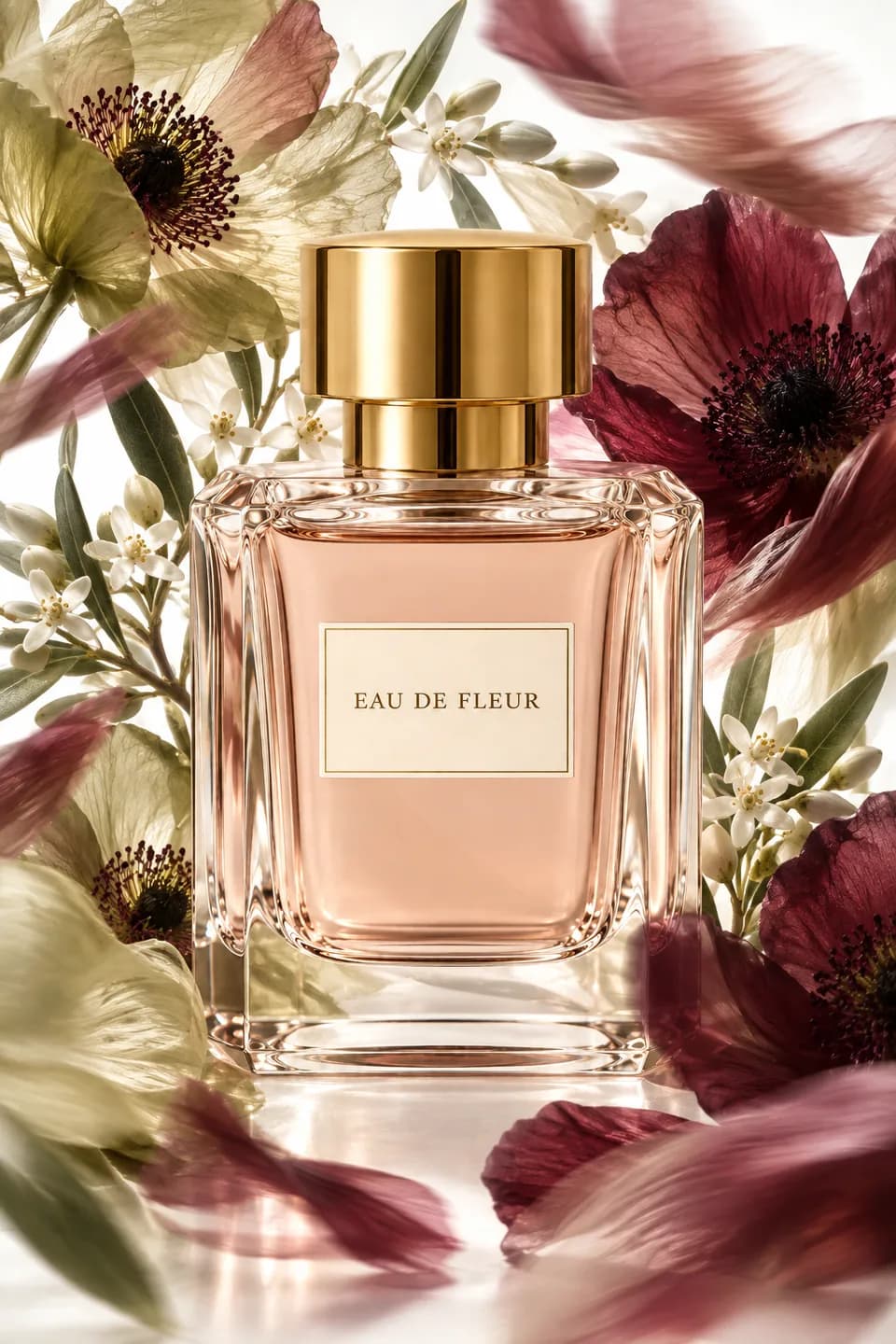
Floral Perfume Campaign
Upload your perfume bottle and get a luxury beauty campaign still with oversized translucent flowers.
View templateCreate Faster With AI.
Try it Risk-Free.
Stop wasting time and start creating high-quality content immediately with power of generative AI.