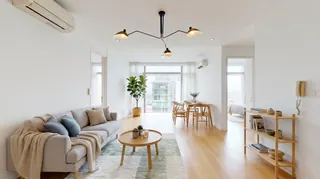
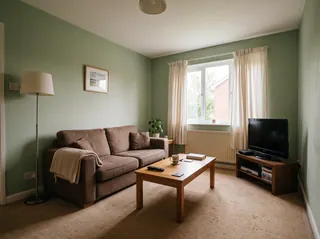
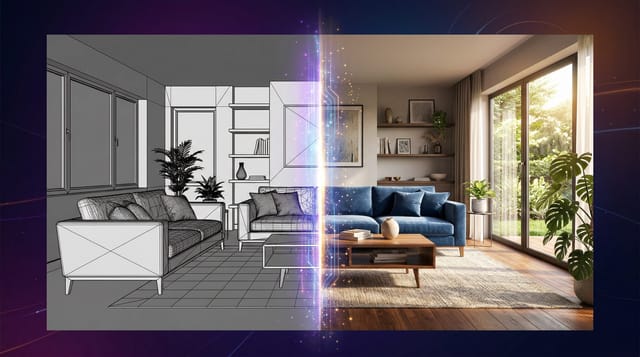
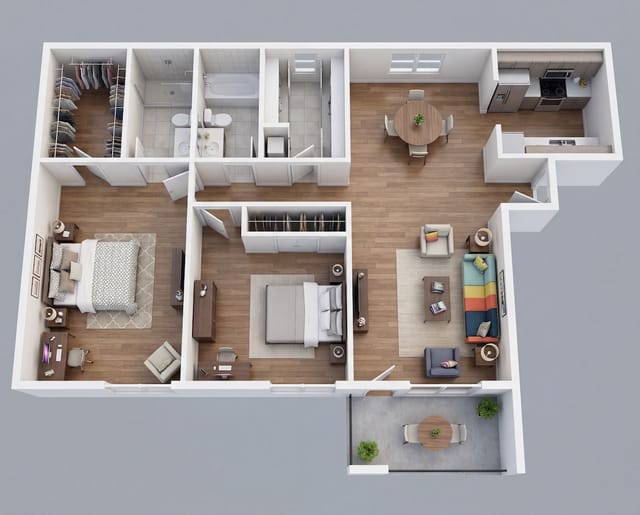
Restyle the whole room
Pick a style and see the room redesigned, with the same walls, windows and layout.
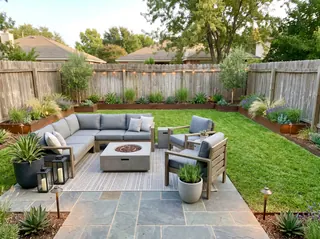
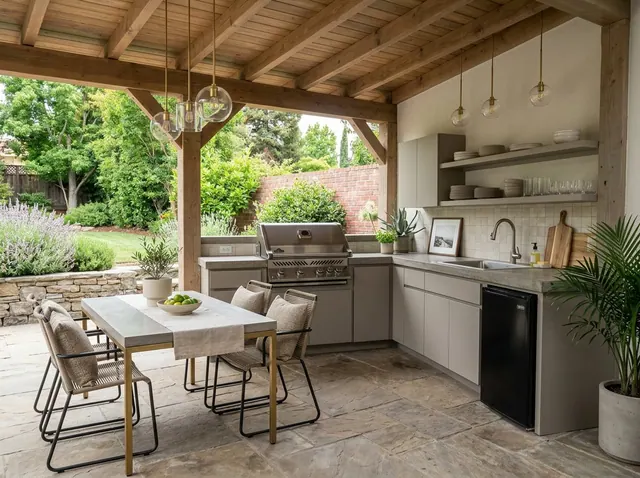
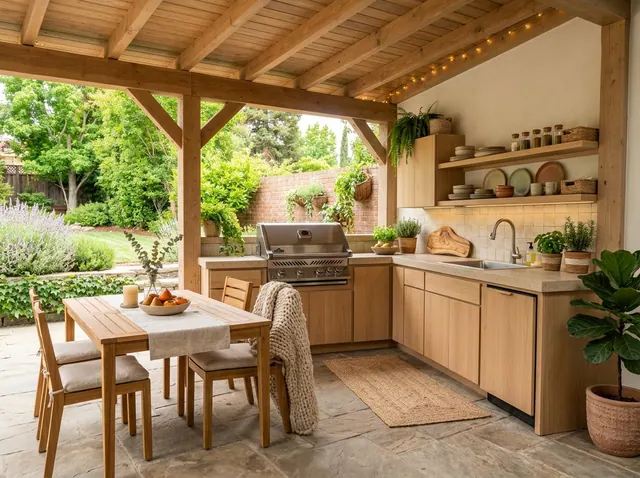
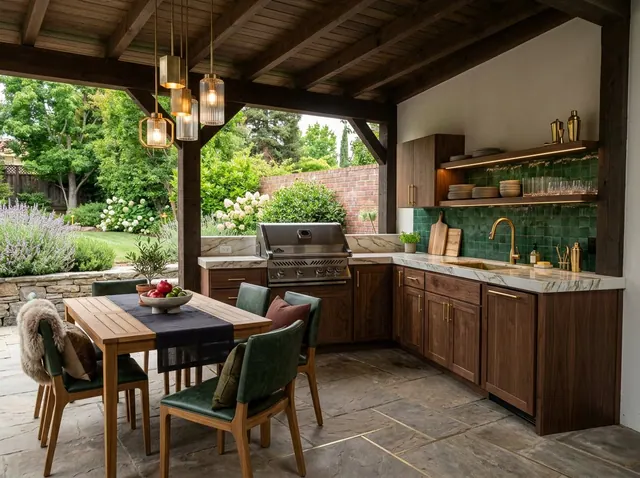
Free to tryOutdoor Kitchen ideas from your own photo
See your outdoor kitchen in a new style, with the same layout and surroundings. Then change any detail in your own words, or design one from scratch.
Your first design is free. No credit card needed.
Used by people at companies like







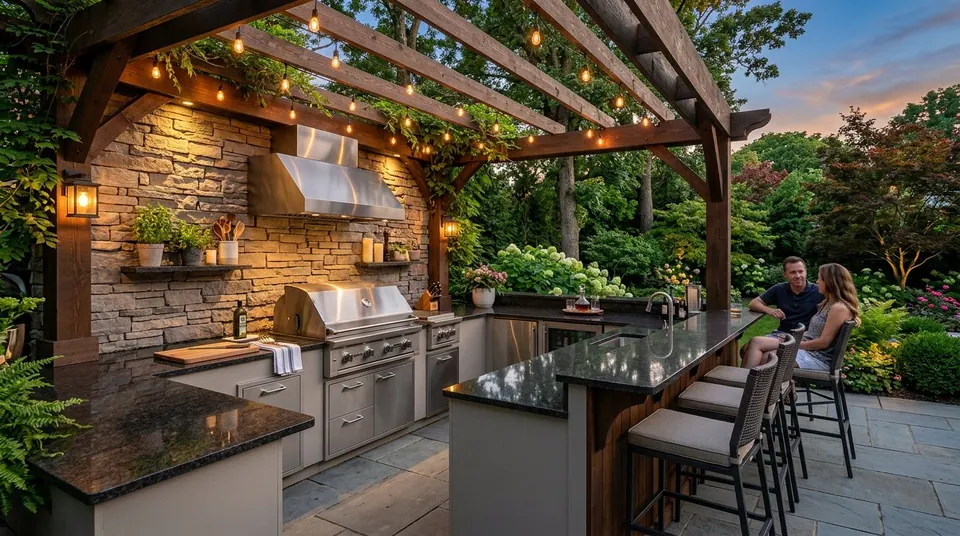
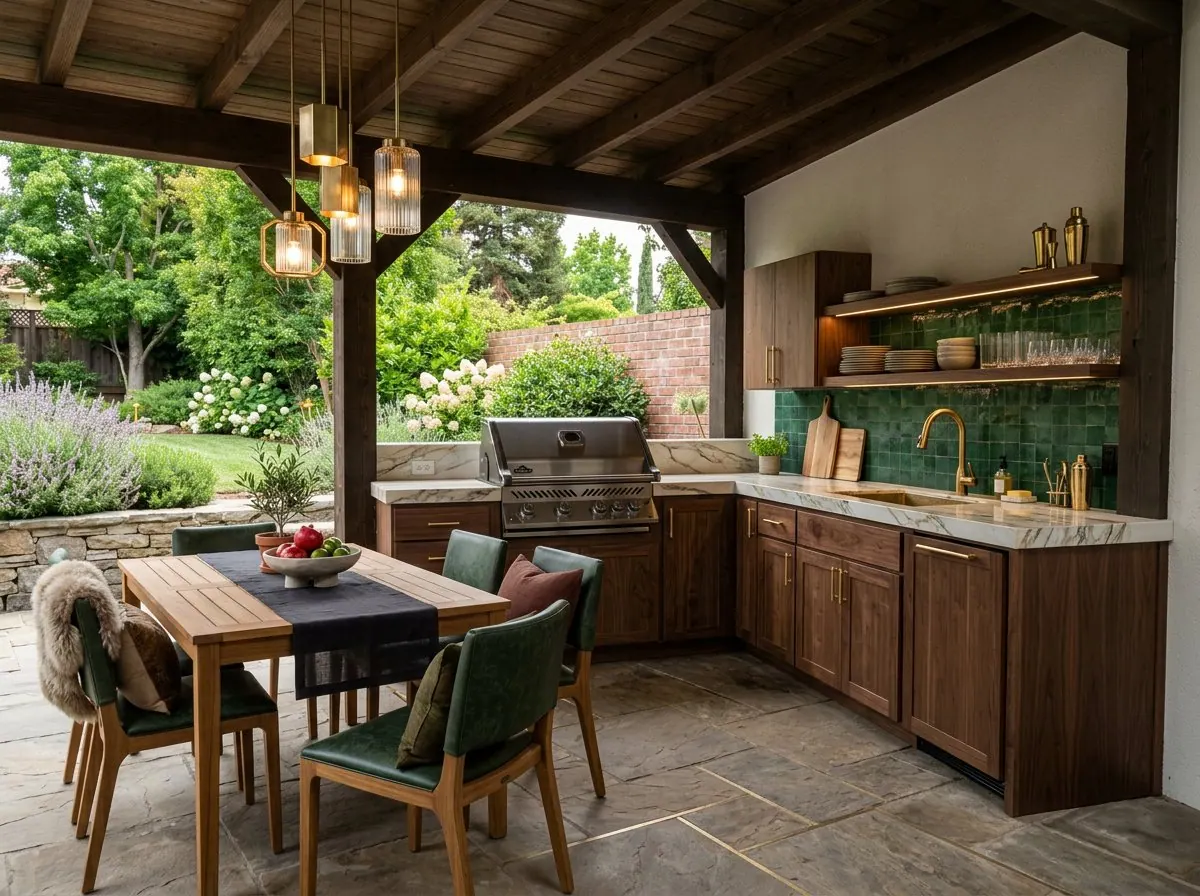
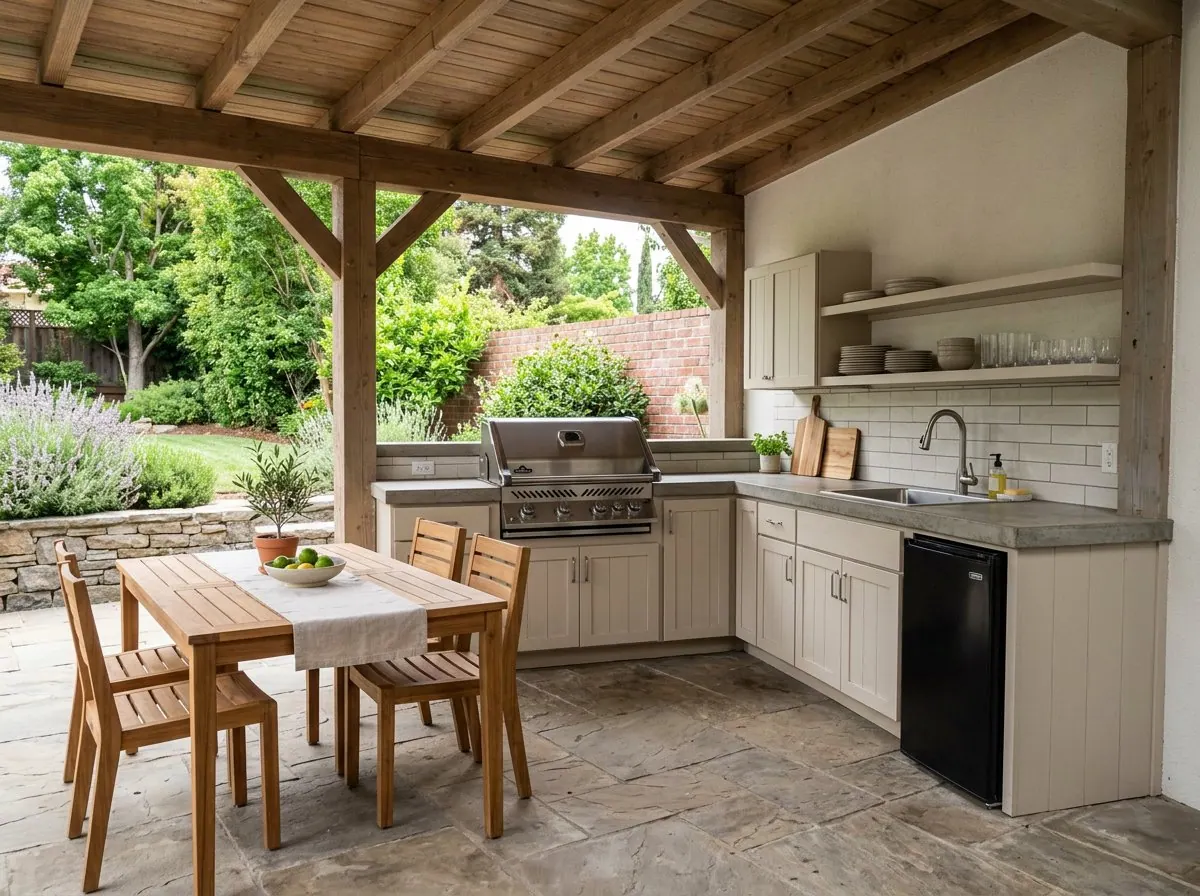
Pick one to open the designer with it filled in, then add a style or your own photo and make it yours.
Redesign the whole room or change one detail. Each tool keeps the shape of your room, so the result still looks like your space.
Pick a style and see the room redesigned, with the same walls, windows and layout.
Ask for a leather sofa, oak floors or a big plant. Everything else stays where it is.
See a new color on your own walls before you buy paint. Nothing else changes.
Furnish an empty room in the style you choose, ready for a listing.
Take out the furniture to see the bare space, then design it again.
No photo? Describe the room you want and get a design from scratch.
Also in the designer: Declutter to tidy a messy room, 360° panoramas you can look around in, short videos of any design, and marks you can place on the photo to change exact spots.
Nothing to install. It works in your browser on any phone or computer.
01
Stand where you get the best view and fit in the whole space. Daylight works best.
02
Choose from 43 styles, start from one of the ideas on this page, or describe what you want.
03
Compare the designs, change any detail with a few words and download the one you love.
Pick a style to open the designer with it chosen. Paid plans can compare up to 4 styles on the same photo at once.
101 room types, from kitchens and nurseries to cafés, salons and backyards.
Every account can make its first design free. Paid plans add more designs every month, plus:
Free
1
free design every month
No credit card needed
Starter
28
designs a month
$16 a month
Unlimited 50
42
designs a month
$24 a month
Unlimited
71
designs a month
$32 a month
A design at the standard size uses 7 credits. 4K designs and 360° views use more.
Plan around the "work triangle" between grill, prep area, and sink. Include weather-resistant countertops like granite or concrete, add adequate storage for utensils and supplies, incorporate proper drainage, ensure gas and electrical connections are safely installed, and leave enough counter space for food prep and serving.
Use marine-grade stainless steel for appliances and frames, choose natural stone or porcelain tile for countertops, select weather-resistant wood like teak or cedar for accents, use concrete or brick for structure, and ensure all materials can withstand UV exposure, rain, and temperature fluctuations in your climate.
Start with a quality built-in grill as the centerpiece, add a refrigerator for cold storage, include a sink with running water, consider a pizza oven or smoker for versatility, add a beverage cooler or ice maker, and include adequate lighting for evening cooking and entertaining.
Yes. Every account can make its first design free, and the Free plan includes a free design every month. Paid plans add more designs, 4K downloads and side-by-side style comparisons. No credit card is needed to sign up.
Yes. Restyle and the other photo tools keep your walls, windows, doors and the shape of the room, and change the furniture, colors and decor. For a bigger change, describe it in your own words.
43 styles, including Scandinavian, Mid-Century Modern, Japanese Zen, Industrial, Coastal, Bohemian, Farmhouse and Art Deco. Paid plans can compare up to 4 styles on the same photo at once.
A bright, level photo taken from a corner or doorway that shows as much of the room as possible. Phone photos are fine. Avoid strong filters, very dark shots and close-ups.
Yes. Use Edit and write what to change, like “replace the rug with a jute rug” or “paint the cabinets navy”. You can also mark spots on the photo and describe each one.
Yes. Virtual staging furnishes empty rooms, and Empty room clears out old furniture first. Many listing services ask you to label edited photos as virtually staged, so check the rules where you list.
Yes. Your photos and designs are private to your account unless you share them, and we don’t use them to train our own models.
Upload a photo and get your first design free. No credit card needed.