Restyle the whole room
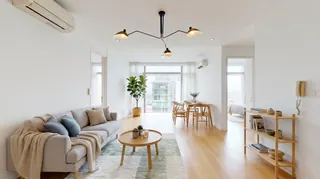
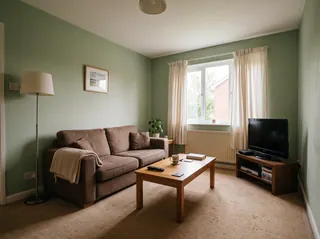
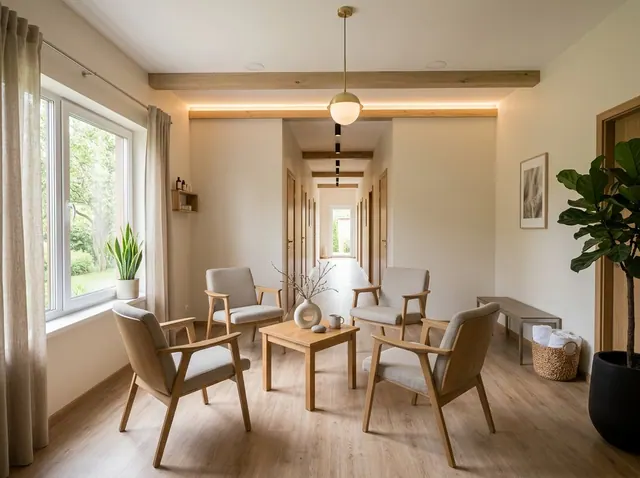
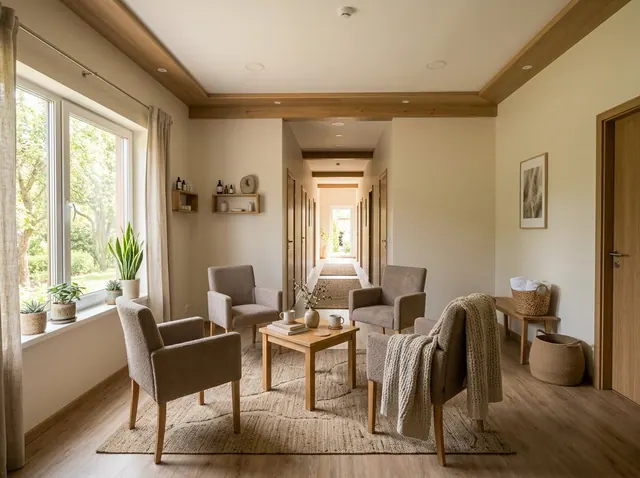
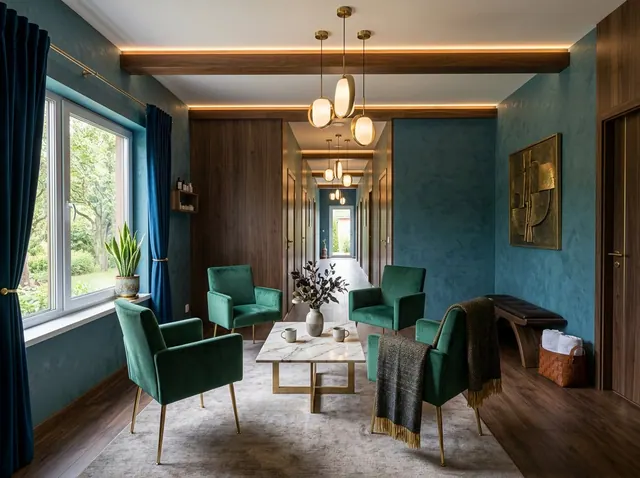
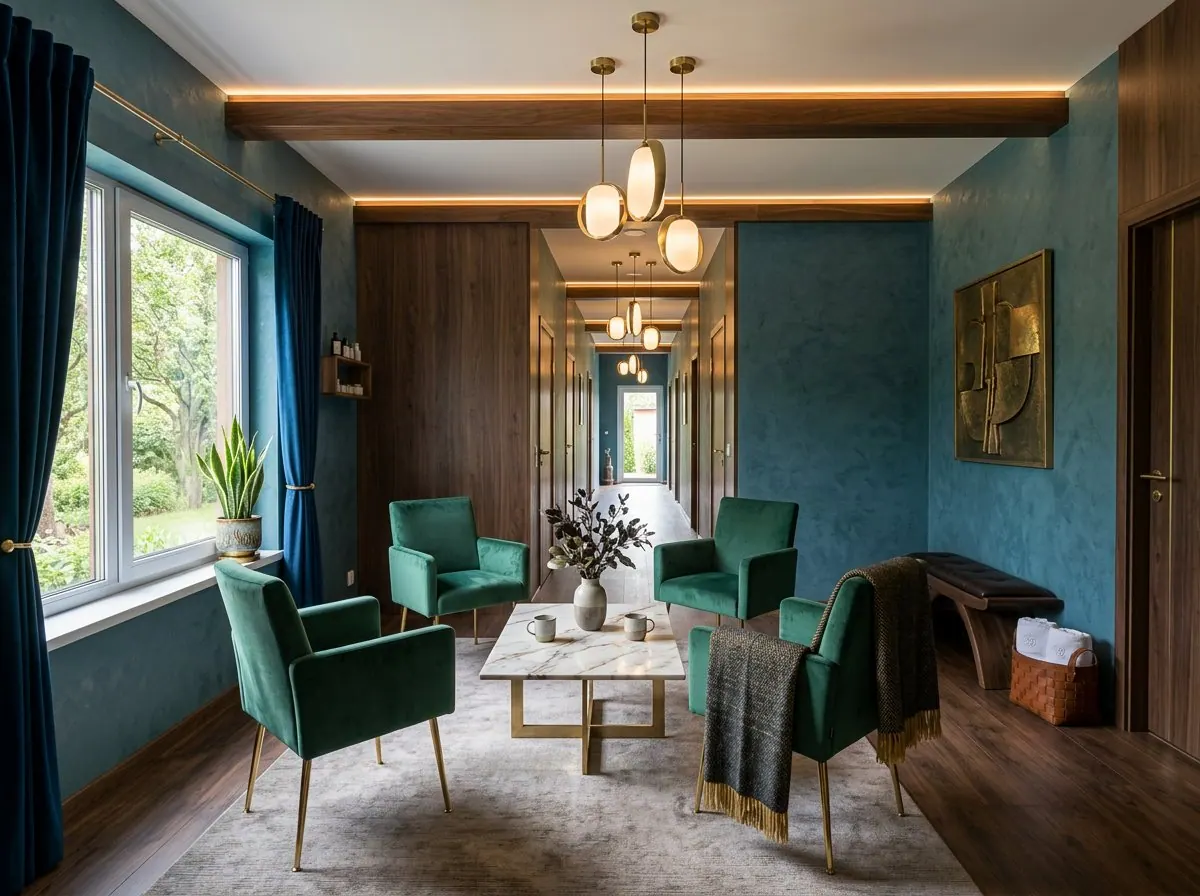
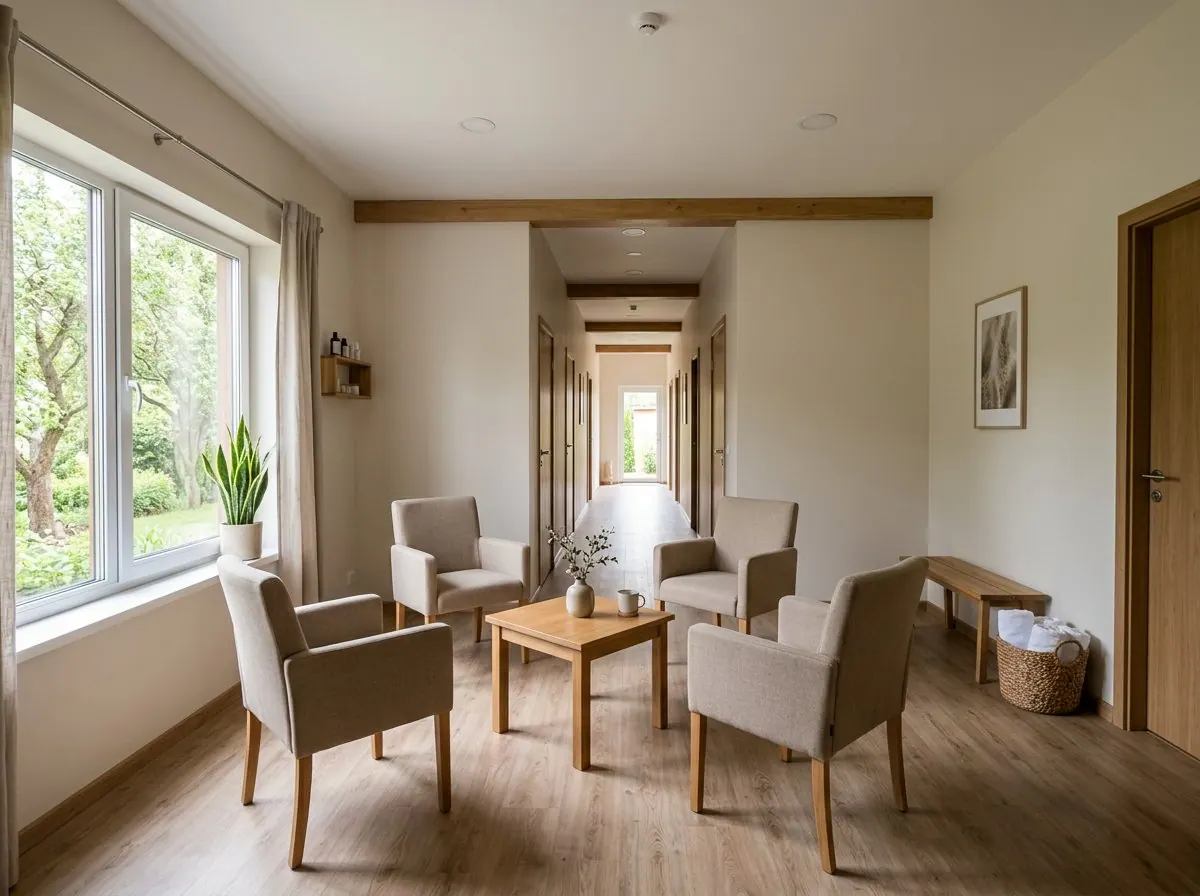
Pick a style and see the room redesigned, with the same walls, windows and layout.
Free to tryDay Spa ideas from your own photo
See your day spa in a new style, with the same walls, windows and layout. Then change any detail in your own words, or design one from scratch.
Your first design is free. No credit card needed.
Used by people at companies like







Pick one to open the designer with it filled in, then add a style or your own photo and make it yours.
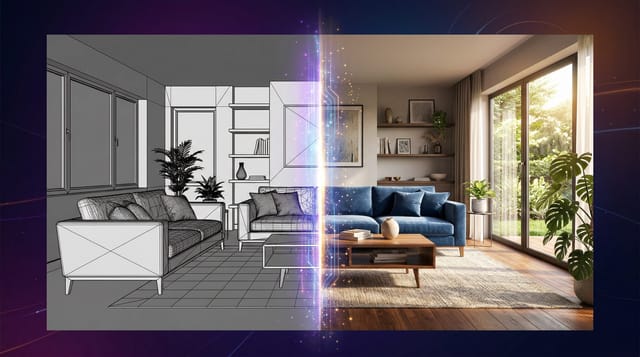
Redesign the whole room or change one detail. Each tool keeps the shape of your room, so the result still looks like your space.
Pick a style and see the room redesigned, with the same walls, windows and layout.
Ask for a leather sofa, oak floors or a big plant. Everything else stays where it is.
See a new color on your own walls before you buy paint. Nothing else changes.
Furnish an empty room in the style you choose, ready for a listing.
Take out the furniture to see the bare space, then design it again.
No photo? Describe the room you want and get a design from scratch.
Also in the designer: Declutter to tidy a messy room, 360° panoramas you can look around in, short videos of any design, and marks you can place on the photo to change exact spots.
Nothing to install. It works in your browser on any phone or computer.
01
A phone photo is fine. Stand in a corner or doorway and fit in as much of the room as you can.
02
Choose from 43 styles, start from one of the ideas on this page, or describe what you want.
03
Compare the designs, change any detail with a few words and download the one you love.
Pick a style to open the designer with it chosen. Paid plans can compare up to 4 styles on the same photo at once.
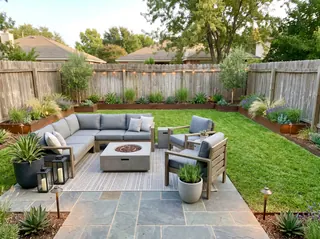
101 room types, from kitchens and nurseries to cafés, salons and backyards.
Every account can make its first design free. Paid plans add more designs every month, plus:
Free
1
free design every month
No credit card needed
Starter
66
designs a month
$16 a month
Unlimited 50
100
designs a month
$24 a month
Unlimited
166
designs a month
$32 a month
A design at the standard size uses 3 credits. 4K designs and 360° views use more.
Focus on affordable upgrades like a deep soaking tub ($500-800), soft LED lighting ($200), plush towels and robes ($150), natural bamboo flooring ($400), and essential oils diffuser ($100). Add mirrors for ambiance, comfortable seating, and natural elements like plants and stones. Prioritize comfort and sensory elements over expensive fixtures.
Install a rainfall showerhead with multiple settings, add a deep soaking tub or Japanese-style ofuro tub, include heated floors for comfort, provide ample storage for toiletries, add a vanity with proper lighting for grooming, incorporate sound systems for relaxation music, and ensure proper ventilation to manage humidity.
Use dimmable LED lighting with warm color temperatures (2700-3000K), install under-cabinet lighting for practical tasks, add accent lighting on focal features like tubs or artwork, incorporate natural light through skylights or large windows, use candles or salt lamps for ambient glow, and avoid harsh overhead lighting that can be stressful.
Use natural stone or bamboo for surfaces, incorporate live plants for air purification and ambiance, add natural fiber textiles like linen and cotton, include water features like small fountains, use essential oils and natural scents, incorporate wood elements and natural textures, and ensure good connection to outdoor natural elements through windows or indoor gardens.
Install smart tubs with programmable temperatures and jets, use voice-activated lighting and music systems, add smart mirrors with built-in displays, incorporate aromatherapy diffusers with app control, use smart towel warmers, add automated blinds for light control, and consider smart saunas or steam rooms with remote access.
Choose bamboo or reclaimed wood for cabinetry, use natural stone with responsible sourcing, select low-VOC paints and finishes, incorporate recycled glass or metal fixtures, use organic cotton for towels and robes, choose energy-efficient lighting and appliances, and use water-saving fixtures to minimize environmental impact.
Yes. Every account can make its first design free, and the Free plan includes a free design every month. Paid plans add more designs, 4K downloads and side-by-side style comparisons. No credit card is needed to sign up.
Yes. Restyle and the other photo tools keep your walls, windows, doors and the shape of the room, and change the furniture, colors and decor. For a bigger change, describe it in your own words.
43 styles, including Scandinavian, Mid-Century Modern, Japanese Zen, Industrial, Coastal, Bohemian, Farmhouse and Art Deco. Paid plans can compare up to 4 styles on the same photo at once.
A bright, level photo taken from a corner or doorway that shows as much of the room as possible. Phone photos are fine. Avoid strong filters, very dark shots and close-ups.
Yes. Use Edit and write what to change, like “replace the rug with a jute rug” or “paint the cabinets navy”. You can also mark spots on the photo and describe each one.
Yes. Virtual staging furnishes empty rooms, and Empty room clears out old furniture first. Many listing services ask you to label edited photos as virtually staged, so check the rules where you list.
Yes. Your photos and designs are private to your account unless you share them, and we don’t use them to train our own models.
Upload a photo and get your first design free. No credit card needed.