Restyle the whole room
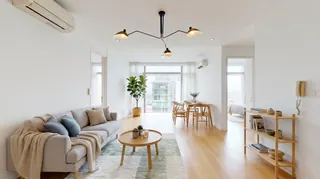
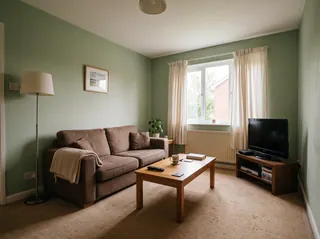
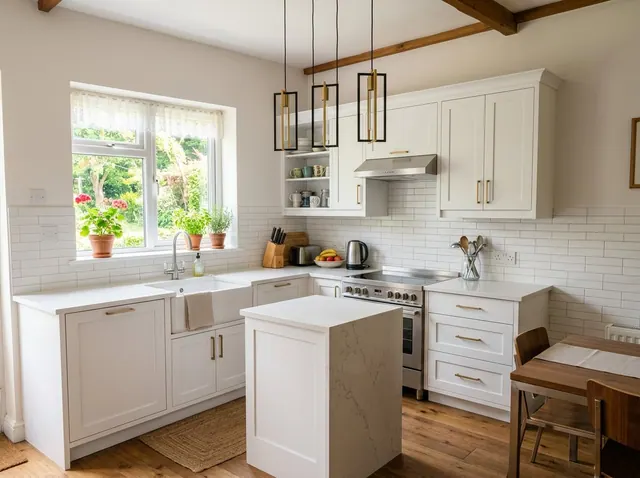
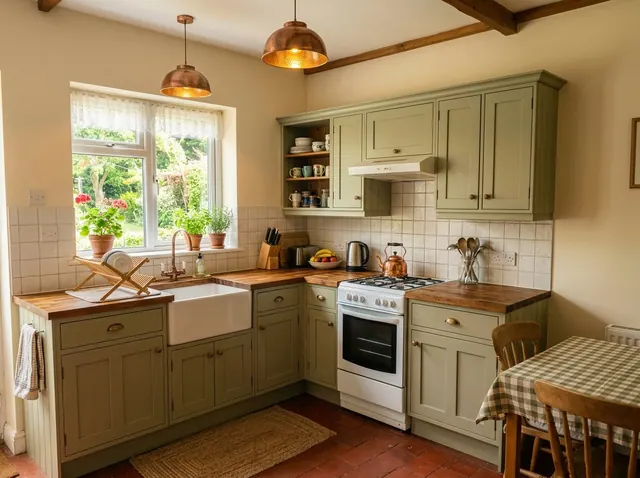
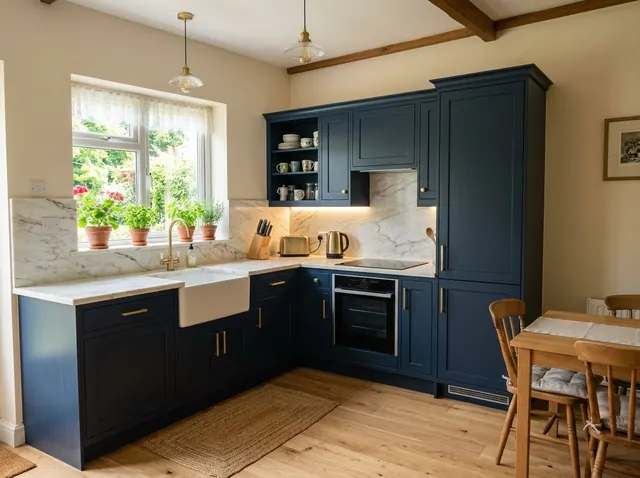
Pick a style and see the room redesigned, with the same walls, windows and layout.
Free to tryKitchen ideas from your own photo
See your kitchen in a new style, with the same walls, windows and layout. Then change any detail in your own words, or design one from scratch.
Your first design is free. No credit card needed.
Used by people at companies like







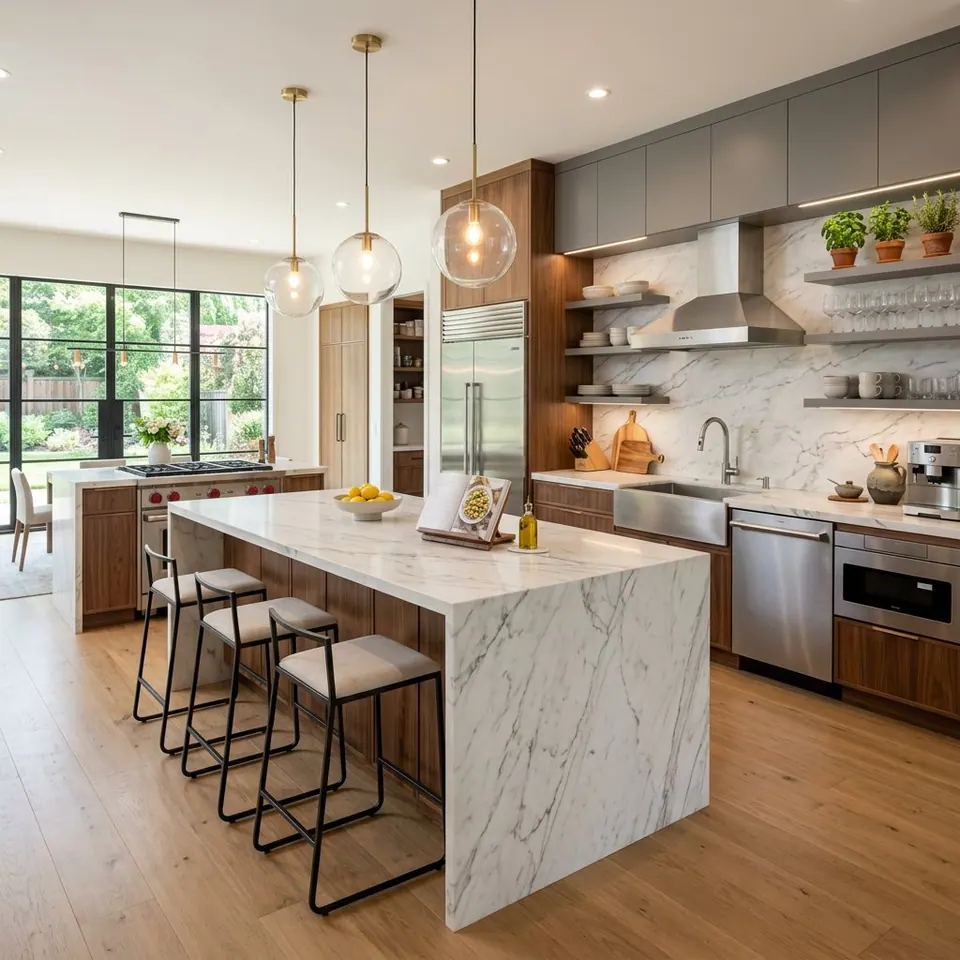
Pick one to open the designer with it filled in, then add a style or your own photo and make it yours.
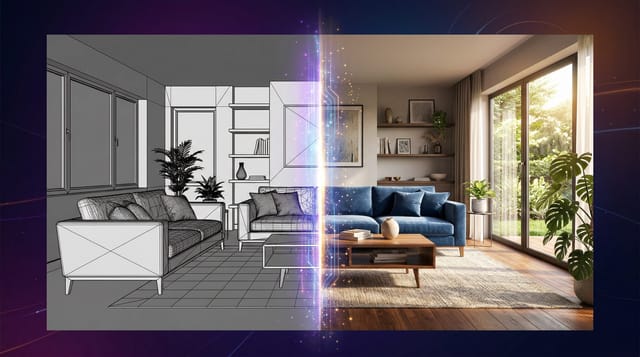
Redesign the whole room or change one detail. Each tool keeps the shape of your room, so the result still looks like your space.
Pick a style and see the room redesigned, with the same walls, windows and layout.
Ask for a leather sofa, oak floors or a big plant. Everything else stays where it is.
See a new color on your own walls before you buy paint. Nothing else changes.
Furnish an empty room in the style you choose, ready for a listing.
Take out the furniture to see the bare space, then design it again.
No photo? Describe the room you want and get a design from scratch.
Also in the designer: Declutter to tidy a messy room, 360° panoramas you can look around in, short videos of any design, and marks you can place on the photo to change exact spots.
Nothing to install. It works in your browser on any phone or computer.
01
A phone photo is fine. Stand in a corner or doorway and fit in as much of the room as you can.
02
Choose from 43 styles, start from one of the ideas on this page, or describe what you want.
03
Compare the designs, change any detail with a few words and download the one you love.
Pick a style to open the designer with it chosen. Paid plans can compare up to 4 styles on the same photo at once.
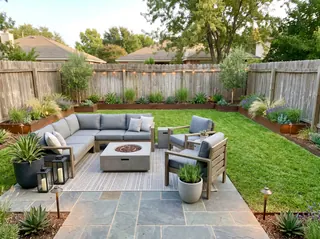
101 room types, from kitchens and nurseries to cafés, salons and backyards.
Every account can make its first design free. Paid plans add more designs every month, plus:
Free
1
free design every month
No credit card needed
Starter
66
designs a month
$16 a month
Unlimited 50
100
designs a month
$24 a month
Unlimited
166
designs a month
$32 a month
A design at the standard size uses 3 credits. 4K designs and 360° views use more.
The most efficient kitchen layouts are the galley, L-shape, U-shape, and island kitchen. Each works best for different space dimensions and needs. The work triangle (sink, stove, refrigerator) should be arranged to minimize steps while cooking.
Utilize vertical space with tall cabinets, install cabinets up to the ceiling, use pull-out pantry systems, add drawer organizers, install hooks or magnetic strips for utensils, and consider over-the-sink cutting boards or colanders.
Quartz offers excellent durability and low maintenance without sealing. Granite is very durable but requires periodic sealing. Solid surface (like Corian) is repairable and seamless. Butcher block adds warmth but needs regular maintenance. Porcelain is emerging as a durable, heat and stain-resistant option.
Focus on painting cabinets ($500-800), replacing hardware ($200-300), updating countertops if needed ($1500-2000), installing new flooring ($800-1200), and adding energy-efficient lighting ($300-500). Save money by DIY painting and refinishing existing cabinets rather than full replacement. Consider open shelving instead of upper cabinets for a modern look.
Galley kitchens work best in narrow spaces with appliances on opposite walls. L-shaped layouts maximize corner spaces efficiently. Peninsula layouts add extra counter space and seating without taking floor space. Consider pocket doors to visually open the space and use light colors with plenty of under-cabinet lighting to make the area feel larger.
Install smart refrigerators with inventory tracking, WiFi-enabled ovens that can be preheated remotely, smart coffee makers with app control, voice-activated lighting and exhaust fans, and smart plugs for small appliances. Choose appliances that work with your smart home ecosystem and consider under-cabinet charging stations for devices.
Choose FSC-certified wood for cabinets, recycled glass or quartz countertops, energy-efficient LED lighting and appliances, low-flow faucets and dual-flush toilets if applicable, and use non-toxic, low-VOC paints and finishes. Consider composting systems, rainwater harvesting for outdoor use, and energy-efficient ventilation systems.
For small kitchens (under 150 sq ft), choose a mobile island on wheels. Medium kitchens benefit from L-shaped islands with storage. Large kitchens can accommodate islands with sinks, cooktops, and seating. Include electrical outlets, lighting, and consider multi-level surfaces for different tasks. Always maintain the work triangle efficiency.
Yes. Every account can make its first design free, and the Free plan includes a free design every month. Paid plans add more designs, 4K downloads and side-by-side style comparisons. No credit card is needed to sign up.
Yes. Restyle and the other photo tools keep your walls, windows, doors and the shape of the room, and change the furniture, colors and decor. For a bigger change, describe it in your own words.
43 styles, including Scandinavian, Mid-Century Modern, Japanese Zen, Industrial, Coastal, Bohemian, Farmhouse and Art Deco. Paid plans can compare up to 4 styles on the same photo at once.
A bright, level photo taken from a corner or doorway that shows as much of the room as possible. Phone photos are fine. Avoid strong filters, very dark shots and close-ups.
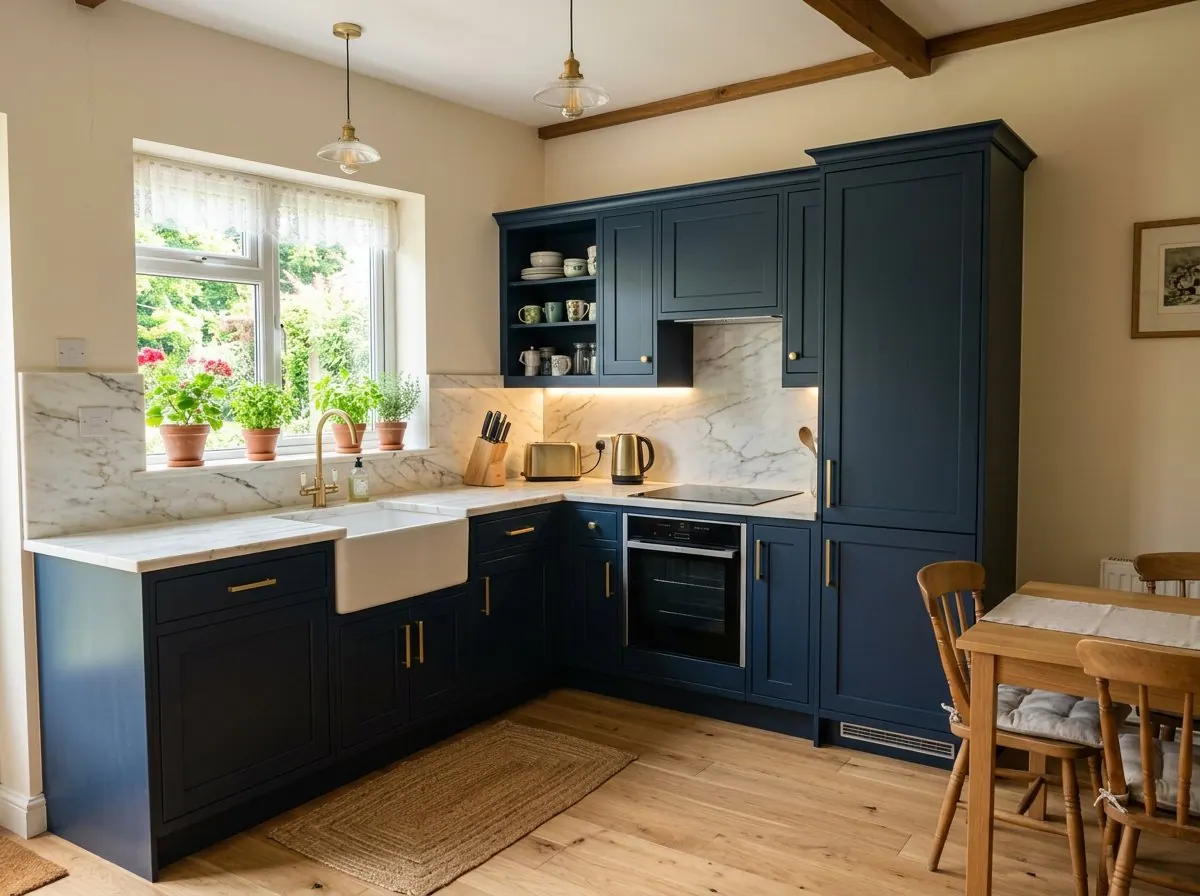
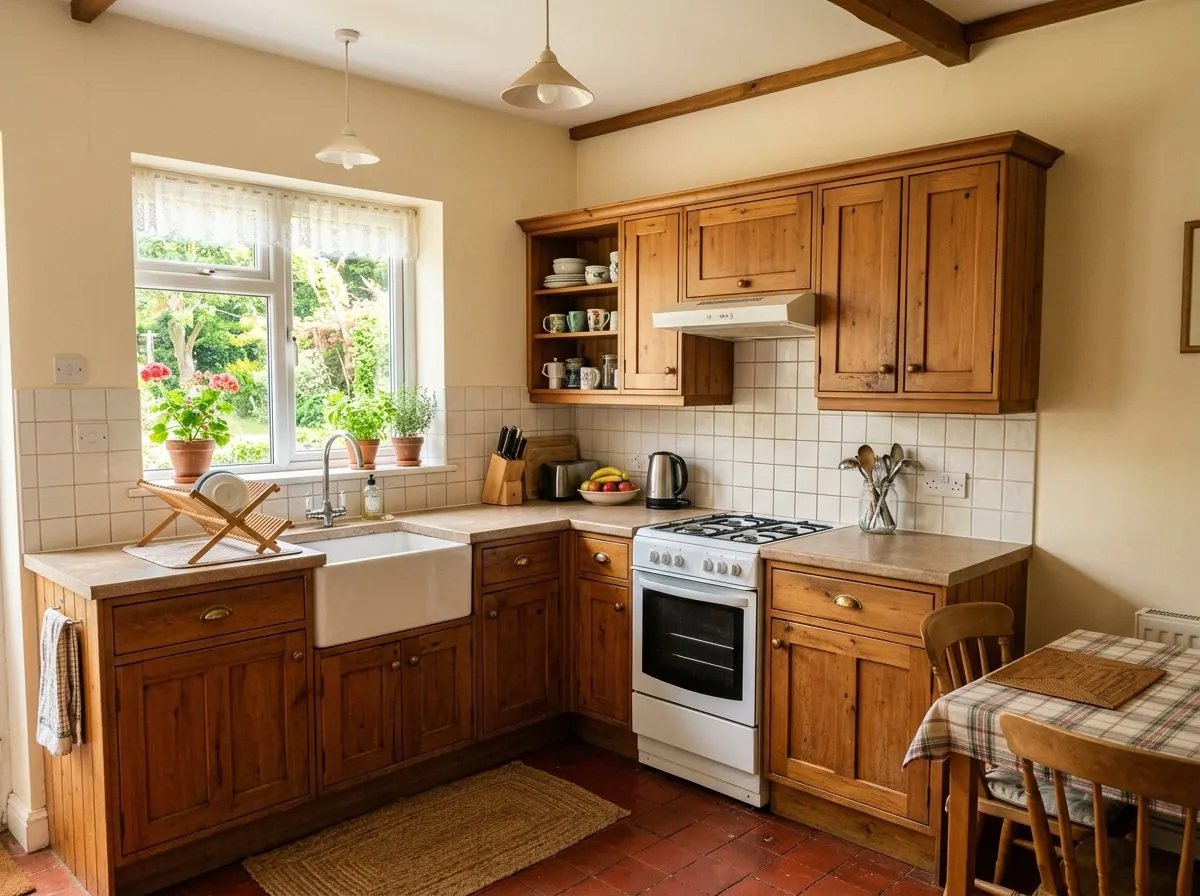
Yes. Use Edit and write what to change, like “replace the rug with a jute rug” or “paint the cabinets navy”. You can also mark spots on the photo and describe each one.
Yes. Virtual staging furnishes empty rooms, and Empty room clears out old furniture first. Many listing services ask you to label edited photos as virtually staged, so check the rules where you list.
Yes. Your photos and designs are private to your account unless you share them, and we don’t use them to train our own models.
Upload a photo and get your first design free. No credit card needed.