



Sticker mit KI erstellen

Beschreiben Sie Ihren Sticker und erhalten Sie in Sekunden ein Design mit Konturschnitt: niedliche Figuren, Sprüche, holografische und Kawaii-Sticker oder einen Sticker Ihres Haustiers nach einem Foto. Drucken Sie Ihre Sticker zu Hause aus oder schicken Sie sie an eine Sticker-Druckerei.

Keine Kreditkarte erforderlich

Auf Google und Capterra mit 4,9 bewertetÜber 3 Millionen Kreative sind dabei
Kawaii die-cut sticker of a sleepy sloth hugging an iced coffee
Kawaii-Sticker
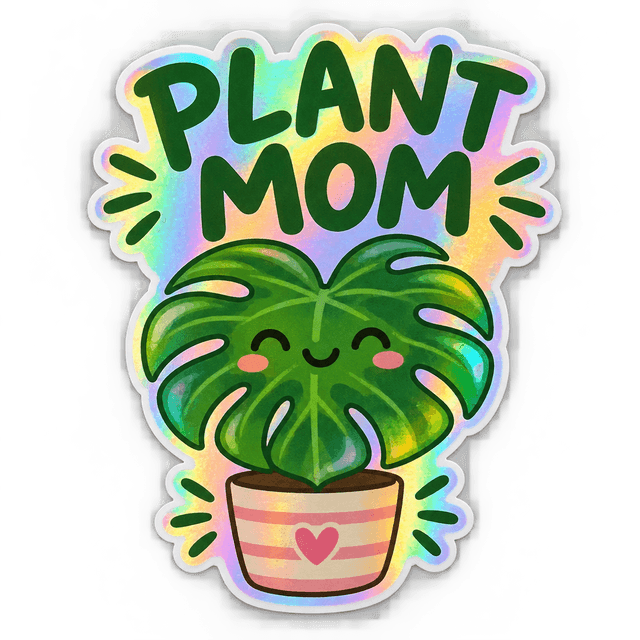
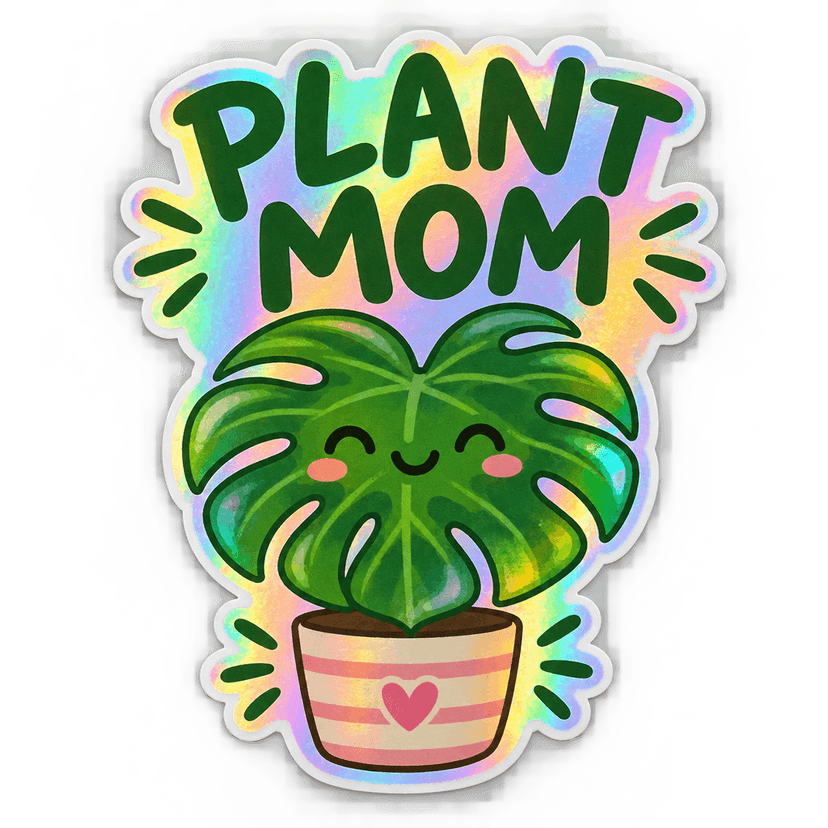
Holographic die-cut sticker with the words PLANT MOM and a smiling monstera leaf
Spruch-Sticker
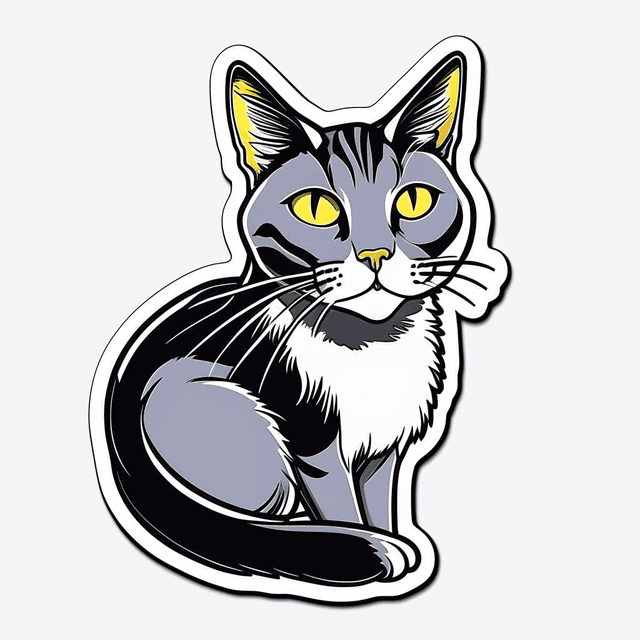
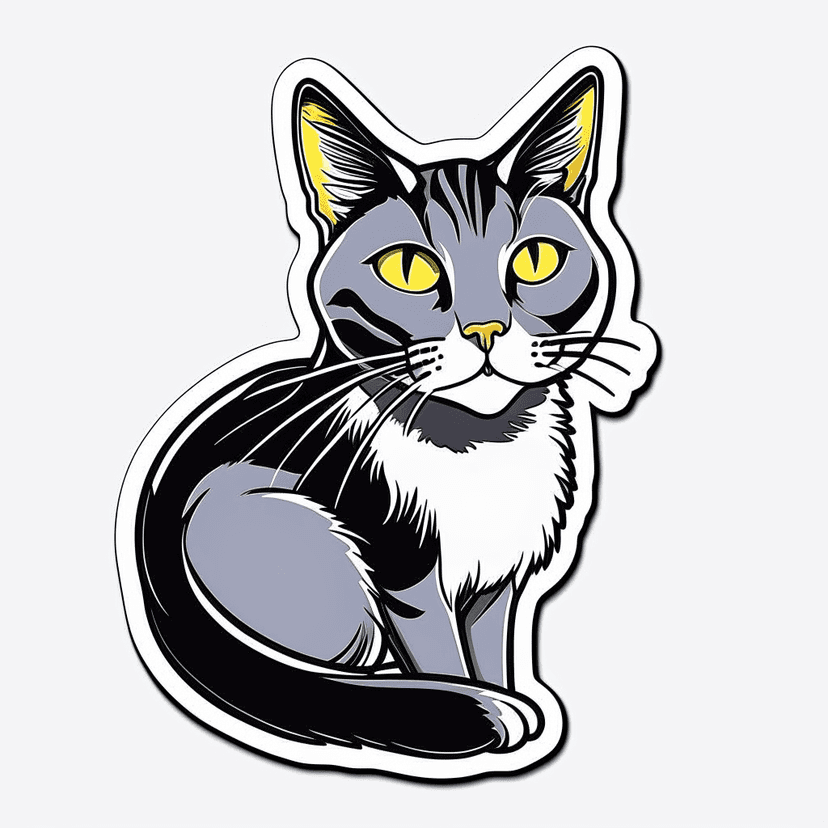
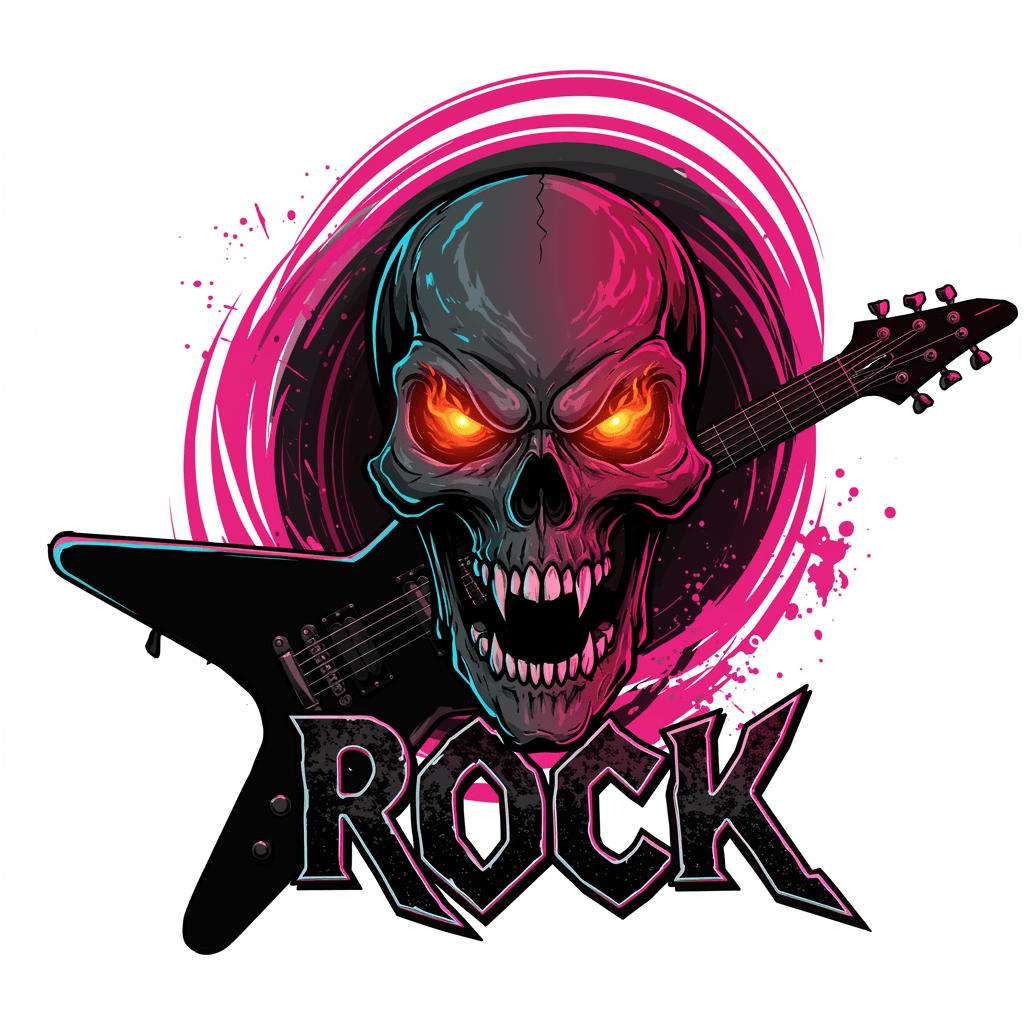
Fun sticker design with bold outlines and vibrant colors, die-cut style with white border, playful illustration perfect for decorating, glossy vinyl aesthetic with punchy graphics, eye-catching design suitable for printing and merchandise
Haustier-Sticker
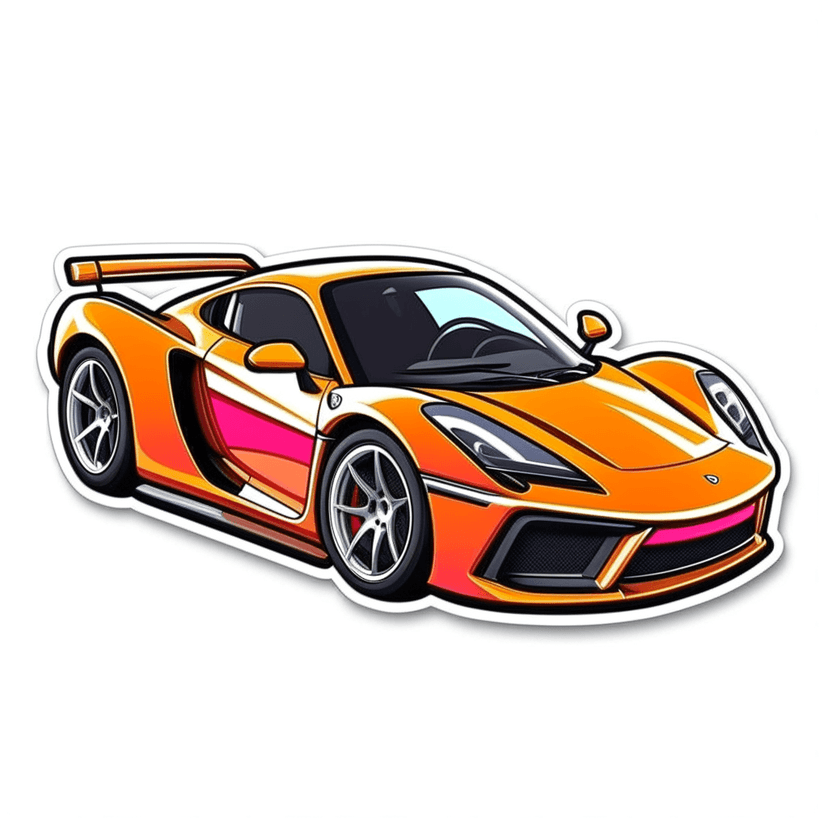
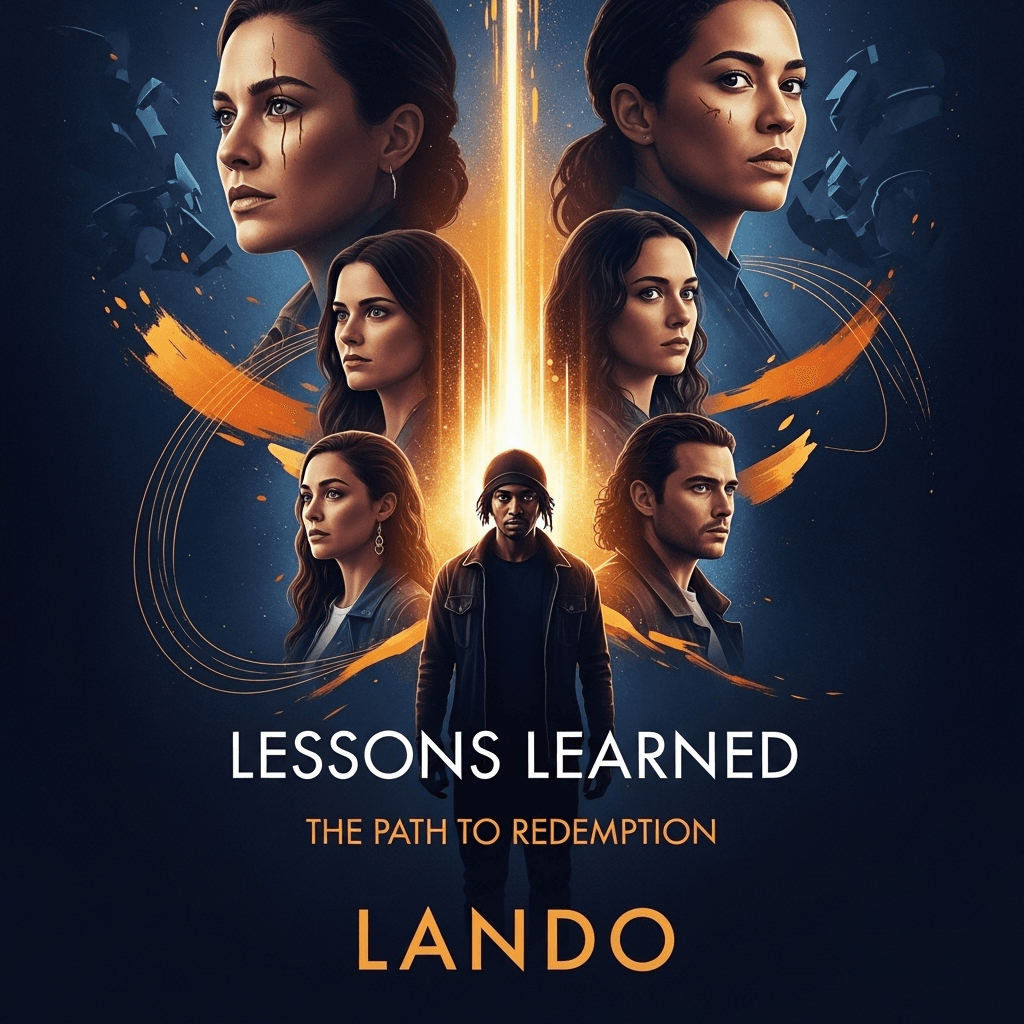
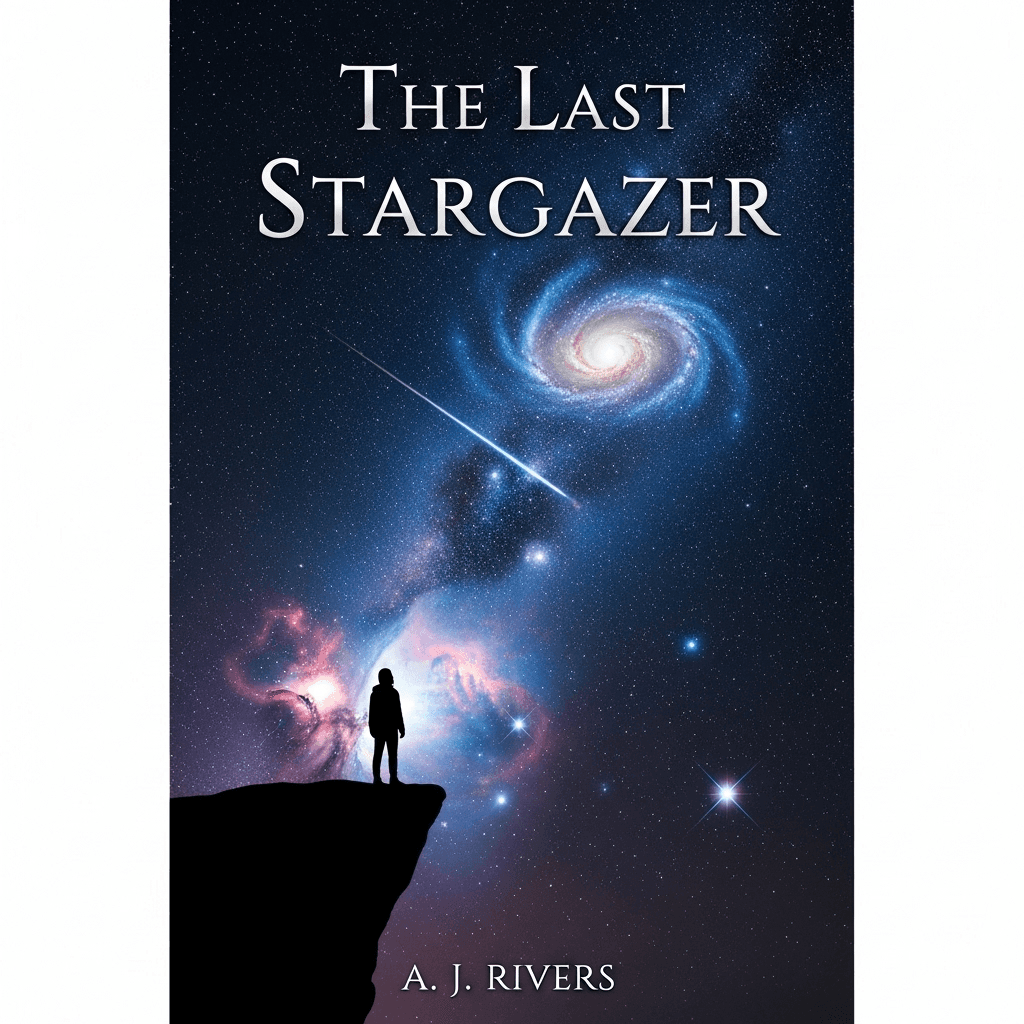
Fun sticker design with bold outlines and vibrant colors, die-cut style with white border, playful illustration perfect for decorating, glossy vinyl aesthetic with punchy graphics, eye-catching design suitable for printing and merchandise
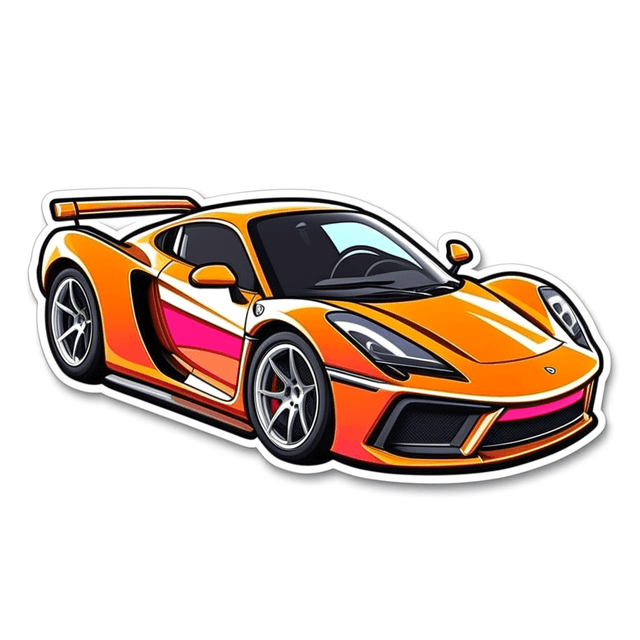
Autoaufkleber

Beispiele für generierte Kunst & Bilder

Häufig gestellte Fragen

  • Wie erstelle ich einen Sticker mit KI?

    Beschreiben Sie das Design und fügen Sie „Sticker mit Konturschnitt und weißem Rand“ hinzu, zum Beispiel „ein Kawaii-Faultier, das einen Eiskaffee umarmt, Sticker mit Konturschnitt, weißer Rand“. Generieren Sie ein paar Versionen und laden Sie Ihren Favoriten herunter.

  • Ist der Sticker-Generator kostenlos?

    Sie können mit dem kostenlosen Plan starten, der ein kleines monatliches Kontingent an Bild-Credits enthält, ganz ohne Kreditkarte. Kostenpflichtige Pläne bieten viel mehr Credits und die kommerzielle Nutzung.

  • Kann ich aus einem Foto einen Sticker machen?

    Ja. Laden Sie ein Foto Ihres Haustiers, Ihrer Kinder oder von sich selbst hoch und bitten Sie um „einen niedlichen Cartoon-Sticker mit Konturschnitt nach diesem Foto, mit weißem Rand“.

  • Wie drucke ich meine Sticker?

    Laden Sie das Bild herunter und drucken Sie es zu Hause auf Stickerpapier aus, oder schicken Sie es an eine Sticker-Druckerei. Bitten Sie um einen einfarbigen Hintergrund, damit die Druckerei entlang des weißen Rands schneiden kann.

  • Kann ich einem Sticker Text hinzufügen?

    Ja. Setzen Sie die Wörter in Ihrem Prompt in Anführungszeichen, etwa „PLANT MOM“. Kurze Wörter werden am saubersten dargestellt; prüfen Sie die Schreibweise, bevor Sie drucken.

  • Darf ich selbst erstellte Sticker verkaufen?

    Ja, mit einem kostenpflichtigen Plan, der die kommerzielle Nutzung umfasst. Bilder aus dem kostenlosen Plan sind für die private, nichtkommerzielle Nutzung bestimmt.

Ähnliche Stile

Alle 259 Stile ansehen

Kundenmeinungen

Unsere Trustpilot-Bewertung

Lesen Sie die Kommentare, die Menschen auf öffentlichen Plattformen gemacht haben.

Jeff Wilson

By far the best compilation AI utility

By far the best compilation AI utility out there. Period. We have tried multiple platforms that would work for us - a small business - and it was a bit overwhelming two years ago. Easy-Peasy has been a godsend. So many freaking tools and no fewer than 10 (of the 200) are ones we use at least on a weekly basis. Ironically, their human support is one of the most appreciated elements.

Avatar von Vivian Daze

Vivian Daze

Great services

Great services, and lovely and attentive customer service. Would reccommend

Cody Crabb

Great service, Best AI tool

Avatar von Kia Tiow | COGUE

Kia Tiow | COGUE

Easy-peasy is an easy to pick up and awesome AI software. I love it.

Easy-Peasy AI

Avatar von Dezign121

Dezign121

Easy-Peasy.AI is very user friendly & a lot more to explore not only in the lesson, very helpful assistant in both work & personal

Avatar von Blanca Marin

Blanca Marin

Very Good AI…

I really liked the easy-peasy AI service. It's a great tool, but I also had to ask them for a refund because I chose the wrong plan, and they were very quick to respond to my request. They looked into my case and I got my money back without any problems. Of course, I will continue to use it for my projects.

Easy-Peasy AI

Avatar von Muhammad Md Rahim

Muhammad Md Rahim

Very awesome and practical AI tool that can help improve our productivity and the quality of our work!

Avatar von Ken Poon

Ken Poon

Very useful and true to “Easy Peasy” on using AI. One platform on all the tools required for business needs. Marianna sharing is super informative on how to use easy-peasy.ai

Avatar von Dennis Cambronero

Dennis Cambronero

I have been using the tool for +1 year…

I have been using the tool for +1 year and I have to say it is amazing. I use it to create images, bots and access every LLM in one single place. I highly recommend it.

Avatar von Yeah Likes

Yeah Likes

Practical and Powerful Software which is all In one and versatile. Just finished their workshop and got practical and valuable tips and tricks.

Sticker mit KI erstellen

Kostenlos testen. Keine Kreditkarte erforderlich.

Sticker gestalten
Kawaii die-cut sticker of a sleepy sloth hugging an iced coffeeKawaii-Sticker
Holographic die-cut sticker with the words PLANT MOM and a smiling monstera leafSpruch-Sticker
Fun sticker design with bold outlines and vibrant colors, die-cut style with white border, playful illustration perfect for decorating, glossy vinyl aesthetic with punchy graphics, eye-catching design suitable for printing and merchandiseHaustier-Sticker
Fun sticker design with bold outlines and vibrant colors, die-cut style with white border, playful illustration perfect for decorating, glossy vinyl aesthetic with punchy graphics, eye-catching design suitable for printing and merchandiseAutoaufkleber

Sticker mit KI erstellen

Sticker gestalten