






AI Icon Generator

Envision your idea, then bring it to life. Transform your words and phrases into stunning visuals with the top-tier AI image generator at your disposal.

No credit card required

Rated 4.9 on Google and CapterraJoin 3 million+ creators
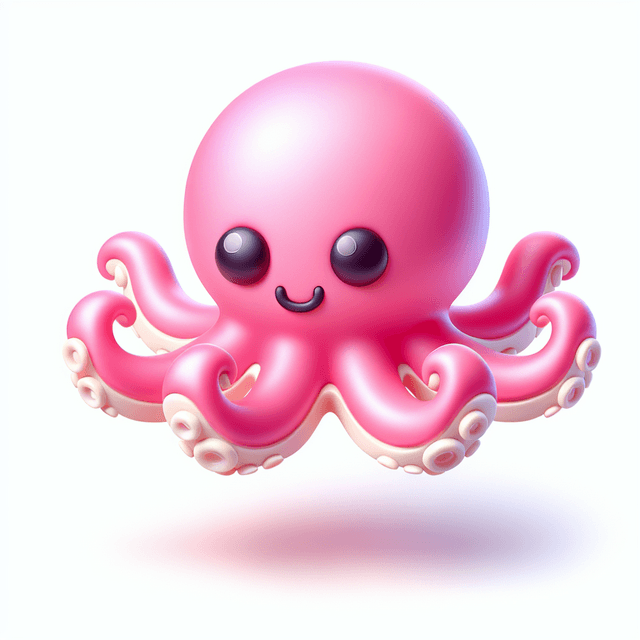
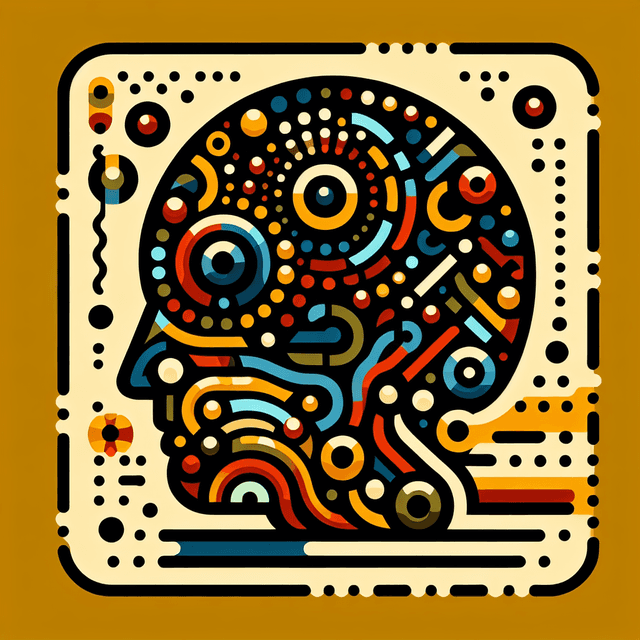
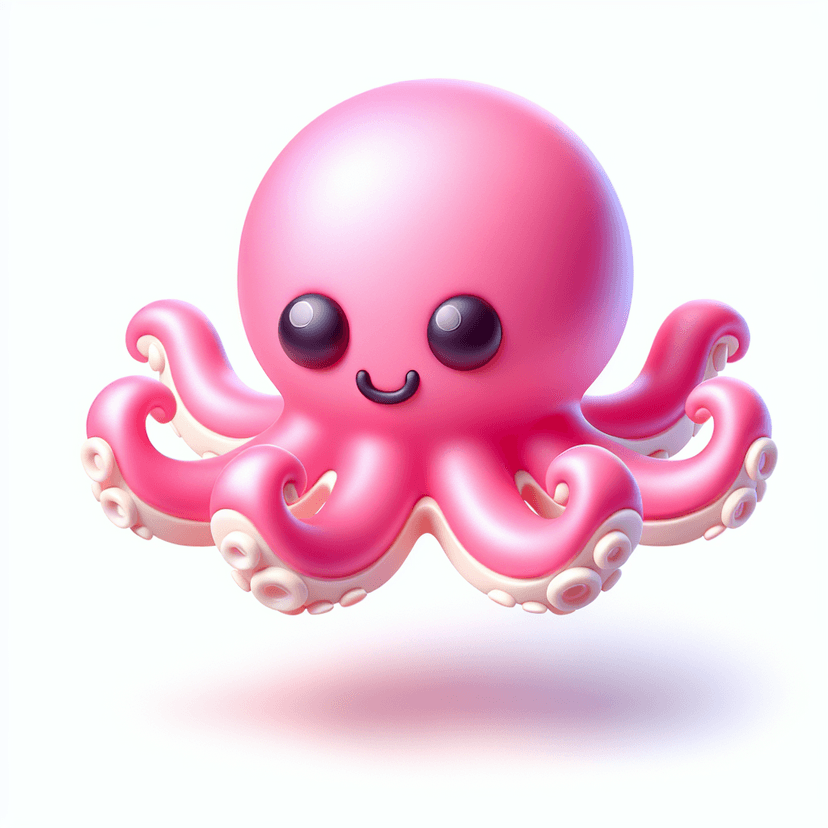
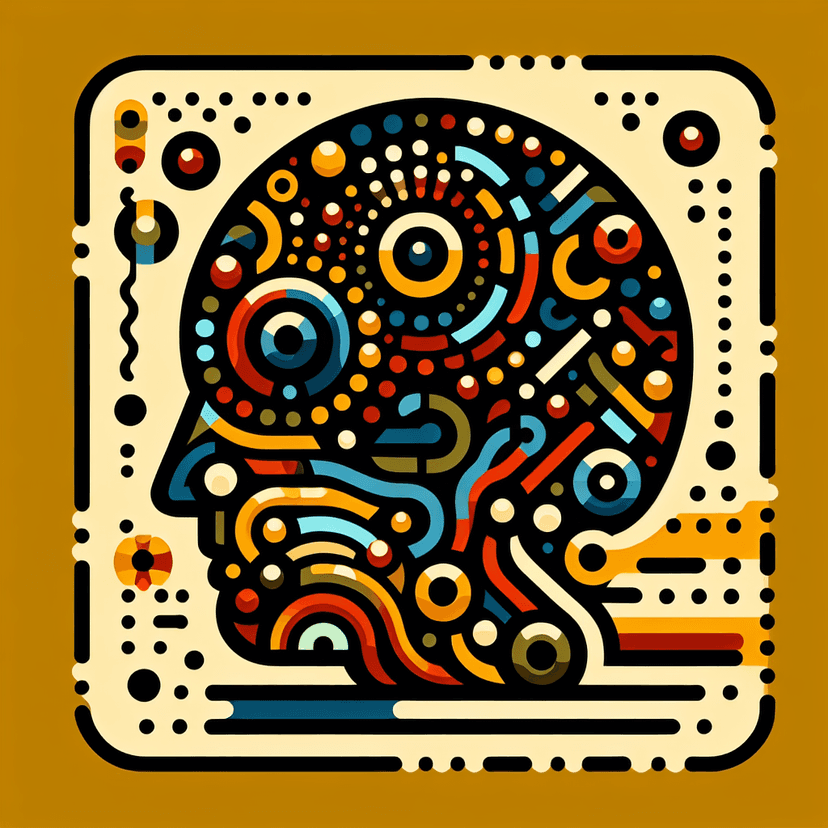
Clean, minimalist icon design with simple geometric shapes and bold colors, flat or 3D style with clear silhouette, scalable vector quality suitable for digital interfaces, recognizable symbol with professional polish and modern aesthetic

Examples of Generated Art & Images

How to Create Icon Images

Icon style creates clean, minimalist designs perfect for user interfaces, apps, and websites. These simplified graphics communicate ideas clearly at small sizes while maintaining visual appeal.

How to Create Icon Style Images

  1. 1Navigate to Easy-Peasy.AI Image Generator
  2. 2Describe the concept in simple, clear terms
  3. 3Add "icon design", "app icon", or "UI icon"
  4. 4Choose models good for minimal designs
  5. 5Specify the style: flat, outlined, or filled
  6. 6Generate at appropriate resolutions
  7. 7Upload a reference image or the image you want to modify (optional)

Icon Design Tips

  • •Specify icon styles: "flat design", "line icon", "glyph icon", "isometric"
  • •Mention consistency: "uniform stroke width", "consistent style", "icon set"
  • •Include context: "mobile app icon", "web icon", "system icon"
  • •Use simple descriptions: "minimal", "geometric", "symbolic"

Best Practices

  • ✓Ensure clarity at small sizes (16x16 to 128x128)
  • ✓Use consistent visual language across sets
  • ✓Maintain proper padding and alignment
  • ✓Test on various backgrounds

Example Prompts

"Settings gear icon, flat design, minimal style, blue gradient, rounded corners, app icon design"
"Email envelope icon, line art style, 2px stroke, simple design, monochrome, UI icon"
"User profile icon, filled style, circular shape, minimal design, solid color, system icon"

Ready to create amazing icon images?

Create for free

Related styles

Browse all 259 styles

Testimonials

Our Trustpilot score

Read the comments that people have made on public platforms.

Jeff Wilson

By far the best compilation AI utility

By far the best compilation AI utility out there. Period. We have tried multiple platforms that would work for us - a small business - and it was a bit overwhelming two years ago. Easy-Peasy has been a godsend. So many freaking tools and no fewer than 10 (of the 200) are ones we use at least on a weekly basis. Ironically, their human support is one of the most appreciated elements.


Vivian Daze avatar

Vivian Daze

Great services

Great services, and lovely and attentive customer service. Would reccommend

Cody Crabb

Great service, Best AI tool

Kia Tiow | COGUE avatar

Kia Tiow | COGUE

Easy-peasy is an easy to pick up and awesome AI software. I love it.

Easy-Peasy AI

Dezign121 avatar

Dezign121

Easy-Peasy.AI is very user friendly & a lot more to explore not only in the lesson, very helpful assistant in both work & personal

Blanca Marin avatar

Blanca Marin

Very Good AI…

I really liked the easy-peasy AI service. It's a great tool, but I also had to ask them for a refund because I chose the wrong plan, and they were very quick to respond to my request. They looked into my case and I got my money back without any problems. Of course, I will continue to use it for my projects.

Easy-Peasy AI

Muhammad Md Rahim avatar

Muhammad Md Rahim

Very awesome and practical AI tool that can help improve our productivity and the quality of our work!

Ken Poon avatar

Ken Poon

Very useful and true to “Easy Peasy” on using AI. One platform on all the tools required for business needs. Marianna sharing is super informative on how to use easy-peasy.ai

Dennis Cambronero avatar

Dennis Cambronero

I have been using the tool for +1 year…

I have been using the tool for +1 year and I have to say it is amazing. I use it to create images, bots and access every LLM in one single place. I highly recommend it.

Yeah Likes avatar

Yeah Likes

Practical and Powerful Software which is all In one and versatile. Just finished their workshop and got practical and valuable tips and tricks.

AI Icon Generator

Free to try. No credit card required.

Create for free
Clean, minimalist icon design with simple geometric shapes and bold colors, flat or 3D style with clear silhouette, scalable vector quality suitable for digital interfaces, recognizable symbol with professional polish and modern aesthetic

Create Your Own Icon images

Create for free