
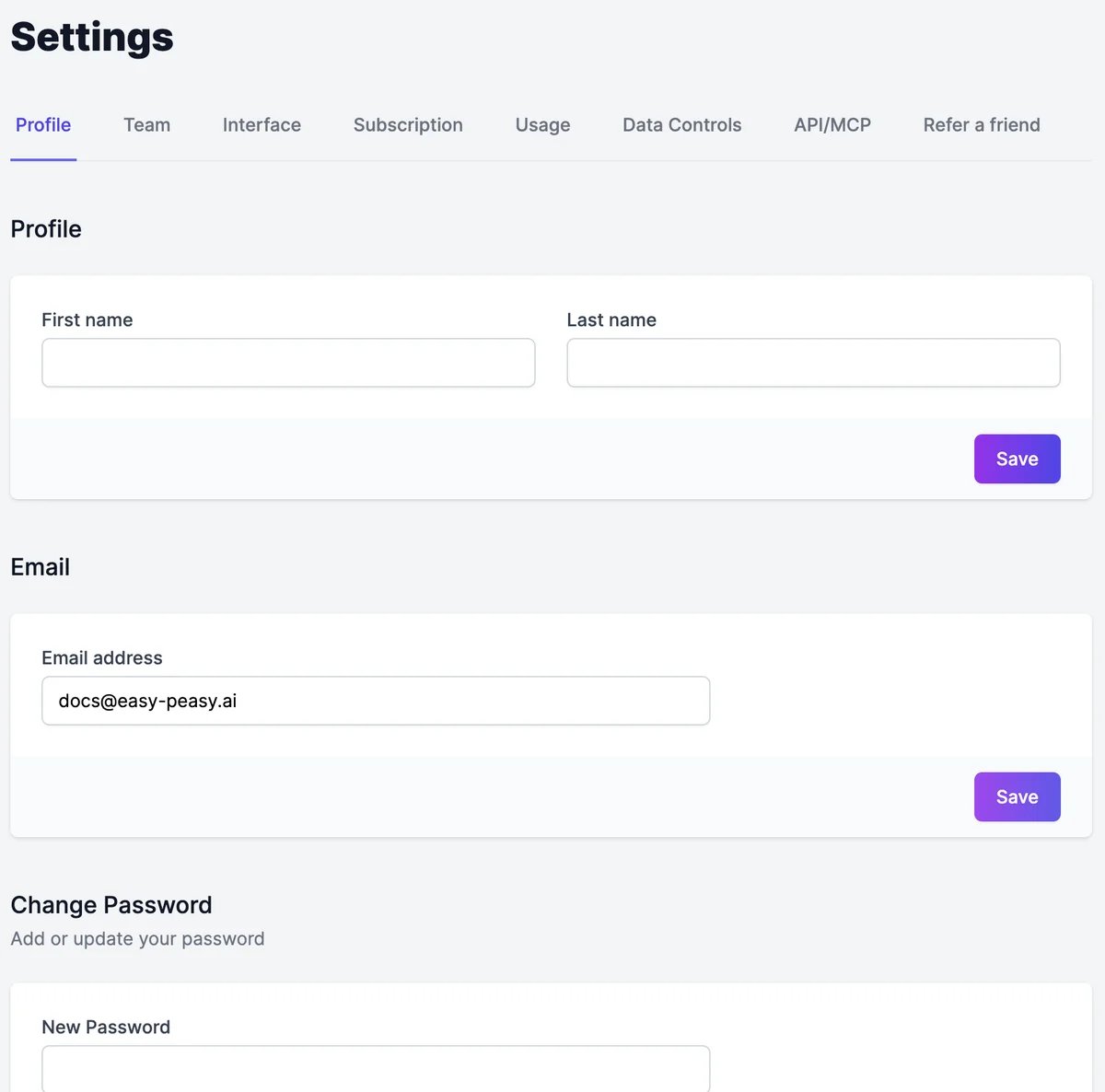
Name and email
- Name: fill in First name and Last name and click Save.
- Email: type the new address and click Save. We send a confirmation link to the new address; the change takes effect once you click it.
Password
Under Change Password, type a New Password and click Update Password. If you signed up with Google, this adds a password so you can also sign in with your email. A password needs 12 to 128 characters, with an uppercase letter, a lowercase letter, a number, and a special character. It can’t be a common password or contain your email address. The checklist under the field shows what’s missing. If you forget your password, click Forgot your password? on the sign-in page to get a reset link.Language and theme
On the Interface tab:- Language changes the dashboard’s language: English, Japanese, Spanish, French, Italian, German, Korean, Simplified Chinese, Thai, Arabic, Portuguese, Malay, or Vietnamese.
- Theme switches between light, dark, and your system’s setting.
Delete your account
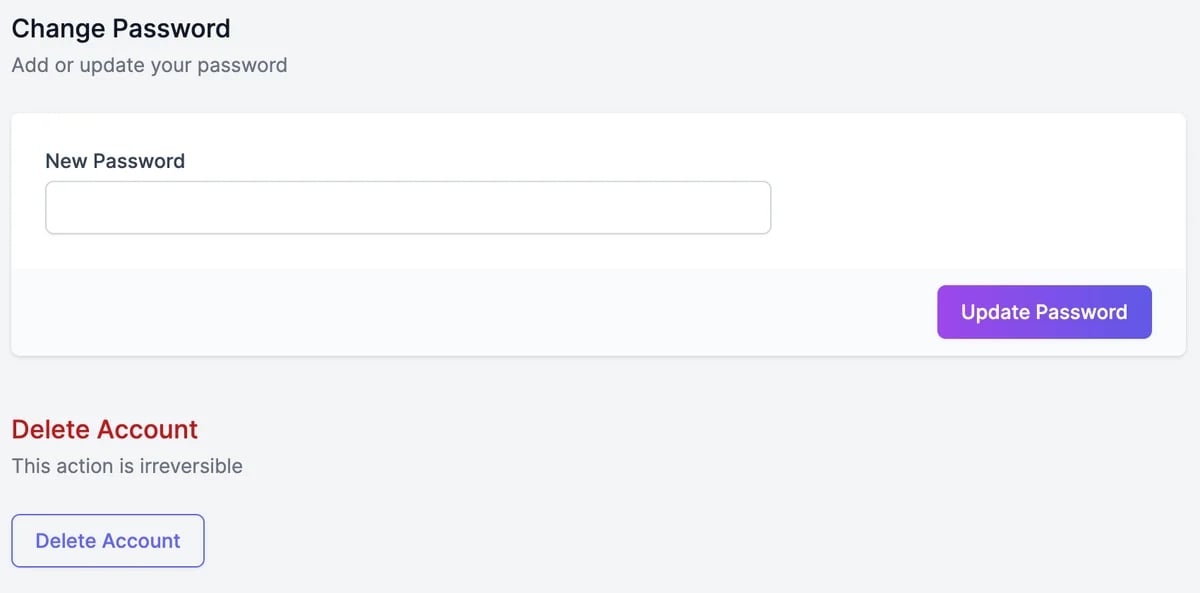
1
Click Delete Account
At the bottom of the Profile tab.
2
Type DELETE to confirm
You can also tell us why you’re leaving. Then your account is deleted.
Manage your subscription
Change plan or cancel.
Data controls
Import from ChatGPT, and your sites and domains.