
Knowledge
Knowledge is the material an employee works from: product docs, policies, price lists, FAQs. It searches its knowledge before it answers, so replies are grounded in your sources instead of guesses.1
Open Knowledge
In the employee’s workspace, click Knowledge.
2
Add your sources
Click Add knowledge (Add source once it has sources), then upload files, add websites, or paste text. Sources work like an agent’s knowledge; see Knowledge in the Agents docs for every kind of source.
3
Wait for training
Each source shows its status. When it’s ready, the employee can search it.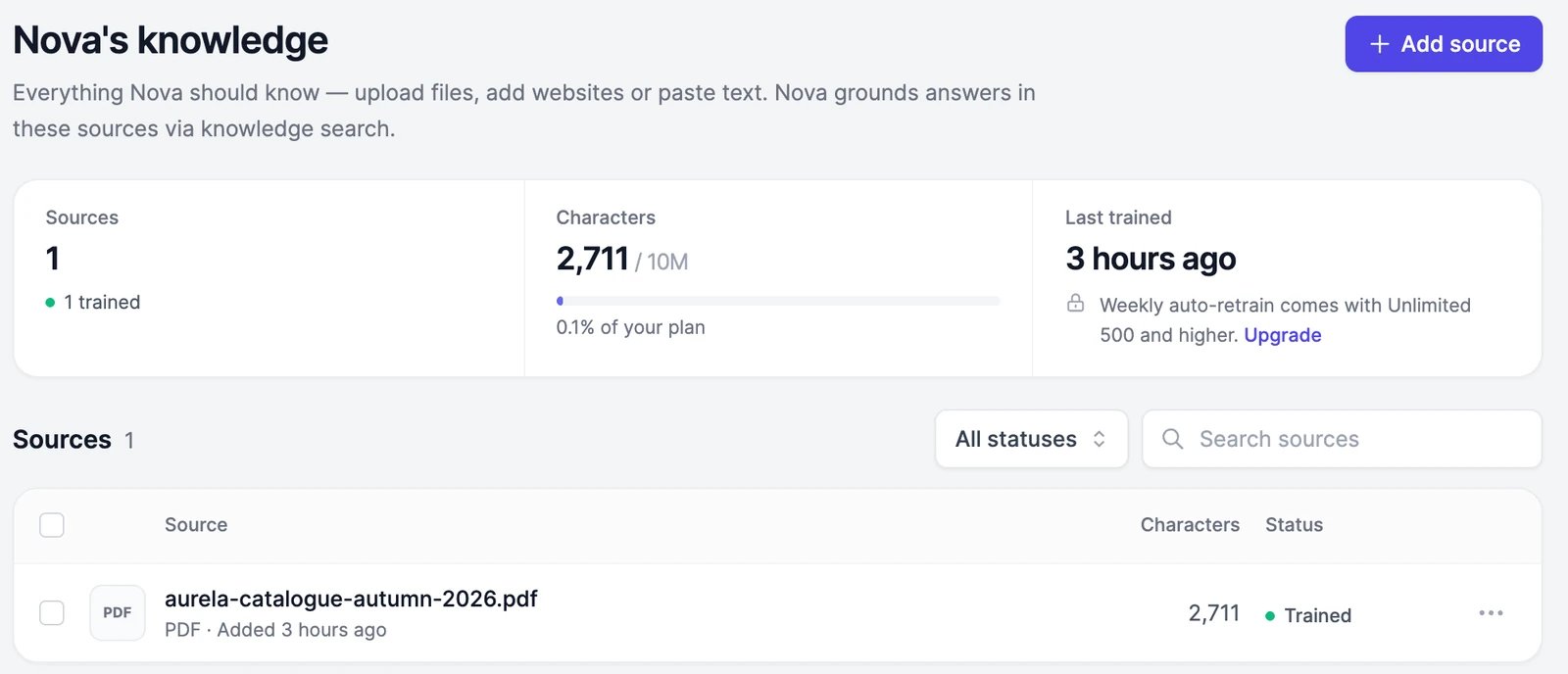
Memory
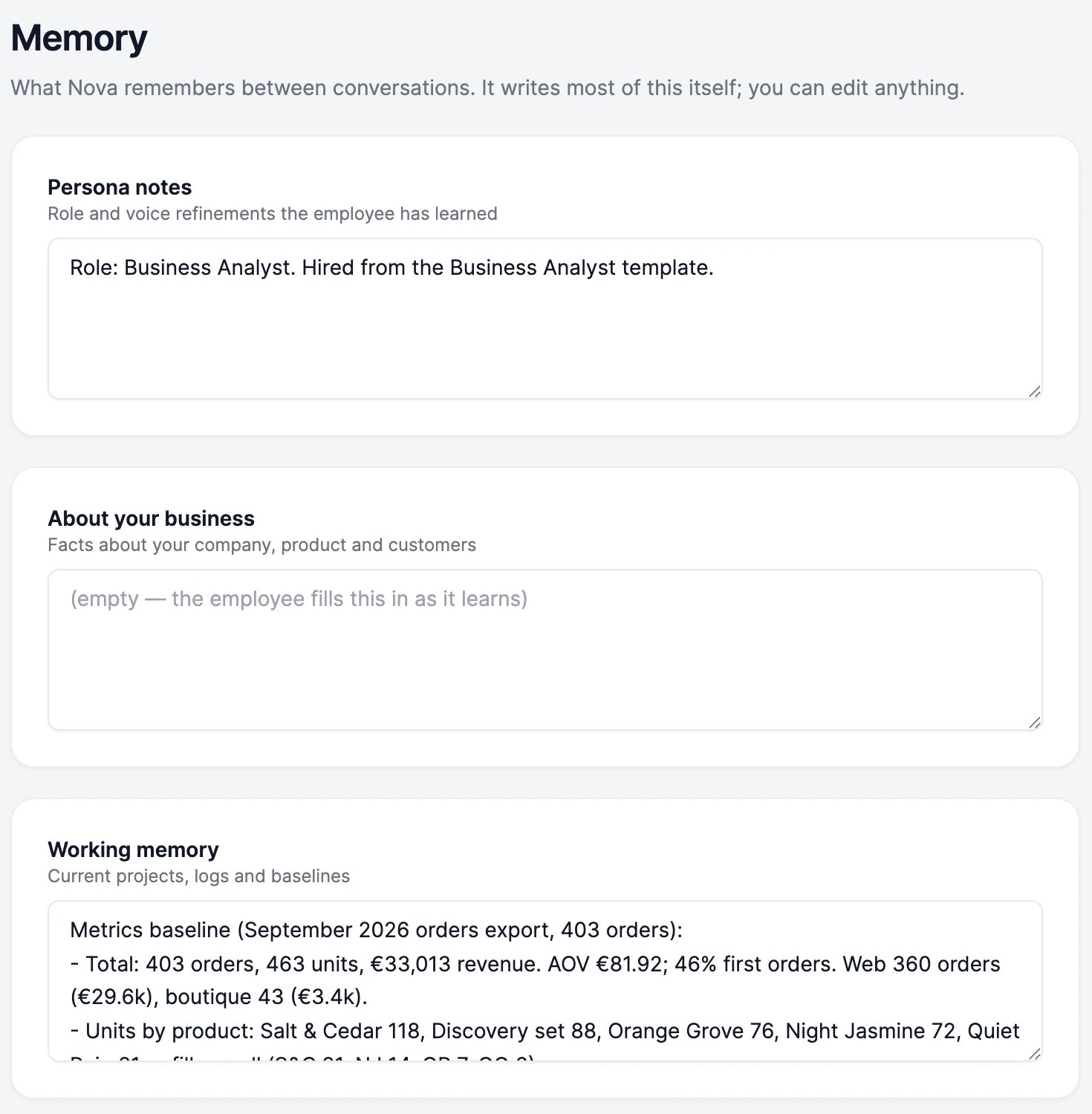
An employee remembers what matters between conversations. It writes most of its memory itself, and you can read and edit all of it under Memory.Notes
Four notes that are in the employee’s mind in every conversation:
Click into a note to change it, then click Save. Each note holds up to 4,000 characters.
Learned facts
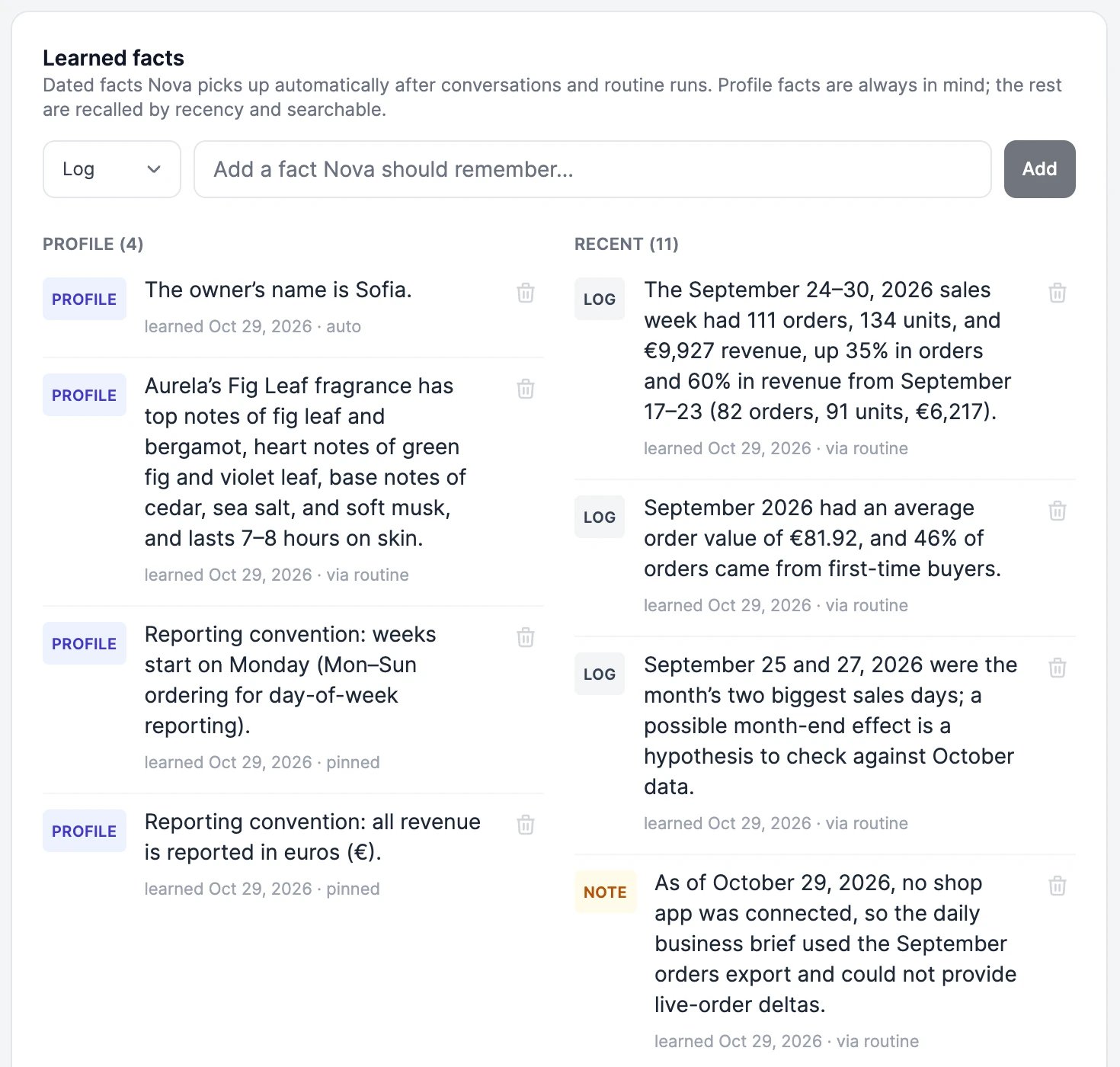
After conversations and routine runs, the employee saves short, dated facts it picked up, such as “Ana at Luma Boutique orders 24 bottles each season”. Profile facts are always in mind; the rest are recalled when they’re recent or relevant, and the employee can search them.- To add a fact, pick its kind (Profile, Log, or Note), type it, and add it.
- To remove a fact, click the trash icon next to it.
What doesn’t become memory
To keep outside text from changing how an employee behaves, some work never writes to its memory:- Routines that start from a webhook call or an email. They can read memory but not change it.
- Requests from people you invited to a group chat, and conversations in Slack. There the employee reads its four notes, but not its learned facts, which come from your private conversations.
Skills
Skills are step-by-step guides an employee follows for specific jobs, such as research reports, data analysis, or documents. They come from the same library as Marky’s skills, including skills you write yourself. In the employee’s workspace, click Skills and choose: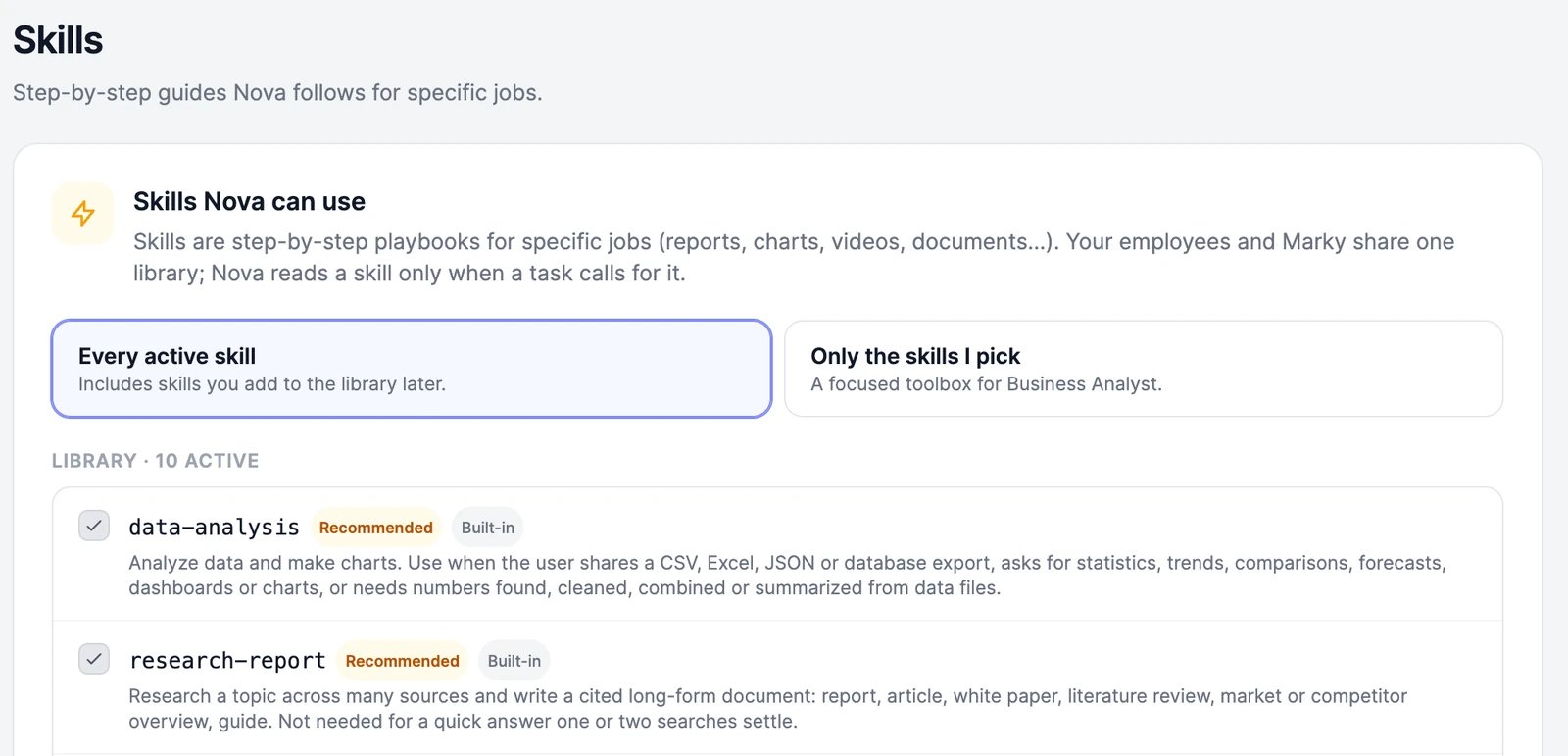
Company profile
What every employee knows about your business.
Agents knowledge
Every kind of knowledge source, and how training works.