
Images
Ask for an image and Marky describes it to an image model and shows the result in the chat. Each image has two buttons in its corner: edit opens it in the image editor, and download saves it.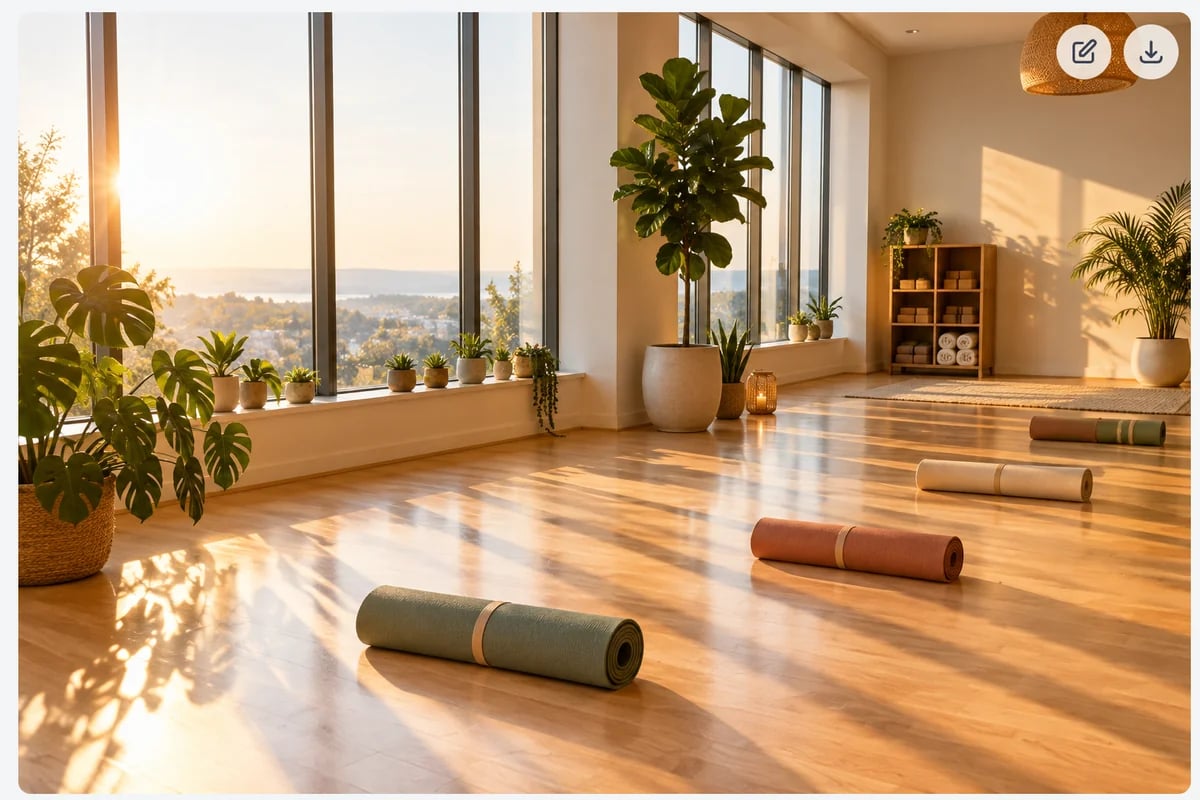
- Marky uses the Image Model set in Chat settings. The default is GPT Image 2.5 Flare Medium, at 3 image & video credits per image. With Images mode on, the model is also shown next to the message box.
- To change an image, ask: “Make the background white”, “Same image, but in a vertical 9:16 format”.
- To use your own photo, attach it and say what to do with it: “Put this product on a marble kitchen counter.”
Music
Ask for instrumental music or a song: “an upbeat 30-second jingle for a yoga studio”, or give Marky lyrics to sing. Marky writes the lyrics if you don’t. Songs take about 3 to 4 minutes, and Marky shows a player in the chat when they’re ready. Each song uses 600 text-to-speech characters from your plan. Two versions are made, 300 characters each; Marky plays the first, and both are in AI Music Generator.Video
Ask for a short video, with or without a starting image: “a 10-second clip of a sunrise over a yoga studio, slow camera push-in”. Marky can also animate an image from the chat, or keep a character consistent from reference images you attach.- Videos are 5 to 15 seconds long, with sound.
- They cost 4 image & video credits per second, plus a little extra for reference images. Marky tells you the price when it starts.
- Videos in chat need a paid plan. If a video fails, no credits are charged.