
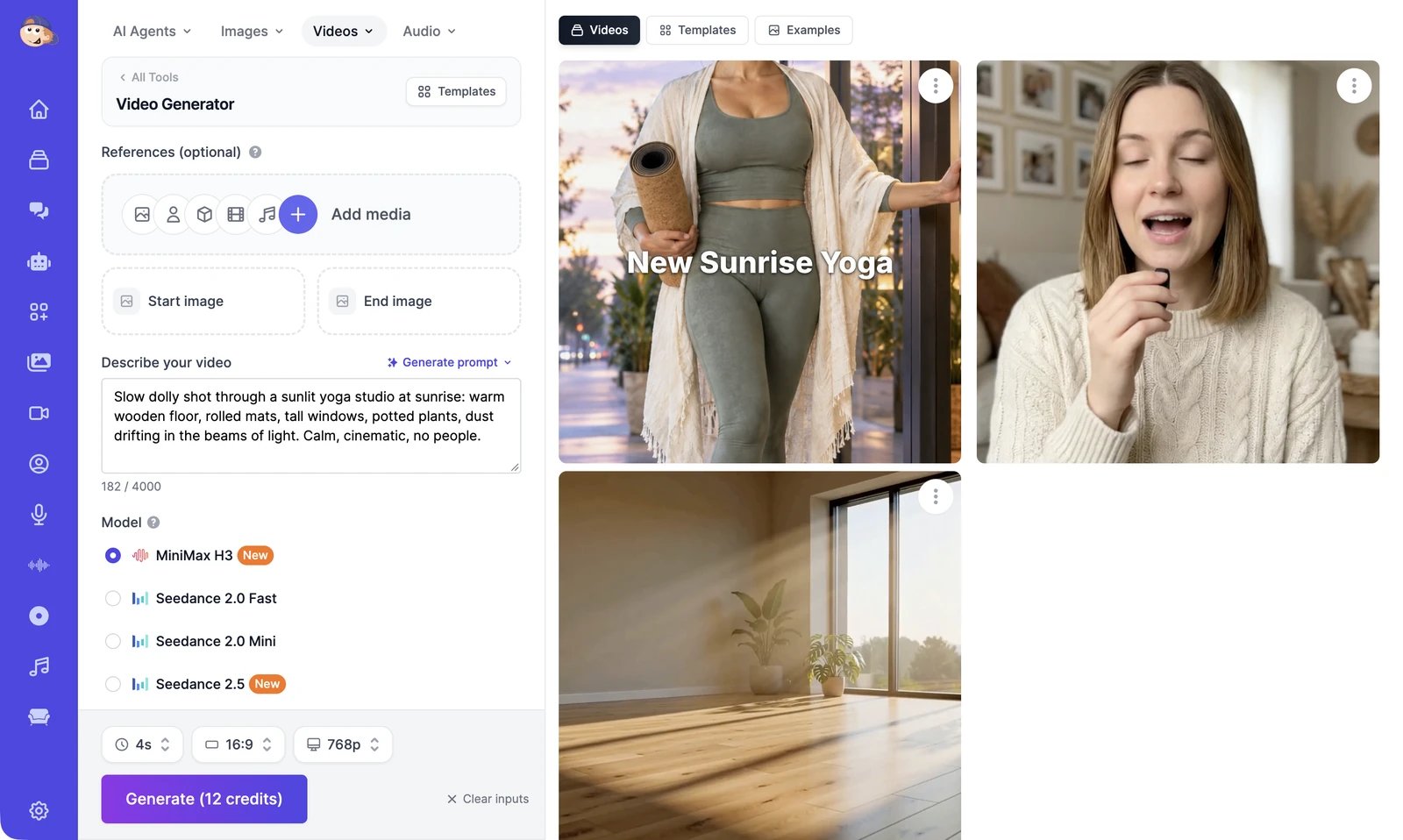
- On the left, you describe the video, add a start image or references if you want them, pick a model, and click Generate.
- On the right, you see your results and ideas to start from.
What you can do
Generate a video
Describe a scene or animate an image, then pick a model, length, and quality.
Use references
Keep a person, product, or look the same, and guide the motion or the sound.
Video templates
Start from a ready-made video and put your own photo in it.
Extend a video
Continue a clip from its last frame, and trim it first if you need to.
Edit a video with AI
Remove, replace, or restyle things in a video by describing the change.
Upscale a video
Make a video sharper, up to 4K.
Motion Control
Copy the movement from one video onto a character in a photo.
Talking videos
Make a photo, an AI actor, or a video speak your script.
Video Agent
Turn one sentence into a finished video with voiceover, music, and captions.
Video Editor
Arrange clips, captions, and music on a timeline, then export an MP4.
Manage your videos
Download, share, rate, and find everything you’ve made.
Video models and credits
Every video model, what it can start from, and what it costs.