
Website visitors can call your agent on the Unlimited 200 and higher plans, Teams 200 and Teams 300, and Enterprise. On other plans, including Free, you can try voice calls in the Playground: 10 minutes every 30 days across all your agents, up to 3 minutes per call.
Turn on voice calls
1
Open Voice
Open your agent and click Voice. You can also use the Voice tab in the Playground, which saves automatically.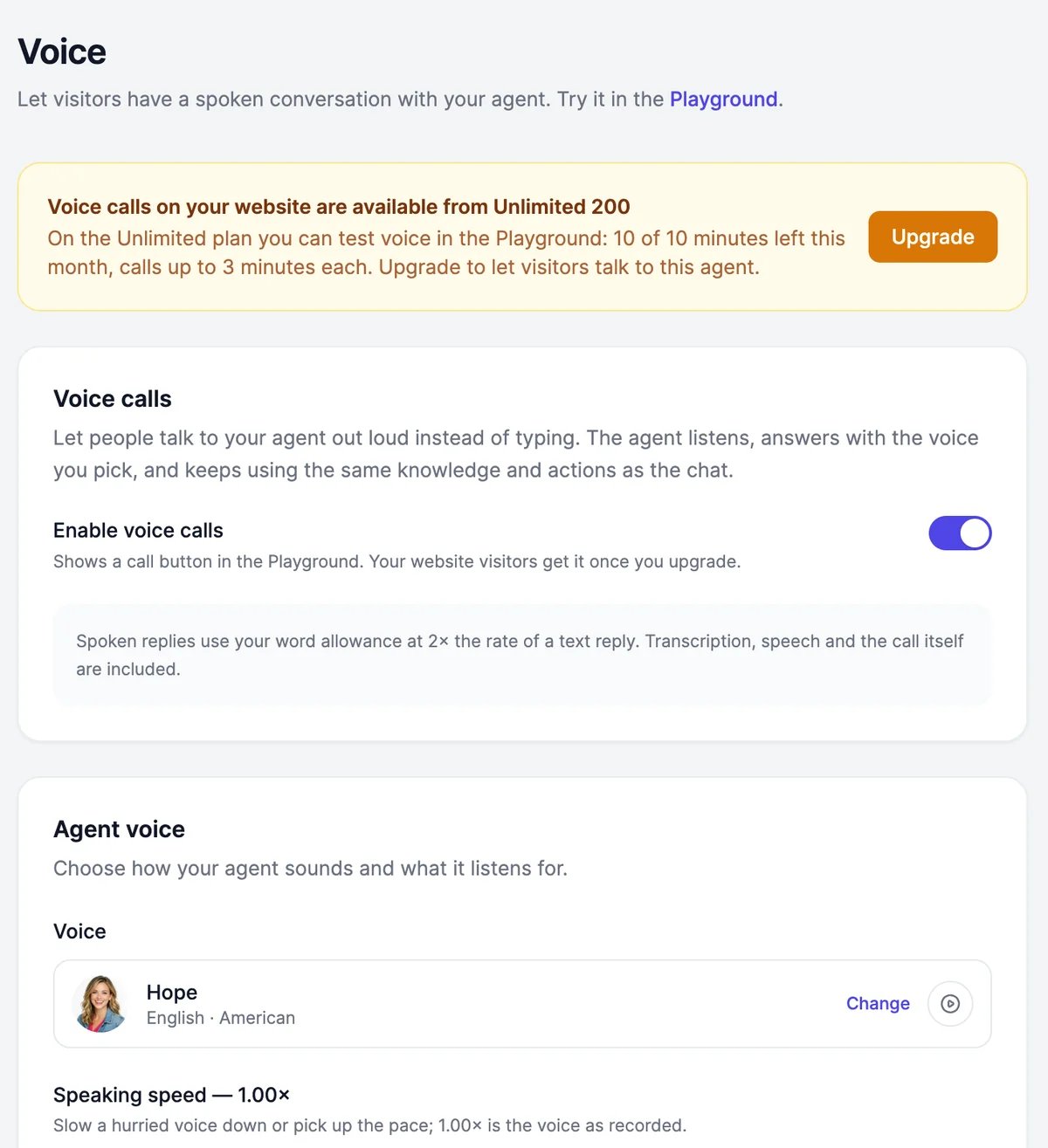
2
Turn on Enable voice calls
A call button appears in the chat. In the chat, it turns into the send button as soon as you type.
3
Pick a voice
Under Agent voice, click Change, play a few voices, and click Select.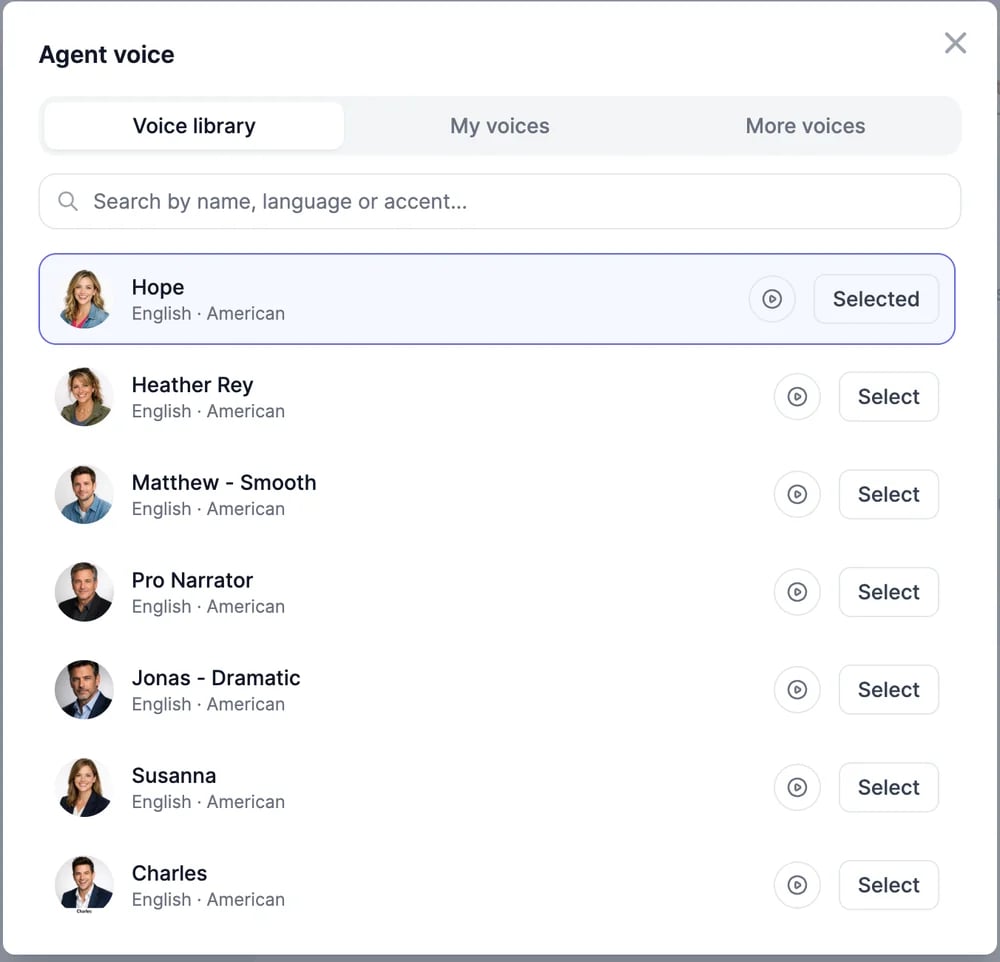
4
Click Save
Test a call in the Playground. Reload any open preview of your website chat to see the call button there.
Settings
What calls cost
Spoken replies use your plan’s words at twice the rate of a text reply, on every model, including models that don’t use words in text chat. Listening, the voice, and the call itself are included. Calls appear in Conversations under Web, with Voice call as the source.The browser didn't ask for the microphone
The browser didn't ask for the microphone
Calls need microphone access. Allow it in the browser’s site settings and try again. If you embed the chat with an iframe, keep
allow="microphone" on it.The agent answers too slowly
The agent answers too slowly
Pick a faster Voice model, shorten the Voice instructions, and lower Silence before the agent answers.
Phone calls
Give your agent a phone number with Twilio.
Appearance
Voice input for typed messages is under Chat features.