
In Marky
1
Pick the voice
In the message box, click + > Brand Voice and pick your voice.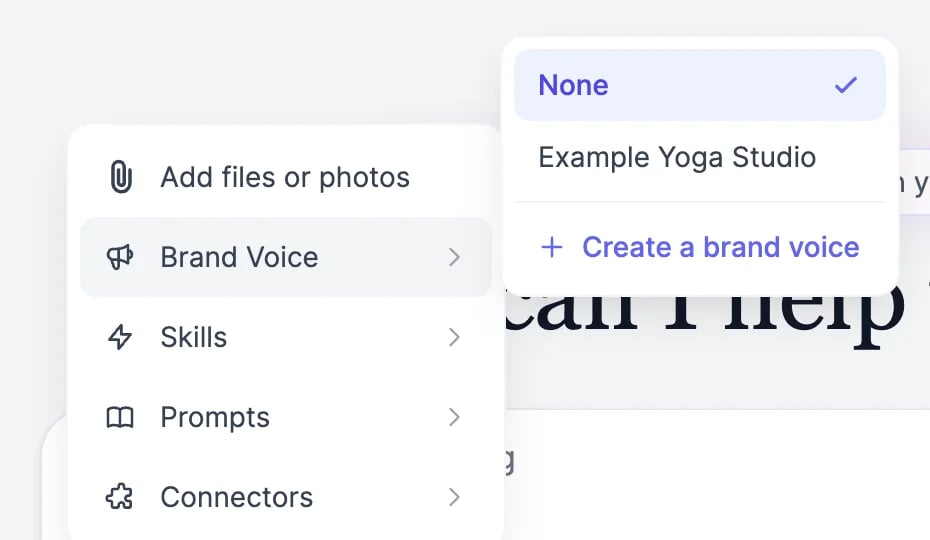
2
Check it's on
A megaphone button appears next to +. Hover over it to see which voice is on, or click it to switch voices.
3
Send your request
Marky writes in your voice.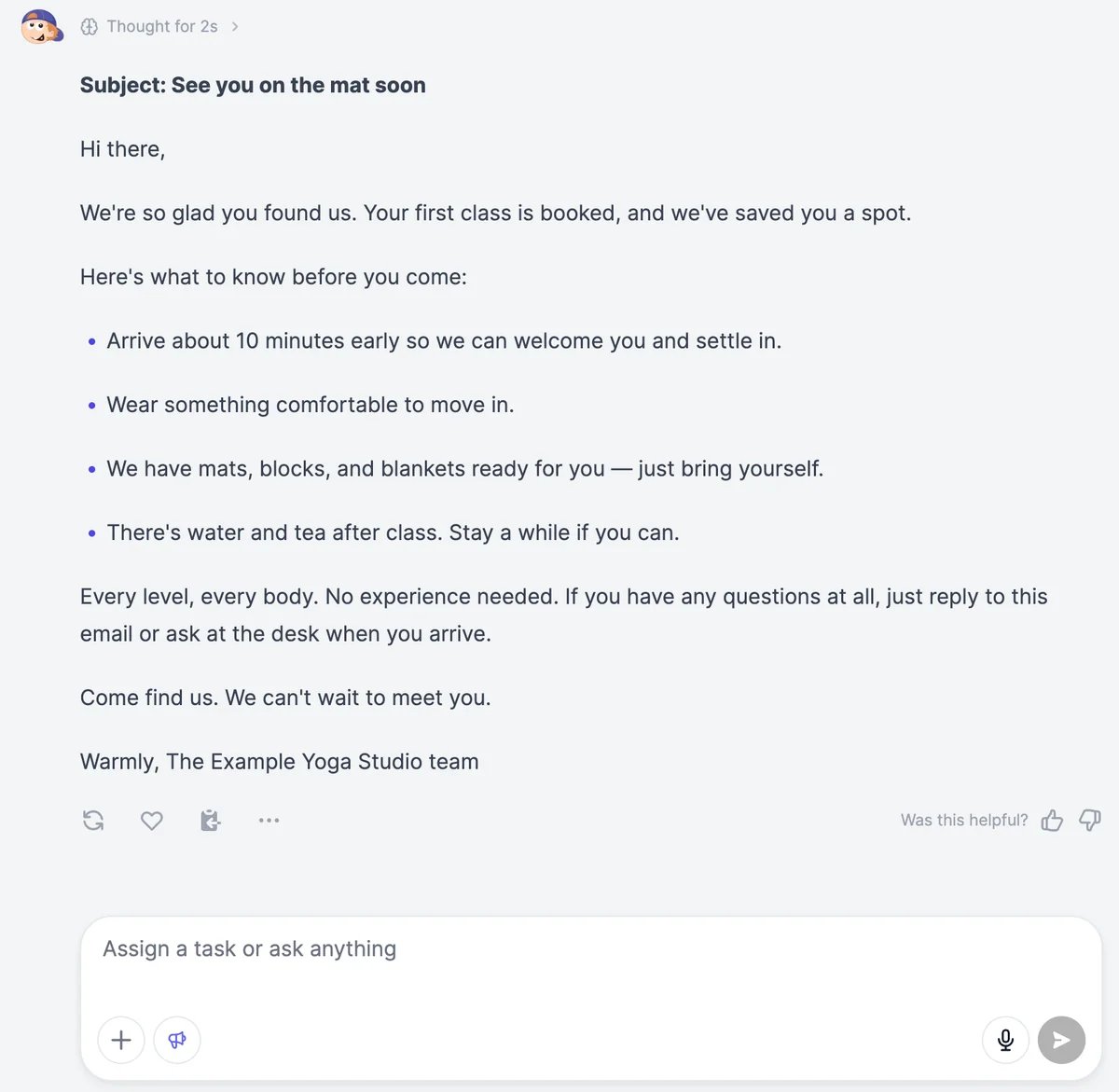
In the writing tools
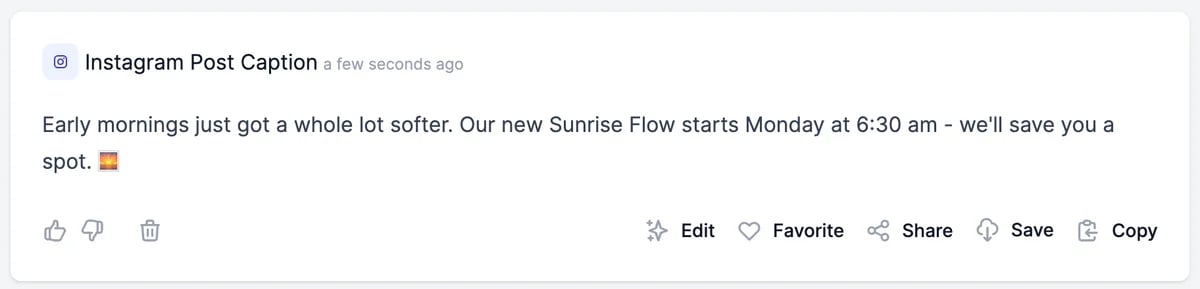
More than 130 tools have a Tone of voice field, among them Blog Post, LinkedIn Post Generator, and Instagram Post Caption. They can all use your brand voices.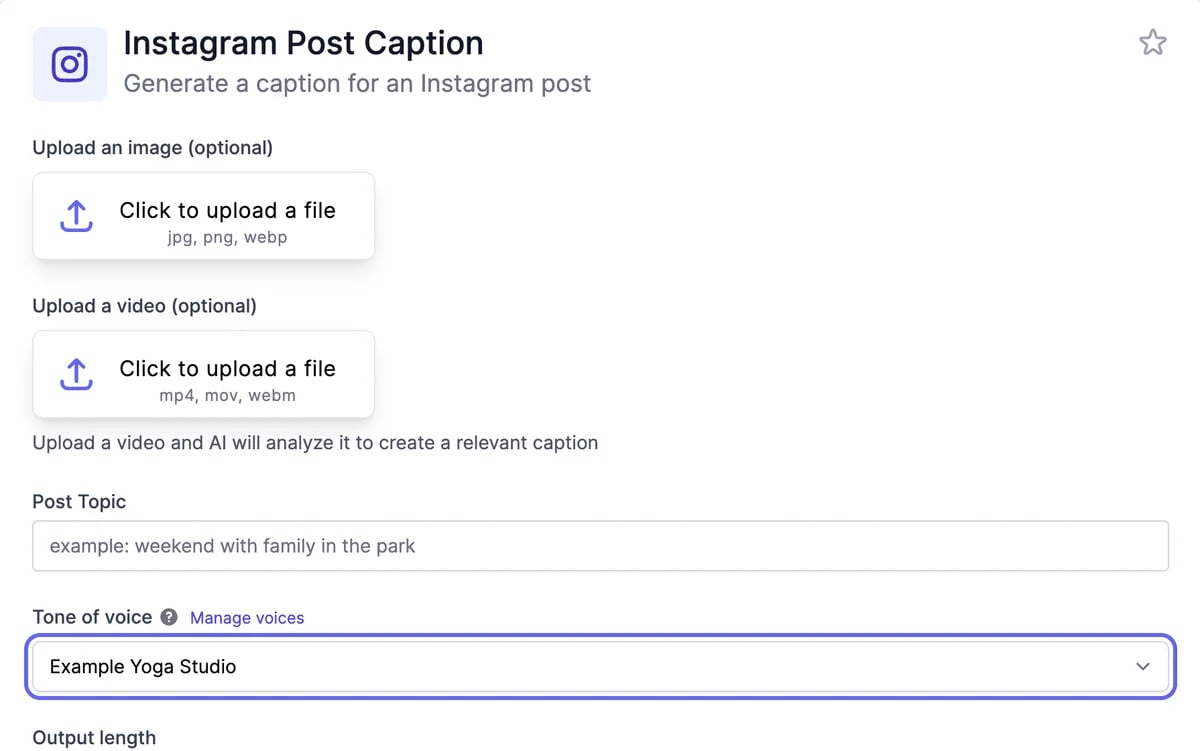
- Once you have a brand voice, Tone of voice is set to your newest one. Choose another voice from the list.
- To describe a tone for one result instead, choose Custom and type it, such as “witty” or “professional”.
- Manage voices opens your brand voices in a new tab.
Cost
A brand voice doesn’t cost anything extra. Marky and the tools use words as usual for what they write. See Plans and credits.Tips
- One voice per audience. A voice for customers and one for investors work better than one voice that tries to cover both.
- Fix what you notice. When results keep doing something you don’t want, add a rule to the instructions, such as “No emojis” or “Never promise delivery dates”.
- Give facts in the request. Prices, dates, and names belong in what you ask for, not in the voice.
Create a brand voice
Build one from your website or samples.
Prompts and brand voice in Marky
Reuse good prompts with your voice.